|
VOOZH | about |
|
VOOZH | about |
A downloadable game for Windows
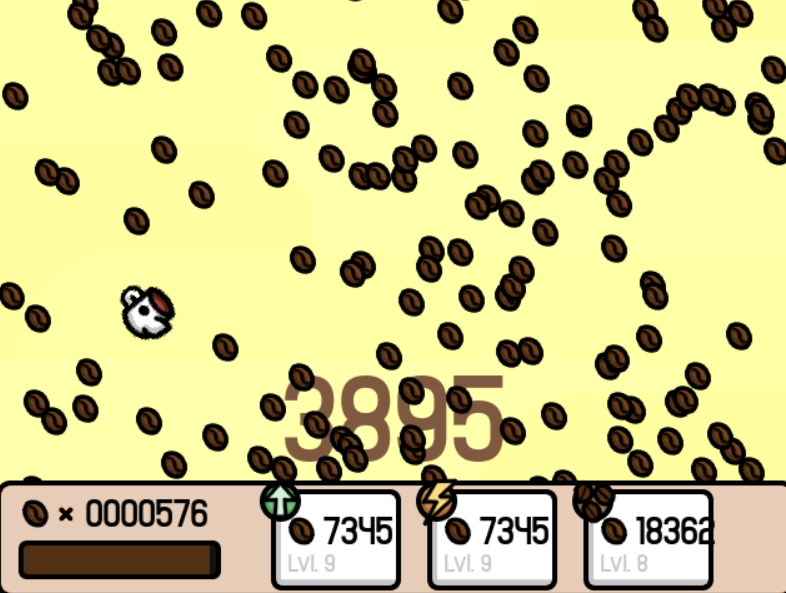
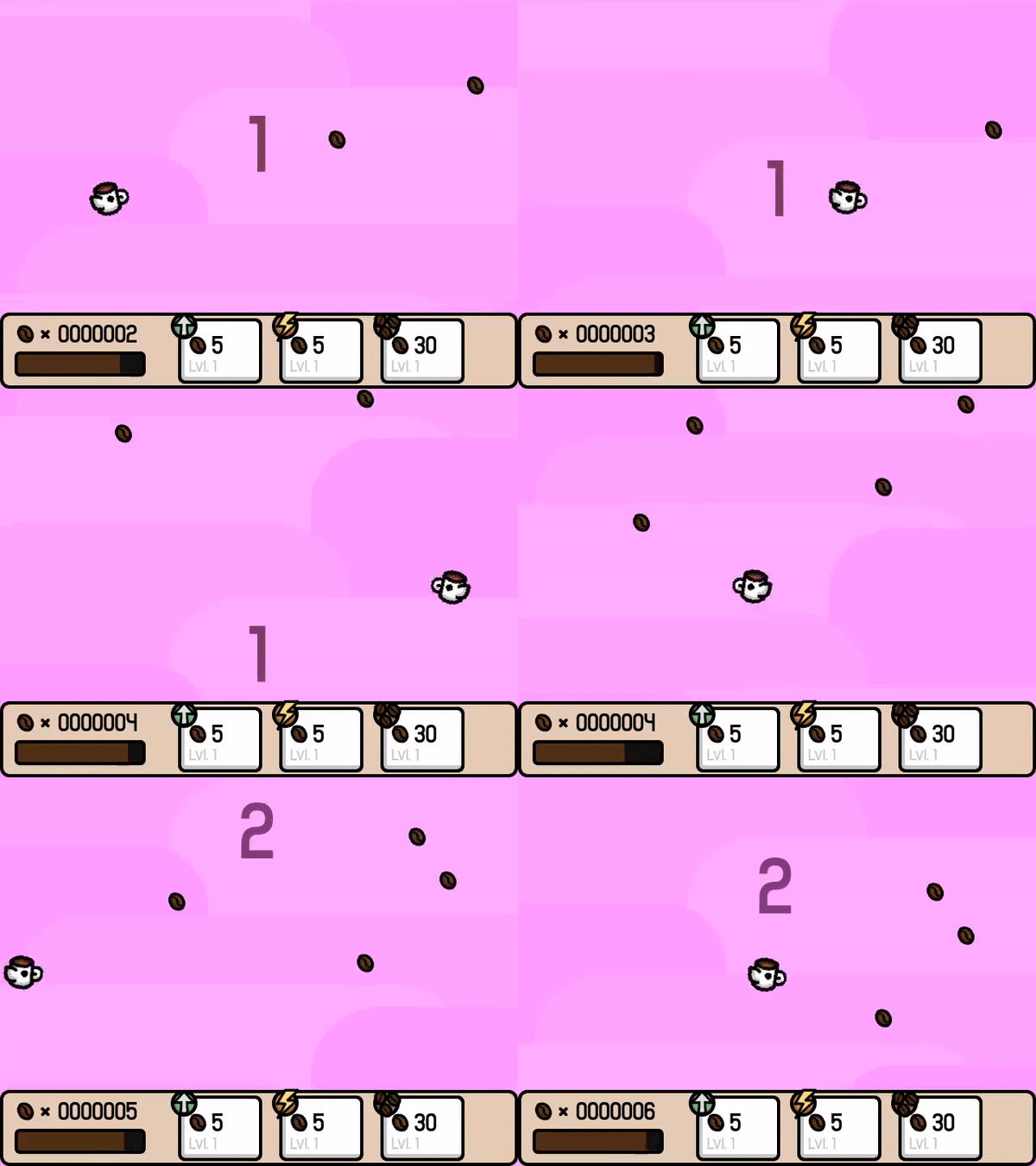
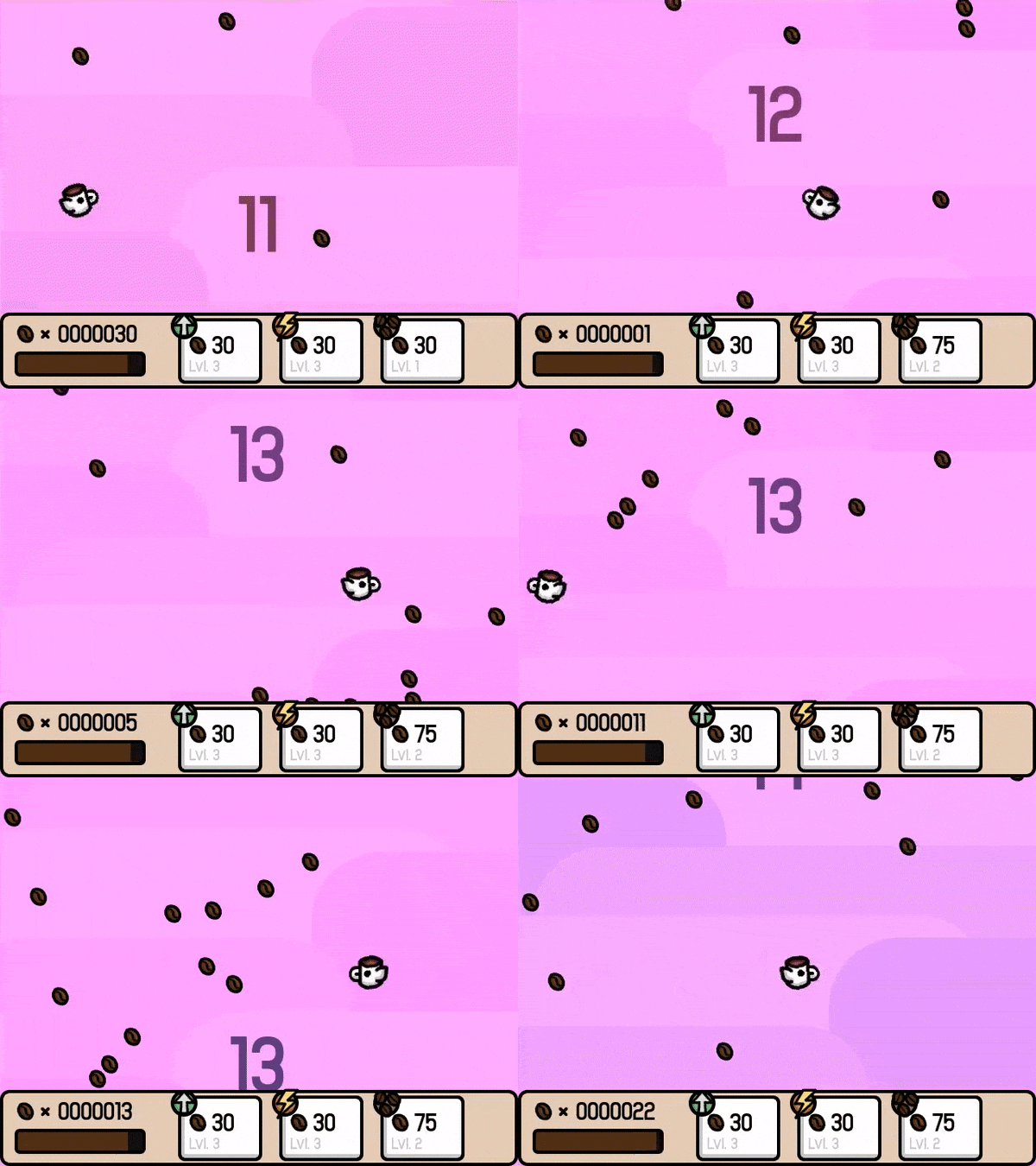
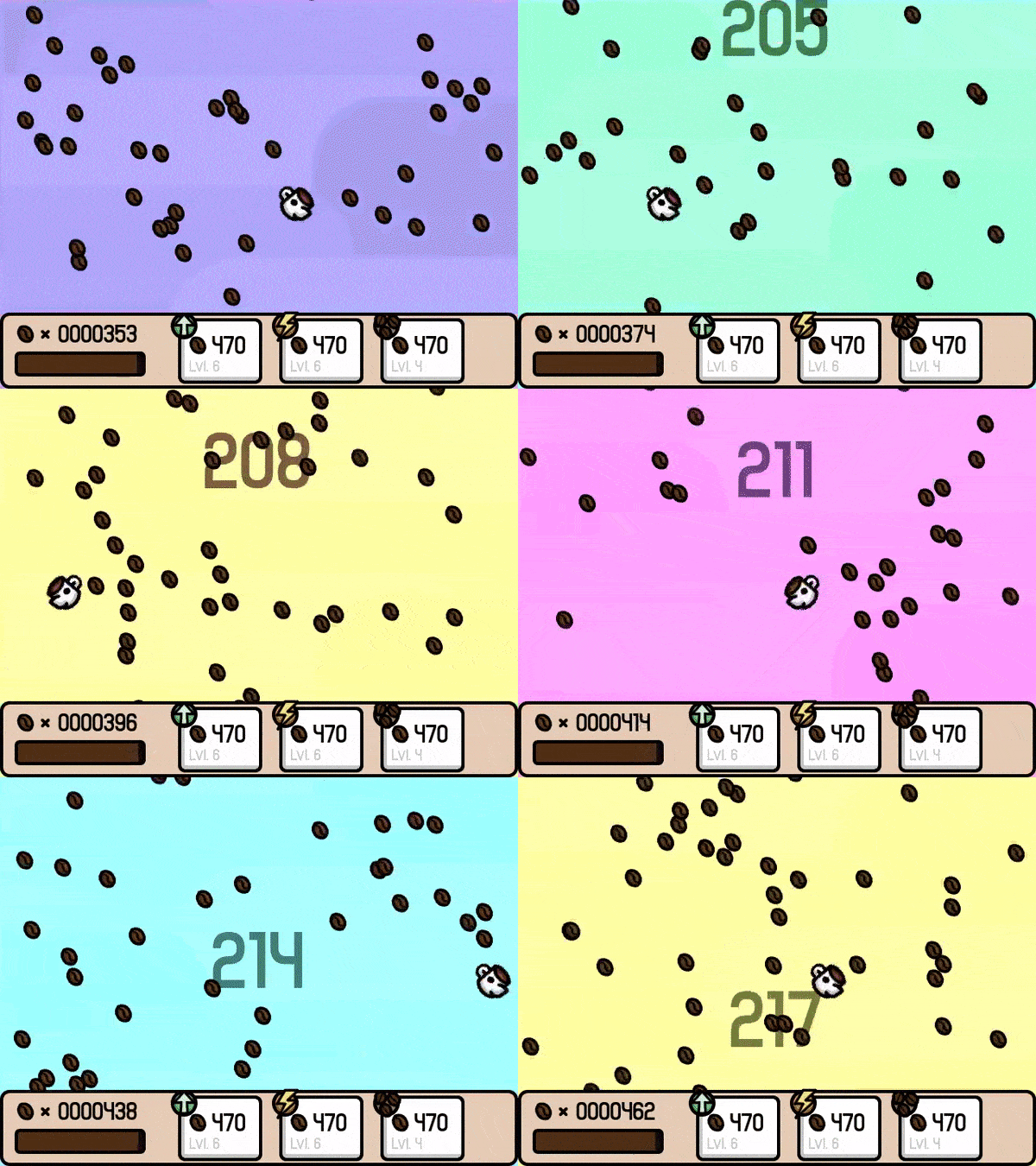
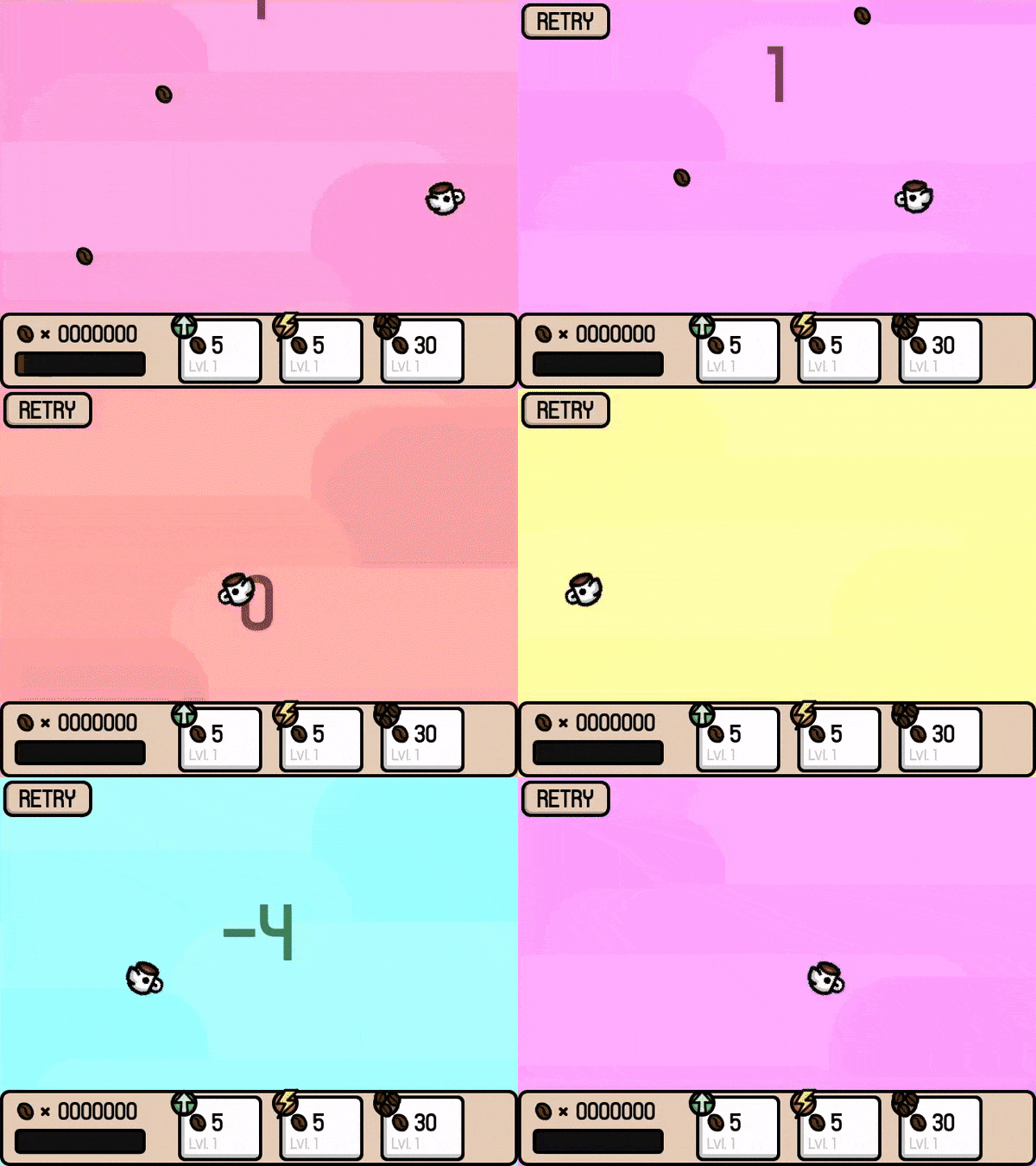
You're a coffee-craving bird(?) in Flappuccino, a game made in 48 hours for the Pygame Community New Years Jam!
How To Play:
| Status | Released |
| Platforms | Windows |
| Rating | Rated 4.3 out of 5 stars (25 total ratings) |
| Author | PolyMars |
| Genre | Action |
| Made with | Bfxr, GIMP, pygame |
| Tags | 2D, Arcade, Cute, Flappy Bird, Flying, Incremental, one-button, pygame, Tycoon |
| Average session | About a half-hour |
| Inputs | Mouse |
| Accessibility | High-contrast, One button |
Note: As of now, the game is only playable on Windows.
Extract Flappuccino.zip, and execute Flappuccino.exe.
Log in with itch.io to leave a comment.
its also playble on linux (google wine and python3 module)
6324 CAP 1812 FL
i got to 2000 score
PATCHED LINUX PORT:
https://mega.nz/folder/SFUCTDxI#Lfwg0ldKZuS5BdUD9-f3OA
Note: The instructions assume you already have python, and pygame installed.
Instructions: In the terminal, change to where the ZIP was downloaded, then unzip the ZIP using "unzip (the folder name)". After that, make sure to change into the newly created folder and run "python main.py". This will then start the game.
If I have the chance, I'll create binary distro packages for the game.
I'm going to port the game to linux, I'll release it on my profile sometime.
yes i need linux i have linux gentoo/chromeos
I have ported the game to Linux (sorta) just make sure to have python and pygame compiled.
where are the files
I have ported it on linux, no extra download required
i am porting it to scratch unless it alreade exicts
is it done?
correction: recreating
how do you turn a .py into an executable?
Pyinstaller
it may say it is a virus, but it isn't, it happens with my games too
your antivirus system be tripping
dementia💀 ikr!²
true
epic python game :)
Make it that you can play with no download
for anyone that gets that window pop up that its a virus but you know for sure it isnt just click more info on that window and it will let you pick play the game or open file and it only does that bc the file is so big and cant recognize it from anything ig bc its on itch.io not on like steam or epic games etc
me too but Windows Defender said it was a virus when I zip and unzip the exe for my game
same, whenever i get something from an unknown publisher it does that lol
Can You Make An0ther Version Using Turtle Graphics
you don't need to write "Pip Install Turtle"
and by the way i subscribed your youtube channel
)) me to get a 2472
<2000 score and ~1000 beans
its coffee not beans
Coffee beans
1022 then i quit and i have -321000
Windows Defender SmartScreen came up lol
its bc not many people play this game
more info -> run anyway
Just watched Your vid on YT. Great and very entertaining! ;)
please make it to a .exe
extract zip
didn't ask.
he drank the forbidden hot chocolate
1327
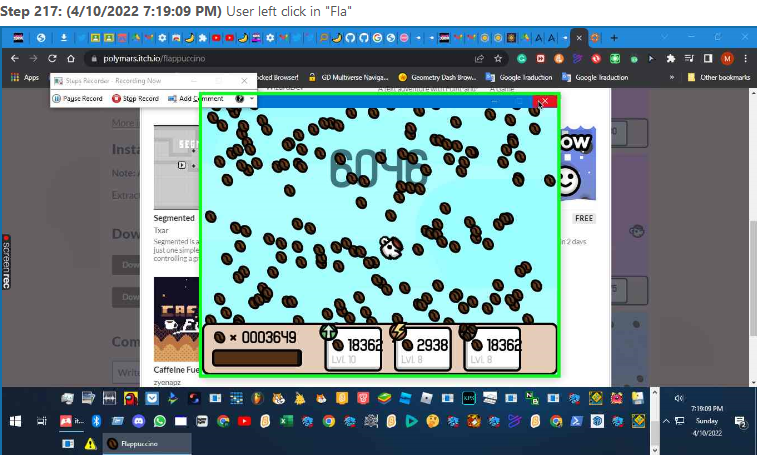
Flap 11 Speed 10 Bean 8
11000
Flap 11 speed 11 bean 8 ez game u shoud add something new
basically what it sounds like to have a dog outside in the rain
1436
flap 9, speed 9, bean 8
i passed 1300 and got bored cuz i had no chance of dyin
Stats at the end:
Flap:7, Speed:7, Bean:6
Here's how to get it working for mac!
1. Download the .zip file from the GitHub page. (Code > Download ZIP)
2. Open the zip file.
3. Open folder in an IDE (I used visual studio code)
4. Install python 3.6.8 and pygame if you don't have it.
5. In main.py from lines 4-9, remove the . from each line (ex.
from .player import Player --> from player import Player)
6. In background.py, add the line "import colorsys"
Enjoy!
This also works on Linux since it is UNIX-LIKE and shares some similar features to macOS.
Sound killed my ears after lvl 500 xD... but nice idea!
the sound is horrible
it wasn't downloading... rip
add this to browser please i only have a chromebook
chromebook is a big L
hecks
no just a little modding
i know i said it for no reason
Doesent download for me
same bro
the game is great, but i came from pygame.... im trying to use pygame, and i followed every single installation there is, and its installed every time. but how do you use it? i started using vs code for it, but i cant play the game i made anywhere, its just debugging, and testing, never actually runs the code..... pls help me...