|
VOOZH | about |
|
VOOZH | about |
At RSA, we launched Semgrep Multimodal to combine AI reasoning with rule-based detection Learn More →
Find and fix the issues that matter in your code (SAST)
Fix vulnerabilities in open source dependencies and block malware
Find and fix hardcoded secrets with semantic analysis
Scan and fix AI-generated code the moment it's written
Combine AI reasoning with rule-based analysis for detection, triage, and remediation
Automate, manage, and enforce security across your organization
Build and deploy security pipelines that combine static analysis with AI at scale
Stay up to date on changes to the Semgrep platform, big and small
Protect against software supply chain attacks
Increase security while accelerating development
Prevent the most critical web application security risks
Protect Your Code with Secure Guardrails
Mitigate software supply chain risks
Increase security while accelerating development
Want to read all the docs? Start here
Get the latest news about Semgrep
See how Semgrep can save you time and money
Join the friendly Slack group to ask questions or share feedback
Join us at a Semgrep Event!
See why users love Semgrep
View our library of on-demand webinars
Support and services for paying customers to help with implementation, best practices, troubleshooting, and maximizing the value from Semgrep
Award-winning support that blends deep technical expertise with a personal touch, to ensure your code is secure, and your AppSec needs are understood.
You can find the support menu bar at the bottom of your private #semgrep-<customer name> Slack channel that highlights the different ways you can open a support case. You can click on Request Help to open the support case form, or react to an existing message with the ticket emoji, which will open a support case on your behalf. Using the emoji opens the case with a default priority of P2 - Medium. Please adjust the priority from the dropdown in the Slack thread if needed.
You can file new cases from Semgrep Cloud Platform by navigating to the Help section and selecting New Case. From there you can also check the status of all your open and closed support cases.
You can also submit a support case by emailing us at support@semgrep.com.
A description of the problem, complete version number (for replication purposes), with replicating steps if possible.
Provide as much evidence as possible: logs, screenshots, and error messages.
Express the case urgency in tangible terms so that we can be responsive to your needs and timelines, for example: this needs to be fixed in 2 days, 2 weeks, 2 months, etc. to make our deadline.
Service is inoperable or the performance of the service is so severely reduced that Customer cannot reasonably continue to use the service because of the error, the error cannot be circumvented with a workaround, and it affects Customer’s ability to perform its business.
Performance is significantly degraded such that Customer’s use of the service is materially impaired, but the error can be circumvented with a workaround.
Customer is experiencing a performance, operational, or functional issue in its use of the service that can be circumvented with a workaround, and the error causes only minimal impact to the customer’s ability to use the service.
No issue with performance or operation of the services. This level includes standard questions on the API configuration, dashboard functionality, enhancement requests, or documentation clarification.
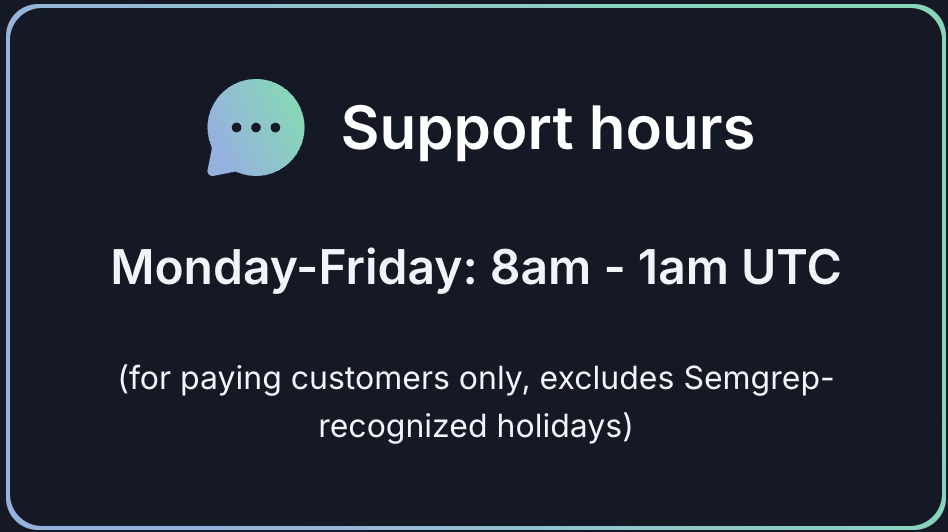
Unless otherwise specified by contract with Semgrep, standard support hours are available to paying customers and defined as 5 days a week from 8am - 1am UTC (Monday to Friday), excluding Semgrep-recognized holidays.
Semgrep shall use good faith efforts to work with customers during normal business hours in the time zone in which the customer is located. The common language of support is English.


.png)