
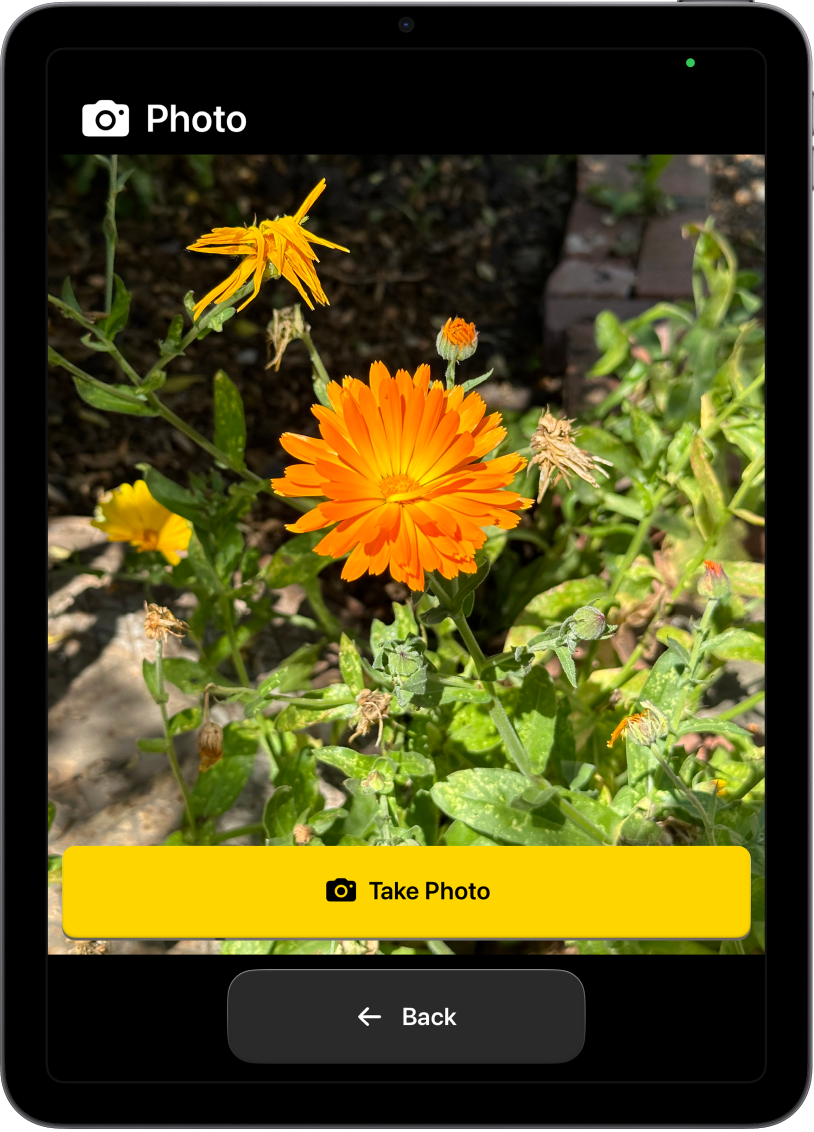
What is Assistive Access?
Assistive Access is a distinctive iPadOS experience, with more focused features and a simplified user interface, which allows people with cognitive disabilities to use iPad with greater ease and independence.
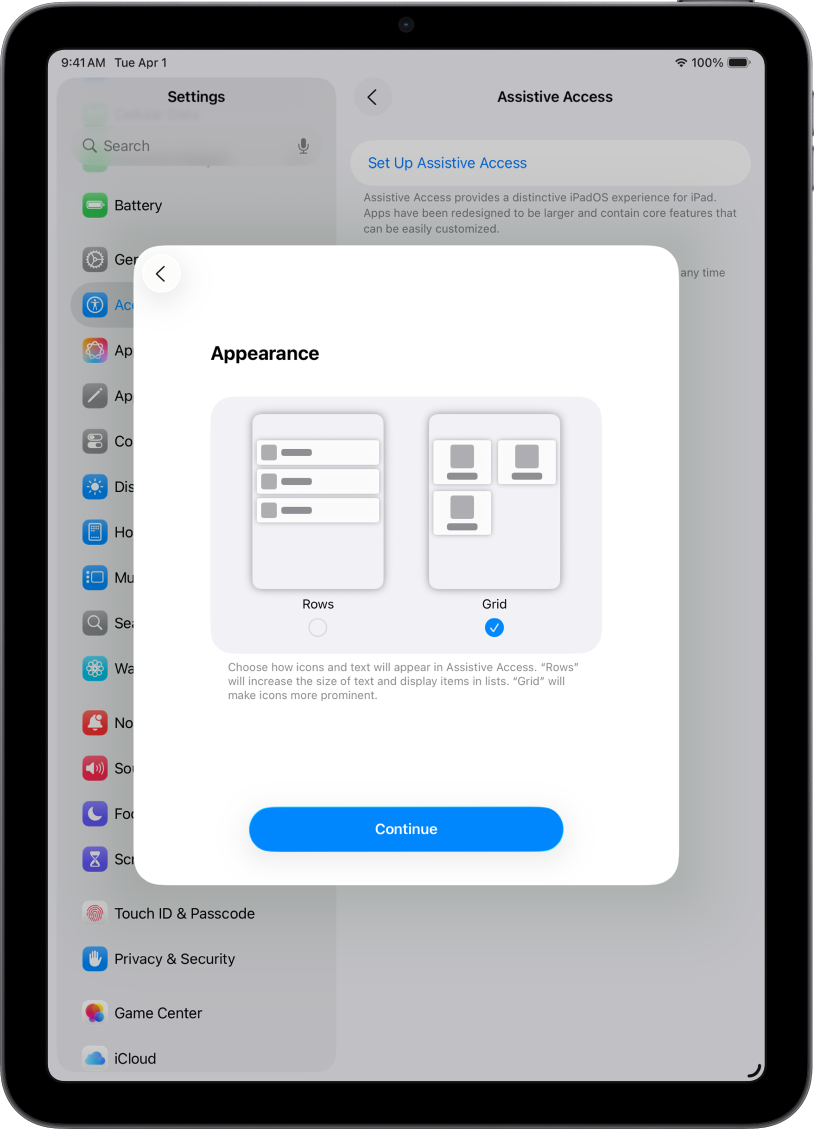
Get started
A trusted supporter, such as a family member or caregiver, can help set up and personalize Assistive Access so iPad works best for the individual they support.
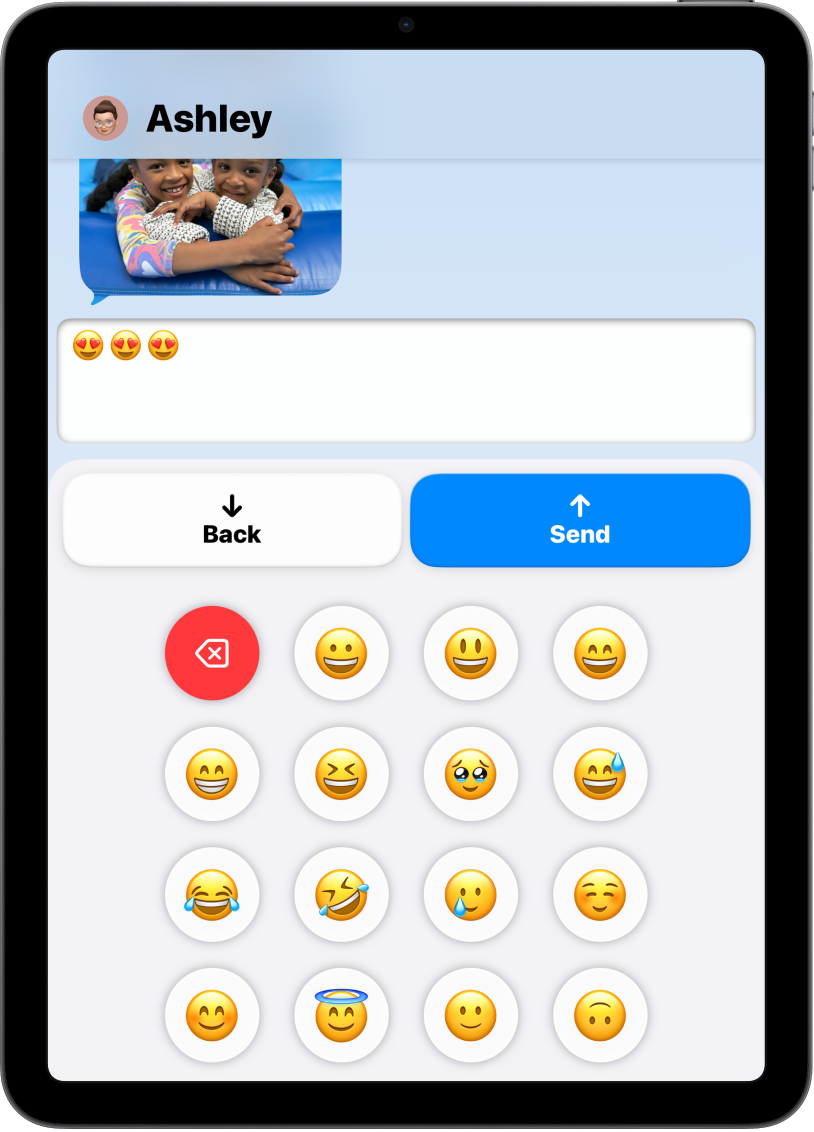
Visual alternatives to text
Assistive Access offers ways for people to navigate iPad and communicate using visuals rather than text. Onscreen items can be displayed in a large grid that emphasizes images and icons, and messages can be sent with an emoji-only keyboard or as a video selfie.
To explore the Assistive Access User Guide, click Table of Contents at the top of the page, or enter a word or phrase in the search field.
For additional resources, visit the Apple Accessibility Support website.