
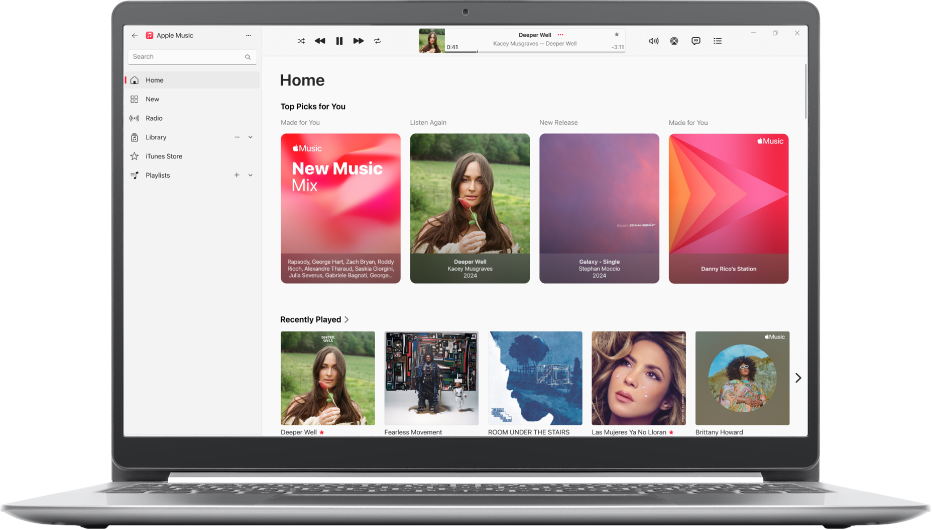
Play all your favorites
Apple Music has millions of songs—listen to everything from classic hits to the newest releases.
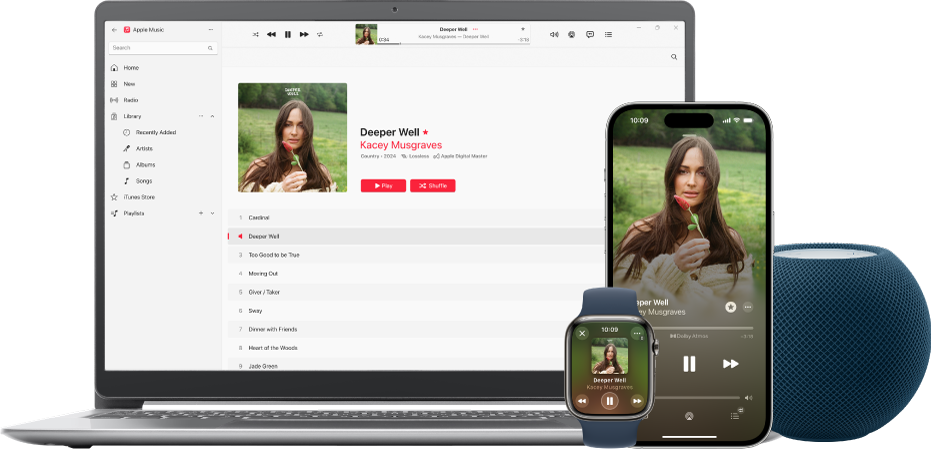
Access your songs on all your devices
With all your songs—plus Apple Music—in your library, play your favorites on all your devices.
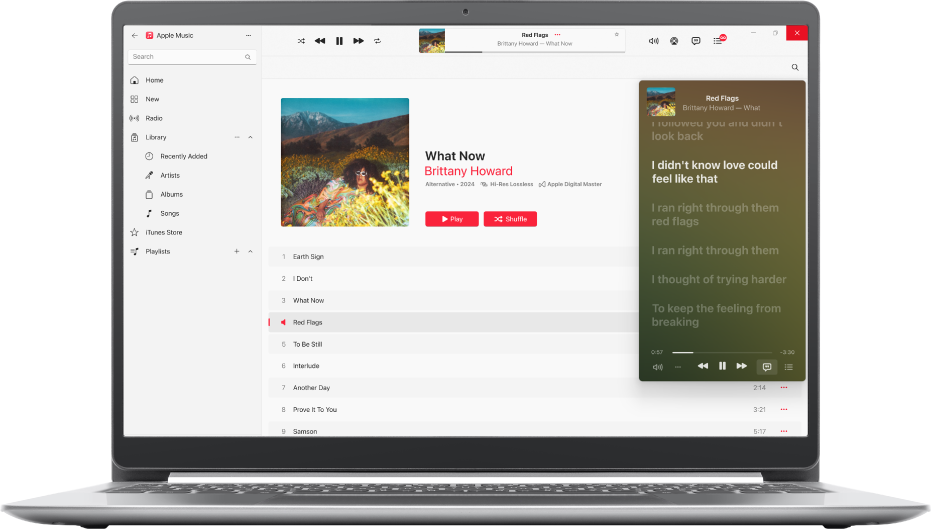
Follow along with every line
Never miss a word—view lyrics for songs in Apple Music and add your own for other songs.
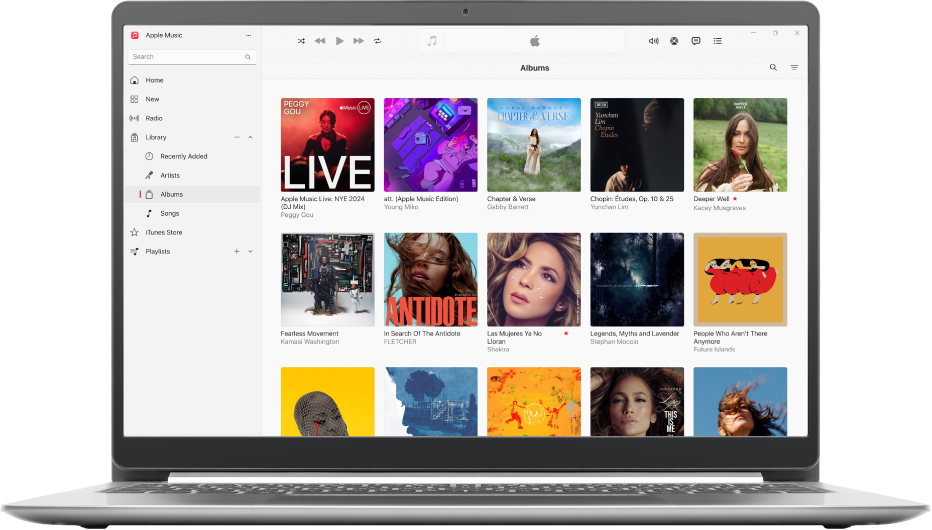
Build your library
When you first start using the Apple Music app on Windows, you begin with an empty library. Build your collection of songs and albums in a number of ways.
To explore the Apple Music User Guide, click Table of Contents at the top of the page, or enter a word or phrase in the search field.
If you need more help, visit the Music Support website.