
Modifying this control will update this page automatically
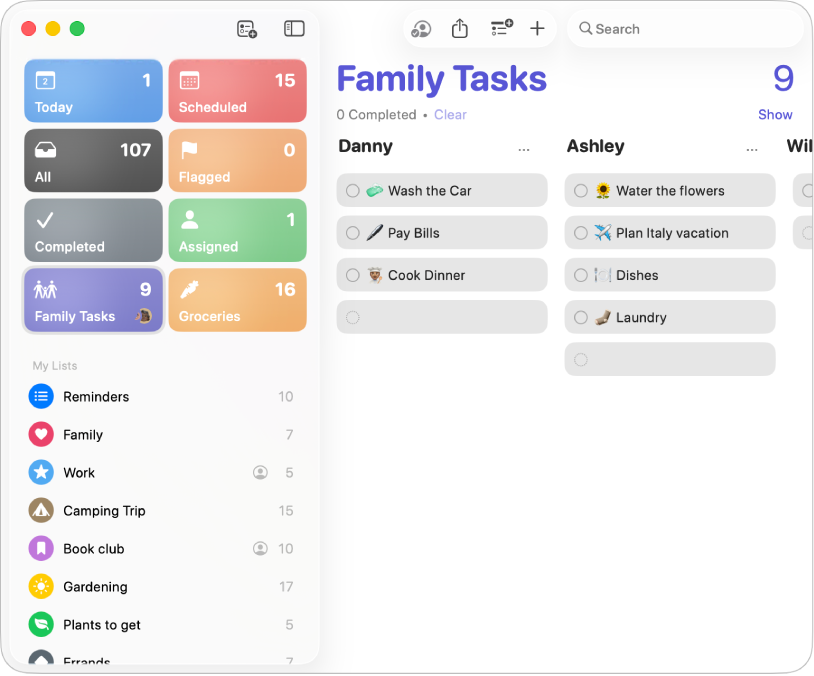
Get started with Reminders
Quickly get started using Reminders to track and organize your to-dos, then learn what else you can do.
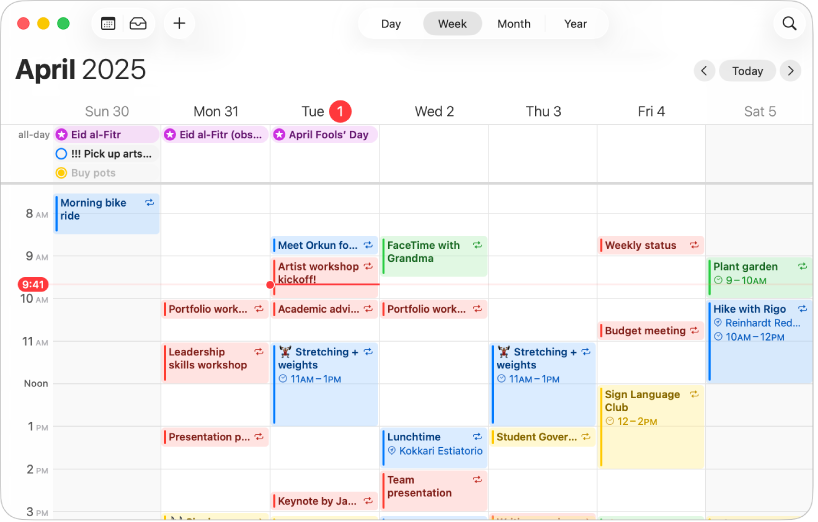
Your to-dos and schedule—all in one place
Create, manage, and complete your scheduled reminders right in the Calendar app on Mac.
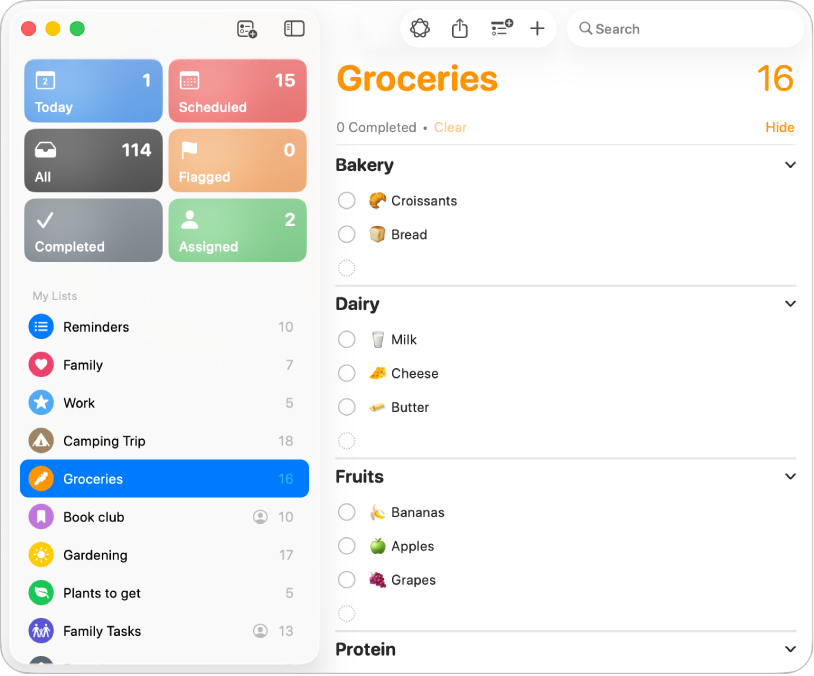
Organize your grocery list
Create a grocery list with items automatically placed in categories to make shopping easier.
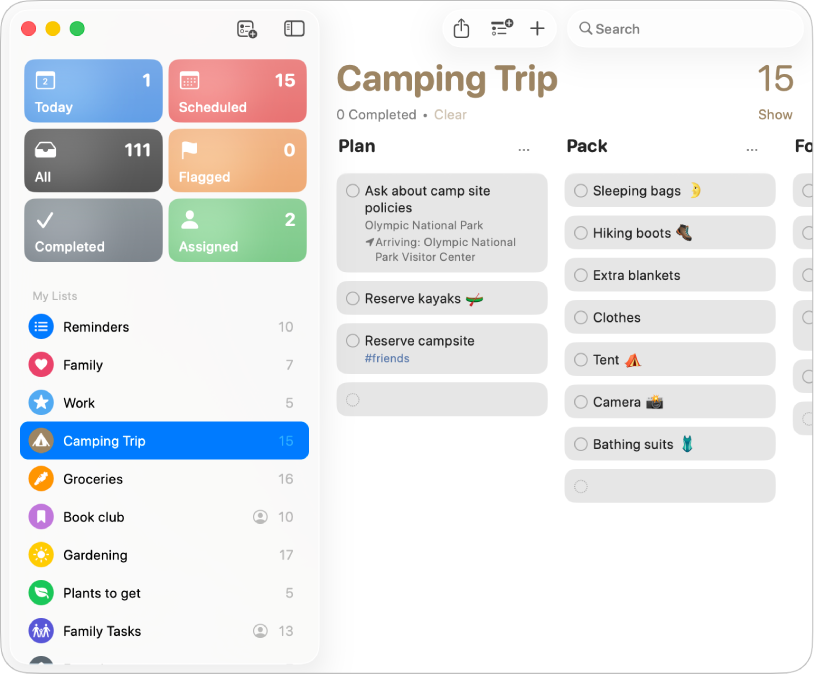
Change the view
Choose a view—lists or columns, smart lists, and pinned lists—it’s up to you.
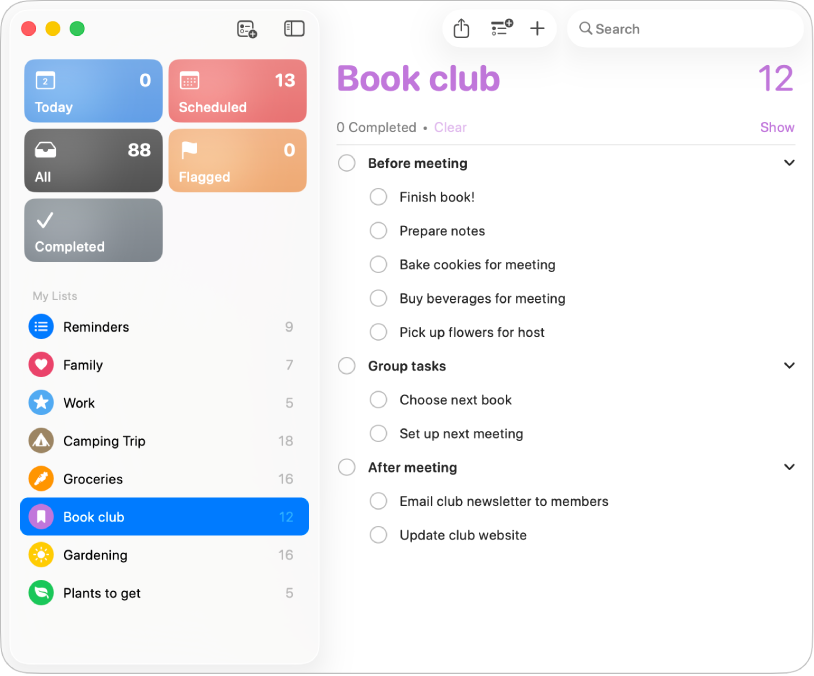
Go deeper with subtasks
Use subtasks when you want to add more details to a reminder.
To explore the Reminders User Guide, click Table of Contents at the top of the page, or enter a word or phrase in the search field.