


Pods, the graphical front-end for Podman, released version 3.0.0 in last week.
The new version of this free open-source Gnome application implemented a new backend architecture to support multiple container engines.
Not only Podman, it now also works with your Docker containers. In the “new connection” dialog choose either Podman Unix Socket or Docker Unix Socket for containers on local computer, or input a custom URL for remote containers.
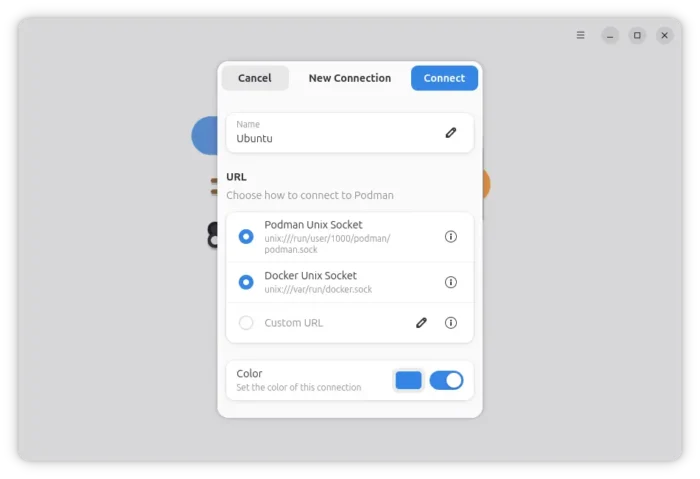
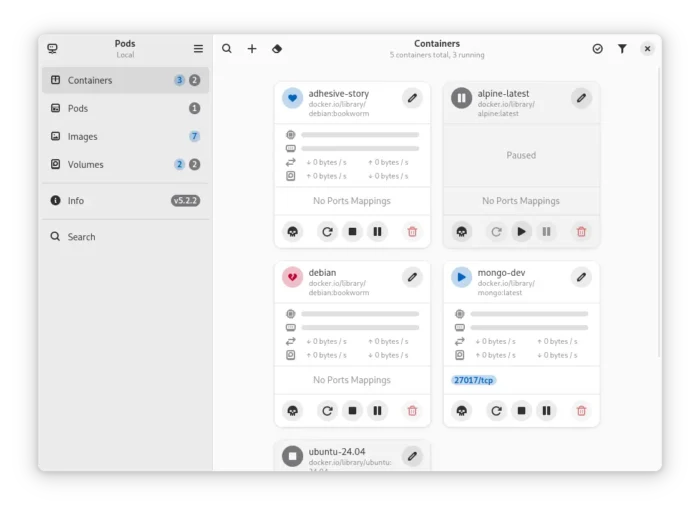
Then, it will automatically detect all the containers as well as the images and volumes, and display them in cards with overview of processor, memory, network, port, and disk usage.
With it, you can easily start, stop, pause, kill, rename or delete all existing containers. And, one click to prune (remove) stopped or unused containers, images, or volumes.
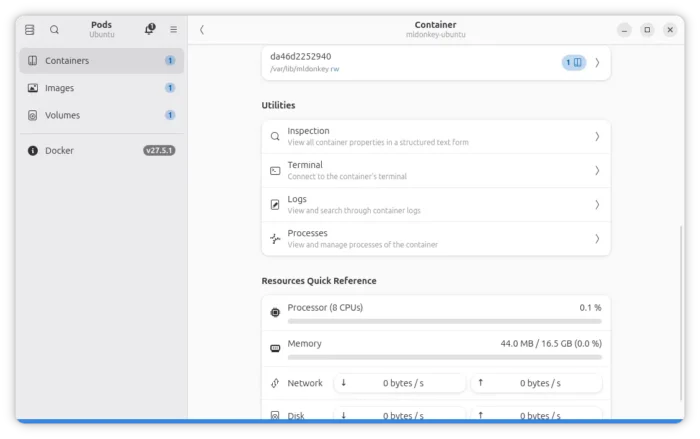
It also has some built-in utilities to view all container, image, or volume properties in a structured text form, connect to container’s terminal, view and search through container logs, and view and manager container processes.
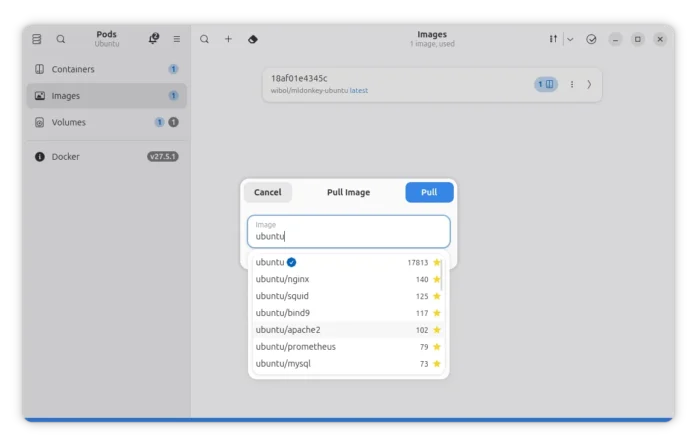
As well, it provides options to pull/build images, and create new containers on them. For more, see Pods in its github page.
Install Pods in your Linux
Pods provides official Linux package through Flatpak package.
Fedora (with 3rd party repository enabled) and Linux Mint can search and install the package from either GNOME Software or Software Manager.
While Debian, Ubuntu, and other Linux distributions may follow the steps below to install it:
- First, enable flatpak support. For Debian Ubuntu and their based systems, launch terminal (Ctrl+Alt+T) and run command:
sudo apt install flatpak
- Then, add the Flathub repository that hosts the Pods flatpak package.
flatpak remote-add --if-not-exists flathub https://dl.flathub.org/repo/flathub.flatpakrepo
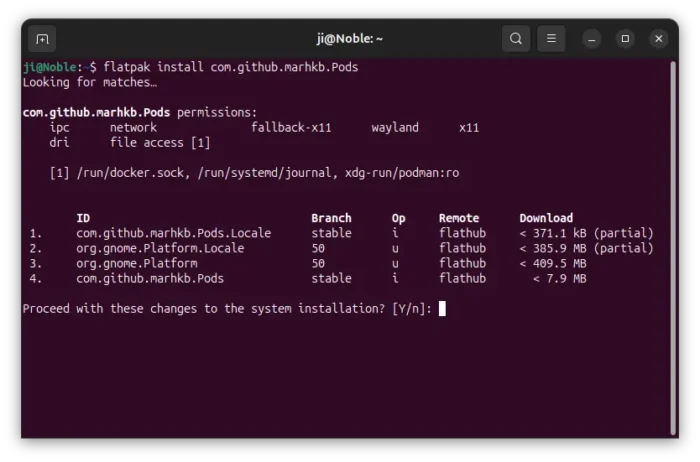
- Finally, install the package via command:
flatpak install flathub com.github.marhkb.Pods
Once installed, either launch it from start menu (or Gnome Overview) and log out and back in if app icon is not visible. Or, run the command below to start from terminal:
flatpak run com.github.marhkb.Pods
And, you may replace run with update in last command to check (and install if any) updates.
Uninstall:
To uninstall the Flatpak package, use command:
flatpak uninstall --delete-data com.github.marhkb.Pods
And, run flatpak uninstall --unused to remove useles run-time libraries.













Leave a Reply Cancel reply