










About wallpapers — a brief history and format guide
The word "wallpaper" used to mean physical wall coverings; the digital version — the image that fills your desktop or phone screen — borrowed the term in the late 1980s. Apple's Mac System 1 (1984) shipped with a black-and-white checkerboard background, and Microsoft made "wallpaper" a personalization feature in Windows 3.0 (1990). Since then it has become one of the most-customised parts of any device.
Common formats for wallpapers
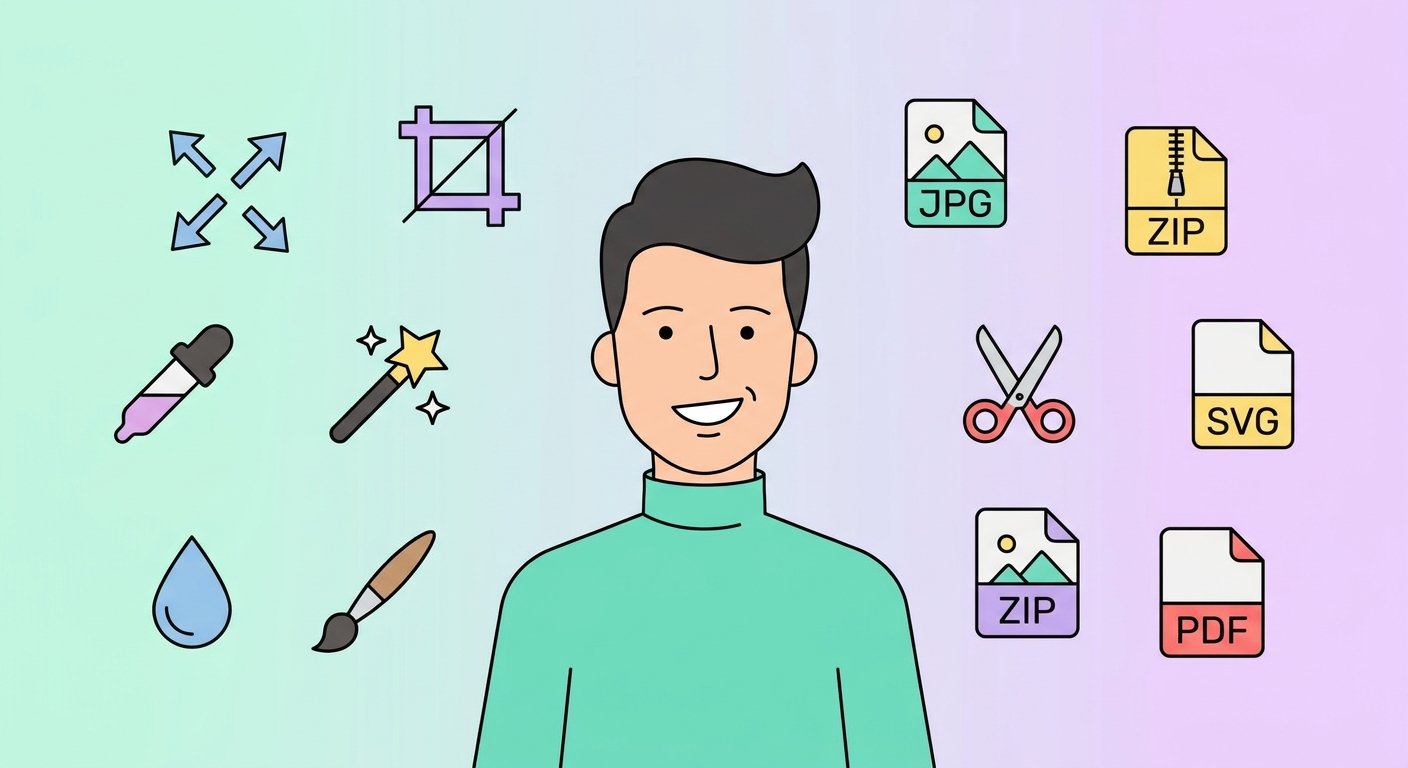
Modern wallpapers are saved as JPG (best file-size for photographs), PNG (lossless, supports transparency for layered desktops), or HEIC (Apple's efficient format on iPhone). For ultra-wide and 8K Ultra HD downloads you usually want JPG at quality 90+ to balance fidelity and size. AVIF and WebP are slowly replacing JPG on the web but are not yet supported by every wallpaper manager.
Choosing the right resolution
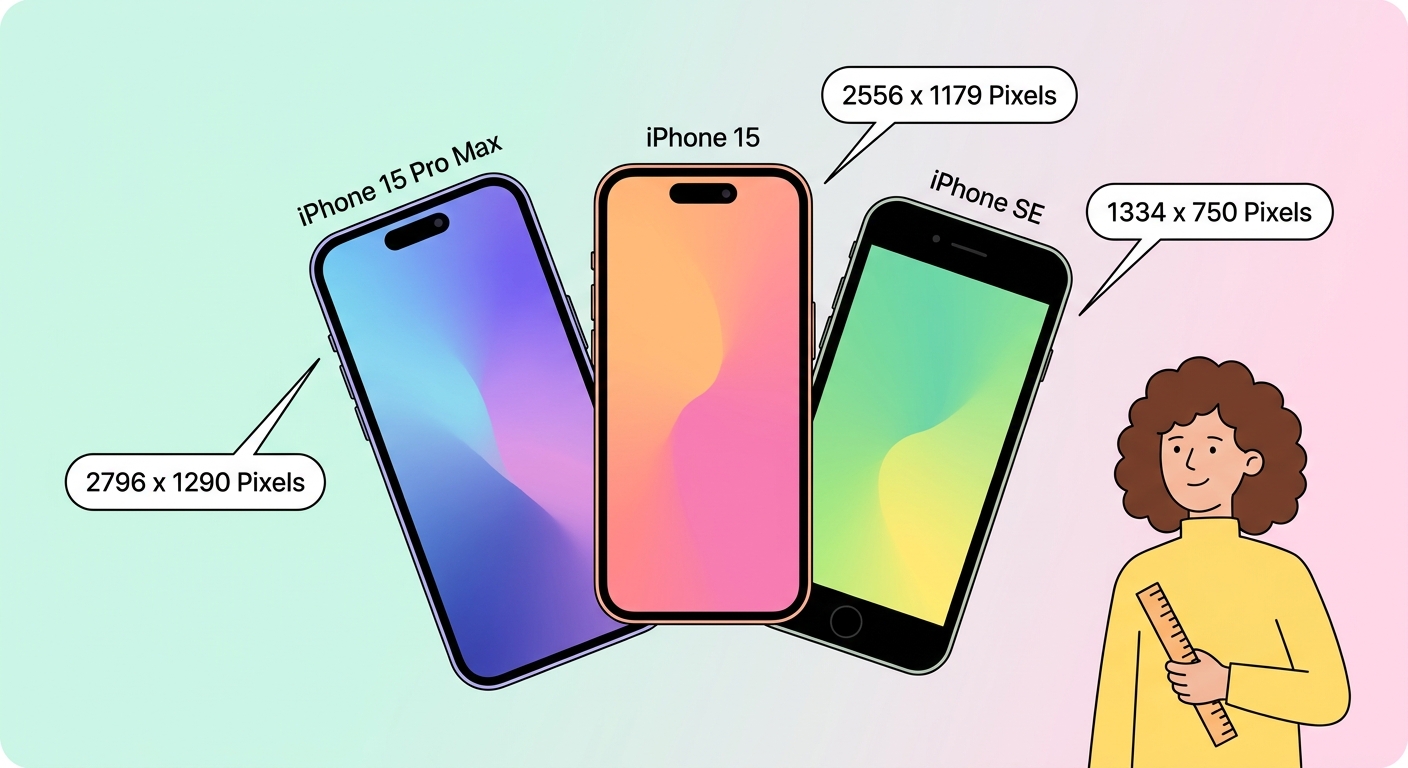
Every device has a native pixel grid: a 6.1" iPhone is 1170 × 2532, a 13" MacBook Air is 2560 × 1664, a 32" 4K monitor is 3840 × 2160. Picking a wallpaper at — or above — the native grid avoids visible scaling. Our Wallpaper Resizer has presets for every Apple, Samsung, Google and Microsoft device released in the last five years; pick a preset, drop your image, get a perfectly-cropped output.
Free wallpapers — where to find them and what to use
Beyond browsing our 1.5M+ wallpaper library, free wallpapers come from several legitimate sources: official OS-bundled defaults, brand-released bundles, user-submitted libraries, and AI-generated art. When using user-uploaded content always check the license; our Creator program only accepts uploads with a clear redistribution license. If you want something truly unique, try the AI Wallpaper Generator — it produces a brand-new image from your prompt in any aspect ratio.





