
Description
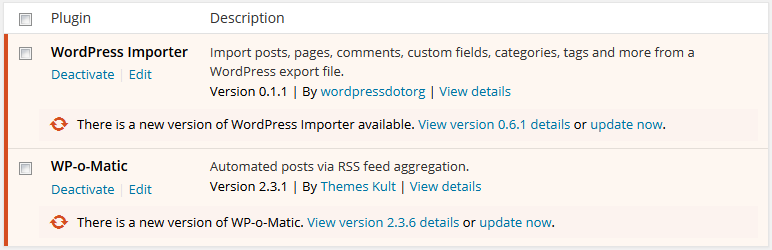
This Plugin blocks updates from a specific plugin.
You can select the plugins you want to block for updates from Block Plugin Update under Settings or tick them all to remove all plugin updates.
If you still any problem visit our support forum or you can write to us directly using our contact form.
Plugin you may like
* Use Any Font
* WP Armour Anti Spam Plugin
* jQuery Validation for Gravity Forms
* jQuery Validation For Contact Form 7
Screenshots


Installation
- Search Block Plugin Updates and click on Install.
- Activate the plugin through the ‘Plugins’ menu in WordPress.
- Tick the plugins to block updates from Block Plugin Update under Settings
FAQ
-
Do I need to logout and login for changes to take effect?
-
No, the plugin cache is automatically cleared and rechecked as soon as you save settings.
Reviews
Contributors & Developers
“Block Plugin Update” is open source software. The following people have contributed to this plugin.
ContributorsTranslate “Block Plugin Update” into your language.
Interested in development?
Browse the code, check out the SVN repository, or subscribe to the development log by RSS.
Changelog
3.3.3
- Added license fields to plugin header.
- Optimized plugin update query performance.
- Added secure nonce, capability, and sanitization validation.
3.3.2
- add WP Nonce for Settings page.
3.3.1
- Fixed error when all plugins are unchecked.
3.3
- Tested with 6.0.1
- Clean UI
3.2
- Tested with 5.8.2
3.1
- Fix plugin list update issue after save.
3.0
- Tested with 5.3.2
2.2
- Tested with 4.5.3
- Added Settings link in plugin list
2.1
- Tested with 4.2.3
2.0
- Tested with 4.1.1
1.0
- Supports now wordpress 3.7
0.1
- First Release
Meta
- Version 3.3.3
- Last updated 4 days ago
- Active installations 6,000+
- WordPress version 3.0 or higher
- Tested up to 7.0
- Tags
- Advanced View