

Description
Most of the plugins and even standart WordPress tabs in the admin menu are not used very often.
With this plugin you can make rarely used items in the admin menu invisible until you need them.
You can just toggle them whenever you need them with Toggle Extra button in the left menu.
Screenshots

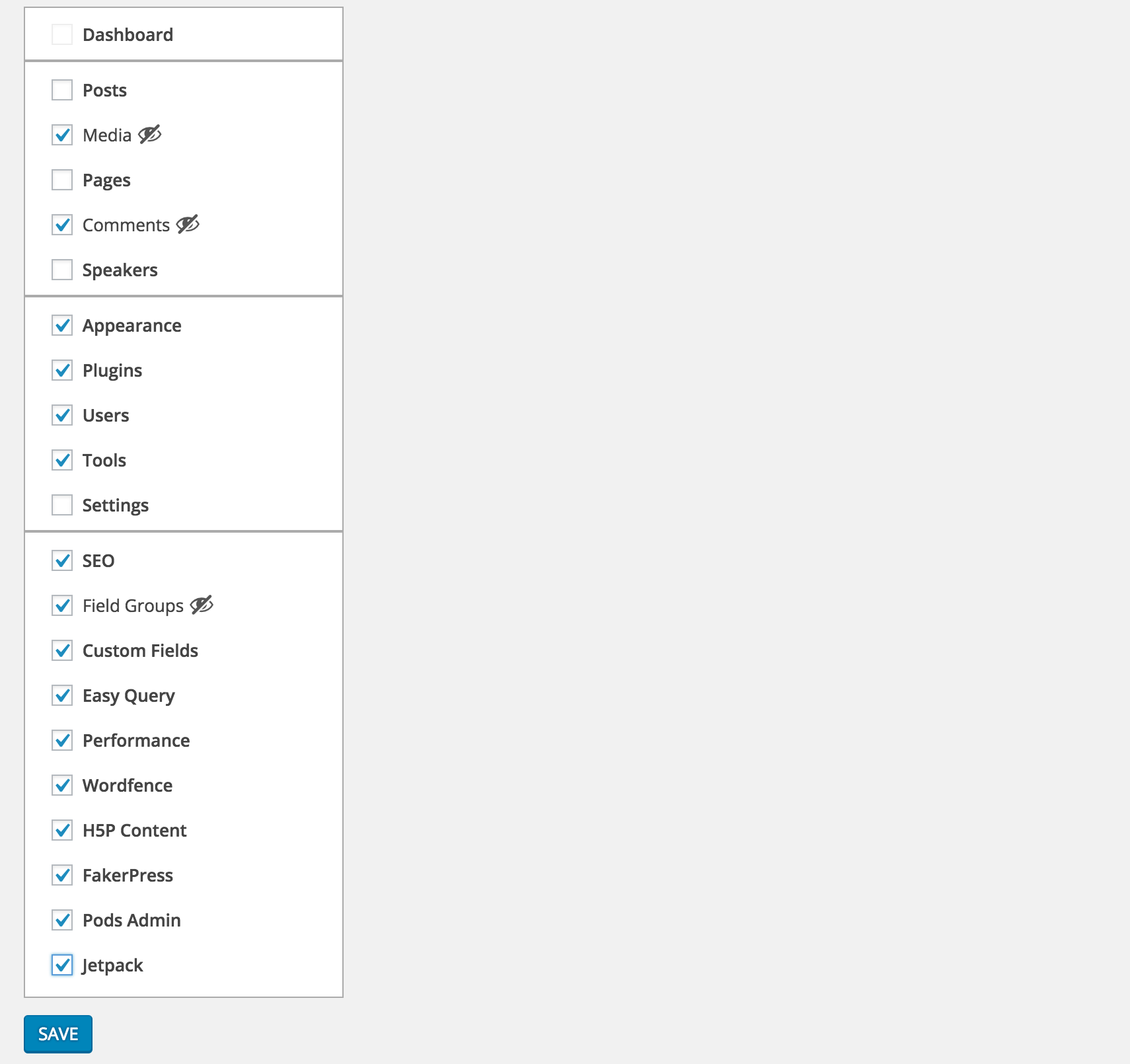
Select the menu items you want to hide from Settings > Clean Admin Menu


Unless they are current active item, selected items will be hidden


To see the selected items you can simply press Toggle Extra
Installation
- Download and activate the plugin.
- Browse to the
Clean Admin Menusection under Settings to configure.
FAQ
- How does it work
-
It simply hides&show the elements via css and javascript.
Reviews
Contributors & Developers
“Clean WP Admin Menu” is open source software. The following people have contributed to this plugin.
Contributors“Clean WP Admin Menu” has been translated into 1 locale. Thank you to the translators for their contributions.
Translate “Clean WP Admin Menu” into your language.
Interested in development?
Browse the code, check out the SVN repository, or subscribe to the development log by RSS.
Changelog
1.0.0
- First version
1.0.1
- PHP 5.2 syntax fix
Meta
- Version 1.0.1
- Last updated 10 years ago
- Active installations 600+
- WordPress version 4.0 or higher
- Tested up to 4.5.33
- Languages
- Tags
- Advanced View