

Description
Adds an NES player on your site via a shortcode [nes] in any post or page. Note that no roms are included with this plugin. You’ll need to upload them yourself on the settings page for them to be available to play.
This plugin implements the jsnes library by bfirsch. https://github.com/bfirsh/jsnes
Screenshots

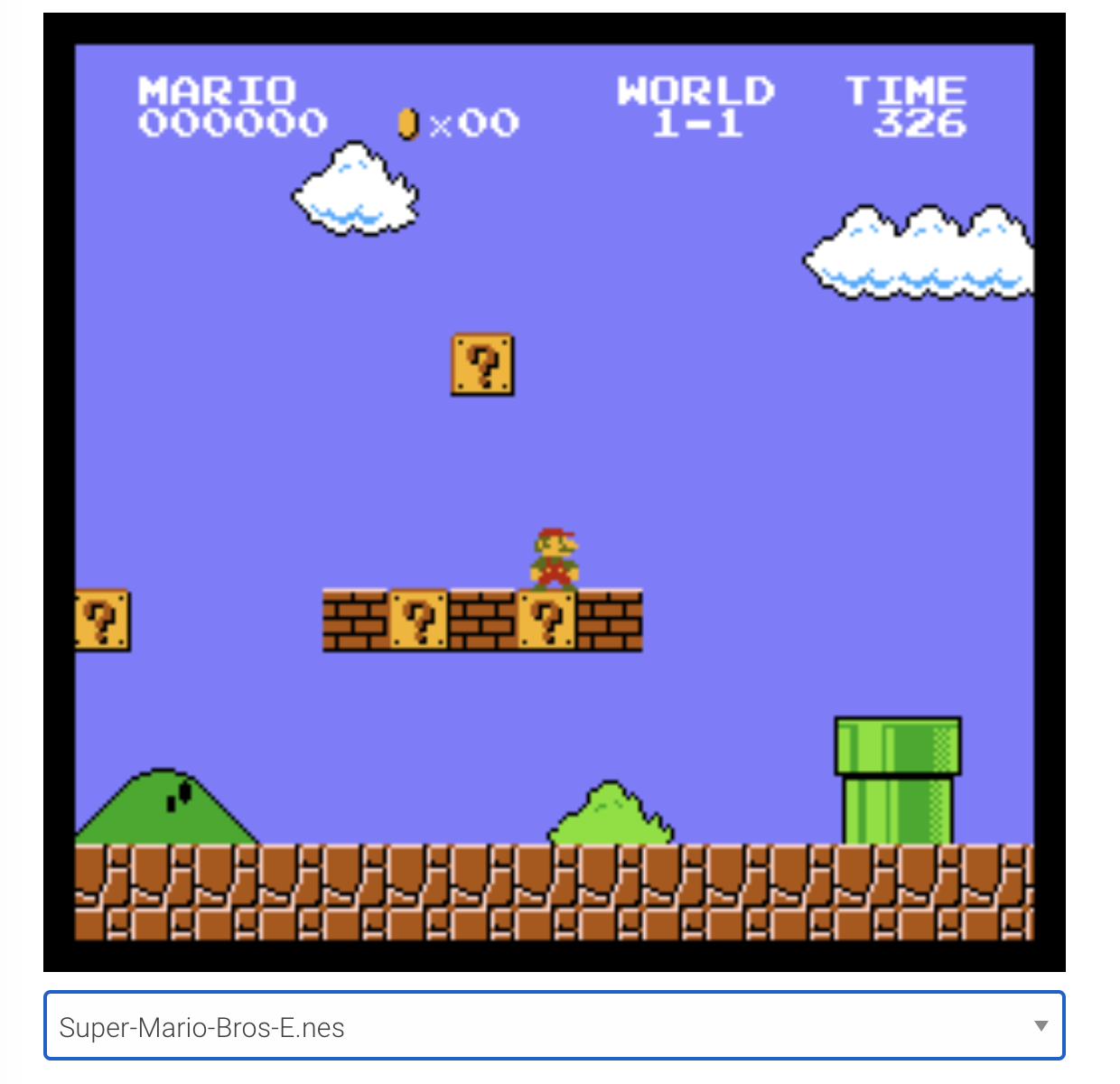
Installation
Installation
- Upload the whole
nes-emulatorfolder to the/wp-content/plugins/directory. - Activate the plugin through the Plugins menu in WordPress.
- Place the shortcode
[nes]wherever you would like the player to show.
FAQ
- None yet!
Reviews
It’s great!!
But,Unfortunately,there is a delay in sound
The plugin works fine, now my readers can play retro video games online =)
I don’t use to review plugins, but this one it’s just amazing. It works perfectly (depends on your theme maybe requieres some customization). Great work and congrats to the author!
I would upload them without issue, but when I made them live, they wouldn’t load.
Fun little plugin to bring some Super Mario to WordPress. Just be careful of the spammy sites where the .nes ROMs are available. Thanks for your work here!
Contributors & Developers
“Retro Game Emulator” is open source software. The following people have contributed to this plugin.
ContributorsTranslate “Retro Game Emulator” into your language.
Interested in development?
Browse the code, check out the SVN repository, or subscribe to the development log by RSS.
Changelog
1.3.1
- Fix JS error on non emulator pages.
- Add version to scripts.
1.3.0
- Update to latest jsnes version.
- Fixes sound.
- Other maintenance and updates.
1.2.0
- Begin adding support for translations.
- Add delete rom functionality.
- Clean up options page.
1.1.0
- Fix issue with jQuery dependency.
1.0.0
- Roll out
Meta
- Version 1.3.1
- Last updated 5 years ago
- Active installations 200+
- WordPress version 3.5 or higher
- Tested up to 5.6.17
- Tags
- Advanced View
Ratings
4.5 out of 5 stars.