

Description
This WordPress plugin will ease the management of media categories, including bulk actions.
It supports categories for media using either the existing post categories or a dedicated media_category custom taxonomy.
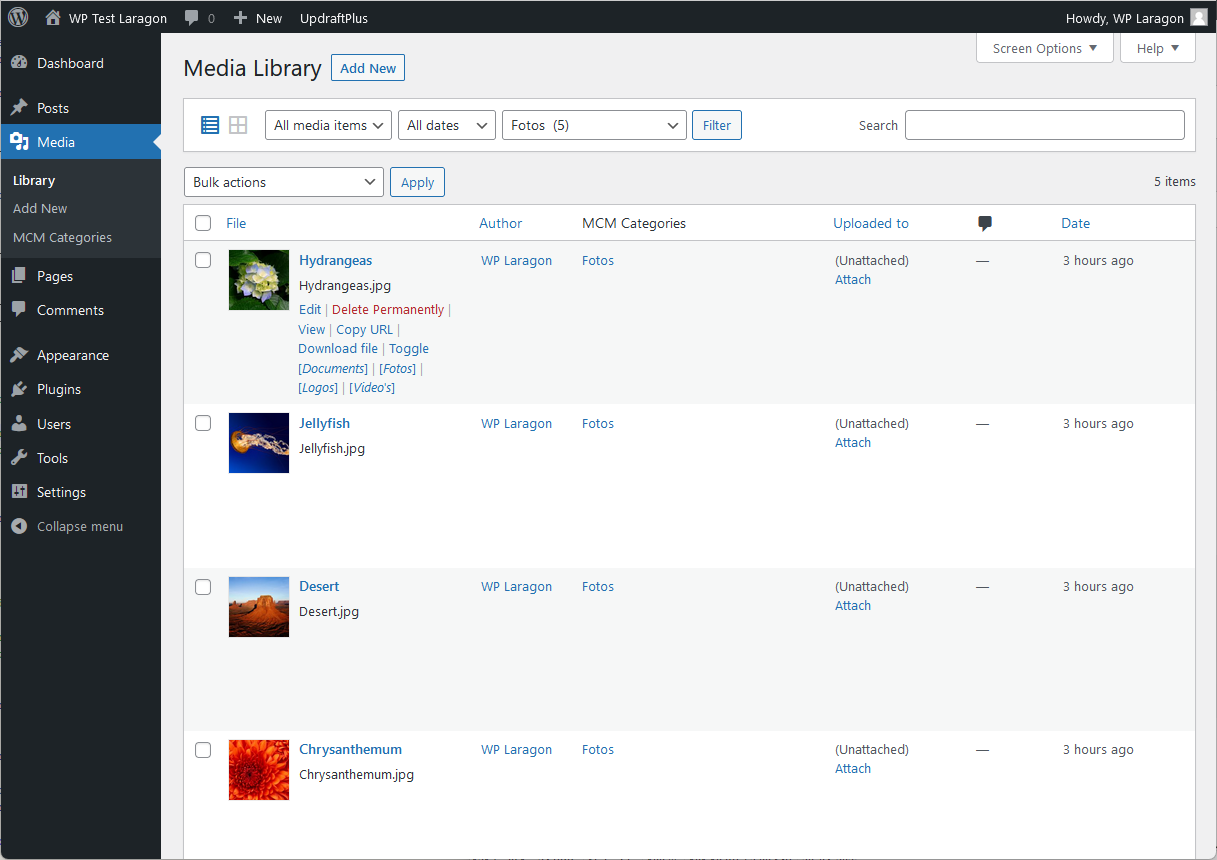
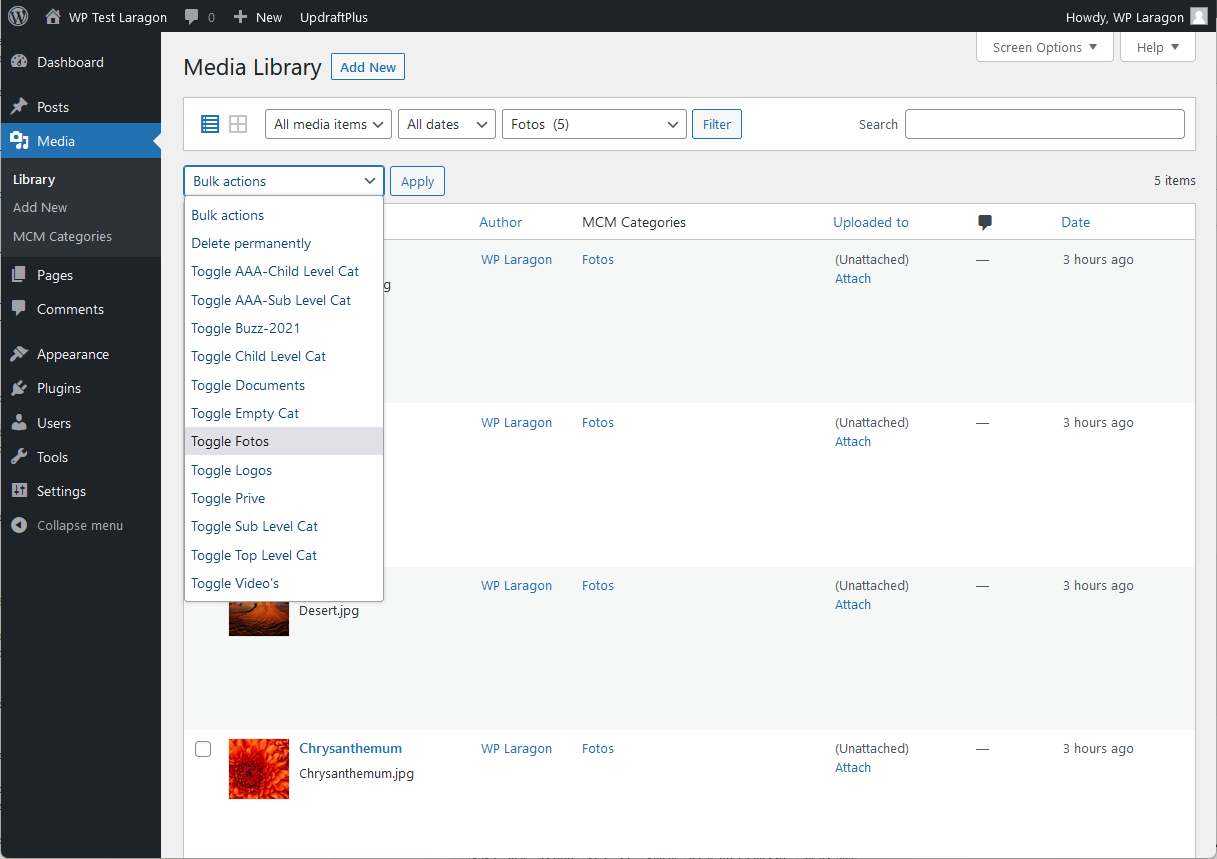
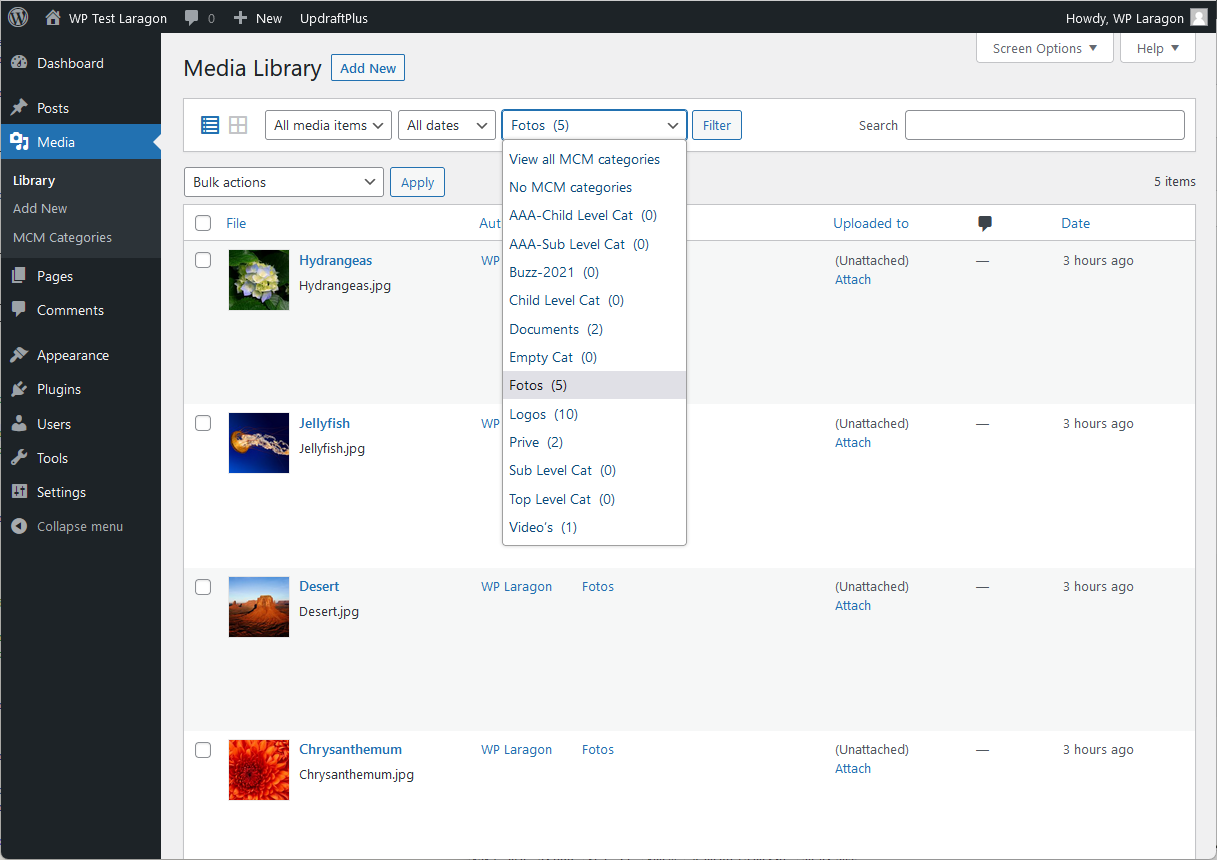
The plugin supports easy category toggling on the media list page view and also bulk toggling for multiple media at once.
It now also supports post tags and media taxonomies defined by other plugins.
The premium version will include media folder management for organizing files into hierarchical folders.
Main Features
- Use post categories or dedicated MCM media categories.
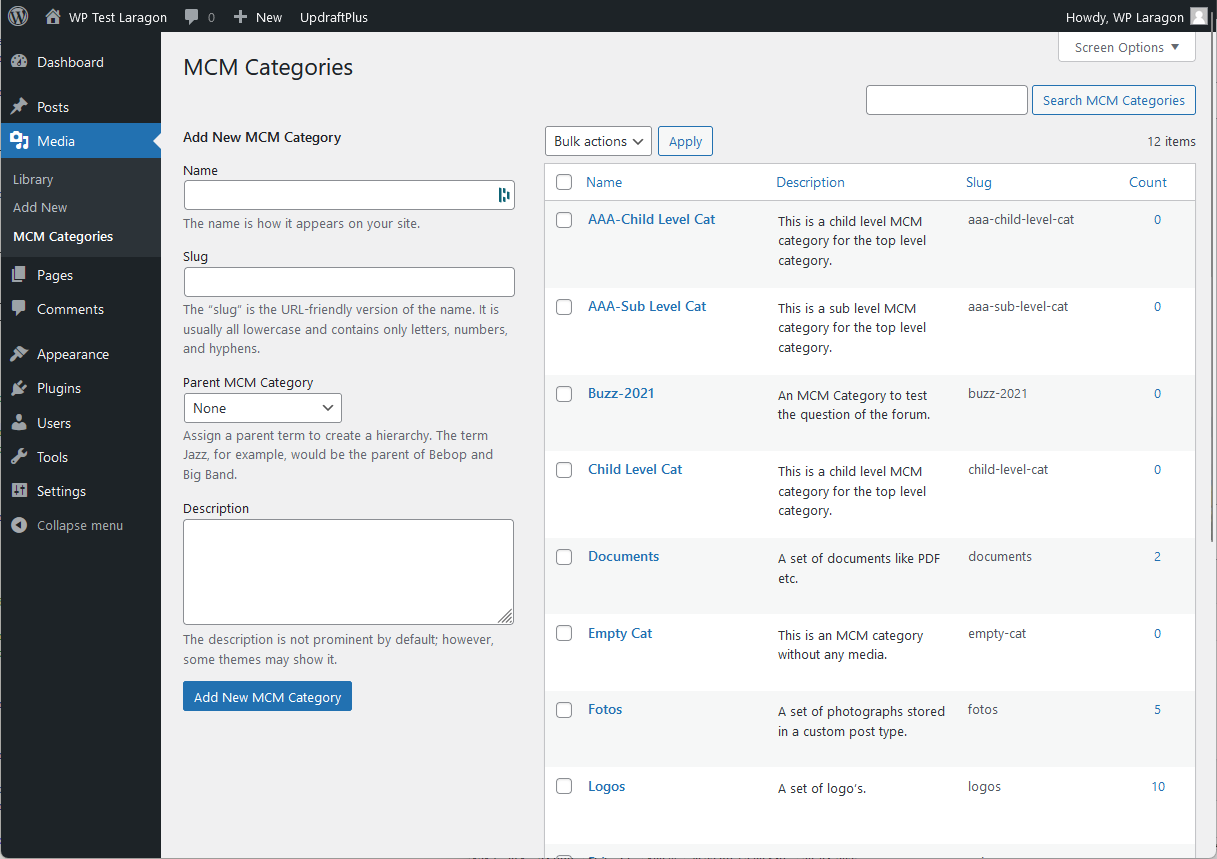
- Control your media categories via admin the same way as post categories.
- Organize media into hierarchical folders for better file management.
- Optionally organize uploaded files into physical folder subdirectories.
- Bulk toggle any media taxonomy assignment from Media Library via admin.
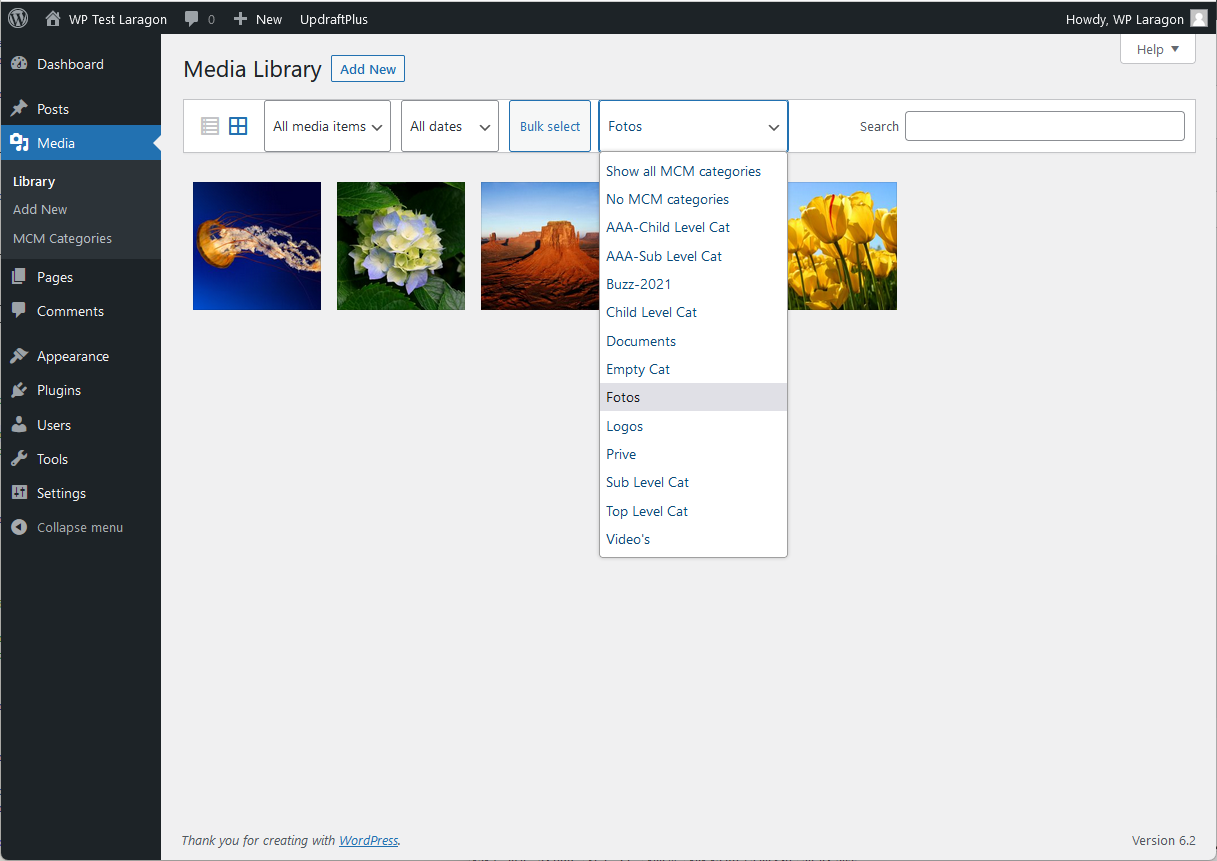
- Filter media files in Media Library by your custom taxonomies and folders, both in List and Grid view.
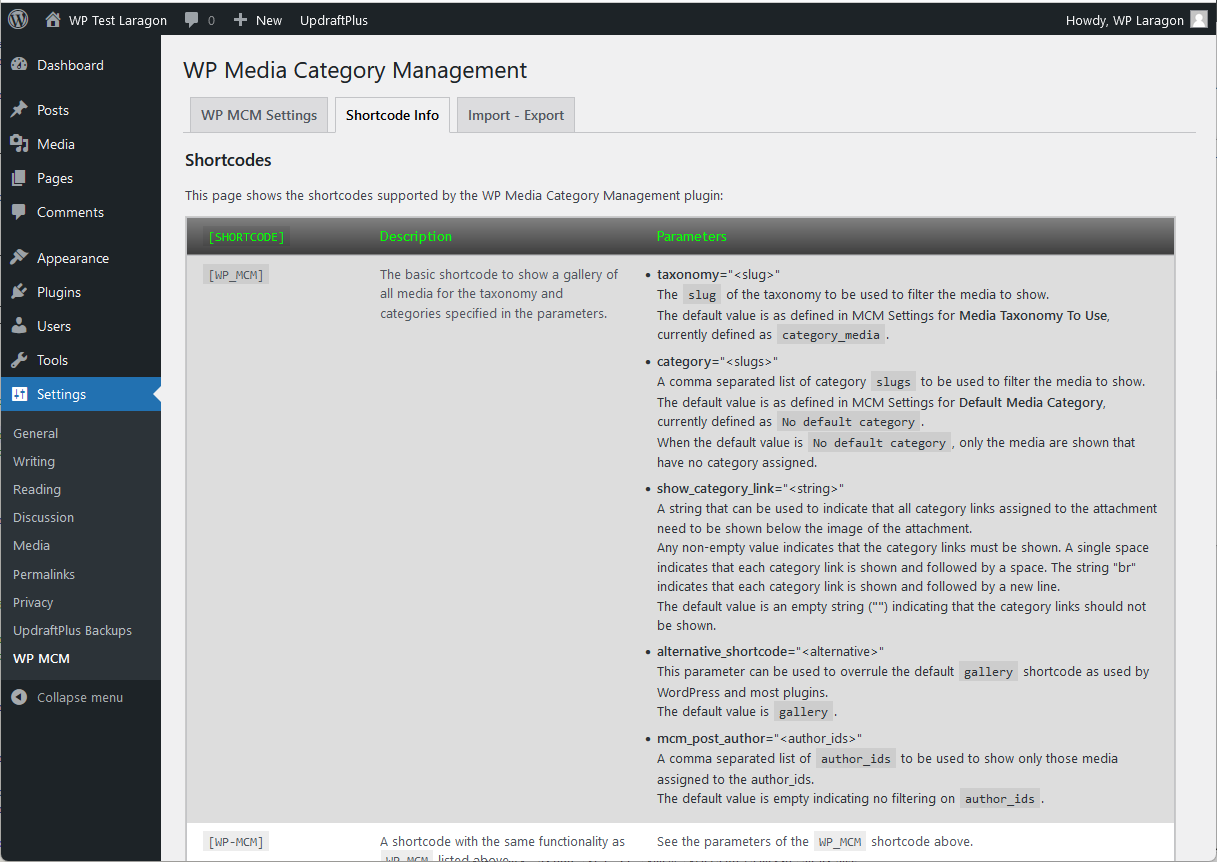
- Use new or existing shortcode to filter the media on galleries in posts and pages.
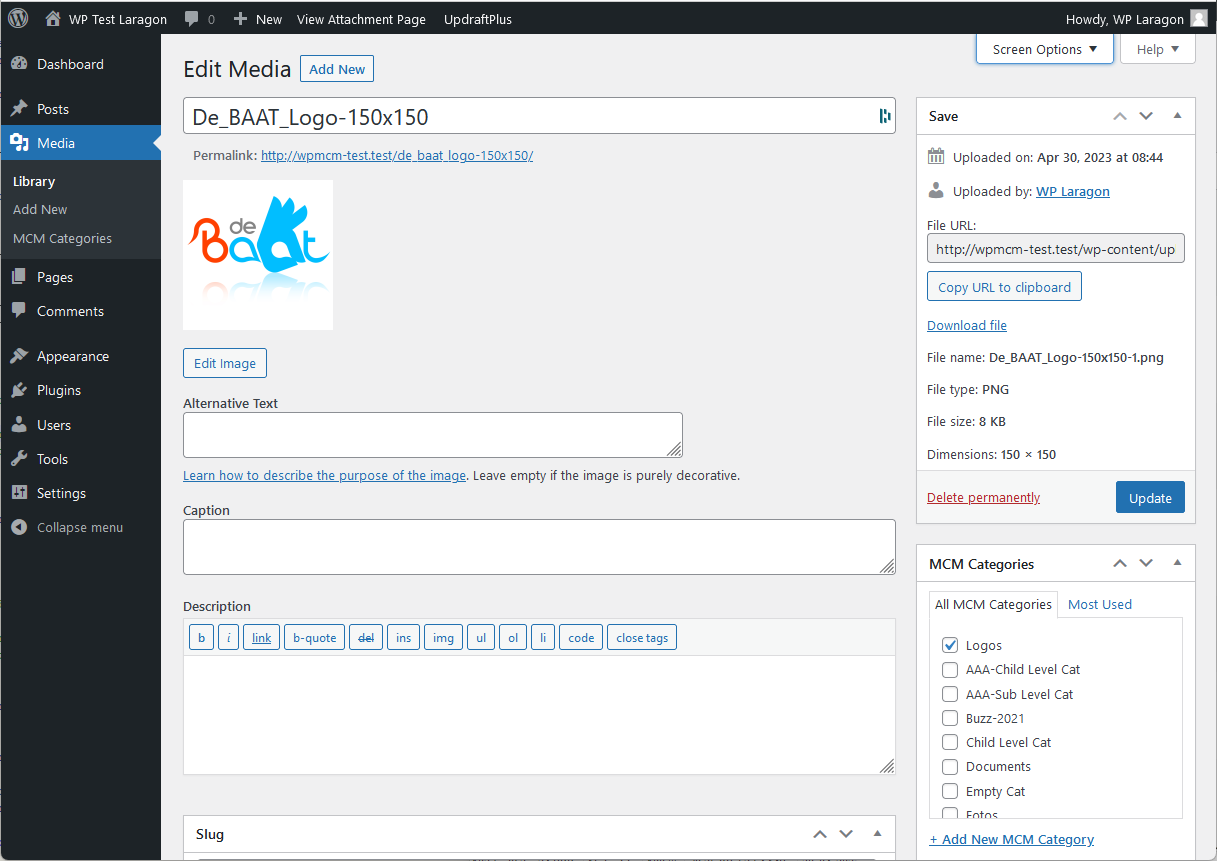
- Use a default category while uploading (see FAQ section).
Premium Features
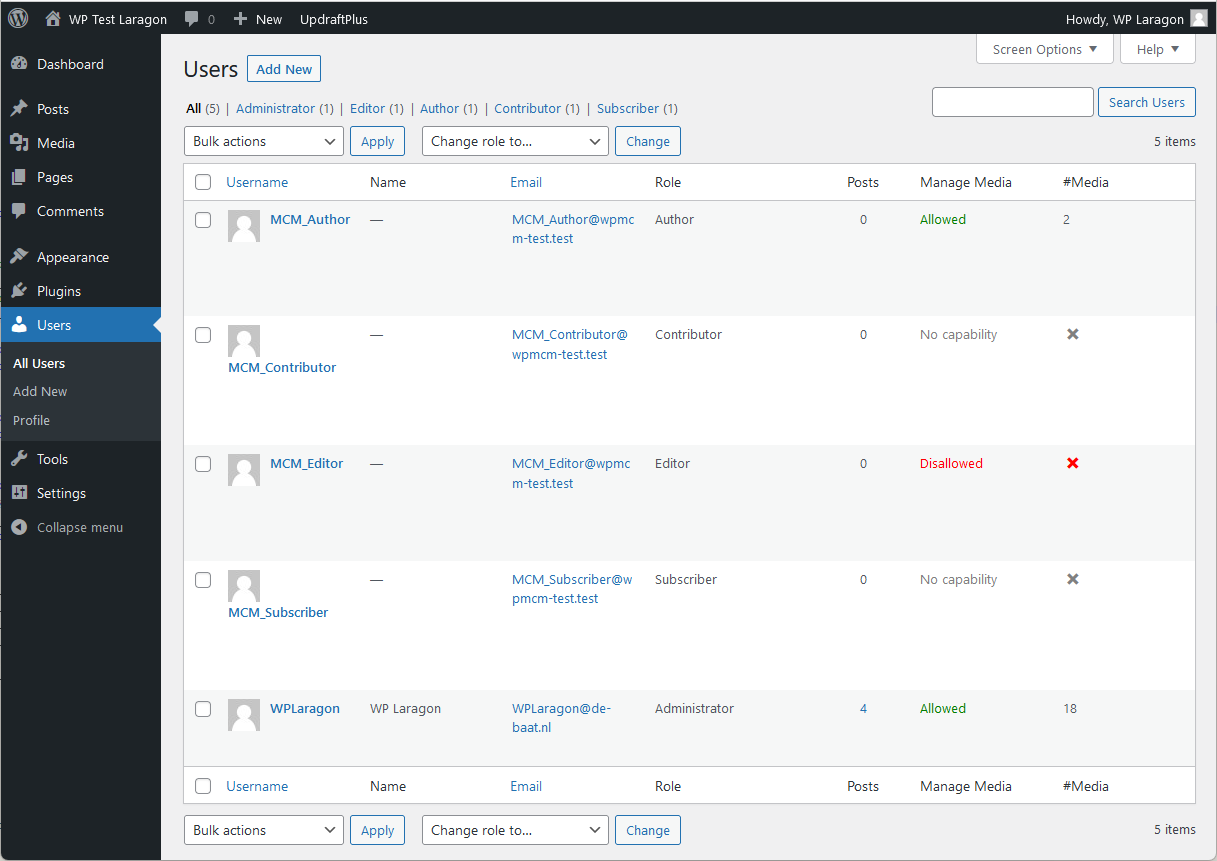
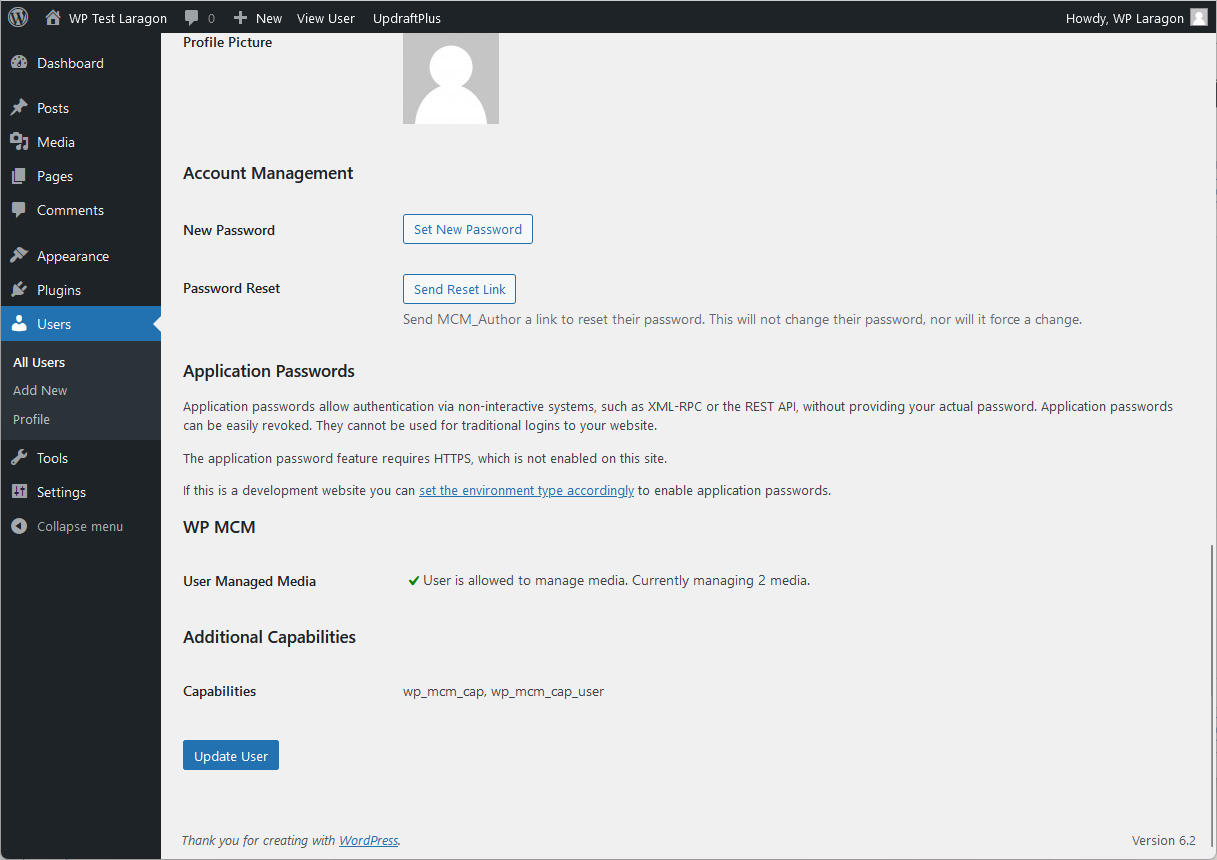
- Use functionality to manage whether users are allowed or disallowed to manage media.
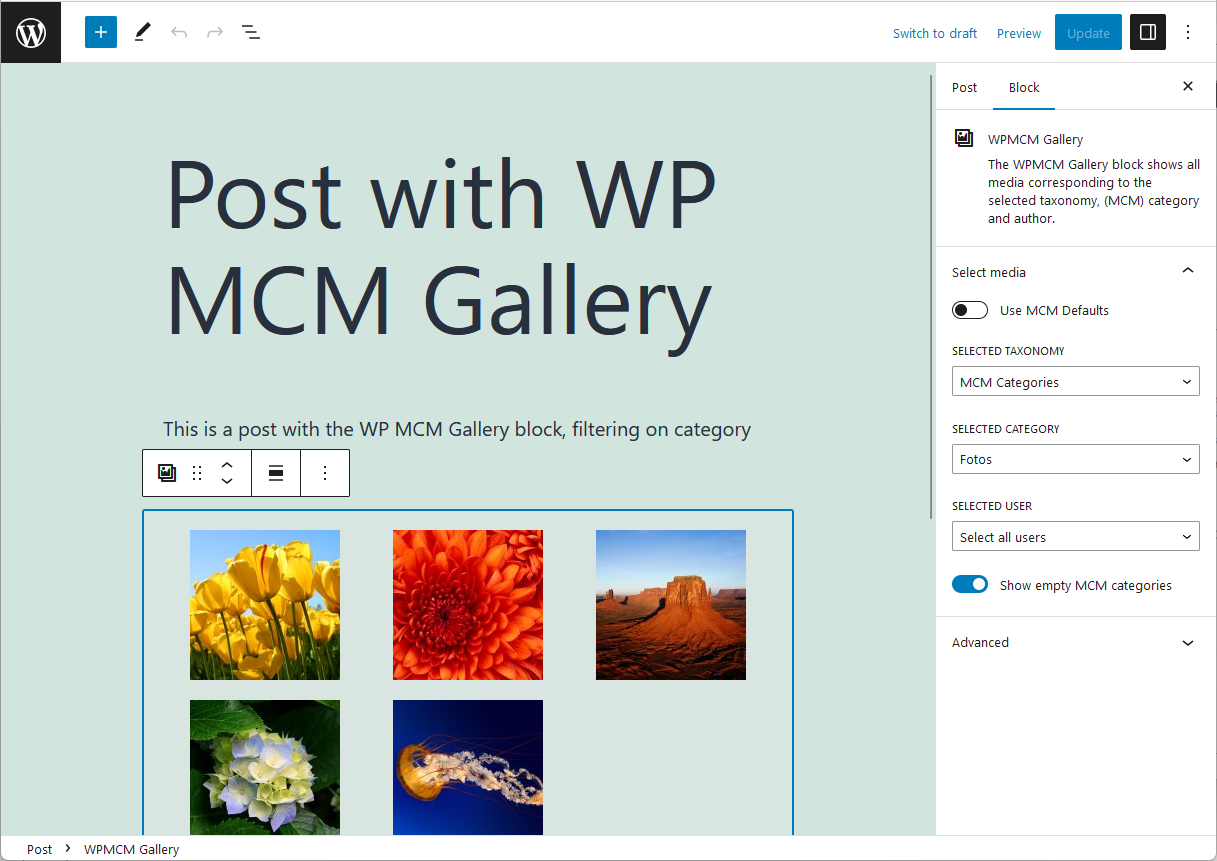
- Use WPMCM Gallery block to filter the media on galleries in posts and pages.
- Filter media per user on several places like List or Grid view and showing media with block or shortcode.
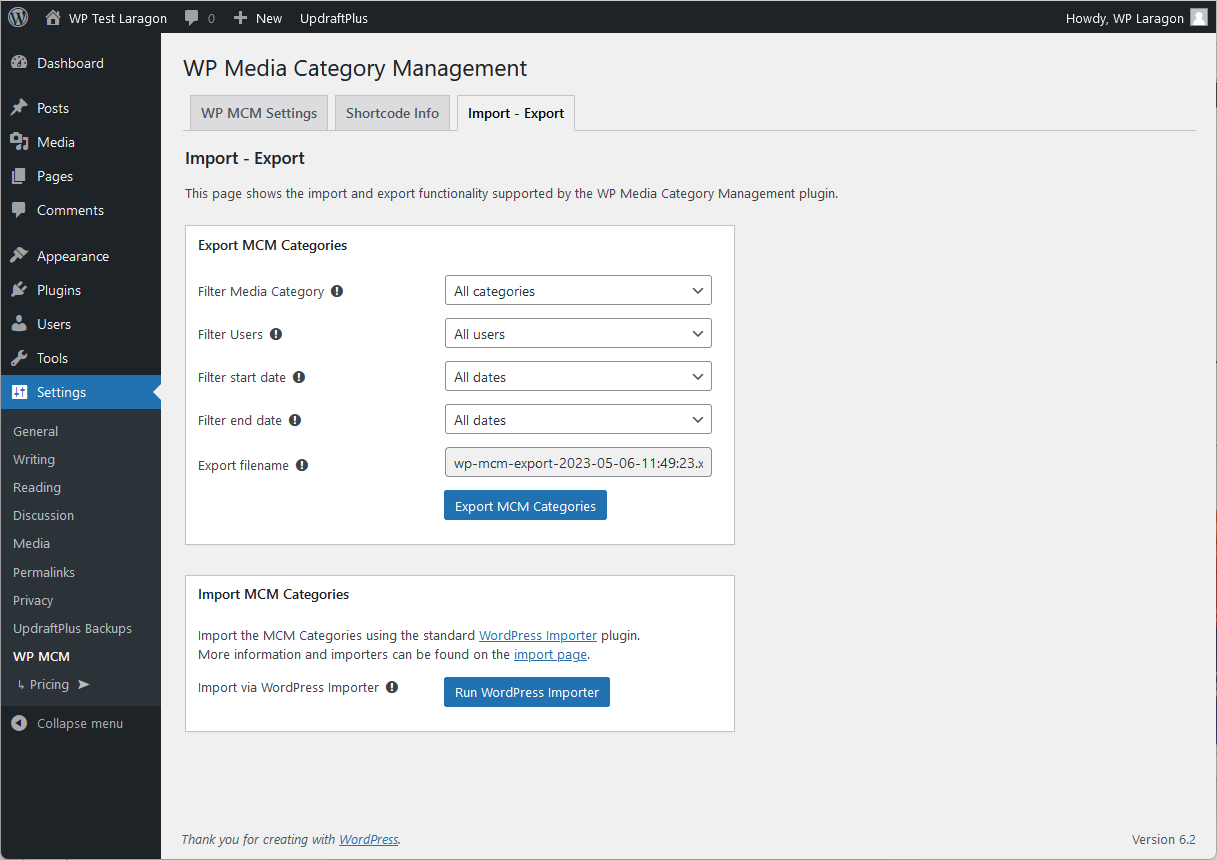
- Export MCM Categories and / or attachment information filtered by user.
- Use WP Importer functionality for exported information, even on sites without WP MCM Premium installed.
- Use WPMCM Gallery block layout when using wp-mcm shortcode to filter the media in posts and pages.
Screenshots









![👁 The post edit page showing an example using the [wp-mcm category="fotos"] shortcode.](https://ps.w.org/wp-media-category-management/assets/screenshot-9.png?rev=2908890)

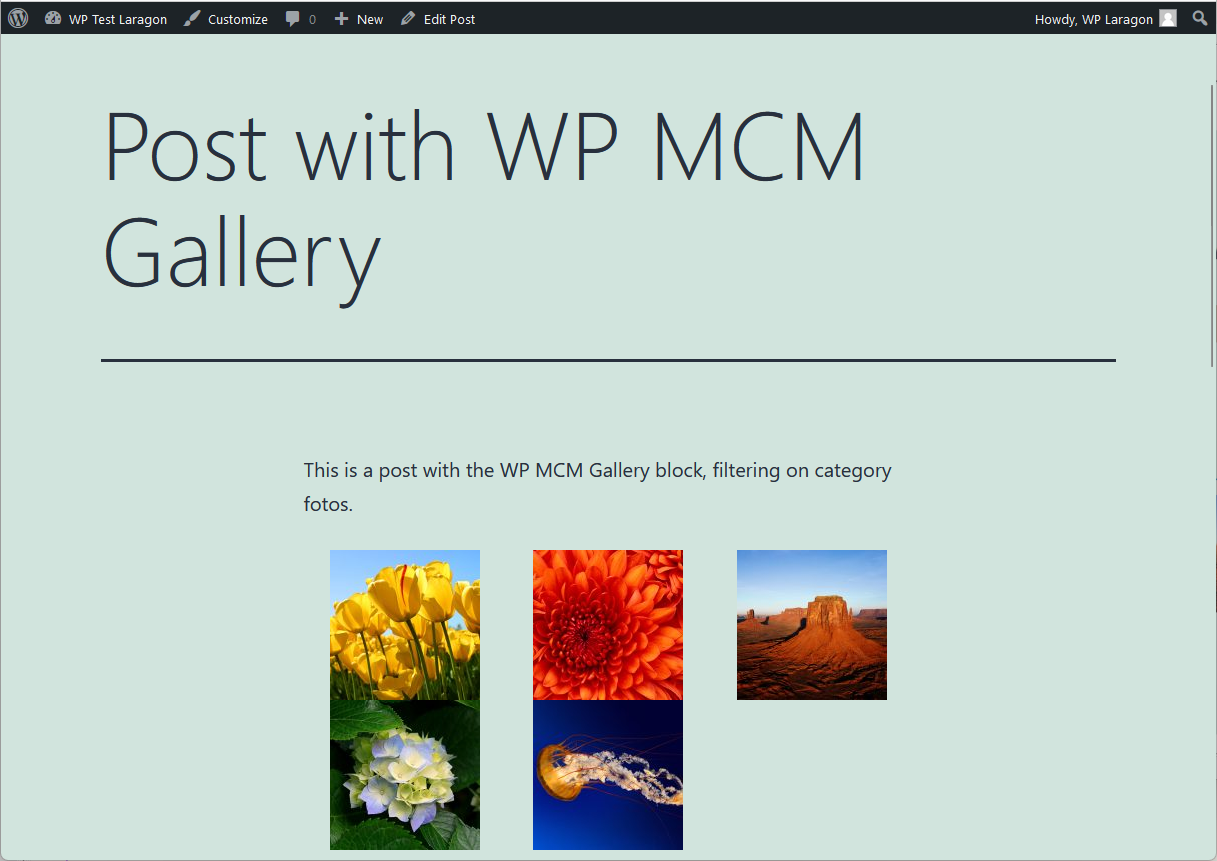
![👁 The post page showing the results of the example using the [wp-mcm category="fotos"] shortcode.](https://ps.w.org/wp-media-category-management/assets/screenshot-10.png?rev=2908890)





Installation
- Upload plugin folder to ‘/wp-content/plugins/’ directory
- Activate the plugin through ‘Plugins’ menu in WordPress admin
- Adjust plugin’s settings on WP MCM -> Settings
- Enjoy WordPress Media Category Management!
- Use shortcode
[wp_mcm taxonomy="<slug>" category="<slugs>"]in your posts or pages, see also WP MCM -> Shortcodes
FAQ
-
How do I use this plugin?
-
On the options page, define which taxonomy to use for media: either use the standard post taxonomy, a dedicated media taxonomy or a custom media taxonomy.
Define the categories to be used for media.
Toggle category assignments to media, either individually or in bulk.
Use category filter when adding media to posts or pages. -
How do I use this plugin to support the media taxonomy of another plugin?
-
There are a number of plugins available for managing media categories.
This plugin now supports the settings previously defined to support those media categories.Check out the MCM Settings page which shows an option “Media Taxonomy To Use”.
The dropdown list of this option shows a list of all taxonomies currently used by this WordPress installation.
The option “(P) Categories” is the taxonomy defined by default for posts.
The option “MCM Categories” is the taxonomy previously defined as “Media Categories” by version 1.1 and earlier of this plugin.
If there are other taxonomies currently assigned to attachments, the list shows the corresponding taxonomy slug prefixed with (*).
When such a taxonomy is selected to be used, the taxonomy will be registered anew with the indication “(*) Custom MCM Categories“.
As long as this taxonomy is selected, the functionality available for “MCM Categories” is now available for these “(*) Custom MCM Categories“, i.e. toggling and filtering.
The name shown for the “(*) Custom MCM Categories” can be changed using the option “Name for Custom MCM Taxonomy” on the MCM Settings page. -
How can I use the “Default Media Category”?
-
First enable the option “Use Default Category” on the MCM Settings page.
When enabled and a media attachment has no category defined yet, the value of “Default Media Category” will be assigned automatically when a media attachment is added or edited.
The default value is also used in the[wp_mcm]shortcode to automatically filter the attachments to be shown. -
Steps to assign a default category while uploading:
-
- Enable “Use default category” in Settings
- Define the default category to use
- Upload the media for this category
- Repeat from step 2 for other categories
-
How do I use the shortcode of this plugin?
-
Use the
[wp_mcm]shortcode. Various shortcode uses are explained in the WP MCM -> Shortcodes page.
Reviews
Contributors & Developers
“WP Media Category Management” is open source software. The following people have contributed to this plugin.
Contributors“WP Media Category Management” has been translated into 3 locales. Thank you to the translators for their contributions.
Translate “WP Media Category Management” into your language.
Interested in development?
Browse the code, check out the SVN repository, or subscribe to the development log by RSS.
Changelog
2.5.2
- Fixed issue when uploading and editing media
- Updated Freemius sdk to v2.13.2
2.5.1
- Tested for WP 7.0
- Updated Freemius sdk to v2.13.1
- Fixed some small security issues
- Started Folder Management
2.5.0
- Tested for WP 6.9
- Fixed some small security issues
- Moved Freemius sdk v2.13.0 to vendor folder
2.4.2
- Tested for WP 6.8.3
- Updated Freemius sdk to v2.13.0
2.4.1
- Fixed issue with notice handling
2.4.0
- Tested for WP 6.7.2
- Fixed issue with notice handling
- Fixed issue with handling nonces
- Updated Freemius sdk to v2.11.0
2.3.4
- Tested for WP 6.7.1
- Updated Freemius sdk to v2.10.1
2.3.3
- Tested for WP 6.6.1
2.3.2
- Fixed plugin failure
2.3.1
- Fixed plugin failure
- Removed option wp_mcm_use_gutenberg_filter
- Updated Freemius sdk to v2.7.2
- Tested for WP 6.5.3
2.3.0
- Fixed plugin checks
- Updated Freemius sdk to v2.7.0
- Tested for WP 6.5
2.2.1
- Fixed security vulnerability
- Updated Freemius sdk to v2.6.2
- Tested for WP 6.4.3
2.2
- Added option to manage wp_attachment_pages_enabled introduced in WP 6.4. (see: https://make.wordpress.org/core/2023/10/16/changes-to-attachment-pages/)
- Added filter for user when adding images
- Refactored handling actions
- Fixed starting page on activation
- Fixed toggle feature for Custom MCM Categories
- Fixed filter when adding media to a post
- Tested for WP 6.4.1
2.1.4
- Replaced strpos with str_contains or str_starts_with functionality
- Tested for WP 6.3.2
- Updated Freemius sdk to v2.5.12
2.1.3
- Fixed issue with searching for posts
- Updated Freemius sdk to v2.5.10
2.1.2
- Fixed issue with too wide fields in attachment details
- Fixed issue with undefined variable
- Updated Freemius sdk to v2.5.9
2.1.1
- Fixed issue when searching media on front page
- Improved language translation strings
2.1.0
- Fixed issue with wp_get_list_item_separator to support pre-6.0.0 WordPress versions
- Only flush rewrite rules when updating WP MCM Options
- Improved handling WP MCM Category archives
- Added new block WPMCM Categories to show a list of WP MCM Categories [Premium only]
- Added size and link to attributes to WPMCM Gallery block [Premium only]
- Added new template page to optionally use for WP MCM Category archive pages [Premium only]
- Updated Freemius sdk to v2.5.8
2.0.2
- Added remove_menu_page for Media Menu for preventing disallowed users to manage any media
- Fixed issue with error_log message showing when not appropriate
- Added some premium features to the details section above [Premium only]
2.0.1
- Fixed create roles for update
2.0.0
- Tested for WP 6.2.
- Refactored complete plugin base
- Reworked to support Freemius premium functionality
- Reworked debugMP functionality
1.9.9.1
- Tested for WP 6.1.
1.9.9
- Tested for WP 6.0.
- Reworked debugMP functionality
- Fixed handling wp_mcm_flush_rewrite_rules to take less performance
1.9.8(.1)
- Tested for WP 5.8.2.
- Fixed CSS bug preventing showing selector when inserting images
1.x.y
- Previous upates…
Meta
- Version 2.5.2
- Last updated 18 hours ago
- Active installations 6,000+
- WordPress version 6.9 or higher
- Tested up to 7.0
- Languages
- Tags
- Advanced View