VOOZH about

URL: https://www.apideck.com/blog/how-to-get-your-groq-api-key

⇱ How to get your Groq API Key


How to get your Groq API Key

Learn how to quickly set up and secure your Groq API key to access some of the fastest language models available. This guide walks you through creating an account, generating your key, storing it safely with environment variables, and managing team access.

Saurabh Rai Β· Developer Relations Engineer, Apideck

Β·2 min readΒ·View as .md

On this page

Ready to get started?

Not sure how Apideck can help you scale your business?

Groq is an AI inference platform known for extremely fast response times. Their LPU (Language Processing Unit) architecture delivers speeds significantly faster than traditional GPU-based solutions, making Groq popular for real-time applications, chatbots, and high-throughput use cases. They offer access to models like Llama, Mixtral, and Gemma through a simple API.

Groq’s API gives you access to some of the fastest language models available. Obtaining an API key typically takes around 2 minutes.

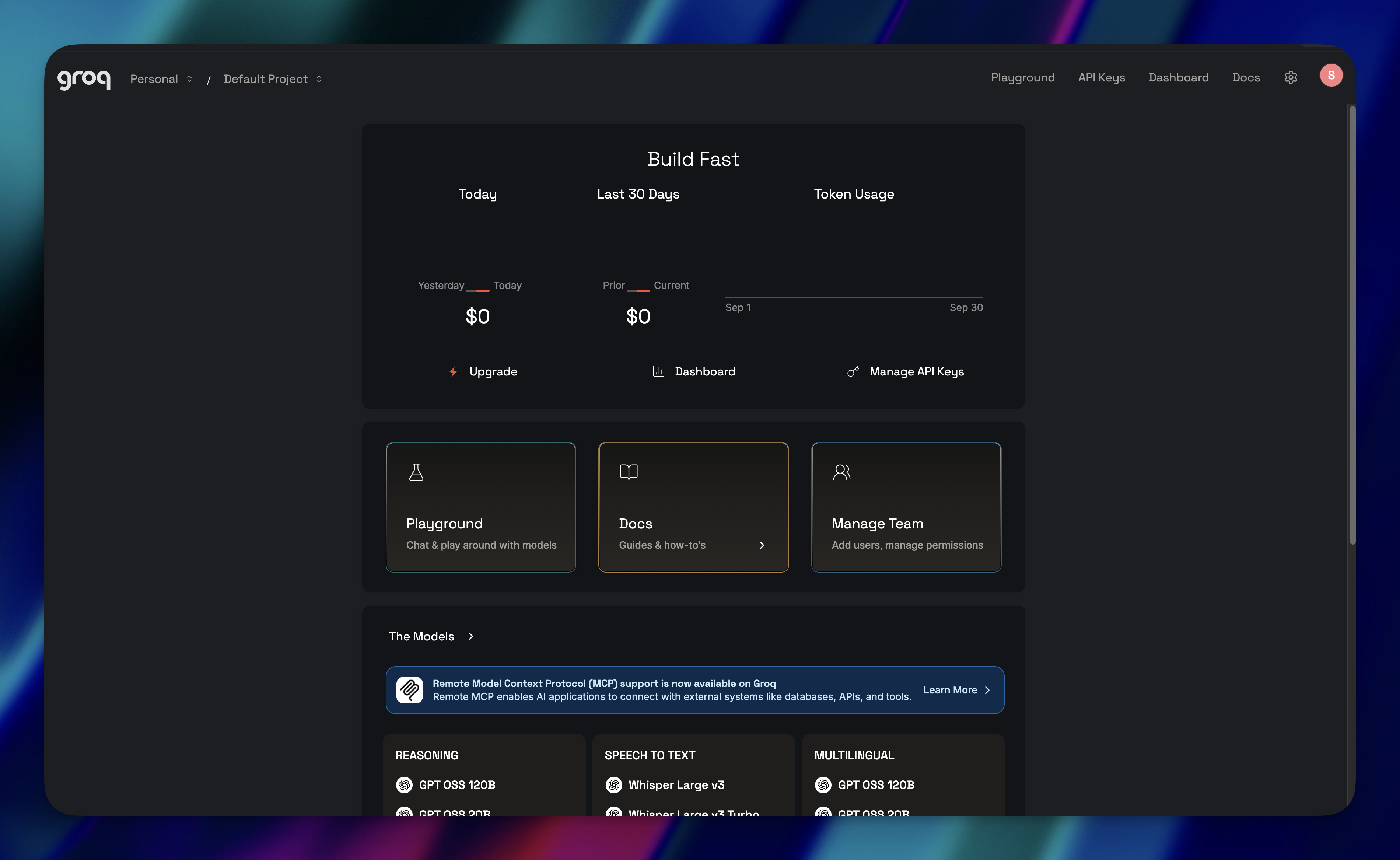
Step 1: Create Your Account

πŸ‘ How to get your Groq API Key 1

Go to console.groq.com and sign up. You’ll need to verify your email before you can access the console.

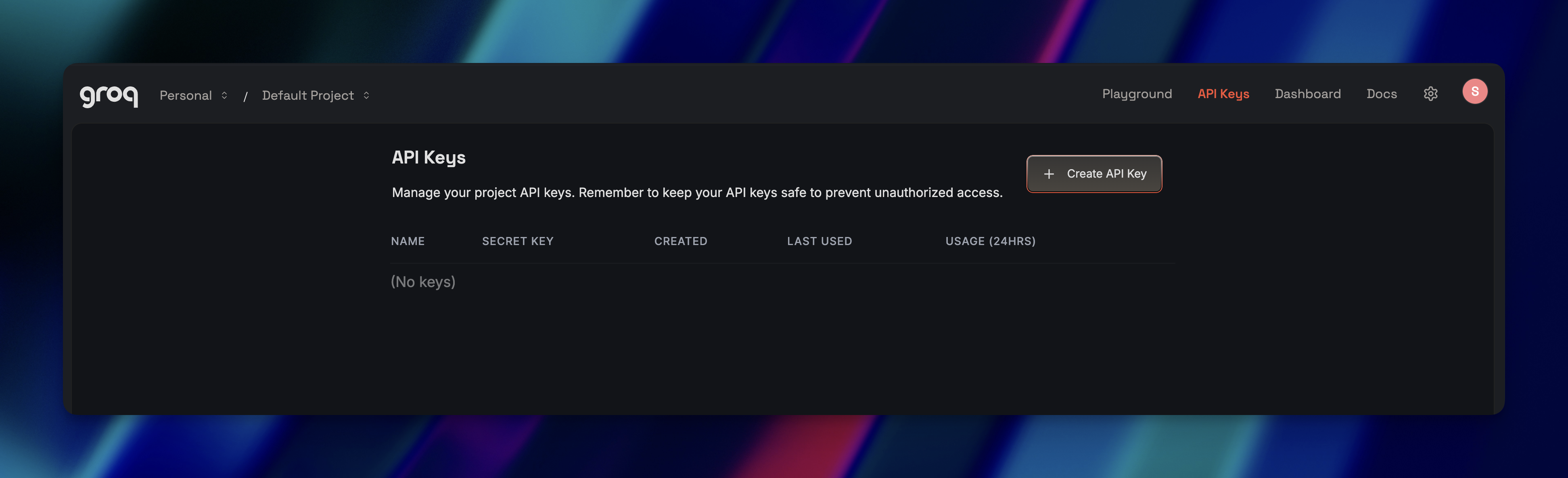
Step 2: Generate an API Key

πŸ‘ How to get your Groq API Key 2

Once you’re in:

  1. Navigate to console.groq.com/keys
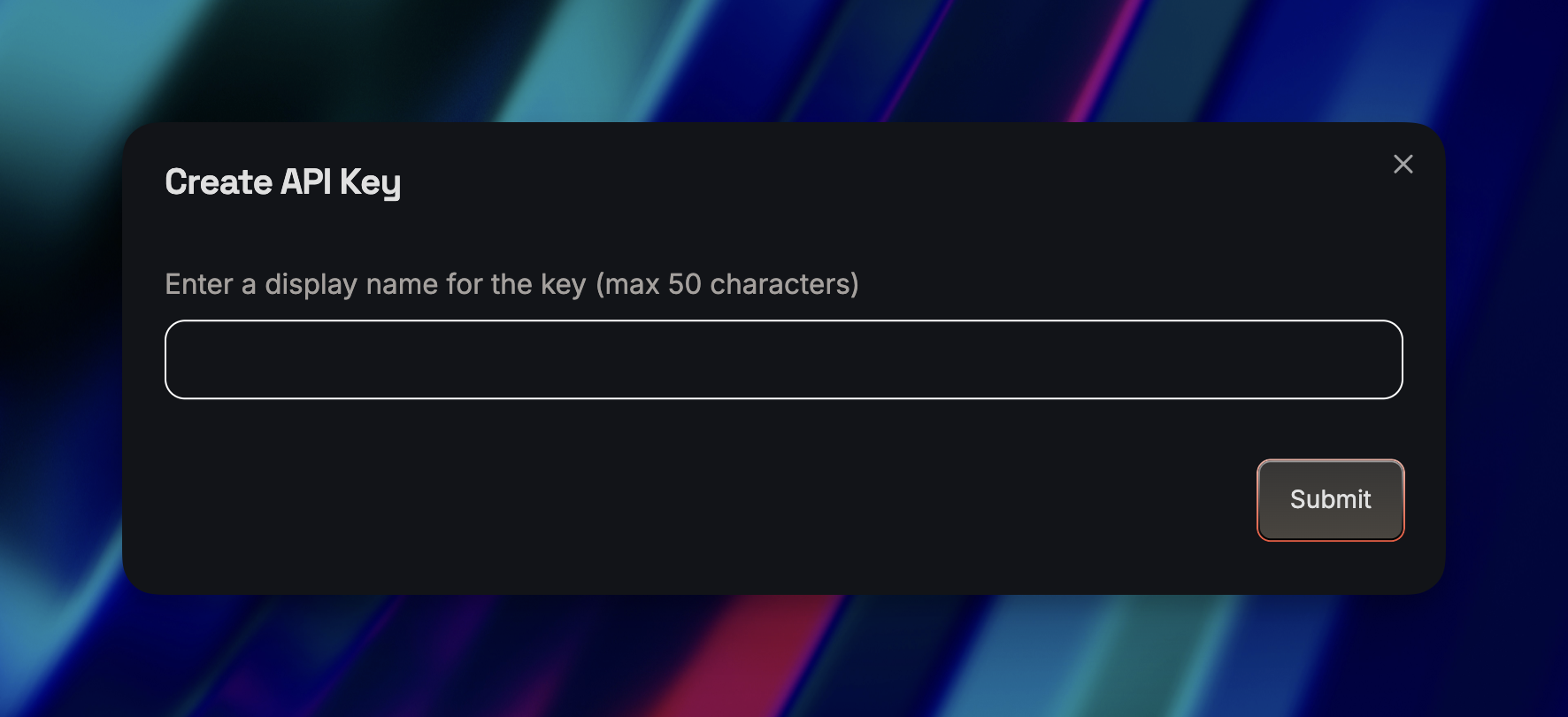
  2. Click β€œCreate API Key”
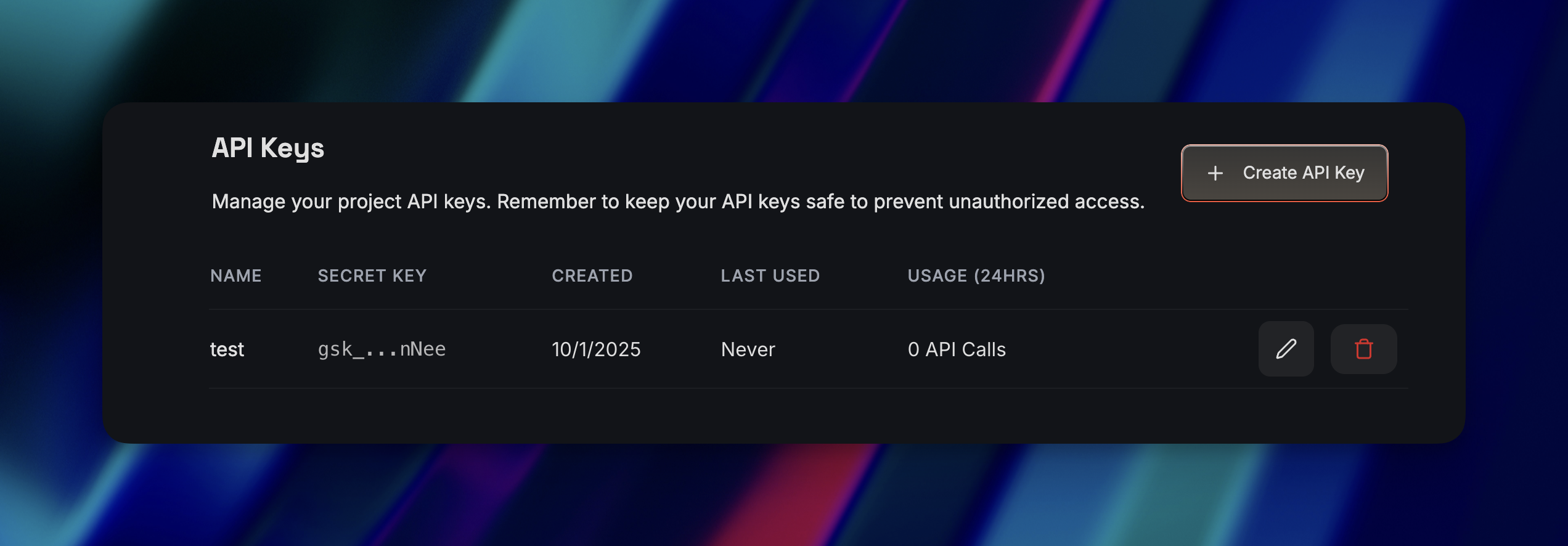
  3. Copy the key immediately β€” Groq only shows it once

πŸ‘ How to get your Groq API Key 3

Lost your key? You can’t recover it. You’ll need to generate a new one and update everywhere you used the old key.

Step 3: Store Your Key Securely

πŸ‘ How to get your Groq API Key 4

Don’t hardcode your API key in your application. Use environment variables instead. For terminal/command line:


bash
export GROQ_API_KEY=your-api-key-here

For applications (.env file):


GROQ_API_KEY=your-api-key-here

Add .env to your .gitignore so you don’t accidentally push your key to GitHub.

Team Access Note

Only team owners and users with the developer role can create or manage API keys. Keys belong to the organization, not individual users.

Ready to get started?

Scale your integration strategy and deliver the integrations your customers need in record time.

Ready to get started?
Talk to an expert
Apideck Blog

Continue reading

AIGuides & Tutorials

How to Get Your OpenRouter API Key

This guide walks you through how to get your OpenRouter API key in just a few minutes. You’ll learn how to create an account, add credits, generate your key, store it securely, and also how to run a quick test to confirm everything is working.

Saurabh Rai

Β·2 min read
AIGuides & Tutorials

How to Get Your Gemini API Key

This guide walks you through everything from creating your API key in AI Studio to testing your first request, setting up restrictions, and preparing for production on Google Cloud. A clear, practical walkthrough for developers who want to get started fast and securely.

Kateryna Poryvay

Β·11 min read
AIGuides & Tutorials

How to Get Your Perplexity API Key

This guide walks you through how to get your Perplexity API key and start building with it. From there, it explains the must-know compliance rules and best practices, like showing citations, respecting source policies, handling rate limits, and caching responses, so you can use the API securely and effectively.

Kateryna Poryvay

Β·11 min read