👁 How to Get Your OpenRouter API Key 1
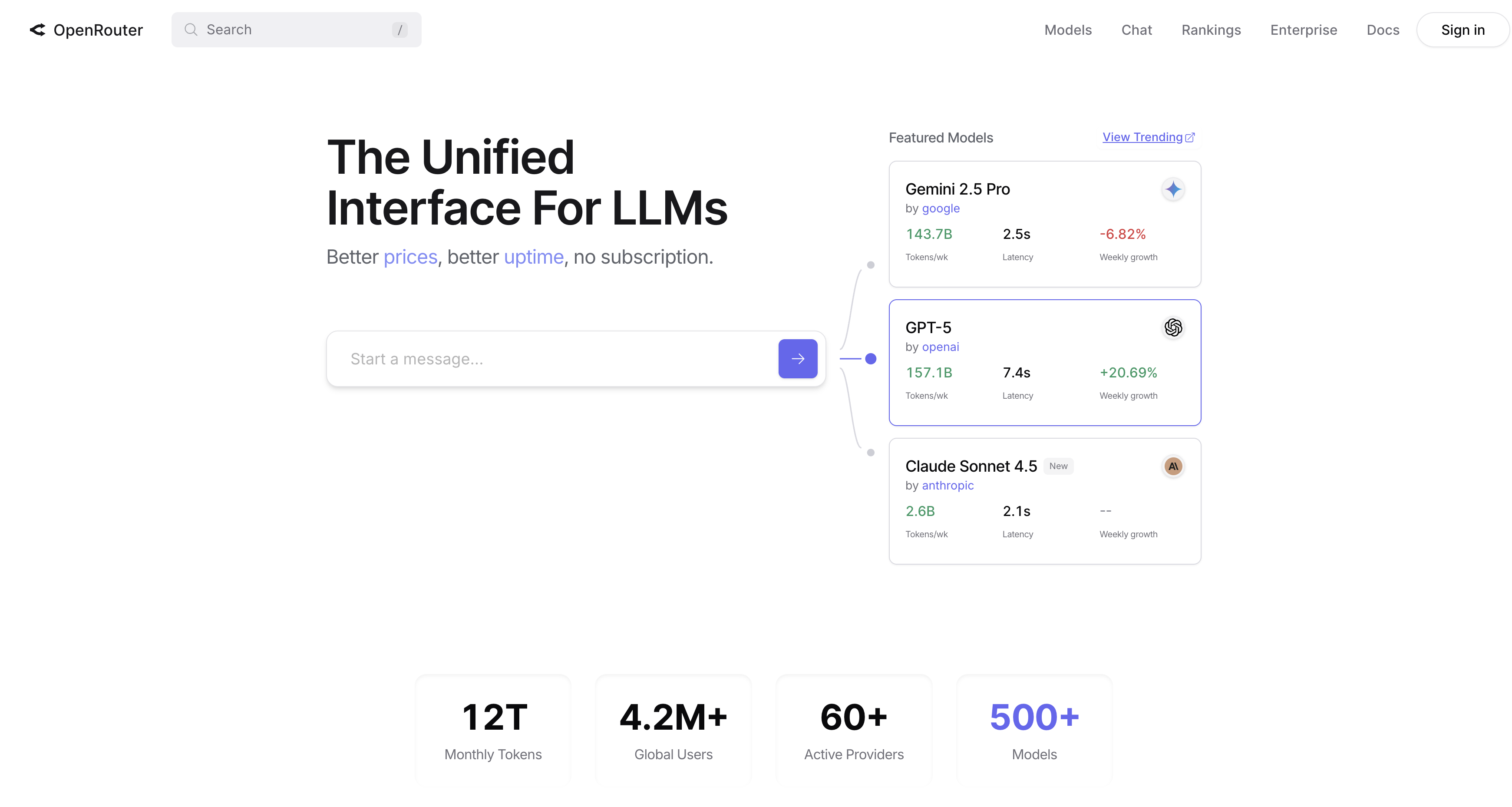
OpenRouter is an API gateway that gives you access to multiple AI models (OpenAI, Anthropic, Google, Meta, and more) through a single API. Instead of managing separate API keys for each provider, you pay OpenRouter and route requests to whichever model you need. It’s popular for developers who want model flexibility without maintaining multiple integrations.
Getting an API key takes about 2 minutes.
Step 1: Create Your Account
Go to openrouter.ai and sign up. You can use Google, GitHub, or email authentication.
Step 2: Add Credits
OpenRouter uses a prepaid credit system. Go to the Credits page and add funds to your account. Minimum is usually $5. You’ll need credits before you can use the API.
Step 3: Generate an API Key
👁 How to Get Your OpenRouter API Key 2
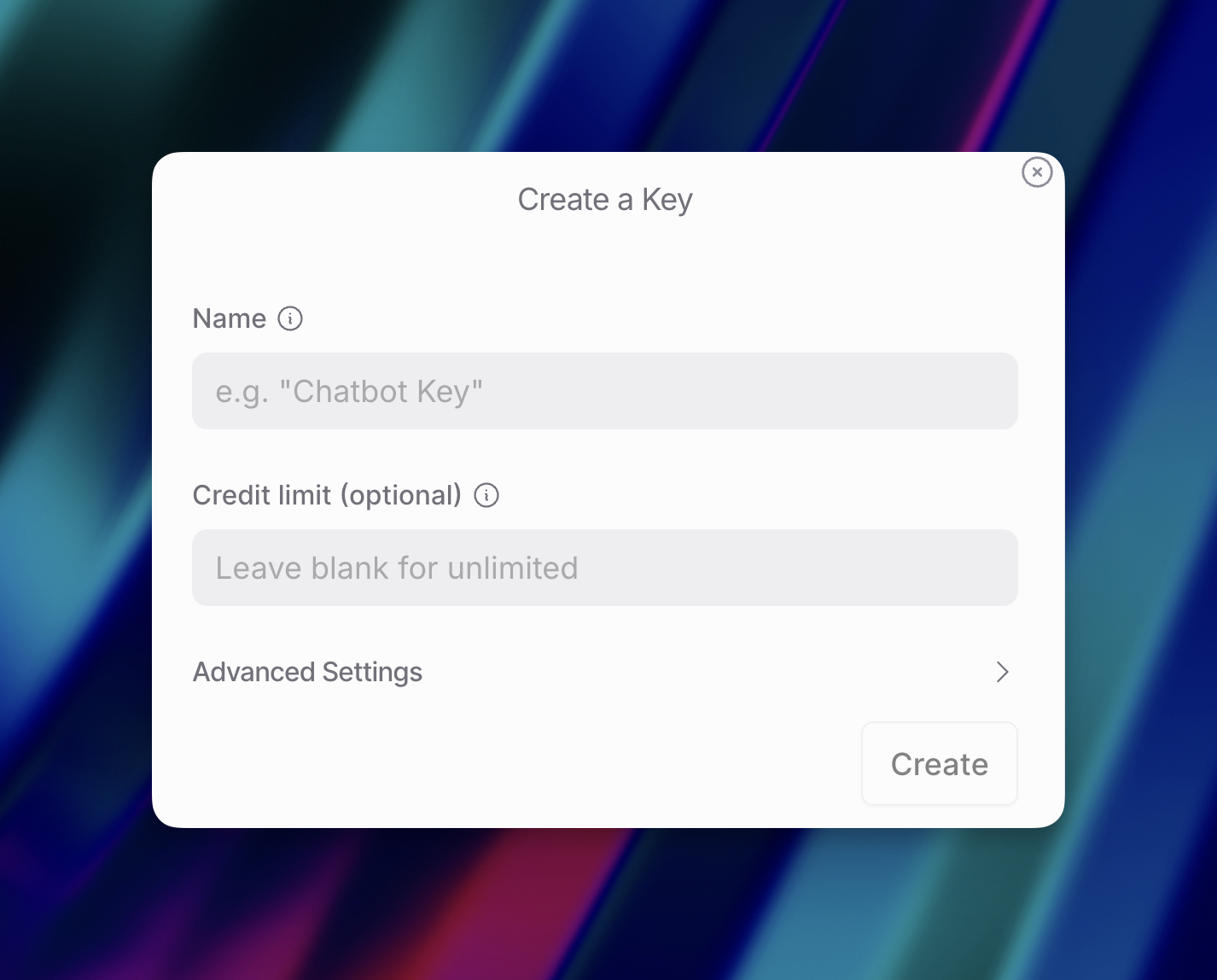
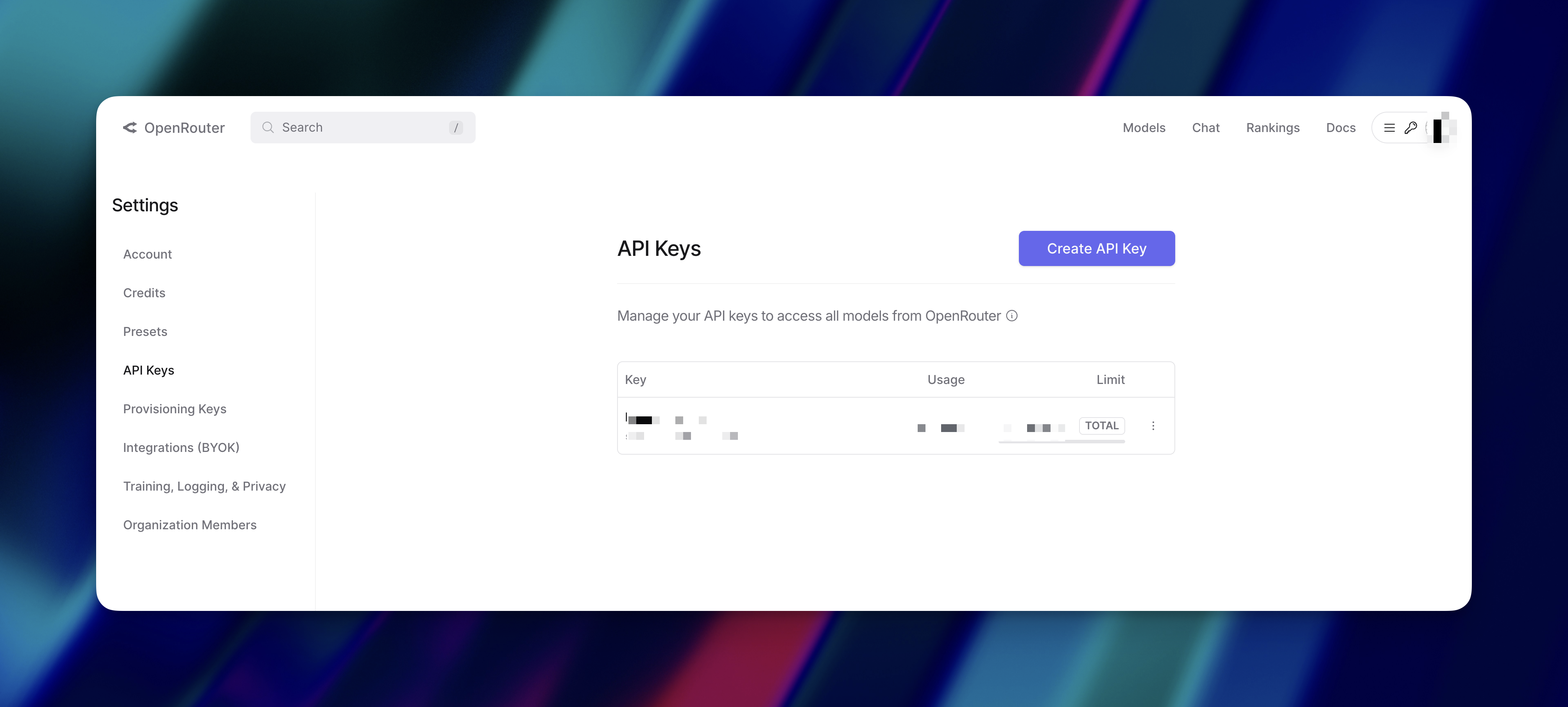
- Navigate to openrouter.ai/keys
- Click “Create Key”
- Give it a name (optional, but useful if you create multiple keys)
- Copy the key immediately — you won’t see it again
Step 4: Store Your Key Securely
👁 How to Get Your OpenRouter API Key 3
Use environment variables, not hardcoded keys. For terminal/command line:
bash
export OPENROUTER_API_KEY=your-api-key-here
For applications (.env file):
OPENROUTER_API_KEY=your-api-key-here
Add .env to .gitignore.
Quick Test
OpenRouter uses OpenAI-compatible endpoints, so you can test with:
bash
curl https://openrouter.ai/api/v1/chat/completions \
 -H "Authorization: Bearer $OPENROUTER_API_KEY" \
 -H "Content-Type: application/json" \
 -d '{
 "model": "meta-llama/llama-3.1-8b-instruct:free",
 "messages": [{"role": "user", "content": "Hello"}]
 }'
Ready to get started?
Scale your integration strategy and deliver the integrations your customers need in record time.