AI copilot: What it is, top use cases, and examples in 2025

Last edited August 12, 2025

It feels like the term "AI copilot" has popped up everywhere overnight. Not long ago, it was a term you'd mostly hear from developers. Now, it's a headline feature in huge platforms from Microsoft to Salesforce.
With all this buzz, it’s understandable that things can get confusing. Many people are still trying to figure out what an AI copilot is, how it’s different from a regular chatbot, and which kind might be right for their teams. These are fair questions, especially when you want to avoid adding another tool to the pile that doesn't quite live up to its promise.
This guide will clear things up. We'll explain what an AI copilot is, break down the two main types you'll encounter, look at some practical use cases, and give you a straightforward way to choose a solution that actually works for your business without making you switch from the tools you already use.
What is an AI copilot, really?
The airplane copilot analogy is a good place to start because it’s surprisingly accurate. An AI copilot is an assistant that helps the captain (that's you) navigate, manage systems, and handle tasks more efficiently. It’s not a full autopilot that takes over completely; it's more like a partner that enhances your own skills.
Under the hood, AI copilots run on [Large Language Models (LLMs) and Natural Language Processing (NLP), which lets them understand and generate text that sounds human. But their real strength isn't just the language model. It comes from how deeply they connect with your apps and, most importantly, your data. That connection is what makes them so useful and creates a clear difference between the types available.
This brings us to the two main categories of copilots:
- General-purpose copilots: These are broad assistants built for individual productivity tasks.
- Specialized, workflow-integrated copilots: These are task-specific assistants that live right inside the tools your teams use daily, like helpdesks and chat platforms. This is where businesses tend to see the biggest return.
The two main types of AI copilot you need to know
Getting this distinction right is important because choosing the wrong one can be the difference between a tool that really helps your team and one that just spits out generic answers no one uses.
General-purpose AI copilots
You're probably familiar with these AI assistants, which are designed for broad, individual tasks. Think of Microsoft Copilot appearing in Windows or next to Bing search results. They’re handy for summarizing a web page, drafting a casual email, or brainstorming blog post ideas.
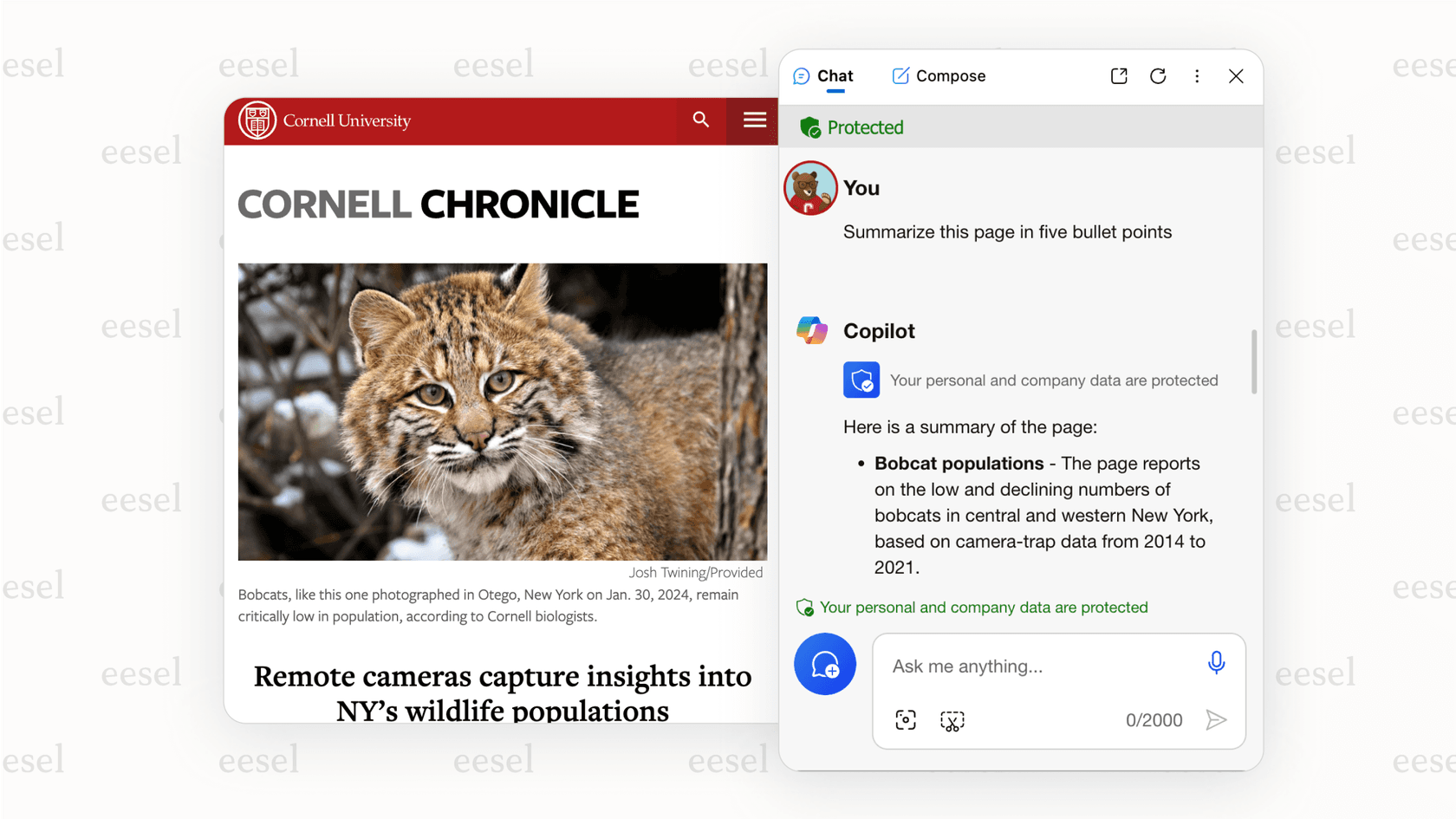
For business use, however, they have some real limitations. They don't have access to the specific data inside your business tools, like support ticket histories in Zendesk or project details in Confluence. Because they aren't trained on your company's private knowledge, their answers often don't fit your brand's tone or internal processes. This can force you to jump between different apps to get work done, which interrupts your flow instead of improving it.
Specialized, workflow-integrated AI copilots
This is where copilots become particularly useful for businesses. These AI assistants are built to do specific jobs directly within the software your teams already depend on. Good examples are GitHub Copilot for writing code or specialized AI tools for customer support.
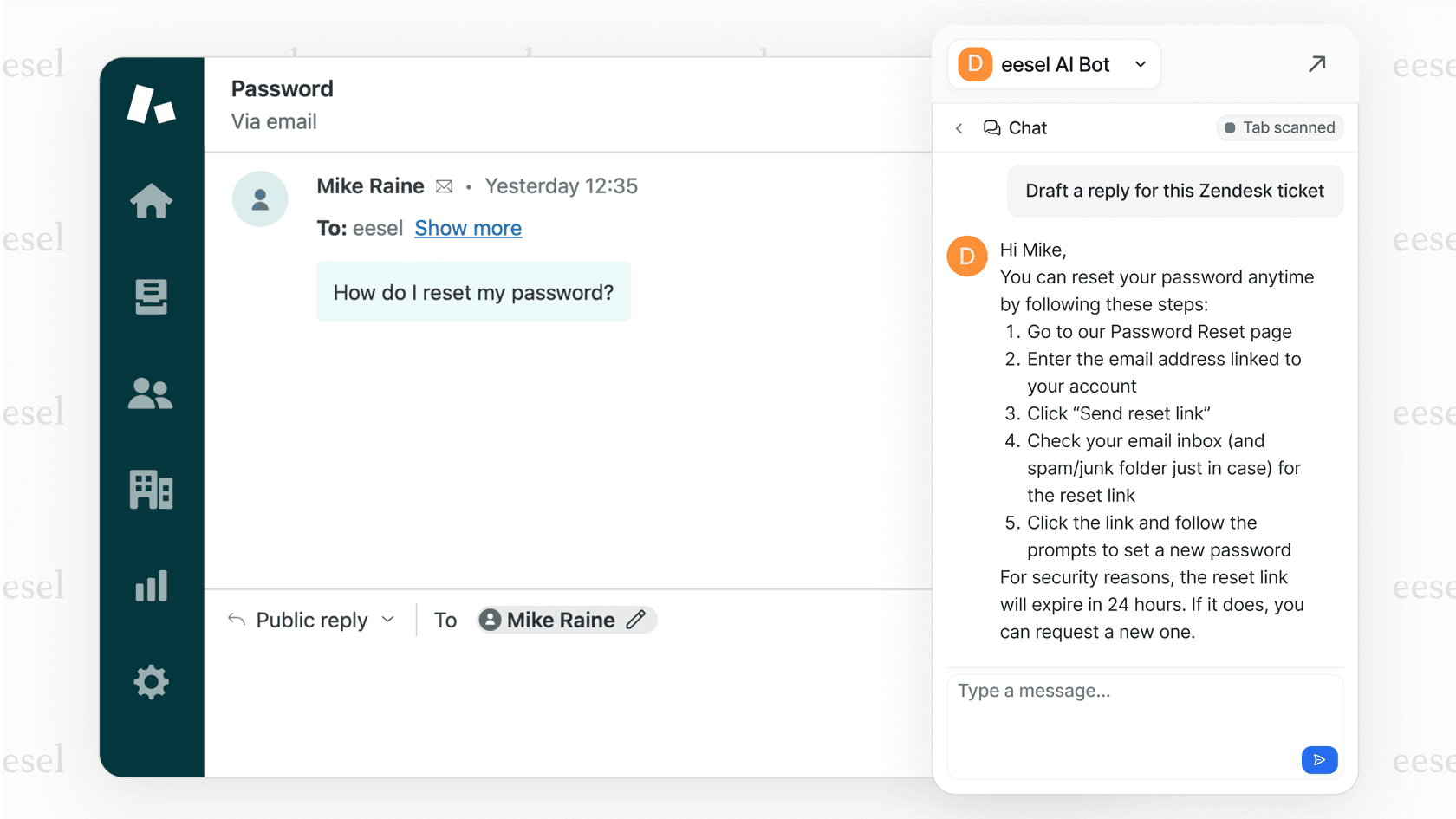
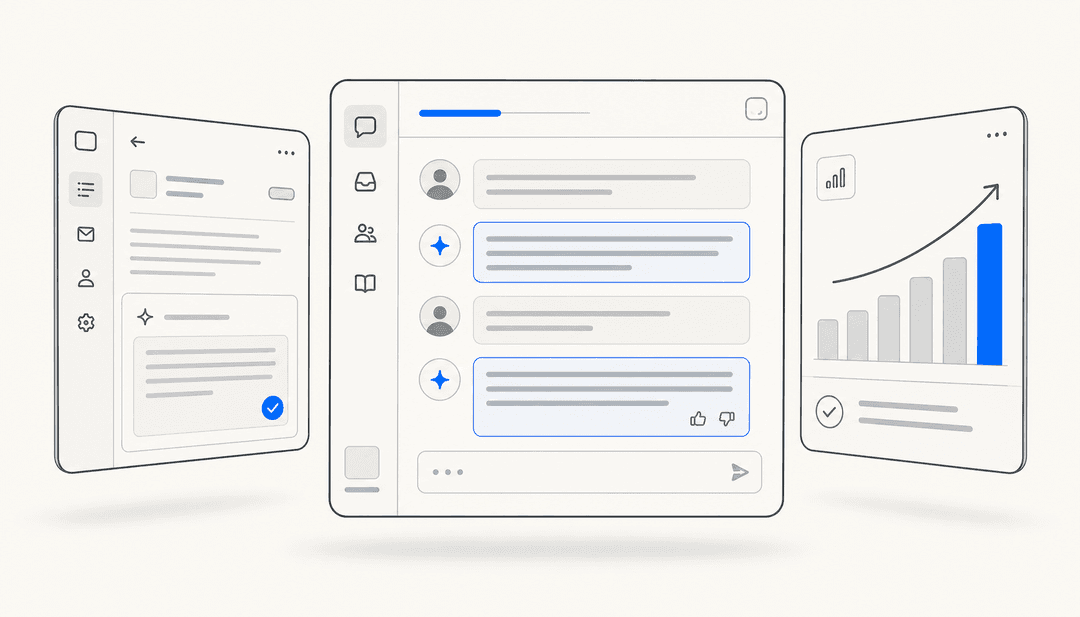
Their main advantage is that they work right where the work is happening. Instead of making you switch between platforms, the best solutions act as a flexible layer over your existing tech stack. This "layered" approach is what platforms like eesel AI are all about. It connects to your current helpdesk, knowledge bases, and chat tools like Slack or Microsoft Teams, without requiring a difficult and expensive move to a new system. It learns from your actual content past conversations, internal documents, and help articles to give help that is genuinely useful.
| Feature | General-Purpose Copilot (e.g., Microsoft Copilot) | Specialized Copilot (e.g., eesel AI) |
|---|---|---|
| Primary Use Case | Individual Productivity | Team/Workflow Automation |
| Training Data | Public Web Data | Your Private Business Data (Past Tickets, Docs, etc.) |
| Integration | App-level (separate window) | Workflow-level (embedded in your tools) |
| Typical Outcome | Generic Content | Contextual, Actionable Replies |
Top AI copilot use cases for modern business teams
The value of an AI copilot isn't about the technology itself, but how it smooths out real-world work and makes your team's day a bit easier. Here are some of the most common ways we see it being used across departments.
AI copilot for customer support and service desk teams
- Drafting contextual replies: Imagine instantly generating an accurate, on-brand response based on thousands of past tickets and help center articles. This is a big deal for speed and consistency. Reports indicate, for instance, that agents using a native copilot can close 31% more conversations daily. The good news is you don't need a whole new platform to get these kinds of results.
- Automating ticket triage: A smart copilot can read, understand, tag, and route incoming tickets based on their content. This makes sure requests get to the right person or department without someone having to do it manually.
- Summarizing long conversations: When a ticket gets passed to another agent, they shouldn't have to spend 15 minutes reading the entire chat history. A copilot can give them a quick summary of the issue, what’s already been tried, and how the customer is feeling.
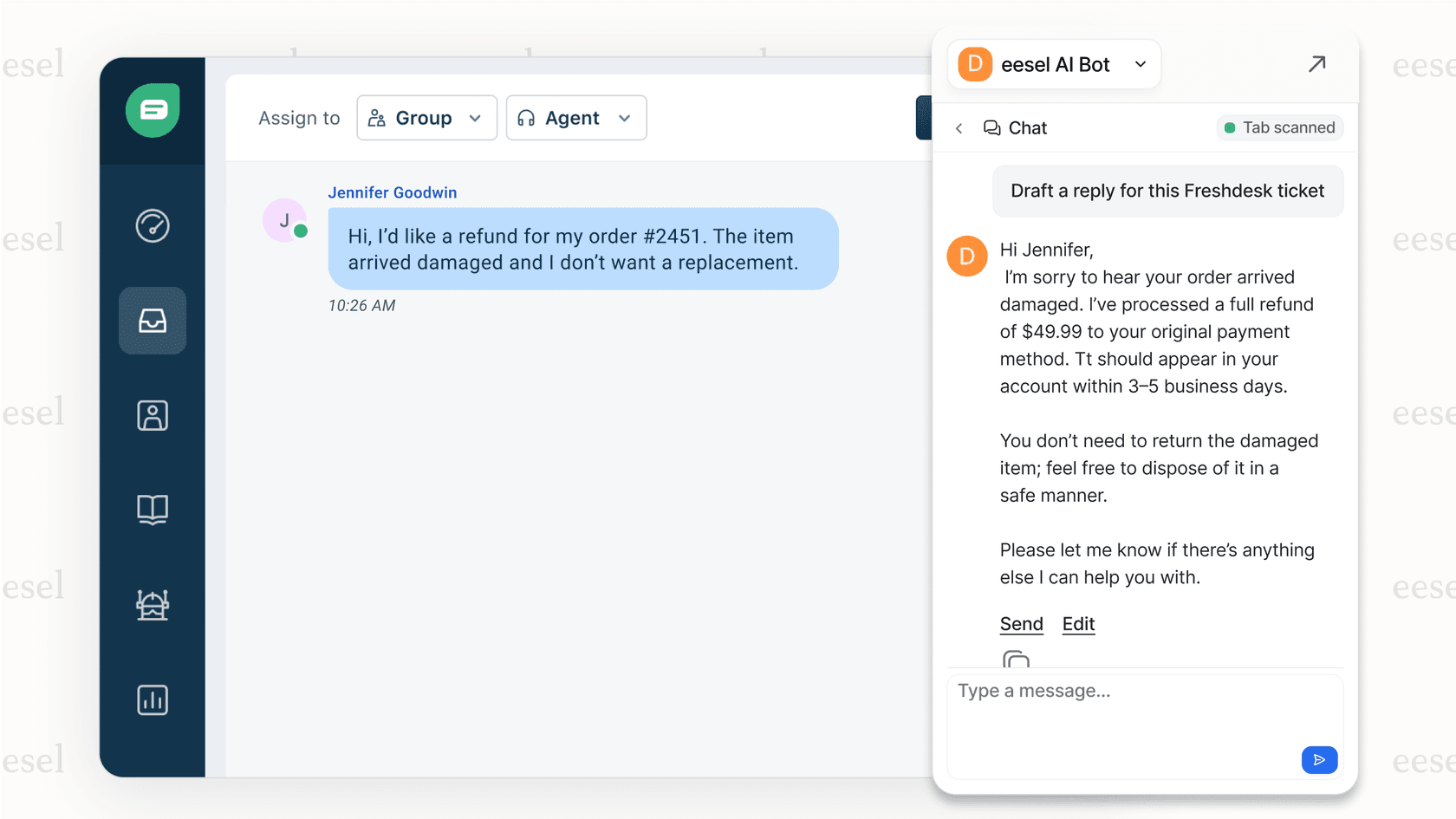
This is an area where eesel's AI Copilot is especially helpful. Because it trains on your team's actual conversation history from your existing helpdesk, the replies it drafts match your brand’s voice and tone. When you add in AI Triage, you get a smooth way to help agents that takes care of the tedious work so they can focus on the customer.
An AI copilot for IT and internal support (ITSM)
- Answering employee questions in chat: You can free up your IT and HR teams by giving instant, correct answers to common questions right in Slack or Microsoft Teams. No more answering the same questions about VPN setup or benefits enrollment over and over.
- Guiding users through troubleshooting: A copilot can walk employees through common steps like a password reset or software installation, cutting down on the simple tickets that fill up the queue.
- Creating and updating tickets: An assistant can turn a chat conversation into a formal ticket in your ITSM tool, like Jira Service Management, and automatically fill in all the necessary details.
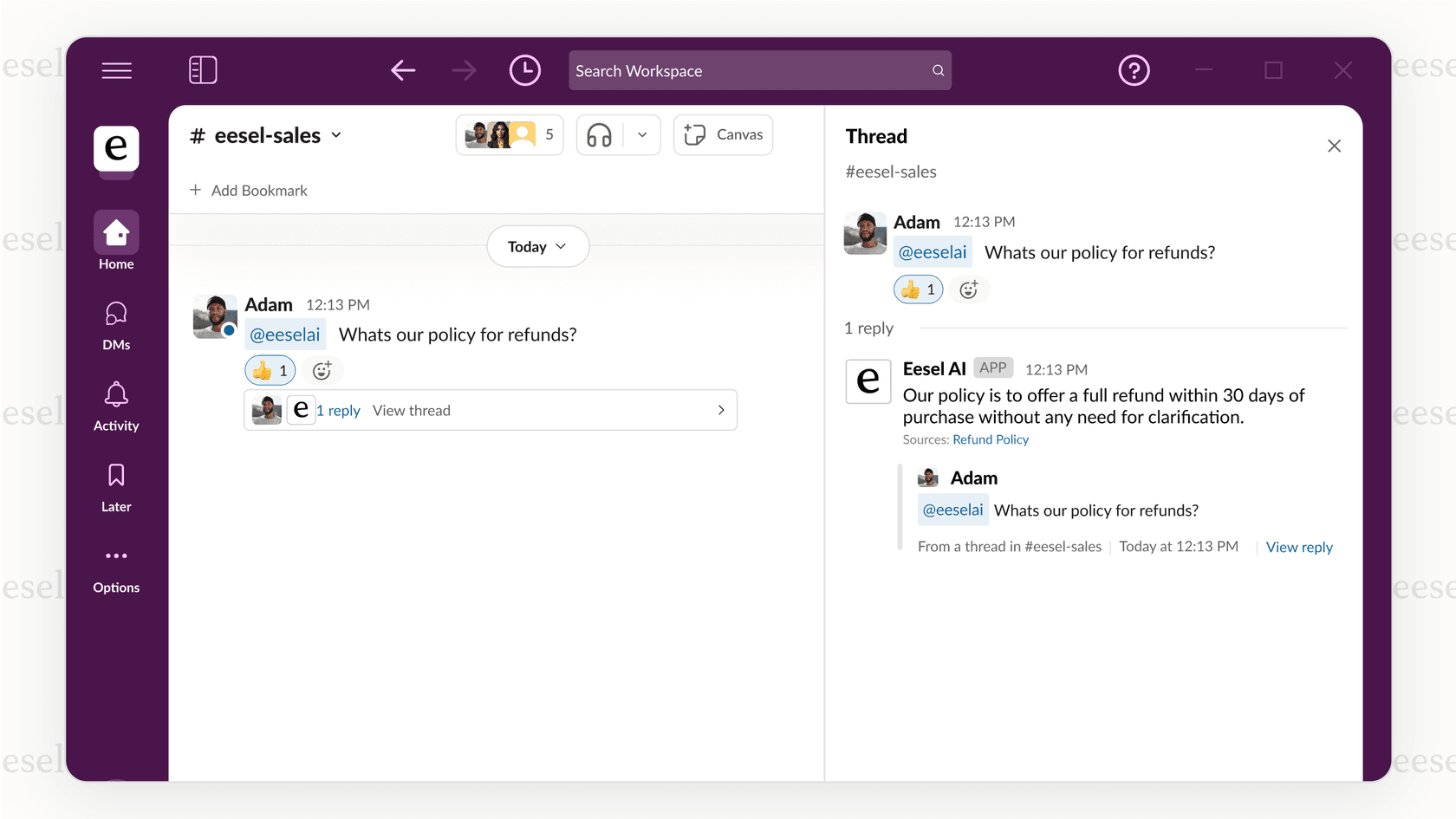
With a tool like eesel AI for ITSM, you can even set up separate, scoped bots for different departments (like IT, HR, and Finance) from one place. This keeps knowledge separate and secure, so the IT bot only answers IT questions using IT documents.
How to choose and implement the right AI copilot
Picking an AI copilot is less about ticking boxes on a feature list and more about finding a partner that fits your existing setup and solves your actual problems. Here’s what to look for.
Key AI copilot evaluation criteria
- Integration vs. migration: This is probably the most important question to ask. Does the tool require you to ditch your current helpdesk or wiki? That’s a huge, costly project. It's better to look for solutions like eesel AI that layer on top of the tools you already have. This approach can save you months of setup time and lets your team stick with the systems they know. You can check their list of over 100 integrations to see if your tools are covered.
- Training data and control: The AI is only as good as the data it learns from. Can it train on your most valuable knowledge, like past tickets, internal wikis on Notion, or even product data from Shopify? It's just as important to be able to control its behavior. Look for tools that let you guide the AI's tone and set clear rules for when to escalate an issue using simple, plain-language prompts.
- Security and privacy: This is a must. The provider should guarantee that your private business data will not be used to train their general models. Look for a commitment to data security, features like EU data residency, and solid privacy policies. From day one, eesel AI was built to be secure.
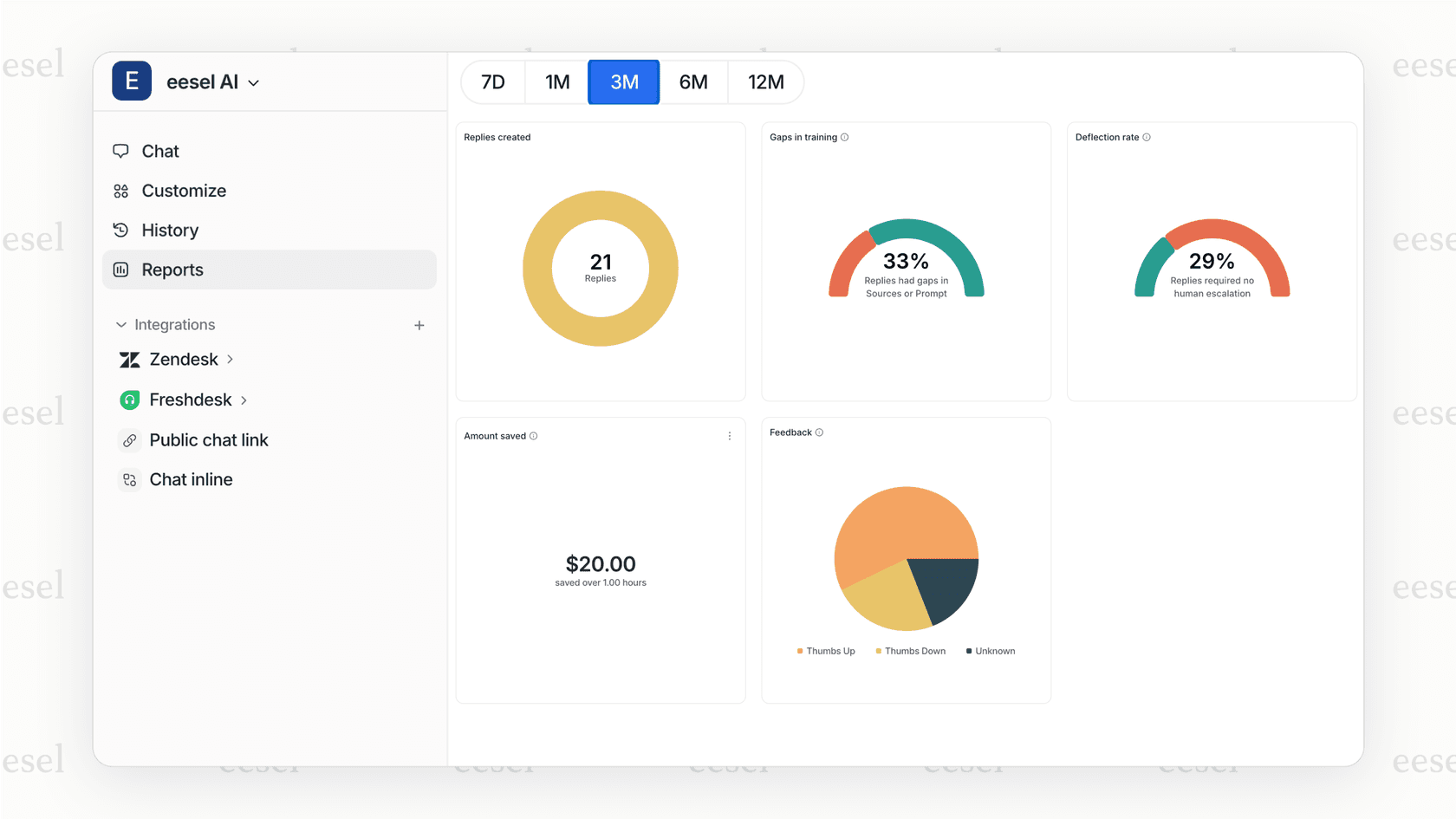
- Pre-launch validation: How can you know if the AI will work before you go live? A pretty neat feature of eesel AI is its simulation mode. It runs the AI over your historical tickets in a private test environment, showing you potential deflection rates, answer quality, and cost savings before you turn it on. This lets you build a business case and launch with more confidence.
Understanding AI copilot pricing models
Many vendors, especially those with AI built directly into their platforms, charge per user or per agent. This can get expensive quickly, and you often end up paying the same for a heavy user as you do for someone who only needs it occasionally.
This is another reason a layered solution can be a better fit. eesel AI's pricing is based on interactions. You only pay for what the AI actually does (like the number of replies it generates or triage actions it takes). This model scales with your usage and makes it much easier to see a clear return on your investment.
| Plan | Price (Per Month, Annual Billing) | Key Features |
|---|---|---|
| Team | $239/mo | Train on docs/websites, Copilot in helpdesk. |
| Business | $639/mo | Everything in Team + train on past tickets, AI Actions, Simulation Mode. |
| Custom | Contact Sales | Unlimited interactions, advanced security & integrations. |
Your AI copilot is a partner, not a replacement
Let's clear up one final thing: the best AI copilots are specialized assistants that are there to help your teams, not replace them. They work best when they fit right into your current workflows, taking over the repetitive tasks that can lead to burnout. They help with consistency, improve efficiency, and free up your people to focus on the tricky problems that really need their expertise.
The goal isn’t to replace your talented agents, IT specialists, or HR managers. It’s to give them a capable partner that makes their job easier and more engaging.
Ready to give your team a specialized AI assistant that works with the tools you already have? Start a free trial of eesel AI or book a personalized demo to see it in action with your own data.
Frequently asked questions

Share this article

Article by
Kenneth Pangan
Writer and marketer for over ten years, Kenneth Pangan splits his time between history, politics, and art with plenty of interruptions from his dogs demanding attention.