Copilot pricing 2026: Business, Enterprise plans compared

Last edited May 7, 2026

Disclosure: This article is published by eesel AI, a competitor of Microsoft 365 Copilot. We encourage you to read Microsoft's own materials for their perspective.
Figuring out Microsoft's pricing for its Copilot tools can feel like sorting through a product catalog written by a committee. It's not just one product; it's a family of AI assistants, each aimed at a different audience, with its own price, feature set, and requirements. That makes it genuinely hard to know what you're paying for before you commit.
This guide walks through each version of Microsoft Copilot, what it costs, and what you need before you can buy it. By the end, you'll have a clear picture of which plan, if any, fits your situation. We'll also explain why purpose-built tools are often a more direct fit for specialized jobs like customer support.
Understanding the different Microsoft Copilot products
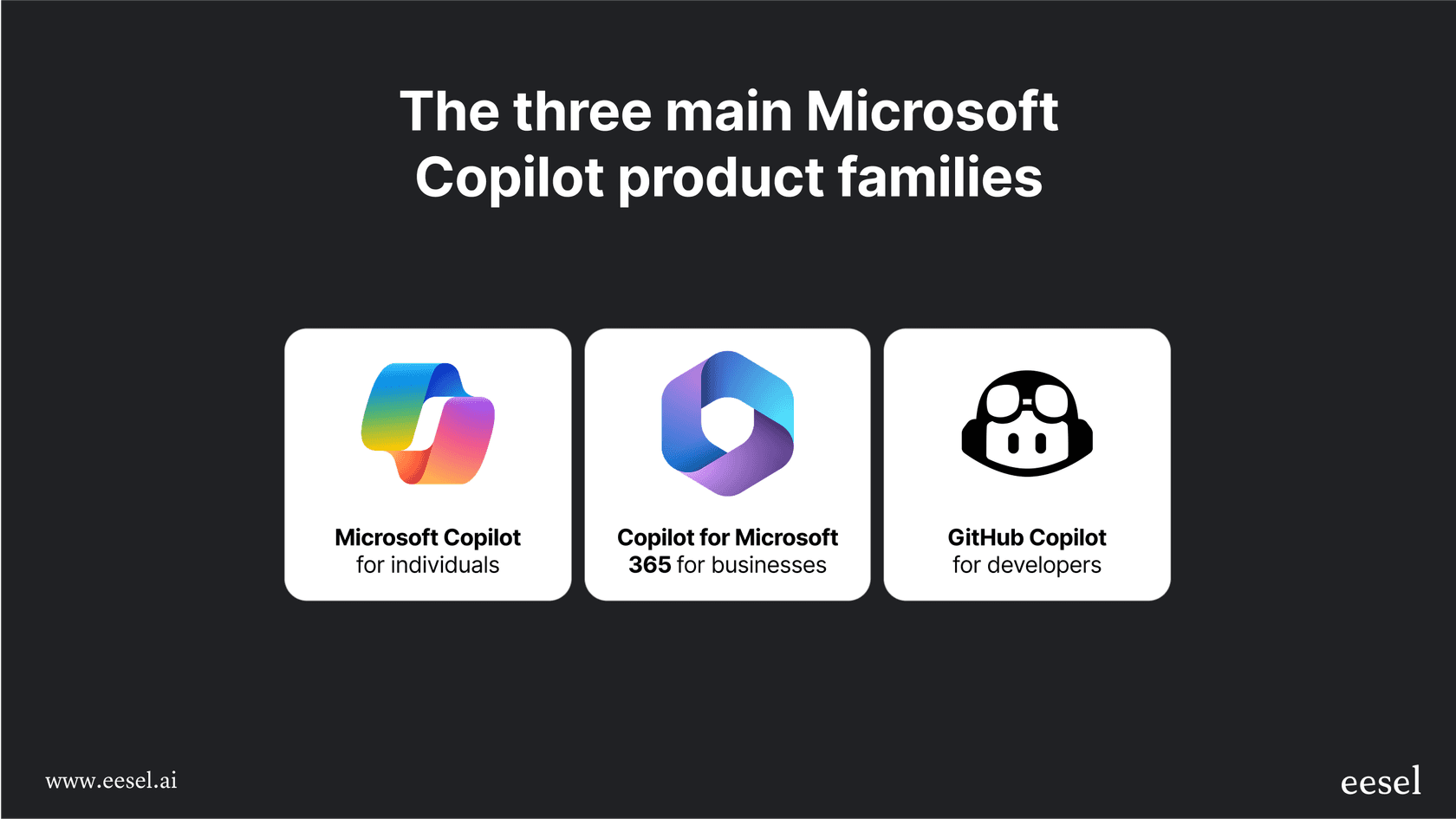
Before getting into the numbers, it helps to know which product is which. "Copilot" is Microsoft's brand for its generative AI assistants, all built on top of large language models. When you hear the name, it usually refers to one of three main product lines:
-
Microsoft Copilot (formerly Bing Chat): The web-based AI chat assistant built into Bing and Microsoft Edge. Free for general questions, research, and content creation, with a paid Pro tier for individuals who need more performance and Microsoft 365 app integration.
-
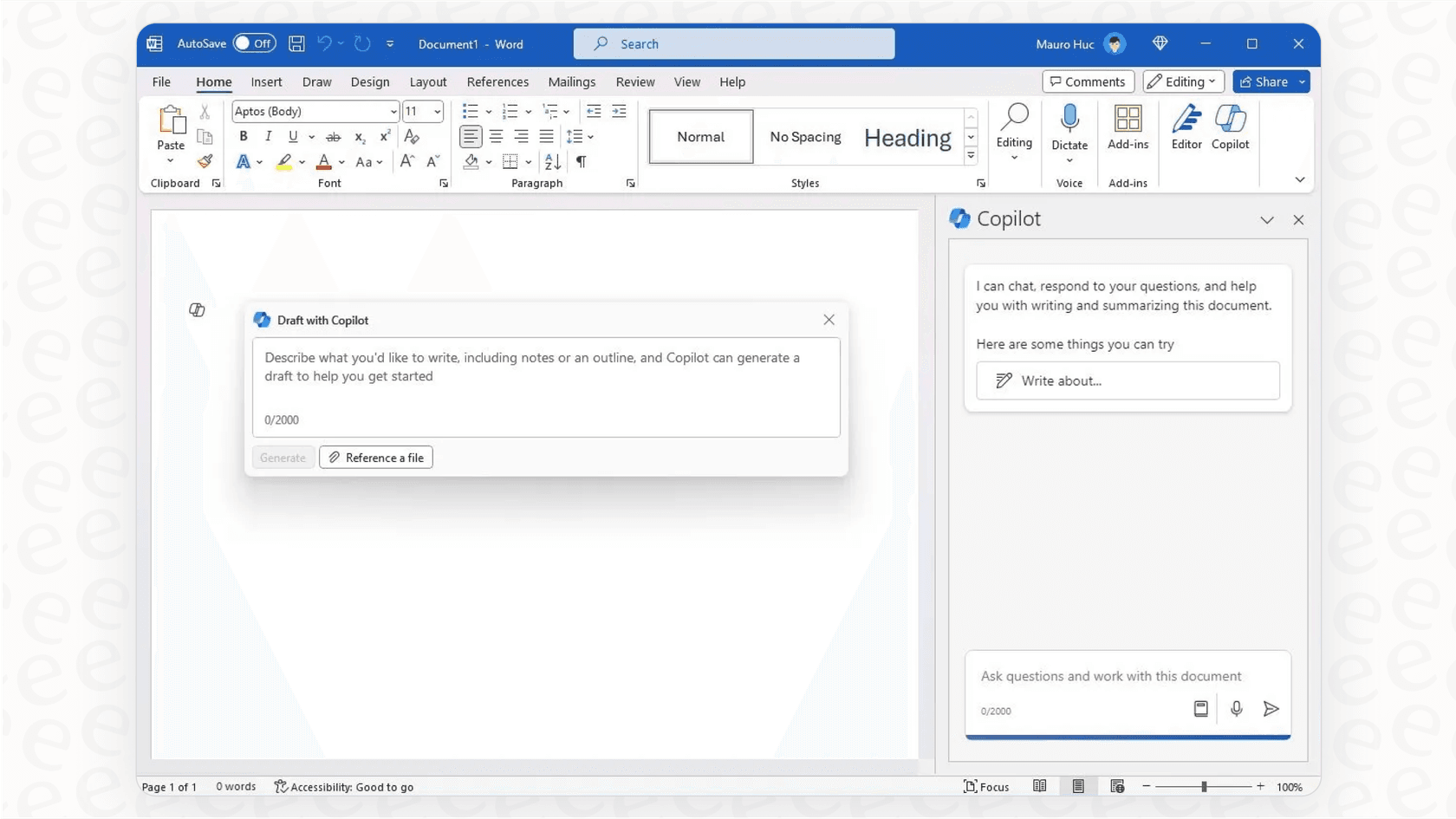
Copilot for Microsoft 365: The enterprise assistant embedded directly in Word, Excel, PowerPoint, Outlook, Teams, OneNote, and other Microsoft 365 apps. It draws on your organization's data through Microsoft Graph to give context-aware answers. This comes in two add-on tiers: Business (for organizations up to 300 users) and Enterprise.
-
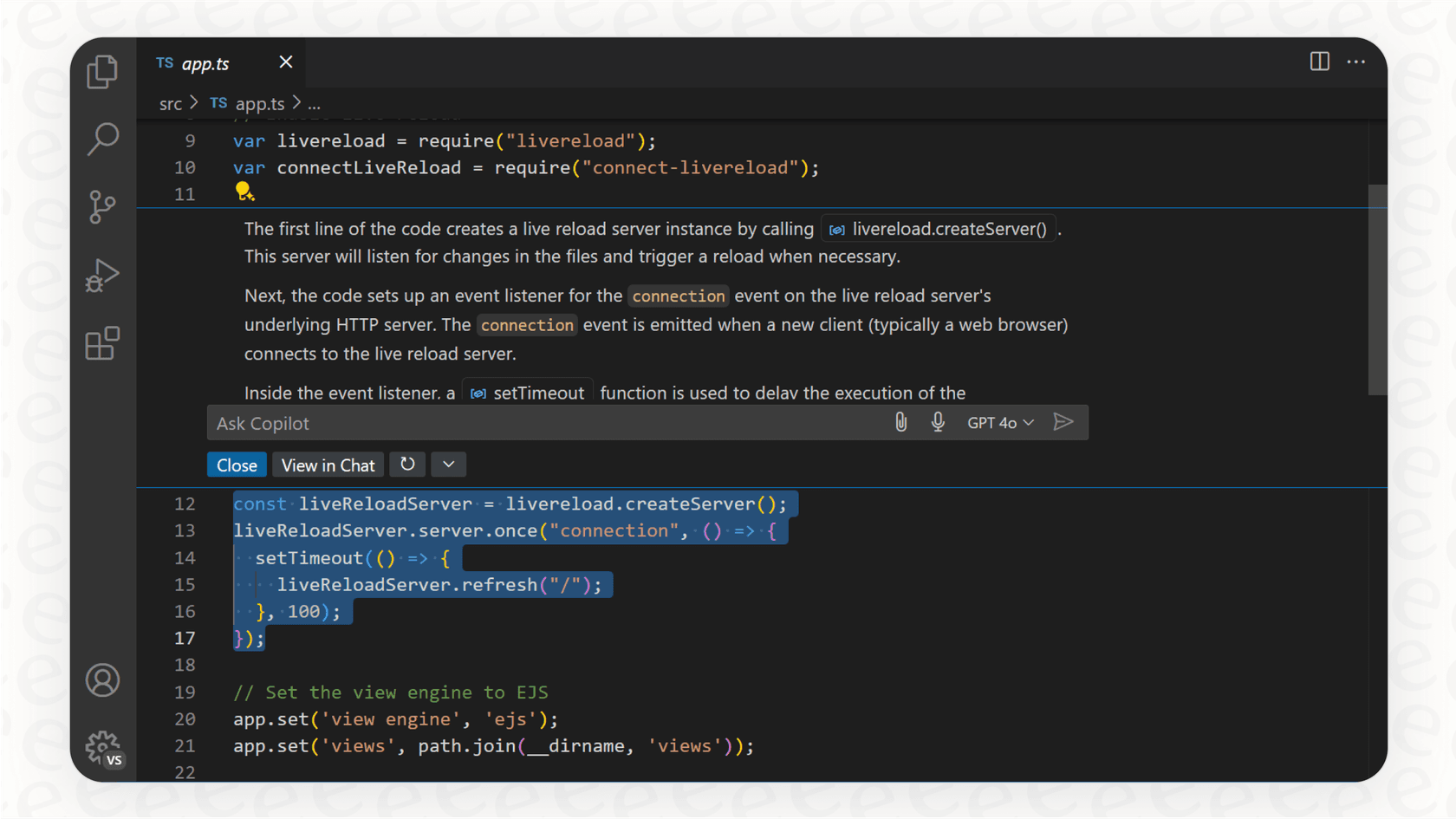
GitHub Copilot: A separate product designed for software developers. It works inside code editors and suggests lines of code, reviews pull requests, and supports autonomous task execution in agent mode.
Other companies use the "Copilot" name in unrelated products. This guide covers only Microsoft's offerings.
A complete breakdown of Copilot pricing plans
Microsoft Copilot (Free) and Copilot Pro
These two tiers are for individual users: personal use, content creation, and general research.
Microsoft Copilot (Free)
- Cost: Free.
- Features: Access to GPT-powered chat, document summarization, and content generation built into Bing and Edge. A limited number of "boosts" for image generation with Microsoft Designer.
- Limitations: Lower priority during peak hours, a daily cap on image creation, and no connection to Microsoft 365 desktop apps. It works for casual use but is not suited to heavy workloads.
- Cost: $20 per user per month.
- Features: Priority access to the latest models, 100 image boosts per day, and integration with the web and desktop versions of Word, Excel, PowerPoint, and Outlook when you have a Microsoft 365 Personal or Family subscription. This lets you draft documents, analyze data, and summarize emails directly inside the apps you use daily.
- Who it's for: Power users, freelancers, or students who want faster AI performance and Microsoft 365 app integration for personal use.
Copilot for Microsoft 365 pricing
This is where things get significantly more expensive and more structured. Copilot for Microsoft 365 is sold strictly as an add-on to existing subscriptions. Microsoft explicitly states: "A qualifying Microsoft 365 subscription is required to purchase Copilot as an add-on." There are two separate add-on tiers depending on your organization size.
Microsoft 365 Copilot Business (SMB add-on, up to 300 users)
- Cost: $18 per user per month, paid annually. A month-to-month option is $25.20 per user per month.
- Required base license: Each user must already have a qualifying base license.
- Features: The full Copilot experience in Word, Excel, PowerPoint, Outlook, and Teams. Limited to organizations with up to 300 users.
- Bundle SKUs: Microsoft publishes limited-time bundle pricing that pairs a Copilot Business add-on with a base M365 plan at a discounted rate. These bundles are available to new customers only and run through June 30, 2026.
Microsoft 365 Copilot Enterprise add-on
- Cost: $30 per user per month, annual commitment.
- Required base license: Works with a much wider set of qualifying base licenses. Government cloud and academic equivalents are also eligible.
- Features: The full Microsoft 365 Copilot experience across all M365 apps, connected to your organization's data through Microsoft Graph. It can handle M365 app tasks like summarizing meetings, drafting proposals, and analyzing data. Microsoft cites a Forrester Total Economic Impact study showing 100%+ projected three-year ROI, roughly 8 hours of monthly time savings per user, and roughly 20% faster employee onboarding.
- Compliance: Certified for key compliance standards including GDPR, ISO 27001, HIPAA, and ISO 42001. Data residency commitments are included. Importantly, Microsoft commits that your data is not used for training foundation LLMs.
The base license cost is part of the real total
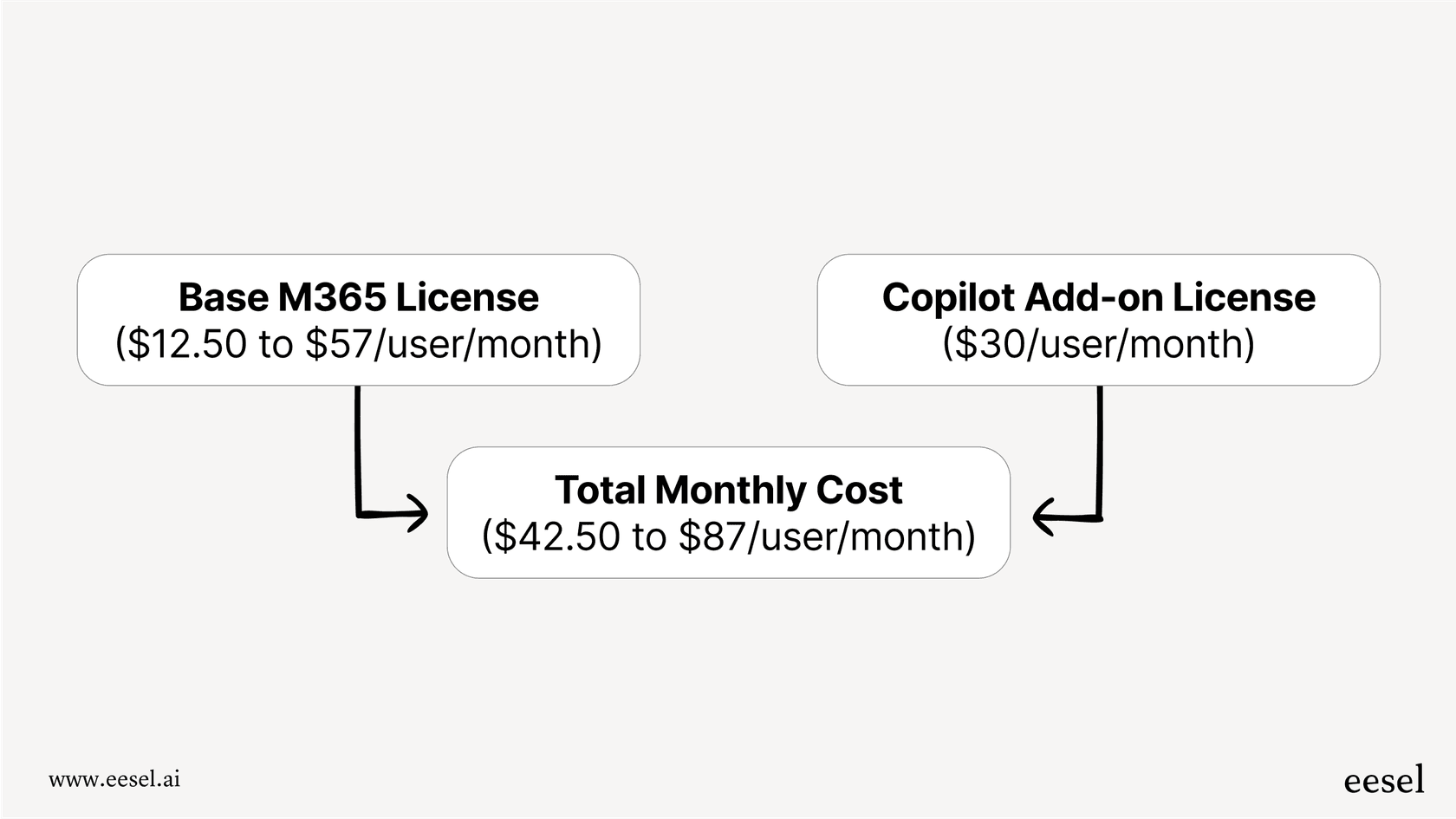
The $18 or $30 add-on fee is not the all-in cost. Each user must already hold a qualifying base subscription before you can purchase Copilot. Microsoft's licensing page lists every eligible base plan alongside its requirements. Depending on which base plan you're already on, the combined monthly cost per Copilot-licensed user can range from roughly $24 at the low end to well over $60 at the enterprise tier. That difference matters when you're licensing an entire team.
What Copilot for M365 can reach outside Microsoft's apps
A common question is whether Copilot is limited to content inside the Microsoft 365 suite. The answer is no. Microsoft publishes more than 100 Microsoft 365 Copilot connectors for bringing external data into Copilot. Two connector models exist: synced connectors that ingest and index external content into Microsoft Graph, and federated connectors that retrieve content in real time via Model Context Protocol without moving data. Microsoft-built connectors cover Confluence Cloud, Confluence On-premises, Zendesk Help Center, Zendesk Ticket (preview), ServiceNow Knowledge and Tickets, Freshservice, Google Drive, Dropbox, Salesforce, Jira, Notion, and many others. Partner-built connectors add Slack (indexing public and private channels, messages, threads, and attachments), additional Atlassian Confluence builds, and further Salesforce coverage.
Where Copilot for M365 differs from a dedicated support platform is in the workflow layer. Copilot in its default form is a productivity assistant for individuals working in Microsoft 365 apps. Turning it into a support agent that actively responds to tickets, updates records, or routes requests requires building in Microsoft Copilot Studio, Microsoft's low-code agent-building platform. That is a separate product with its own licensing and development work. For many support teams, that configuration overhead is more than they want to take on.
GitHub Copilot pricing for developers
GitHub Copilot is priced and licensed independently from Microsoft 365 Copilot. It is a developer-focused tool and is not designed for general business tasks or customer support work.
The official GitHub Copilot plans page currently lists five tiers:
GitHub Copilot Free
- Cost: $0 per month, no credit card required.
- Features: 50 agent-mode requests and 2,000 code completions per month, access to Claude Haiku 4.5 and GPT-5 mini, and Copilot CLI support.
GitHub Copilot Pro
- Cost: $10 per user per month.
- Features: Everything in Free, plus 300 premium requests, Copilot code review, Claude and Codex on GitHub and in VS Code, and unlimited inline code suggestions.
GitHub Copilot Pro+
- Cost: $39 per user per month.
- Features: Everything in Pro, plus all available models including Claude Opus 4.7, five times as many premium requests, and access to GitHub Spark.
GitHub Copilot Business
- Cost: Sold per organization; not publicly listed per user. Contact GitHub sales.
- Features: Everything in Pro plus organization-level policy management, license administration, and a guarantee that your code is not used for training GitHub's public Copilot models.
GitHub Copilot Enterprise
- Cost: Sold per organization; not publicly listed per user. Requires a GitHub Enterprise Cloud subscription.
- Features: Codebase indexing personalized to your repositories, automated pull request summaries, and full organizational governance tools.
A side-by-side look at Copilot pricing
| Product | Plan | Price (per user/month) | Ideal user | Base license required |
|---|---|---|---|---|
| Microsoft Copilot | Free | $0 | Casual individual users | None |
| Pro | $20 | Power users, content creators | M365 Personal/Family (for app integration) | |
| Copilot for M365 | Business | $18 | SMBs up to 300 users | M365 Business Basic/Standard/Premium or Apps |
| Enterprise | $30 | Enterprises of any size | M365/O365 enterprise or qualifying standalone plan | |
| GitHub Copilot | Free | $0 | Individual developers | None |
| Pro | $10 | Individual developers | None | |
| Pro+ | $39 | Developers needing full model access | None | |
| Business | Not publicly listed | Development teams | GitHub organization | |
| Enterprise | Not publicly listed | Large dev organizations | GitHub Enterprise Cloud |
Is Copilot the right fit for your support team?
Microsoft 365 Copilot is a general productivity tool. It's built to help individuals work faster inside Word, Excel, Teams, and Outlook. That is a real strength for those workflows, but it is a different product from a dedicated customer support platform.
For support teams, the practical gap is in the workflow layer. Responding to tickets, routing requests, updating customer records, and running resolution workflows are not things Copilot for M365 does out of the box. Those require custom agent builds in Microsoft Copilot Studio, which means additional configuration, testing, and licensing overhead.
The cost structure is also worth examining. At $18 or $30 per user per month on top of the required base M365 subscription, you're paying for every licensed seat in the organization, regardless of how many support interactions the AI actually handles.
A purpose-built platform like eesel AI approaches this differently:
-
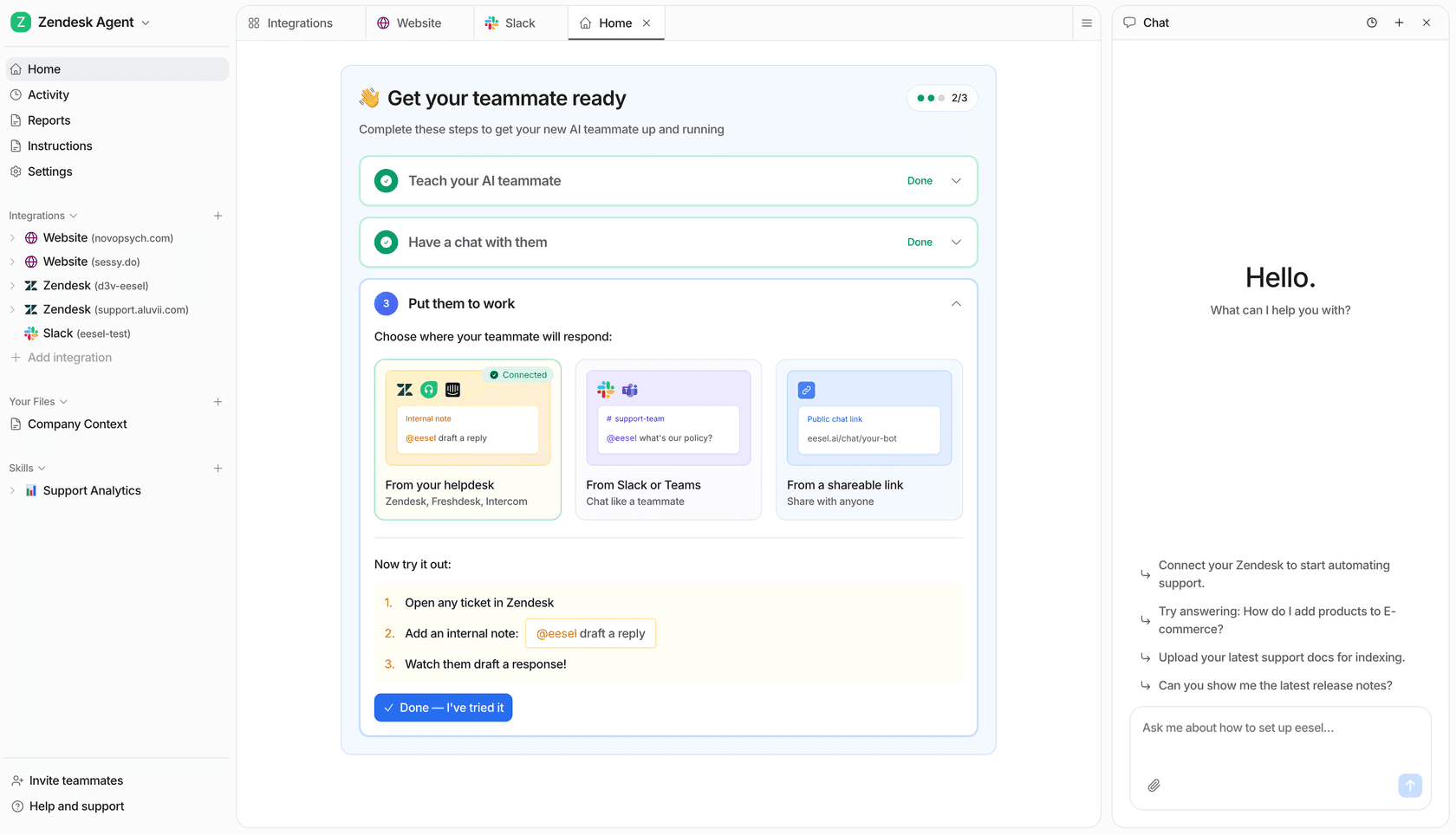
Set up in minutes, not months. Sign up, connect your helpdesk and knowledge bases, and the AI is ready without custom development. It works directly with Zendesk, Freshdesk, Slack, and Confluence, among others.
-
Connects to all your knowledge. eesel AI reads your past tickets, macros, help articles, Google Docs, and Notion pages, giving it the context it needs to resolve customer issues accurately.
-
Simulation before you go live. Before the AI talks to a single customer, you can run it against your historical tickets to see how it performs and get a forecast of your expected automation rate.
-
Pricing tied to usage, not headcount. eesel AI charges $0.40 per support task rather than licensing every user, which is typically far more cost-effective for support teams that handle variable ticket volumes.
Making the right choice for your business
Microsoft offers a broad set of AI tools under the Copilot brand. The pricing changes significantly depending on whether you're an individual, a small business, or an enterprise, and which product line you're evaluating.
For boosting general productivity across the Microsoft 365 suite, Copilot for M365 is a meaningful capability upgrade once your organization is already on M365. For writing code, GitHub Copilot's free and Pro tiers provide a strong and accessible starting point. For specialized roles like customer support and ITSM, the real question is whether you want to configure a custom support workflow on Copilot Studio or start with a platform that was built for that specific job.
Ready to see what an AI built specifically for support teams can do? Try eesel AI for free and see how quickly you can automate resolutions and help your agents.
Frequently asked questions

Share this article

Article by
eesel Writer
The eesel writer team creates content to help support teams get the most out of AI.