Obsidian pricing 2026: Free vs paid plans compared

Last edited October 2, 2025

Obsidian is an incredible tool for anyone serious about personal knowledge management. It’s powerful, flexible, and gives you total control by keeping all your notes right on your own device. But while the main app is famously free, its entire ecosystem isn’t. If you’ve ever tried to get your notes from your laptop to your phone and back, you’ve probably bumped into the question of Obsidian pricing.
Let's be honest, figuring out the costs for its add-on services like Sync and Publish can feel a bit like cracking a code. It's not a simple tiered plan, which leaves a lot of people scratching their heads about what they’re actually paying for.
This guide is here to clear all that up. We’re going to walk through the complete Obsidian pricing structure, explain what each service does, and help you figure out if it’s worth opening your wallet, or if your team might be better off with a different kind of tool entirely.
What is Obsidian anyway? A prelude to the pricing model
Before we get into the numbers, let’s quickly touch on what makes Obsidian so different from cloud-based apps like Notion or Evernote. At its core, Obsidian is a surprisingly simple app that works with a folder of plain text Markdown files sitting right on your computer. This isn't just a minor detail; it’s the whole point. You own your data, full stop.
This local-first foundation is what makes its best features possible:
-
Your notes live with you: Everything is stored on your device. That means your notes are private, secure, and always accessible, even if your internet goes out.
-
Connecting the dots: You can link notes to each other, creating what many call a "second brain" that maps to how you actually think. This helps you build a web of your ideas that you can explore and get lost in (in a good way).
-
The graph view: This is the feature that gets all the attention. It creates a visual map of how all your notes are connected, helping you spot patterns and ideas you might have otherwise missed.
-
Make it your own: There’s a massive community of users building plugins and themes that let you customize Obsidian to do almost anything. You can turn it from a simple note-taker into a project manager, a daily journal, or a full-on research hub.
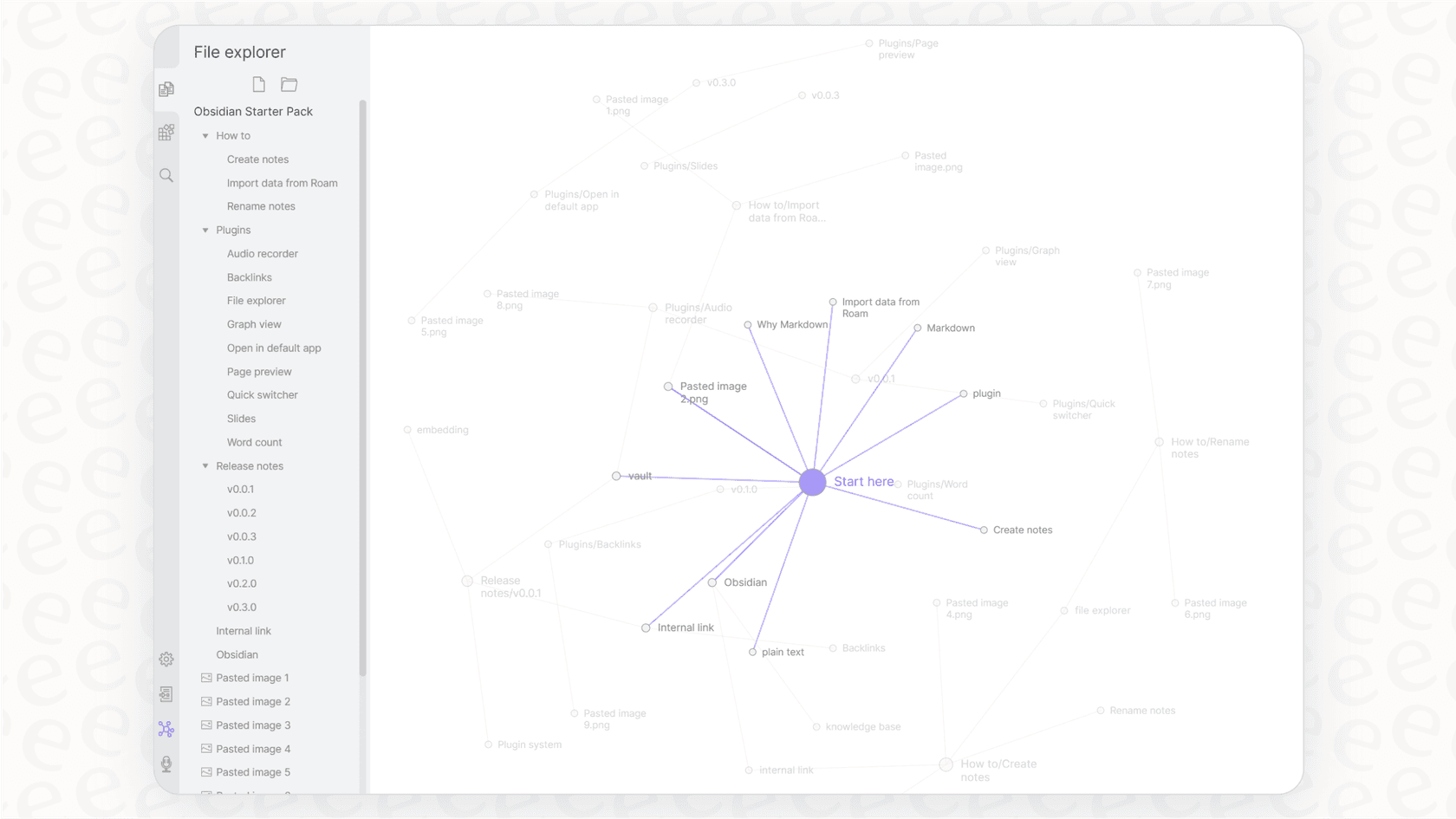
Because of all this, Obsidian is really built for one person. It’s a fantastic tool for writers, researchers, students, and anyone who wants to build a personal knowledge base that’s truly their own.
A complete breakdown of Obsidian pricing
Obsidian’s pricing is best described as "freemium," but probably not in the way you’re used to. The core app, with all its powerful features, is completely free. The costs only show up for optional services that add extra convenience on top of that free experience.
The core app is 100% free
Let's get this out of the way first: the main Obsidian application costs nothing to download and use. And no, this isn't a free trial or a watered-down version. You get all the core features, access to the entire library of community plugins, and the ability to create as many "vaults" (folders for your notes) as you need.
A while back, you needed a paid commercial license if you were using it for work. But as of early 2025, that rule is gone. You can now use Obsidian for your job without paying a dime, though the developers do appreciate it when businesses buy a license to support their small team.
Paid add-on 1: Obsidian Sync
This is the first place you’ll see a price tag. Obsidian Sync is the official, built-in service that keeps your notes updated across all your devices. It’s a popular choice because it just works, and it comes with end-to-end encryption, which means your notes are completely private, not even the Obsidian team can see them.
Sure, you could try to rig something up yourself with iCloud or Dropbox to sync your files, but those methods can be clumsy and don't offer the same level of security.
Here’s how the Sync plans work:
| Feature | Standard Plan | Plus Plan |
|---|---|---|
| Price (Billed Annually) | $4 / user / month | $8 / user / month |
| Price (Billed Monthly) | $5 / user / month | $10 / user / month |
| Synced Vaults | 1 | 10 |
| Total Storage | 1 GB | 10 GB (upgradable to 100 GB) |
| Max File Size | 5 MB | 200 MB |
| Version History | 1 month | 12 months |
| Shared Vaults | Yes | Yes |
You can always find the latest info on the Obsidian Sync pricing page.
Paid add-on 2: Obsidian Publish
If you want to share some of your notes with the world, Obsidian Publish is the tool for the job. It lets you pick and choose notes from your vault and turn them into a public website, a personal wiki, or a "digital garden." It’s a dead-simple way to get your ideas online without messing around with web hosting.
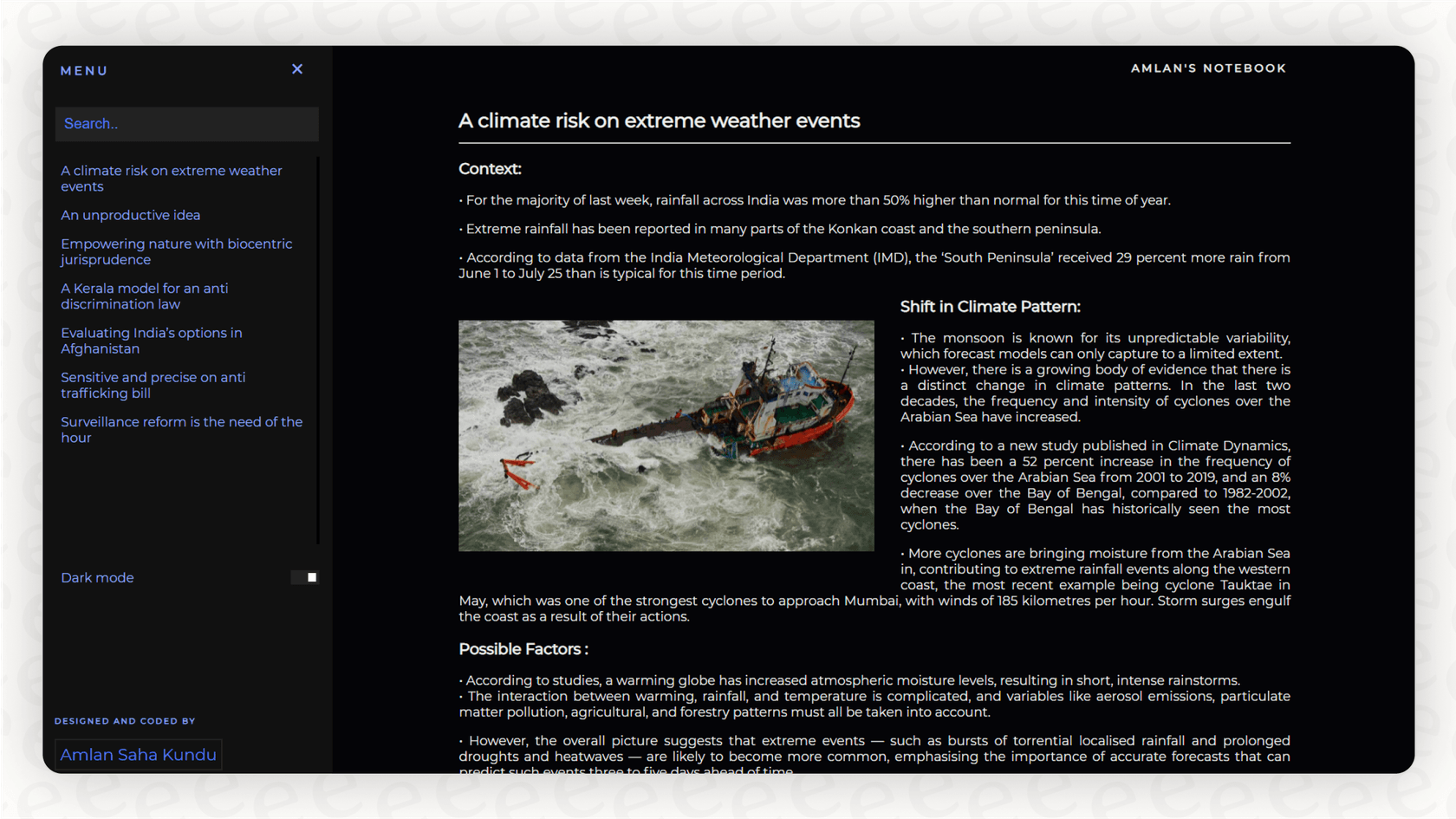
It comes with some nice touches, like support for custom domains, a navigable graph view for your visitors, and the ability to password-protect your site.
The pricing here is very straightforward:
-
$8 per site, per month (if you pay annually)
-
$10 per site, per month (if you pay monthly)
Optional support: The Catalyst license
Last but not least is the Catalyst license. Think of this less as a feature and more as a tip jar. It’s for dedicated users who want to financially support the independent developers behind Obsidian. It’s a one-time payment that starts at $25.
As a thank you, you get a few perks like early access to beta versions of the app and a special badge on the community forums and Discord server. But just to be clear, this license does not get you Sync or Publish. It's purely a way to say thanks and help the project grow.
Are the paid add-ons worth it?
So, should you shell out the cash? The honest answer is: it really depends on what you need.
The paid services solve very specific problems. Obsidian Sync is a pretty good deal if you’re constantly switching between devices, especially if you’re mixing and matching operating systems (like a Windows desktop, an iPad, and an Android phone). If you value having seamless, secure, and encrypted syncing without any extra setup, the monthly fee is probably worth it for the peace of mind.
Obsidian Publish is for a different kind of person altogether, the creator, researcher, or writer who wants to share their web of knowledge. If you've been carefully cultivating a digital garden and want a beautiful, low-effort way to put it online, Publish is one of the easiest ways to do it.
That said, many people in the community feel the services are a bit expensive for what you get, particularly if you’re just one person. Plenty of tech-savvy users find free workarounds, like syncing their vault with iCloud Drive or setting up a more hands-on tool like Syncthing. In the end, it comes down to what you value more: built-in convenience and security, or a little DIY elbow grease.
These services are overpriced and are definitely not justified at that cost.

Where the pricing model falls short for teams
Obsidian is a masterpiece for managing your own knowledge. But the moment you try to use it as a collaborative tool for a team or a business, you start to see the cracks in its single-player design.
Collaboration is a headache
At its core, Obsidian was built for one person. You can technically share a vault with a coworker using Obsidian Sync, but it’s not built for working on the same thing at the same time. There’s no Google Docs-style live editing, which makes it a non-starter for teams trying to write documentation, take meeting notes, or plan projects together.
Knowledge just sits there
This is the biggest hurdle for businesses. Obsidian is brilliant for storing and organizing information. It helps you build a beautiful, interconnected library of everything you know. You can search it, explore it, and find what you need.
But in a business, knowledge needs to do more than just sit on a shelf. It needs to be active. The information in your company wiki or help center should be out there helping your employees and customers solve problems. In Obsidian, that knowledge stays passive until someone decides to go digging for it.
The alternative: An AI platform that puts your knowledge to work
What if, instead of trying to shoehorn a personal tool into a team setting, you used a platform that was actually designed to make your business knowledge useful? Imagine connecting an AI to all the places your team already keeps its information, without moving a single file.
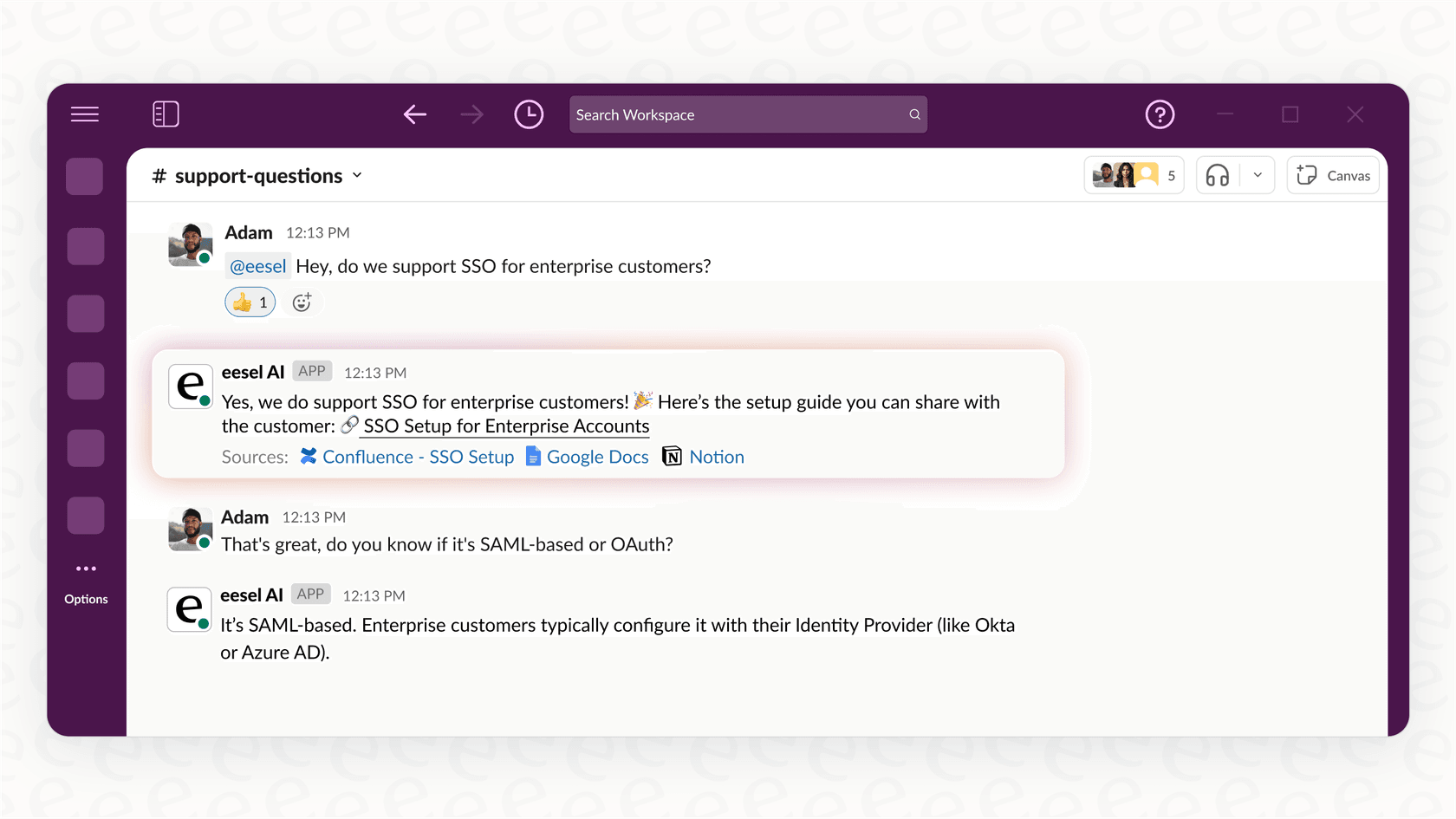
This is exactly what eesel AI is all about. eesel is an AI platform that plugs directly into the knowledge sources you already use, whether that’s Confluence, Google Docs, your help desk, or even Slack.
The two approaches couldn’t be more different:
-
Obsidian asks you to build a new knowledge base from scratch inside its system.
-
eesel AI works with the scattered knowledge you already have, instantly.
More importantly, eesel AI makes that knowledge do things. It can:
-
Power an AI Agent that can resolve customer support tickets all on its own using your documentation.
-
Provide an AI Copilot that helps your support team draft perfect replies in seconds.
-
Create an AI Internal Chat so your employees can ask questions in Slack or Teams and get instant answers pulled from your internal wikis.
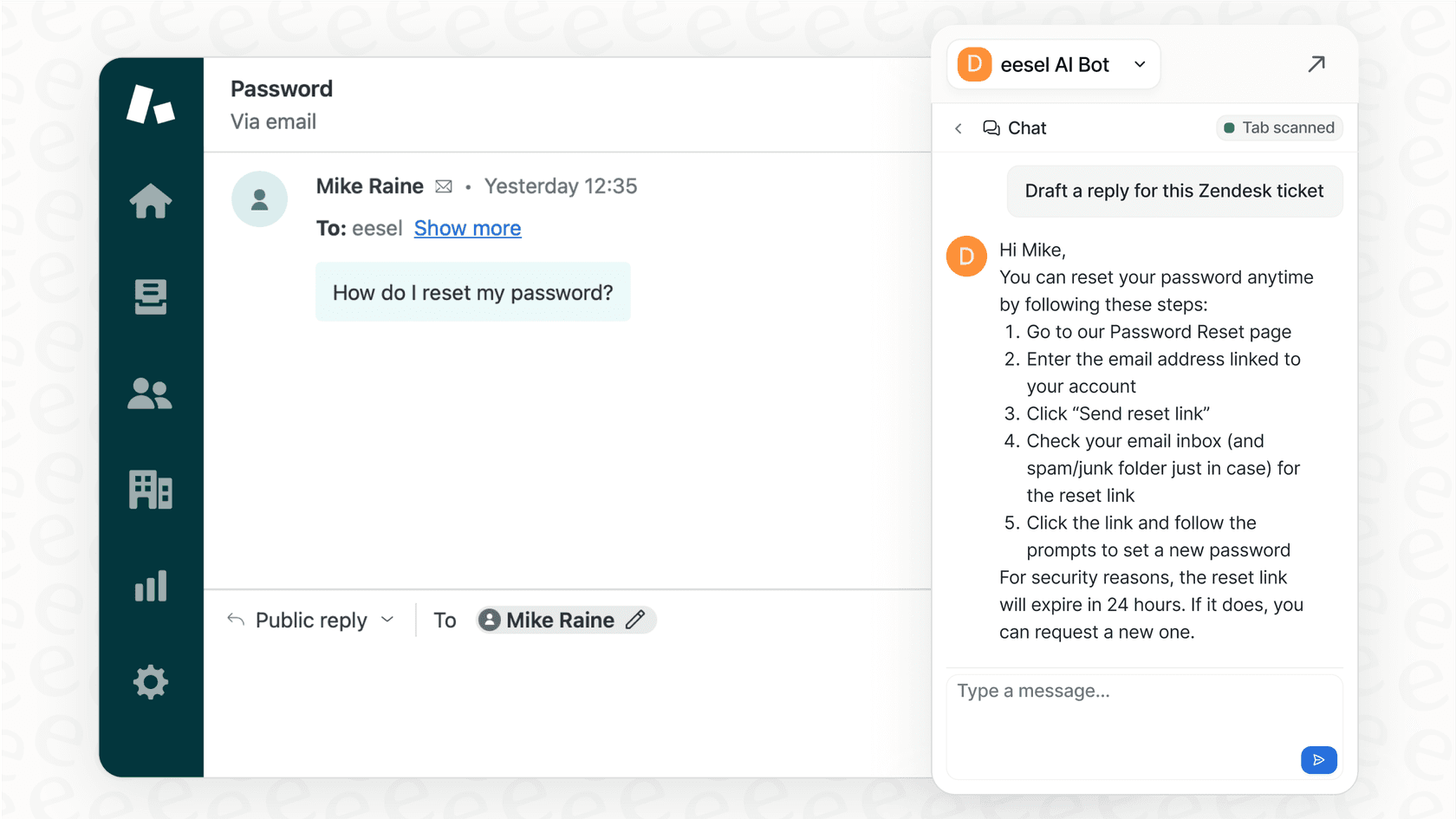
eesel AI is a self-serve platform that you can get up and running in minutes with one-click integrations. It’s a world away from the manual setup and plugin tinkering needed to get any advanced functions out of a personal tool like Obsidian.
Obsidian pricing: The right tool for the right job
Obsidian is an exceptional, privacy-focused tool for personal knowledge management. Its pricing model is fair: you get a powerful core app for free, and the paid add-ons solve real problems for people who need them. For building your own "second brain," you’ll have a hard time finding anything better.
But for teams that need to work together, share information, and automate workflows, Obsidian's limitations quickly become a dealbreaker. It just wasn't built for that world.
If you're looking to go beyond just storing information and want to start actively using your company’s knowledge to automate support and empower your team, you should explore what you can build with eesel AI.
Frequently asked questions

Share this article

Article by
Stevia Putri
Stevia Putri is a marketing generalist at eesel AI, where she helps turn powerful AI tools into stories that resonate. She’s driven by curiosity, clarity, and the human side of technology.