Aside: the AI browser that does your work, explained


Last edited June 29, 2026

Table of Contents
What Aside actually is
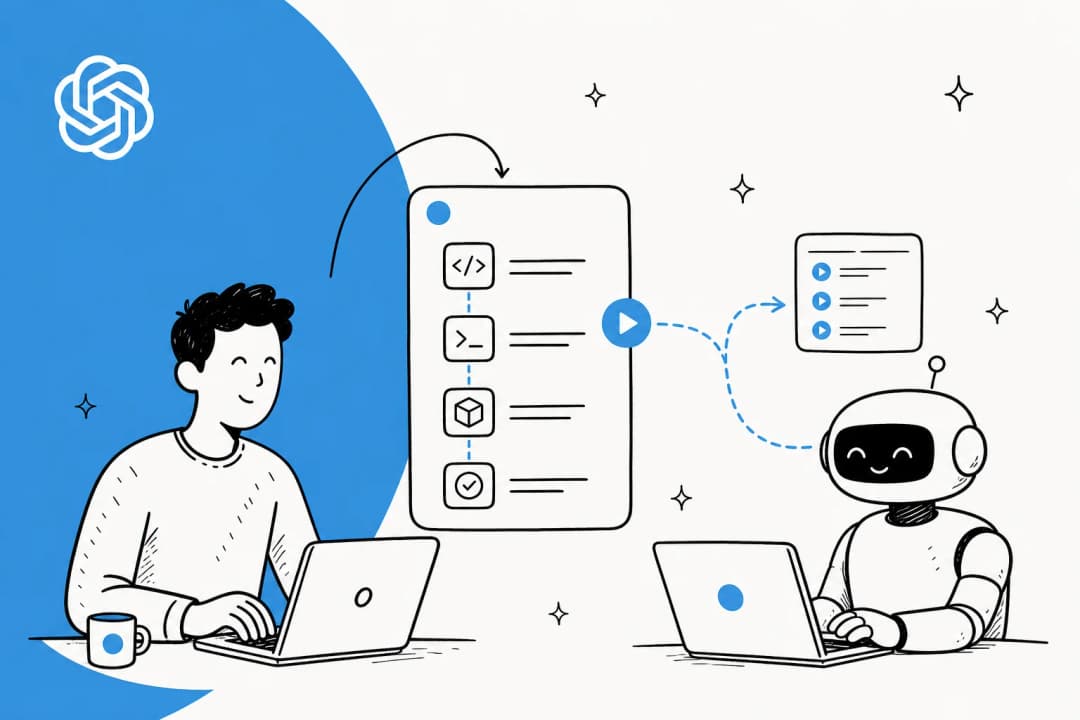
I build AI agents for a living, so when a new "AI browser" launches I mostly want to know one thing: where does the agent actually live? With Aside, the answer is the browser itself. It's a standalone, Chromium-based desktop app, not an extension you bolt onto Chrome, and it pairs a normal daily browser with an agent that can take over the page.
The company is tiny and new, founded in 2024, a team of three in San Francisco, led by Jun Kim, with co-founders Chanhee Lee and Sanghun Lee. Jun and Chanhee were early engineers at Airbridge.io, and their framing of Aside is unusually blunt: "so basically, we're replacing our past selves with AI." Their thesis is that the operating system for AI is the browser, because most agents today still work "from the outside", asking you to connect 20+ integrations and approve every step.
That's the real idea behind Aside, and it's easiest to see as a contrast.
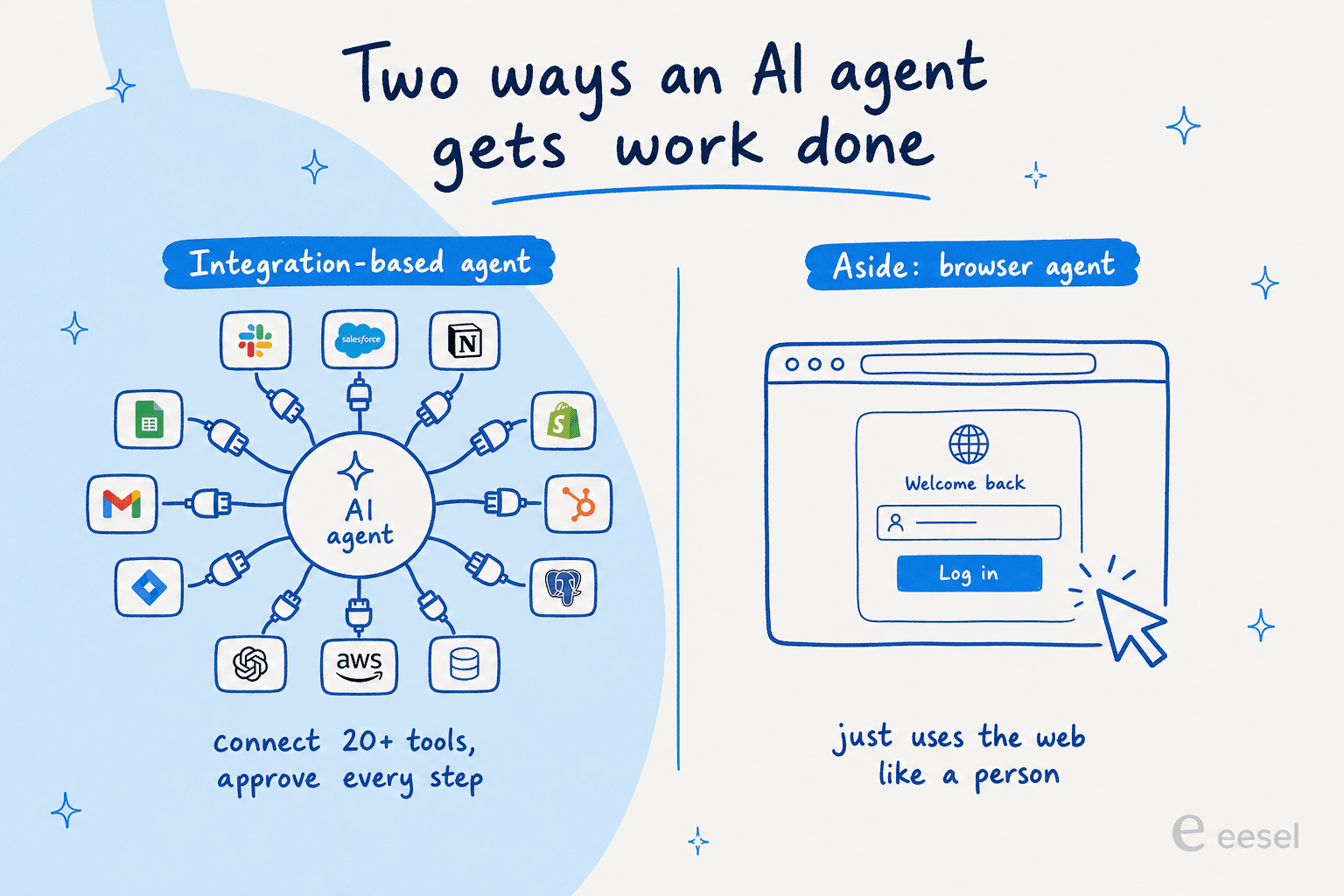
An integration-based agent can only touch the tools someone has wired up for it. A browser agent can touch anything you can open a tab to and log into. That's a meaningfully bigger surface area, and it's the whole reason "AI browser" is having a moment in 2026.
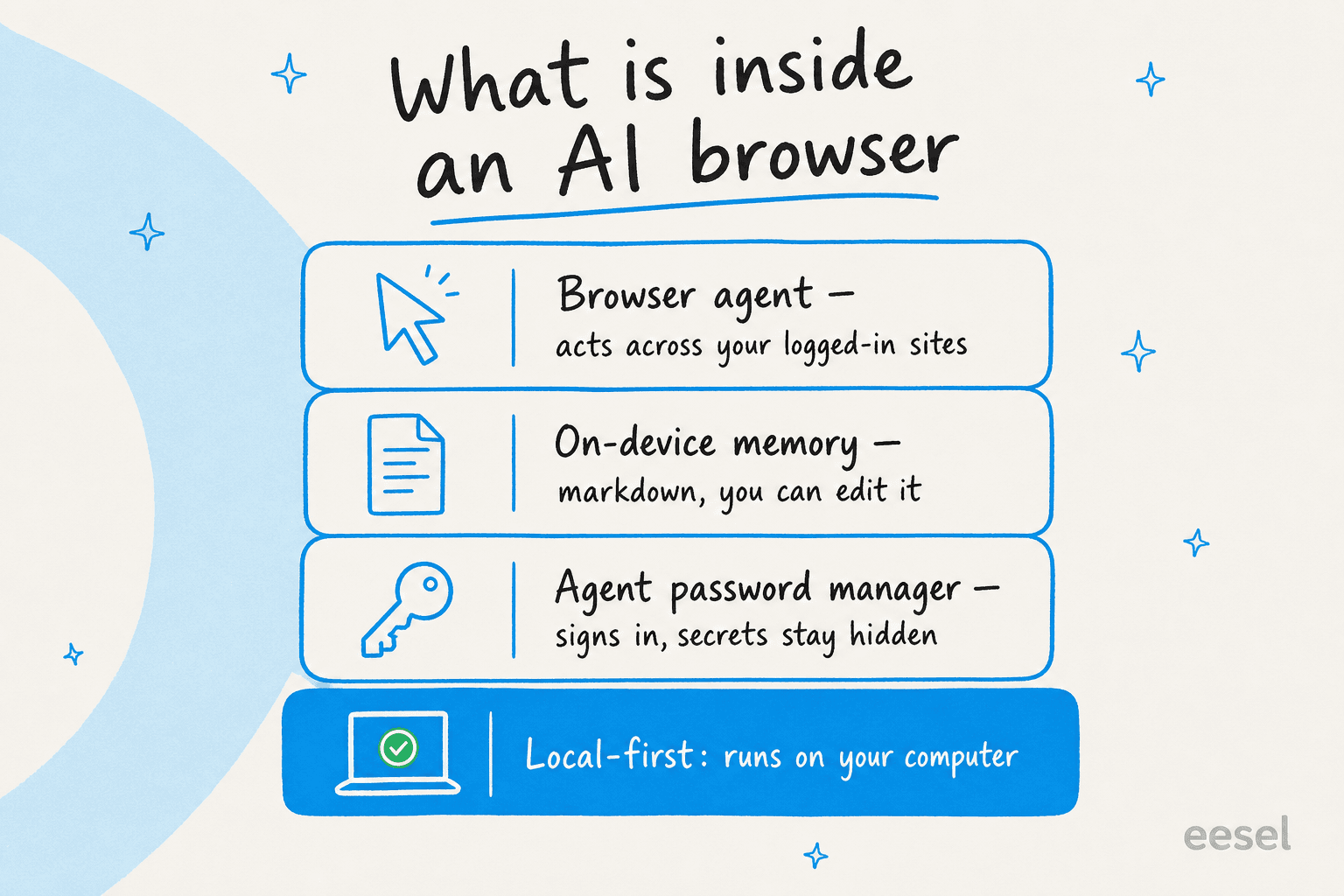
Under the hood, Aside is really three pieces stacked on a local-first base.
How the browser agent works
The core of Aside is the browser agent. Its framing is that "your work lives behind logins, spread across tabs, messages, and files," so it's built to sign in and operate there rather than just reading public pages. In practice that means it can log into a dashboard, handle replies and follow-ups, and work with docs and spreadsheets on your machine.
For bigger jobs you flip on a mode called Ultrabrowse. In Ultrabrowse, Aside "pulls the context it needs, handles the follow-ups on its own, and keeps working until it's done", an autonomous loop that doesn't stop after a single action.
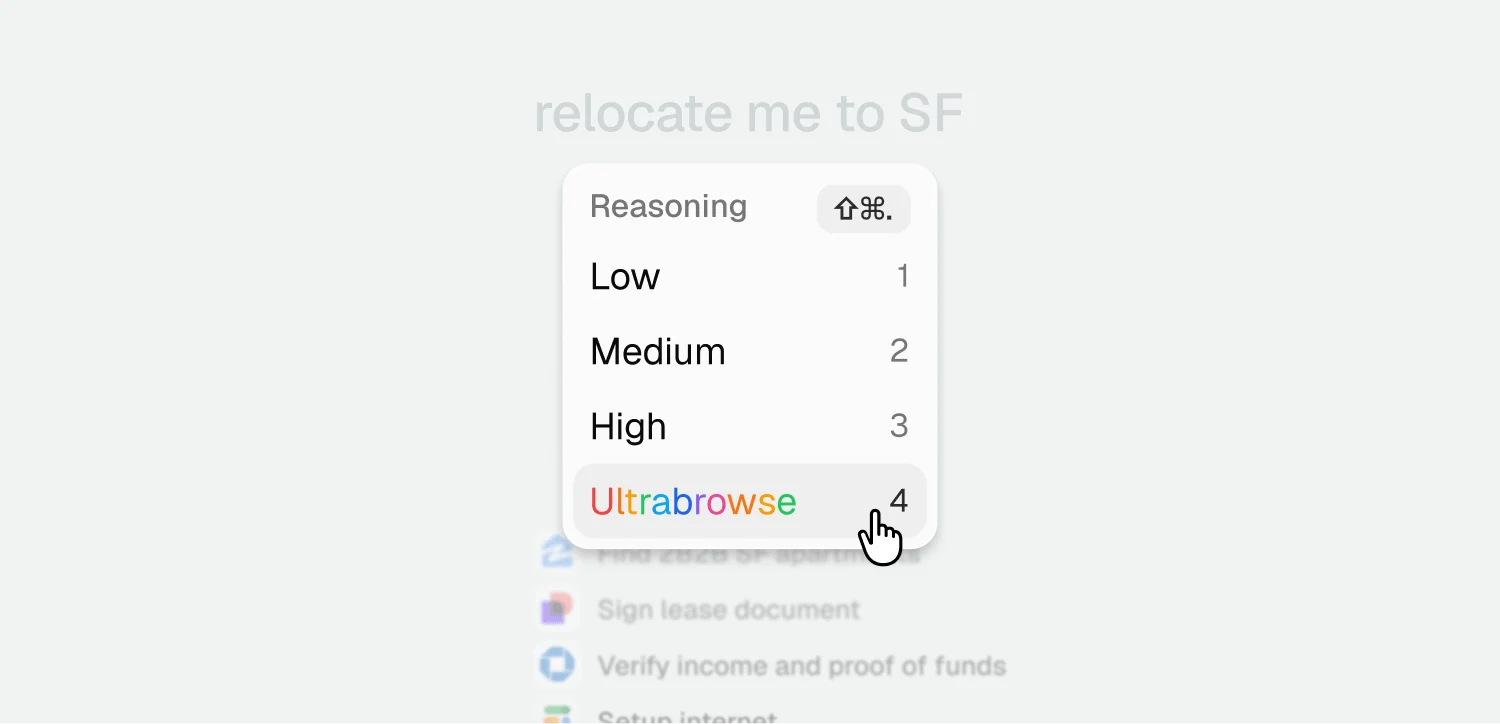
That "keeps working until it's done" behaviour is the exciting part and, as I'll get to, the part you have to think hard about. For booking a flight or relocating yourself to a new city, an agent that grinds through the follow-ups is great. For anything where a wrong move reaches another person, autonomy without a checkpoint is a different proposition.
Memory that lives on your machine
The second piece is memory, and it's the feature I find most interesting from an engineering angle. Aside turns your browsing history into memory "so you don't have to repeat context every time", and it keeps learning after each task through a process it calls "Dreaming", extracting the people, companies, and decisions that mattered.
What I like is how concrete and inspectable it is. Memory is written in markdown and stored on your device, organized into files like episodic/2026-06-21.md. If something's wrong, you open the file and edit it.
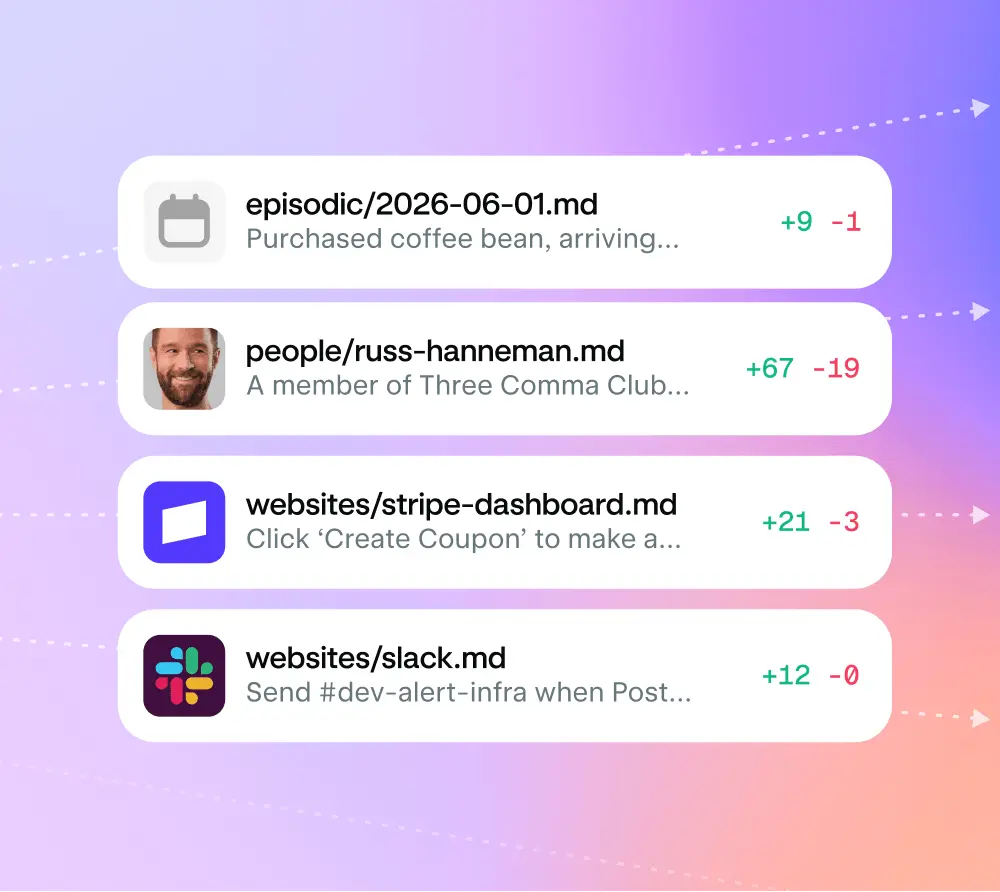
Plain, editable, on-device memory is a smart design choice. Most agents treat memory as an opaque blob you can't see or correct, so the failure mode is silent: the agent "remembers" something wrong and you never find out until it acts on it. Letting you read and edit the file is a real answer to that.
A password manager built for agents
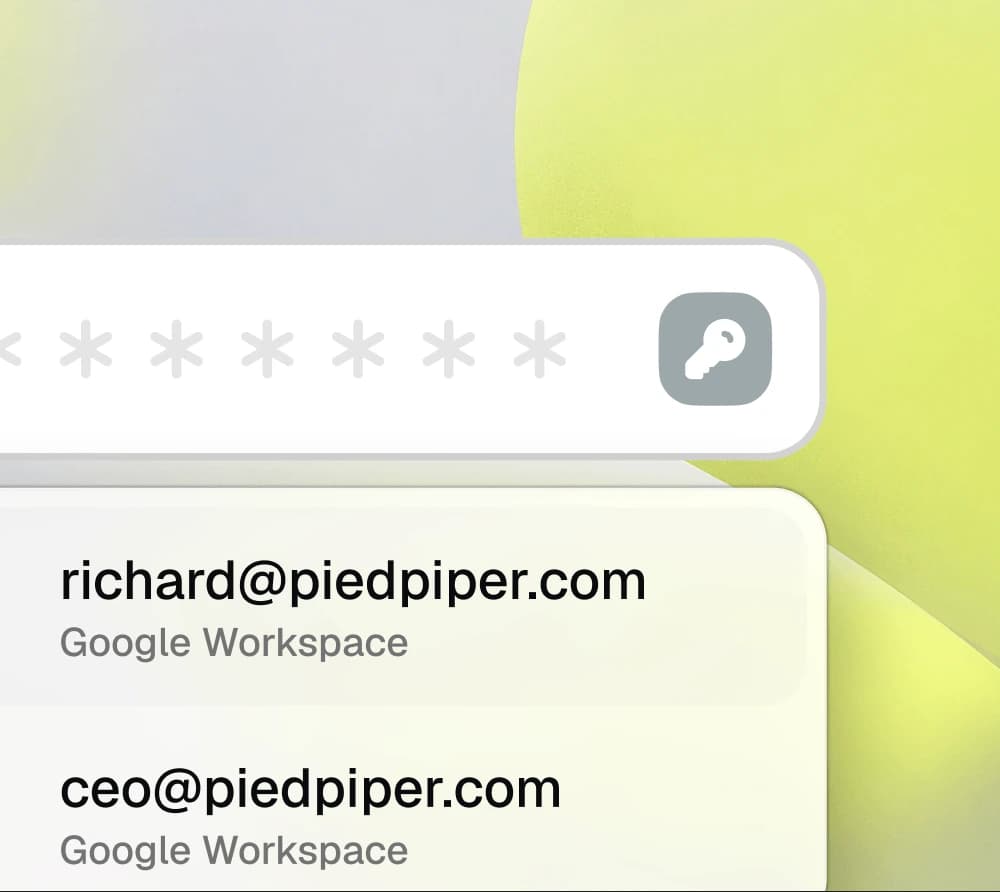
The third piece is the one I didn't expect: an agent password manager. The tagline is "let agents sign in, keep secrets locked," and it's solving a problem that gets awkward fast once an AI is driving your browser. You want the agent to log into things, but you very much don't want your passwords sitting in the model's context.
Aside's answer is to autofill credentials into the page directly, so they're "autofilled into websites, not exposed to the agent." It adds scoped, per-task access (the agent only gets what a task needs), an audit log of every access, and hardware-backed encryption via the Secure Enclave. Here's how they line it up against the usual options:
| Aside Password Manager | 1Password | Chrome Password Manager | |
|---|---|---|---|
| Free to use | Yes | No | Yes |
| Agent can autofill credentials | Yes | Partial | No |
| Site-level access control | Yes | No | No |
| Audit log of every AI access | Yes | No | No |
| Hardware-backed encryption | Yes | No | No |
| One-click password and passkey migration | Yes | Partial | No |
It's a comparison table built by the vendor, so read it as their framing rather than gospel. But the underlying idea, keeping secrets invisible to the model while still letting it log in, is the kind of detail that tells you a team has actually thought about running agents safely.
Private by default, with one asterisk
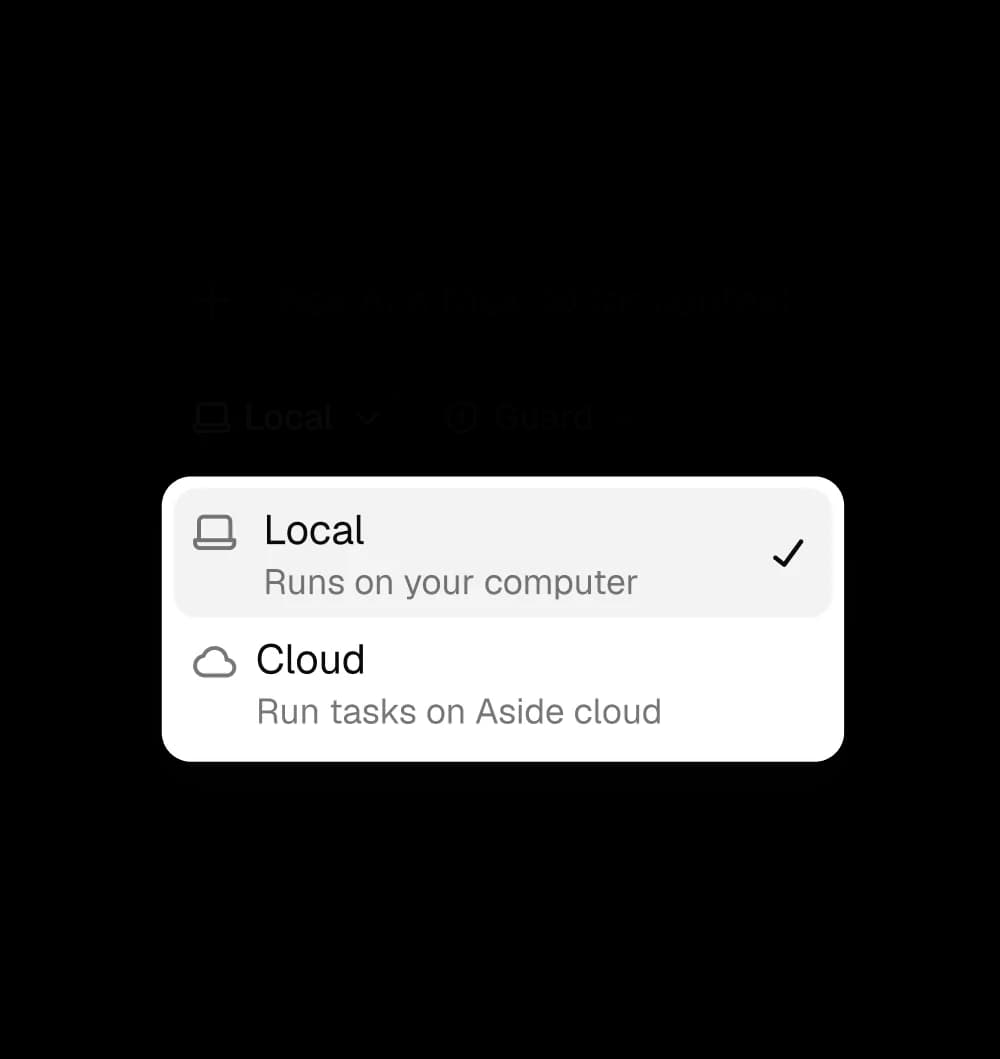
Privacy is Aside's loudest selling point, and it's the part that's landing in early coverage. The privacy policy (last updated June 23, 2026) says Aside is "local-first": task transcripts and artifacts live in a local data directory on your machine, and hosted model providers only get "the model-visible context needed to run the task." You also choose where each task runs.
Here's the asterisk. The marketing says sensitive actions like payments, posts, and messages "wait for user approval," but I read the privacy policy closely and that human-in-the-loop approval gate isn't actually spelled out anywhere in the policy text, and the browser-agent page describes Ultrabrowse as running "on its own... until it's done" with no stated checkpoint. That's not an accusation of anything; it's just a reminder that, at launch, the strongest safety claim lives in the copy more than in the documentation. For your own browsing, that's a fine bet. The moment an agent is acting toward other people, I'd want that gate to be explicit and enforced.
About those #1 benchmark numbers
Aside leans hard on benchmarks. It claims first place on Online-Mind2Web, BU Bench v1, and Odysseys, including a striking 297 of 300 tasks passed (99.0%) on Online-Mind2Web.
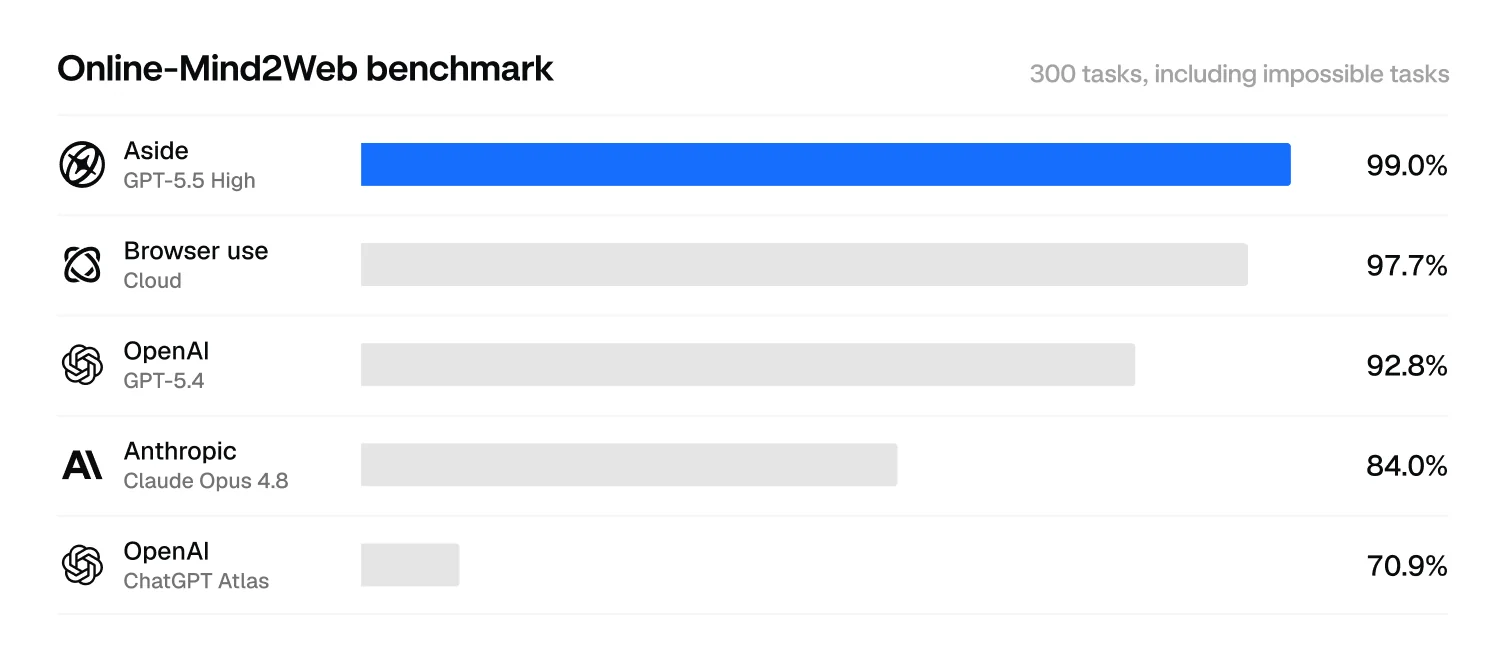
I want to be fair here: those are real, detailed results, broken down by difficulty, with the failures named. But the important caveat is that these are self-reported numbers. The scores sit in Aside's own GitHub repo, graded by Aside's own setup, not on an independently audited leaderboard. The Online-Mind2Web benchmark literally exists because earlier web-agent benchmarks "dramatically overestimate agent performance" once you test under realistic conditions. So the honest read is: impressive if it holds up, and worth waiting for a third party to reproduce before treating "beats everyone" as settled.
What people are actually saying
The product is days old, so there isn't much organic discussion yet, and that's part of the story. The clearest first-hand reaction I found was positive but already flagging rough edges:
"loved the demo video on X and did try it. amazing work! some little bugs with the side ai but overall i like the experience."
pranshu54, Hacker News
The sharpest bit of skepticism wasn't about the product at all, but about the gap between its huge launch buzz and the quiet on more critical forums:
"5k likes on X and not a single comment here"
swah, Hacker News
And on Reddit, the reflexive comparison every new agentic browser gets, that it "feels a lot like Comet" in how it drives the page. None of this is damning; it's just the normal "interesting but unproven" zone a week-old launch sits in. Aside's privacy-first angle reads as a deliberate answer to the unresolved privacy complaints people have about cloud-routed AI browsers.
Where an AI browser fits, and where it doesn't
So here's the reframe I'd leave you with, and it's the thing I keep coming back to after three-plus years putting AI agents on live support queues. The defaults that make Aside great for your own work are the wrong defaults for customer-facing work.
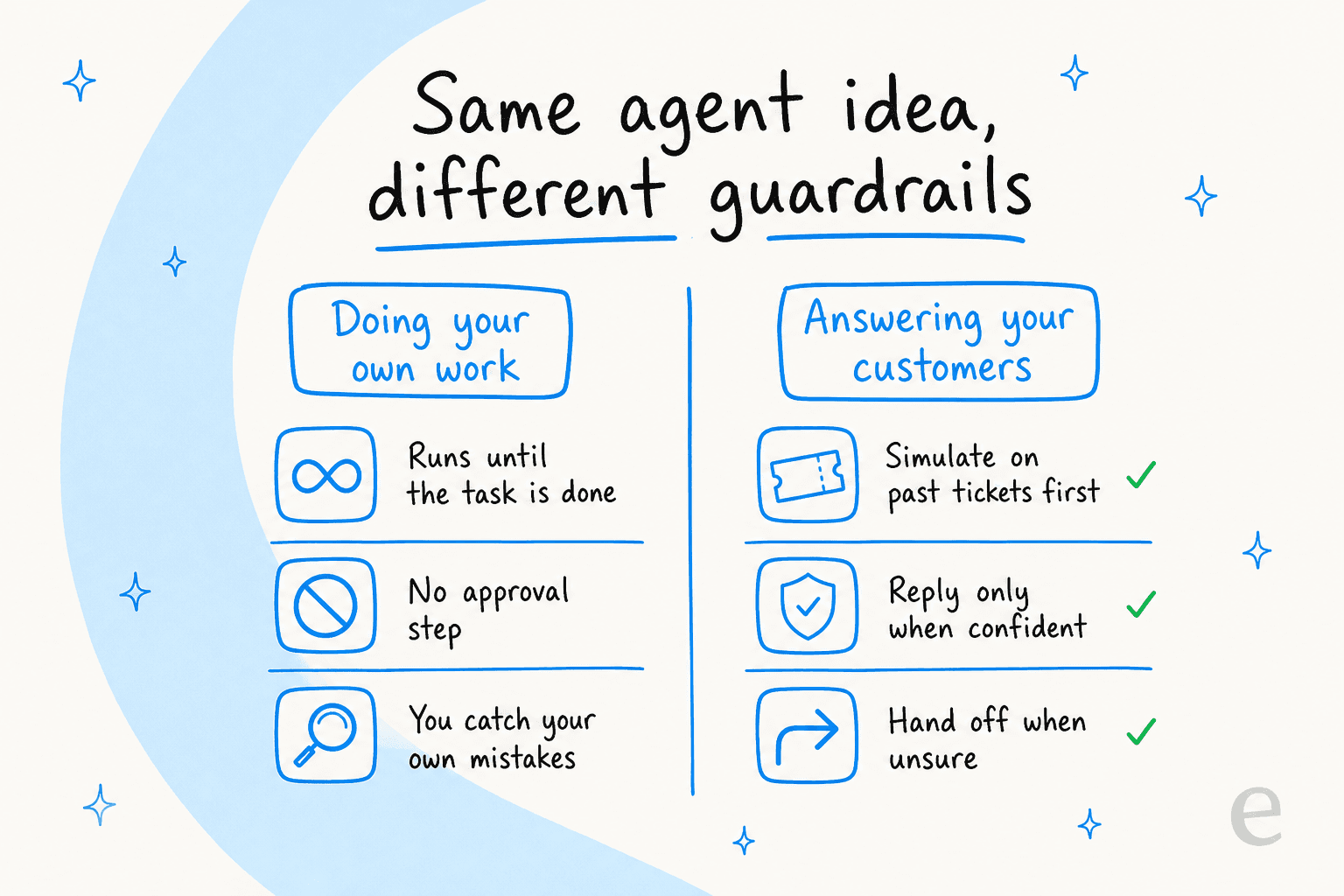
When an agent is doing your tasks, "run until it's done, no approval step" is a feature, because you're the one who catches a mistake. When an agent is answering your customers, the same behaviour is a liability. We've watched confident-sounding bots quietly hand out wrong answers, which is why every rollout we do is simulated against past tickets before it ever replies to a real person. You want the opposite of unbounded autonomy: reply only when confident, hand off to a human when not, and guardrails against hallucination baked in from day one.
That's not a knock on Aside. It's a different job. An AI browser is a personal power tool. Customer-facing automation is a system you have to be able to trust at scale, and trust comes from being able to test it, measure it, and hold it back when it isn't sure, the same reason replacing a support team with AI isn't an overnight switch.
Try eesel for customer support
If what you actually need is an agent for your help desk, not your personal browser, that's the problem we built eesel to solve. It plugs into the helpdesk you already run (Zendesk, Freshdesk, Gorgias, Help Scout, and more), learns from your past tickets and help docs on day one, and the part that matters most: you simulate it against thousands of your real historical tickets before it goes live, so you can see exactly what it would have said and how much it would have resolved.

Pricing is usage-based at 40¢ per resolved ticket, with no per-seat fees and no platform minimum, and there's a free trial that doesn't need a card. For one team, eesel resolved 73% of tier-1 requests in the first month. Different tool, different guardrails, for a job where the guardrails are the whole point.
Frequently Asked Questions

Share this article

Article by
Alicia Kirana Utomo
Kira is a writer at eesel AI with a Computer Science background and over a year of hands-on experience evaluating AI-powered customer service tools. She focuses on breaking down how helpdesk platforms and AI agents actually work so that support teams can make better buying decisions.