A deep dive into Canva integrations with GPT-Image-1-Mini


Last edited October 29, 2025
Table of Contents
- Understanding Canva integrations with GPT-Image-1-Mini: The two core components
- How Canva integrations with GPT-Image-1-Mini work natively
- Expanding Canva integrations with GPT-Image-1-Mini: External connections
- Canva integrations with GPT-Image-1-Mini: Use cases, pricing, and limitations
- Design creation vs. business automation
Getting a great idea out of your head and into a polished design used to be a real challenge if you weren't a graphic designer. But that's changing, and fast.
Two names are at the center of this shift: Canva, the design platform everyone knows and loves, and OpenAI, the company behind some of the most powerful AI models out there. When you put them together, things get really interesting.
In this guide, we'll walk you through the Canva integrations with GPT-Image-1-Mini and similar AI. We'll look at how they work, what you can make with them, and, just as importantly, what their limits are, especially for businesses.
Understanding Canva integrations with GPT-Image-1-Mini: The two core components
First, let's get a quick intro to the two main players here. One is probably already in your browser tabs, and the other is the cutting-edge tech making all the AI magic happen.
Canva: The design platform
You likely already know Canva. It's that super intuitive platform that lets just about anyone create professional-looking graphics, presentations, or social media posts. The drag-and-drop editor and massive template library are what make it so popular.
GPT-Image-1-Mini: The AI engine
GPT-Image-1-Mini is one of OpenAI's latest image-generating AI models. Think of it as the engine under the hood. It's a step up from older models like DALL-E, designed to be really good at understanding detailed text prompts and turning them into high-quality images. It can follow specific instructions, pull from its vast knowledge, and even render text inside images pretty accurately, which makes it perfect for a platform like Canva.
How Canva integrations with GPT-Image-1-Mini work natively
The best integrations are the ones you don't have to think about, and Canva has done a great job of weaving OpenAI's tech directly into its platform. It’s all part of their Magic Studio and Canva AI features, so you don't need to set up a thing.
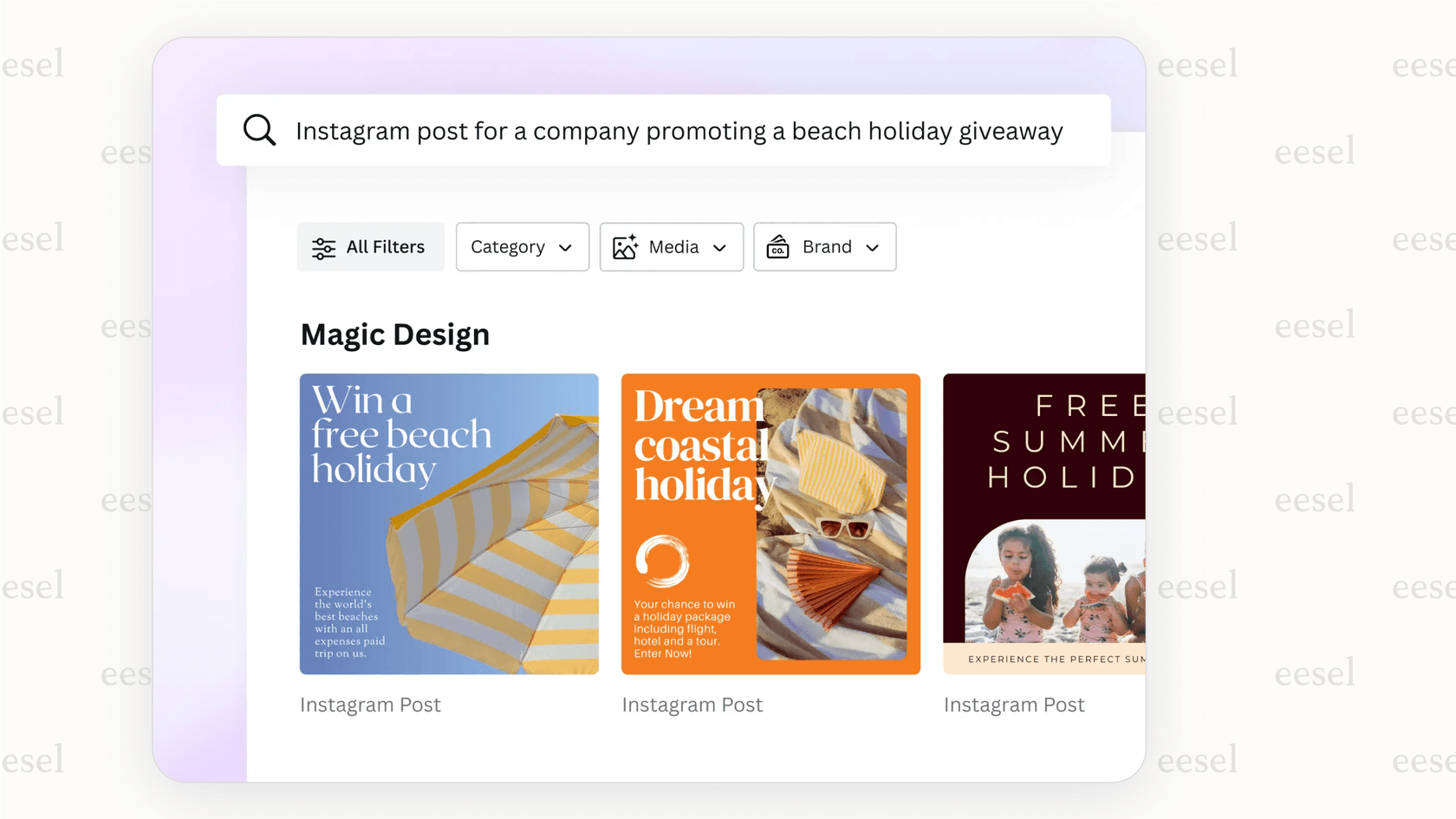
You’ve probably seen these tools: Magic Media™ & Dream Lab are the main text-to-image generators. Magic Edit lets you tweak parts of an image with a text prompt. And Magic Design can even whip up entire templates from a simple description.
The big win here is how smooth it all feels. But that simplicity has a trade-off. You don't have much control over the final image besides tweaking your text prompt. It's a bit of a "black box," which can be tricky if you need to stick to strict brand guidelines or connect your designs to live business data.
Expanding Canva integrations with GPT-Image-1-Mini: External connections
Besides the tools baked into Canva, you can also connect it to other platforms to fit design into different parts of your workflow.
The Canva GPT for ChatGPT
If you're one of those people who spends half your day in ChatGPT, Canva has a custom GPT for you. It's like having a design assistant right in the chat. You can bounce ideas around, and it will suggest Canva templates. When you see one you like, it gives you a link to jump straight into Canva to edit.
It's great for brainstorming, but it’s more of a fancy search tool than a deep integration. You still have to switch over to Canva to do any real work.
Automating workflows with Zapier
For teams that need to create content at scale, tools like Zapier can be a huge help. You can set up "Zaps" that connect Canva to other apps. For instance, you could have a new row in a Google Sheet automatically create a new social media graphic in Canva.
This is awesome for churning out lots of repetitive designs, but be warned: these workflows can get complicated to manage. The costs can also add up with subscriptions for Canva, Zapier, and maybe even OpenAI if your logic gets complex. And it still doesn't solve the core problem of the AI not knowing anything about your business context.
Canva integrations with GPT-Image-1-Mini: Use cases, pricing, and limitations
So, is it worth it for your team? Let's look at who's using it and what it costs.
Common use cases
We see a few groups getting a lot of value out of these tools:
-
Marketing teams can spin up tons of ad variations for A/B testing.
-
Sales pros can create custom slides for a pitch in minutes.
-
Content creators can generate unique blog headers or YouTube thumbnails without scrolling through endless stock photos.
Pricing plans
To get access to the best AI features, you'll probably need a paid plan. The free version gives you a little taste, but heavy users will hit the paywall pretty fast.
| Feature | Canva Free | Canva Pro | Canva Teams |
|---|---|---|---|
| Price | $0 | $120/year per person | $300/year for 3 people |
| Magic Write | Limited AI access | High AI access | High AI access |
| Text to Image | Limited AI access | High AI access | High AI access |
| Magic Switch | ✘ | ✔ | ✔ |
| Background Remover | ✘ | ✔ | ✔ |
| Magic Eraser | ✘ | ✔ | ✔ |
| Brand Kit | 1 Brand Kit | 1000 Brand Kits | 1000 Brand Kits |
The critical limitation: A lack of business context
Here’s the thing, though. While Canva’s AI is fantastic for creating visuals, it works in a vacuum. It has no idea what’s happening inside your business.
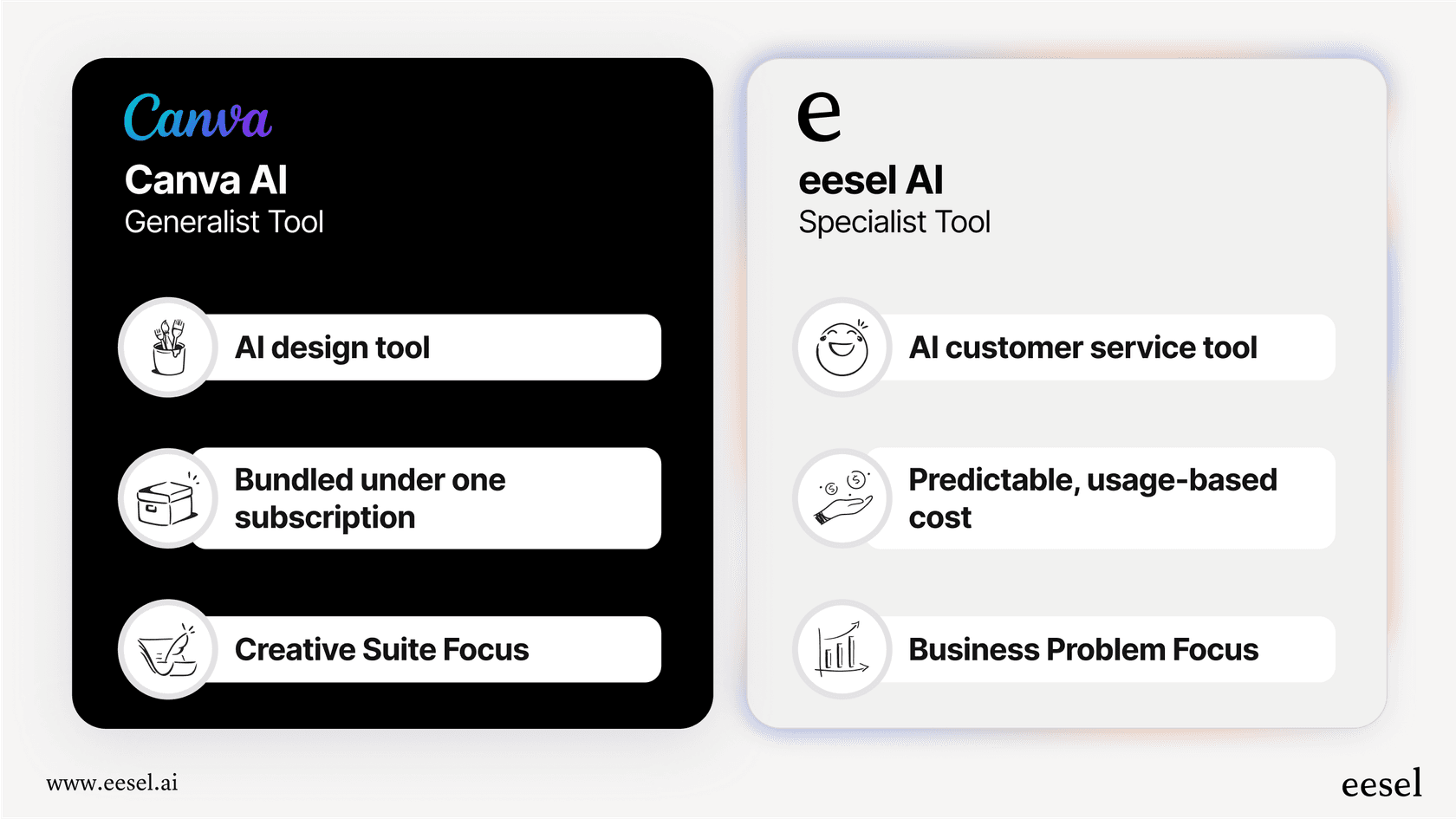
It can't read your internal knowledge base in Confluence or check your latest product docs in Google Docs. It can’t learn from your team's customer conversations in Zendesk. And it definitely can't pull real-time order info from Shopify.
This disconnect is a big deal. The AI can match your brand's colors, sure, but it can't match your brand's voice because it hasn't learned from the thousands of interactions that define it.
For that, you need a different kind of tool, one that’s built for business automation. For example, an AI platform like eesel AI is designed to connect directly to all your company's scattered information. Instead of just making a pretty graphic, it can learn from past support tickets to help your team draft a perfect, context-aware reply. It ties everything together, helpdesks, wikis, you name it, to provide AI help that’s actually useful for your day-to-day operations, not just your marketing assets.
Design creation vs. business automation
So, what's the takeaway?
Canva's integrations with AI models like GPT-Image-1-Mini are a huge step forward for visual design. They make creating beautiful content faster and easier for everyone, which is a massive win for marketing and sales teams.
But it's important to know what these tools are, and what they aren't. They’re for visual creation, not deep business automation. While Canva's AI can help you look on-brand, you need a specialized platform if you want an AI that can think and act on-brand by tapping into your unique business data.
If you’re ready to go beyond generic visuals and give your team an AI that actually understands your business, check out how eesel AI can help with your support and internal knowledge workflows.
Frequently asked questions

Share this article

Article by
Stevia Putri
Stevia Putri is a marketing generalist at eesel AI, where she helps turn powerful AI tools into stories that resonate. She’s driven by curiosity, clarity, and the human side of technology.