What is ChatGPT Atlas? A deep dive into OpenAI's AI browser (2025)


Last edited October 28, 2025

It feels like every week there’s a new AI tool that promises to completely change how we work. The buzz is constant, and OpenAI just made its biggest move yet with the launch of ChatGPT Atlas, an AI-native web browser.
But is it the revolutionary super-assistant it’s hyped up to be, or just a cool experiment with some serious catches? Let's cut through the noise. Here’s a balanced look at what ChatGPT Atlas is, what it can do, where it falls short (especially for businesses), and whether it's actually practical to use today.
What is ChatGPT Atlas?
At its heart, ChatGPT Atlas is a web browser built on Chromium, the same engine that powers Google Chrome and Microsoft Edge. The big difference is that OpenAI's ChatGPT isn't just a tacked-on extension; it's built right into the core of the browser.
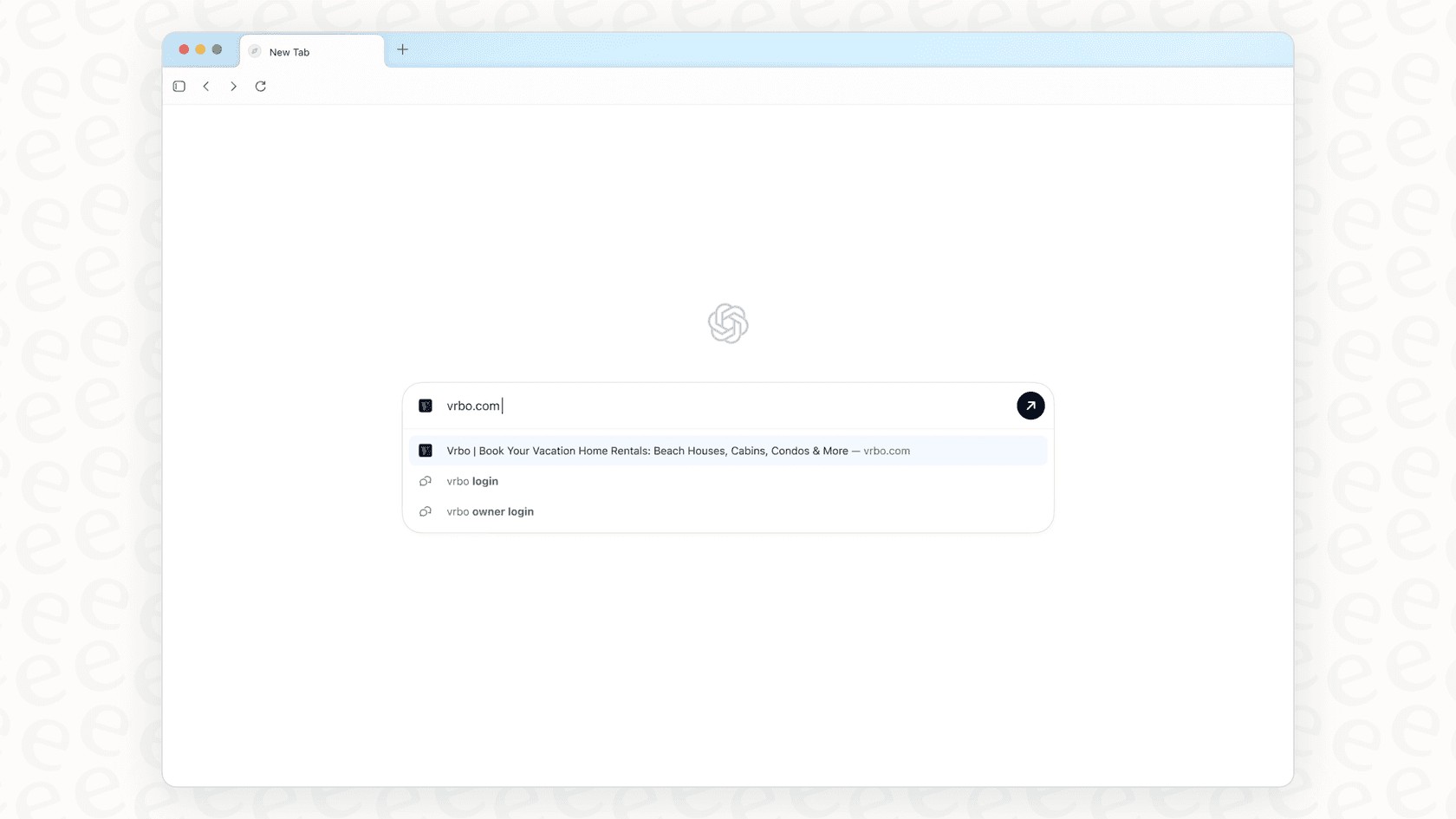
According to OpenAI's announcement, the goal is a "true super-assistant that understands your world and helps you achieve your goals." The idea is pretty neat: let an AI understand the context of what you're doing online so it can help you get things done without you having to juggle a dozen tabs. It launched first for macOS, with promises of Windows and other versions on the way.
The core features of ChatGPT Atlas
Before we get into the downsides, it’s worth understanding what ChatGPT Atlas is trying to do. OpenAI has packed it with a few key features designed to make browsing feel a bit smarter. Let's break them down.
ChatGPT Atlas: An integrated AI assistant for everyday browsing
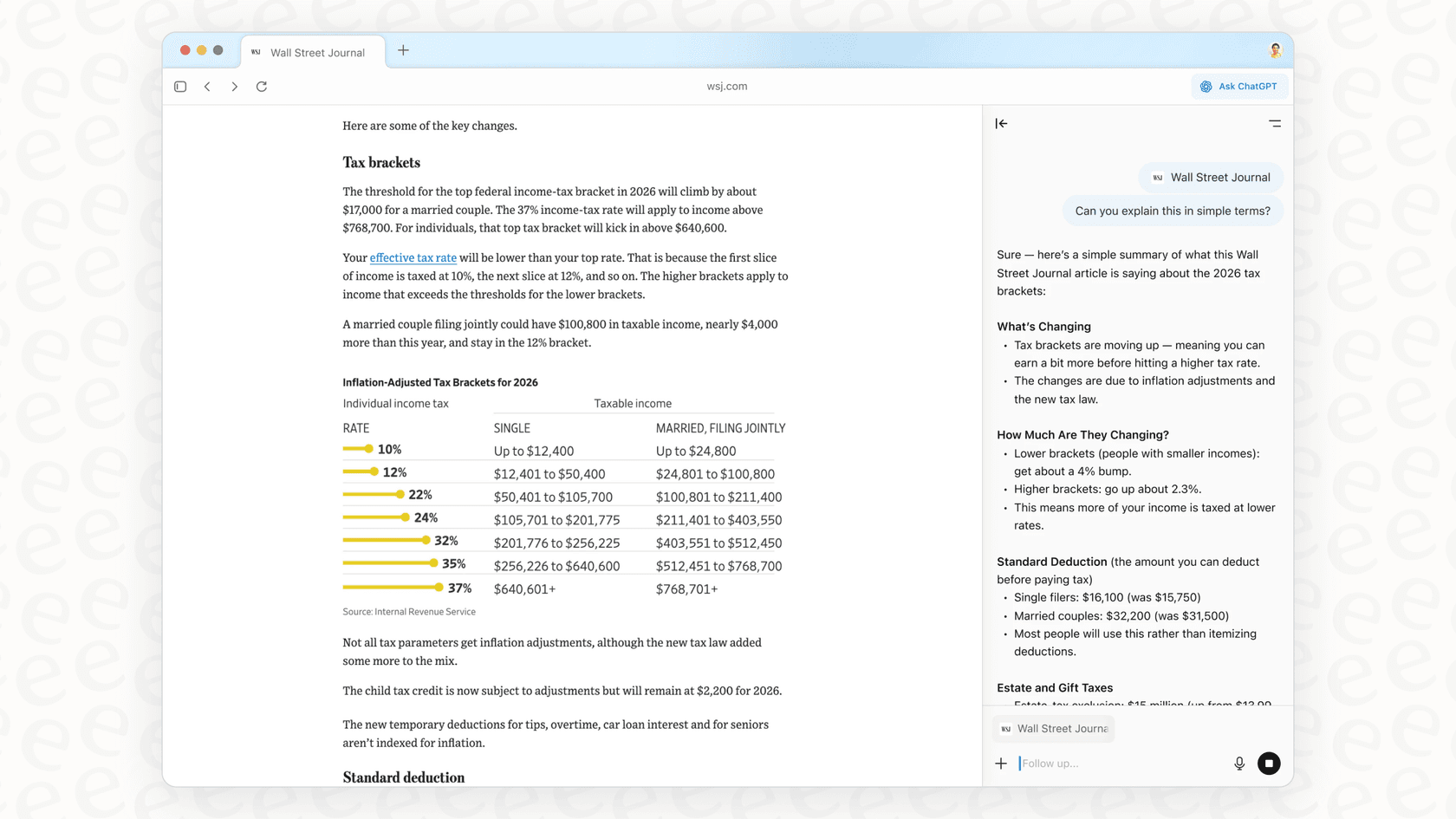
Atlas is meant to be your sidekick as you browse. It has an "Ask ChatGPT" sidebar you can pop open on any webpage to get a quick summary of a long article, ask specific questions about what you're reading, or even have it analyze data in a table on the page. No more copy-pasting into a separate ChatGPT window.
It also helps you write directly on a webpage. You can highlight text in an email, a Google Doc, or a social media post and ask ChatGPT to tweak it, rewrite it, or make it longer. It’s a clear attempt to weave AI directly into your day-to-day online tasks.
ChatGPT Atlas browser memories and personalized context
This is one of the more powerful (and, frankly, a bit unsettling) features. If you turn on "browser memories," the AI can remember details from sites you’ve visited to give you more relevant answers later on. For instance, you could ask it something like, "Show me the job postings I was looking at last week and tell me what the common requirements are."
OpenAI is quick to point out that this is optional. You have controls to see, archive, or delete your memories. You can also tell Atlas to ignore certain websites, giving you some power over what the AI is allowed to see and remember.
ChatGPT Atlas agent mode: Delegating tasks to the AI
"Agent mode" is where Atlas starts to feel like something out of a sci-fi movie. It's currently in preview for paid subscribers and lets you hand off tasks for the AI to handle on its own. You give it a high-level goal, like "find a lasagna recipe, add the ingredients to a shopping cart, and order them," and then you can watch it open tabs, navigate sites, and click around for you.
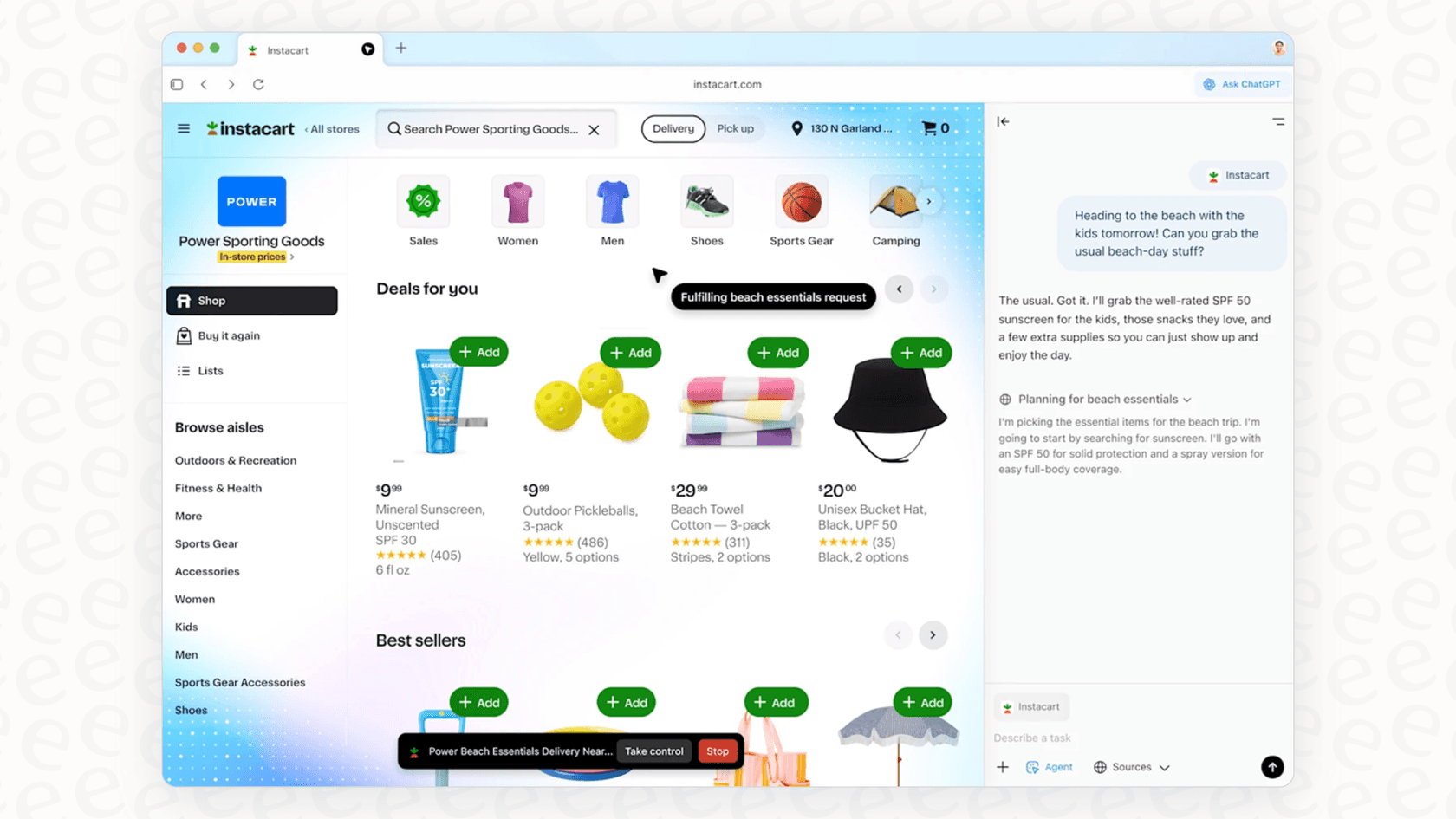
This is the browser's most ambitious feature. It allows the AI to do things for you, not just give you information. It’s a big step toward a future where you can offload boring online chores to an AI.
The practical limitations and risks of ChatGPT Atlas
While the features sound impressive on paper, early reviews and expert analyses have flagged some pretty big problems, especially if you're thinking of using it for work. It’s important to look past the marketing and see how this tool actually performs in the real world.
Is ChatGPT Atlas an AI assistant or an anti-web browser?
One of the sharpest critiques of Atlas is that it often puts up a wall between you and the actual internet. Instead of helping you find information on the web, it sometimes replaces the web with its own AI-generated summaries. As writer Anil Dash noted, you can search for something and get a results page that looks like a real webpage but has zero links to the original sources.
This is a massive issue for anyone who needs reliable, verifiable information. The browser can hide where it got its information, present outdated or completely made-up (hallucinated) content as fact, and make it impossible for you to double-check its work. For a business, where accuracy is everything, this is a deal-breaker. It’s the exact opposite of a purpose-built AI that needs to base its answers on a trusted source of knowledge.

Unreliable agents and slow performance
Agent mode might be the flashiest feature, but right now, it's not very good. In a test run by The Verge, it took the AI agent a painfully slow 10 minutes just to add three items to an Amazon cart.
And that's not a one-off problem. In OpenAI’s own demo video, the agent famously messed up an order for oranges. In another review, it booked a dinner reservation for the wrong day. If an AI agent can't be trusted with simple tasks like that, it’s a long way from being ready for important business operations, like processing customer orders or managing support tickets. The risk of expensive mistakes is just too high.
Privacy and data security concerns
Maybe the biggest risk for any business is the one hiding in plain sight. When you use features like "browser memories," you're not just using an AI assistant; you’re letting it watch your every move. By giving it permission to look over your shoulder, you’re feeding everything you do, including confidential work in private documents, sensitive company information on Confluence, and internal dashboards, straight to OpenAI's massive, general-purpose model.
For any company, that’s a huge security risk. It exposes sensitive company and customer data to a third party without the right controls in place. This is where a focused, secure tool makes a lot more sense. Unlike a general browser that sees everything, a platform like eesel AI is built for business security from the ground up. It only connects to the specific knowledge sources you approve, like your help center or internal docs, and it never uses your private data to train its models. This keeps your company information safe, private, and used only to help you.
ChatGPT Atlas pricing: What does it really cost?
The Atlas browser itself is free to download, but its most powerful features, like agent mode, are only available with a paid ChatGPT subscription. So, the real cost isn't the browser; it's the access to the AI that runs it. The pricing is set up for a suite of general AI tools, not for a specific business solution.
Here’s how the plans that unlock its main features break down:
| Plan | Price (Billed Monthly) | Key ChatGPT Atlas Features | Ideal For |
|---|---|---|---|
| ChatGPT Plus | $20 / month | Limited access to Agent Mode | Individuals & enthusiasts |
| ChatGPT Pro | $200 / month | Maximum access to Agent Mode | Power users & creators |
| ChatGPT Business | $30 / user / month | Agent Mode, Company knowledge connectors, Admin controls | Teams & small businesses |
If you’re a business trying to solve a specific problem like customer support automation, this pricing doesn't really make sense. A better fit is a platform with pricing designed for business use cases. For example, eesel AI offers clear, predictable plans that aren't based on confusing "per-resolution" fees. This means you won't get a surprise bill after a busy month and can actually budget effectively.

ChatGPT Atlas: A glimpse of the future, but not ready for business
ChatGPT Atlas is a really interesting and ambitious experiment. It gives us a compelling peek into a future where AI is a natural part of how we use the internet.
However, its current struggles with reliability, speed, privacy, and its tendency to wall you off from the web make it more of a novelty than a tool you can depend on for serious work. General AI tools are often a clumsy fit for specialized jobs like customer service, which require accuracy, security, and a lot of control.
Instead of waiting around for a one-size-fits-all AI to get its act together, businesses can solve real problems today with a more focused solution. eesel AI offers a powerful AI agent platform that plugs directly into your existing help desk, like Zendesk or Freshdesk, to automate support, help your agents, and make customers happier.
With eesel AI, you can:
-
Get up and running in minutes, not months. The setup is truly self-serve, with no need for long sales calls or demos.
-
Test with confidence. You can see how the AI would have performed on thousands of your past tickets before it ever talks to a live customer.

- Stay in complete control. You decide exactly which types of tickets the AI handles and how it passes off the rest to your team.
Ready to see what an AI built for support can actually do for you? Learn more about eesel AI or start a free trial to see it in action.
Frequently asked questions

Share this article

Article by
Stevia Putri
Stevia Putri is a marketing generalist at eesel AI, where she helps turn powerful AI tools into stories that resonate. She’s driven by curiosity, clarity, and the human side of technology.