The 7 best Discord AI chatbot tools for your server in 2026


Last edited June 24, 2026
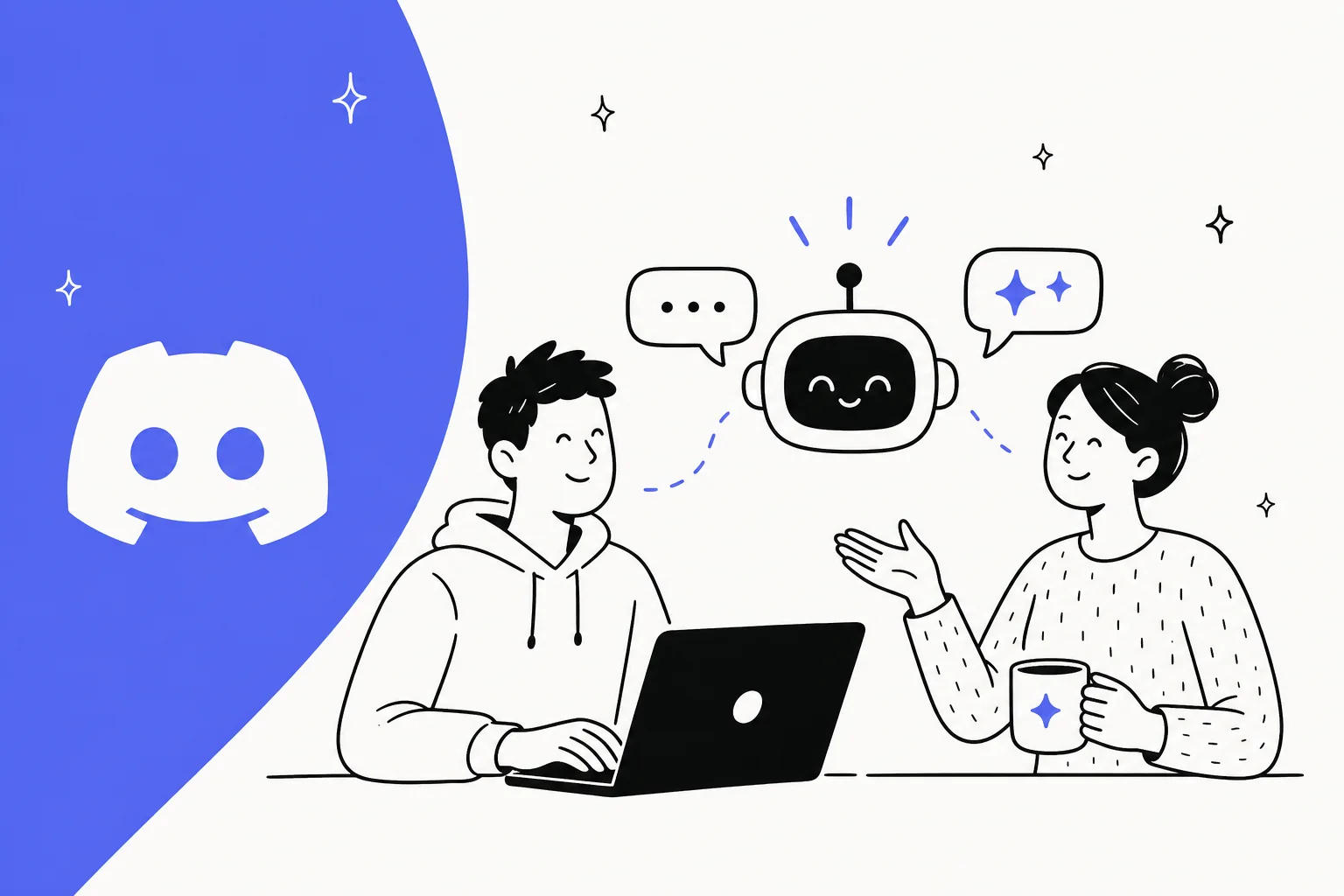
Discord isn't just for gaming anymore. It's become a go-to spot for business communities, customer support hubs, and developer hangouts. As these servers grow, so does the never-ending stream of messages, and answering the same questions on repeat is a surefire way to burn out your team.
This is where a Discord AI chatbot can step in. It works around the clock to handle routine support, deliver quick answers, and help you keep your community running smoothly. This guide breaks down the 7 best Discord AI chatbot tools for 2026, comparing them so you can find the right one for your business. If you're weighing the platform itself, my guides to Discord pricing and Discord alternatives are good companion reads.
So, what is a Discord AI chatbot?
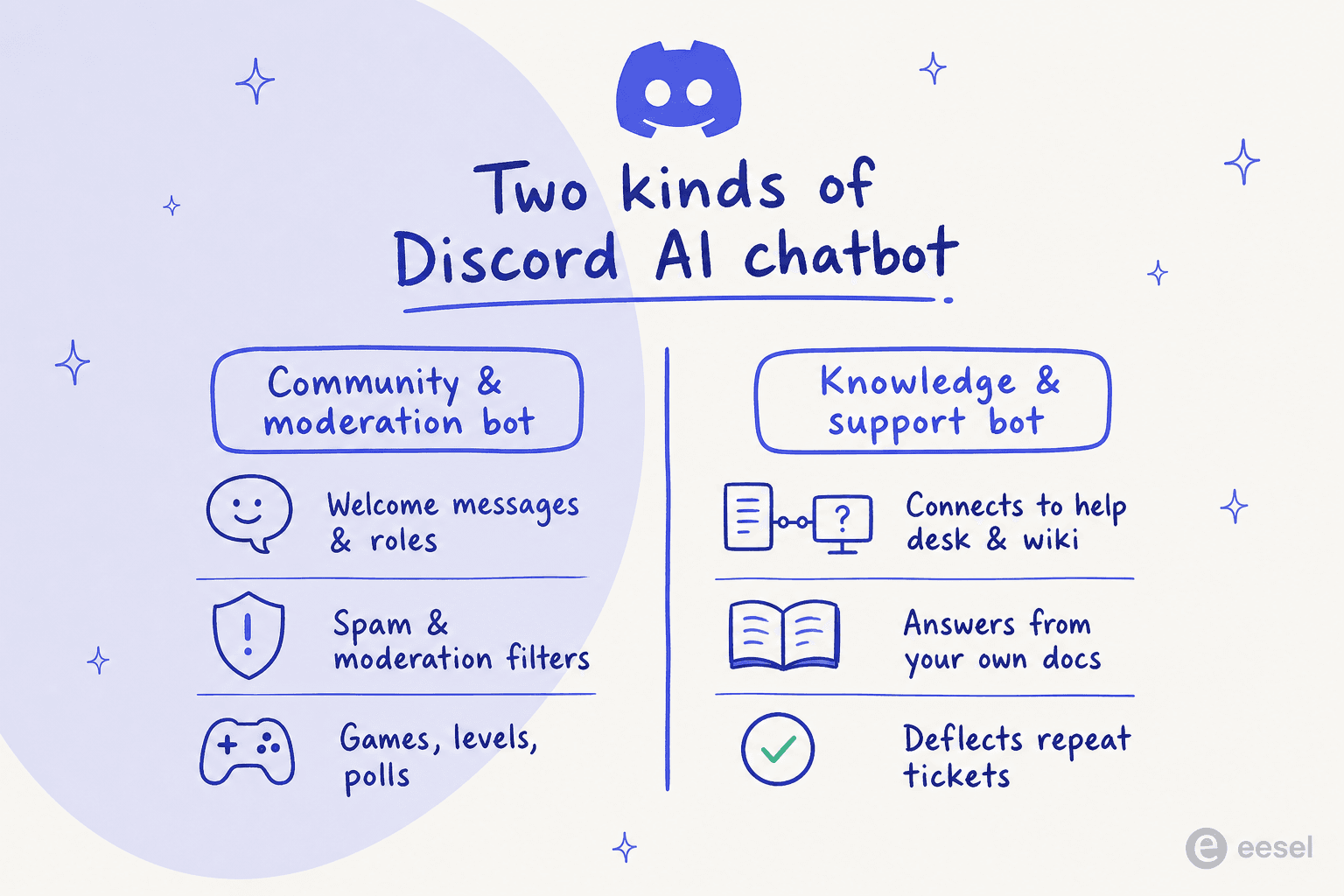
A Discord AI chatbot is a program you add to your server that uses AI to chat with members, figure out what they need, and automate tasks. They typically come in two flavors:
- Community and moderation bots: Think of classic bots like MEE6. They're great for keeping members engaged with leaderboards and games, zapping spam, and handling roles. They're the social glue that keeps a server tidy.
- Knowledge and support bots: This is where the business value really shines. These bots connect to your knowledge sources, like a help desk or an internal wiki, to give members accurate answers based on your own information.
For any business using Discord, this is a big deal. A solid support bot cuts down on the tickets your team juggles, gives members instant help, and lets your human agents save their brainpower for the truly tricky problems, which is the whole point of good ticket triage.
How I picked the best Discord AI chatbot tools
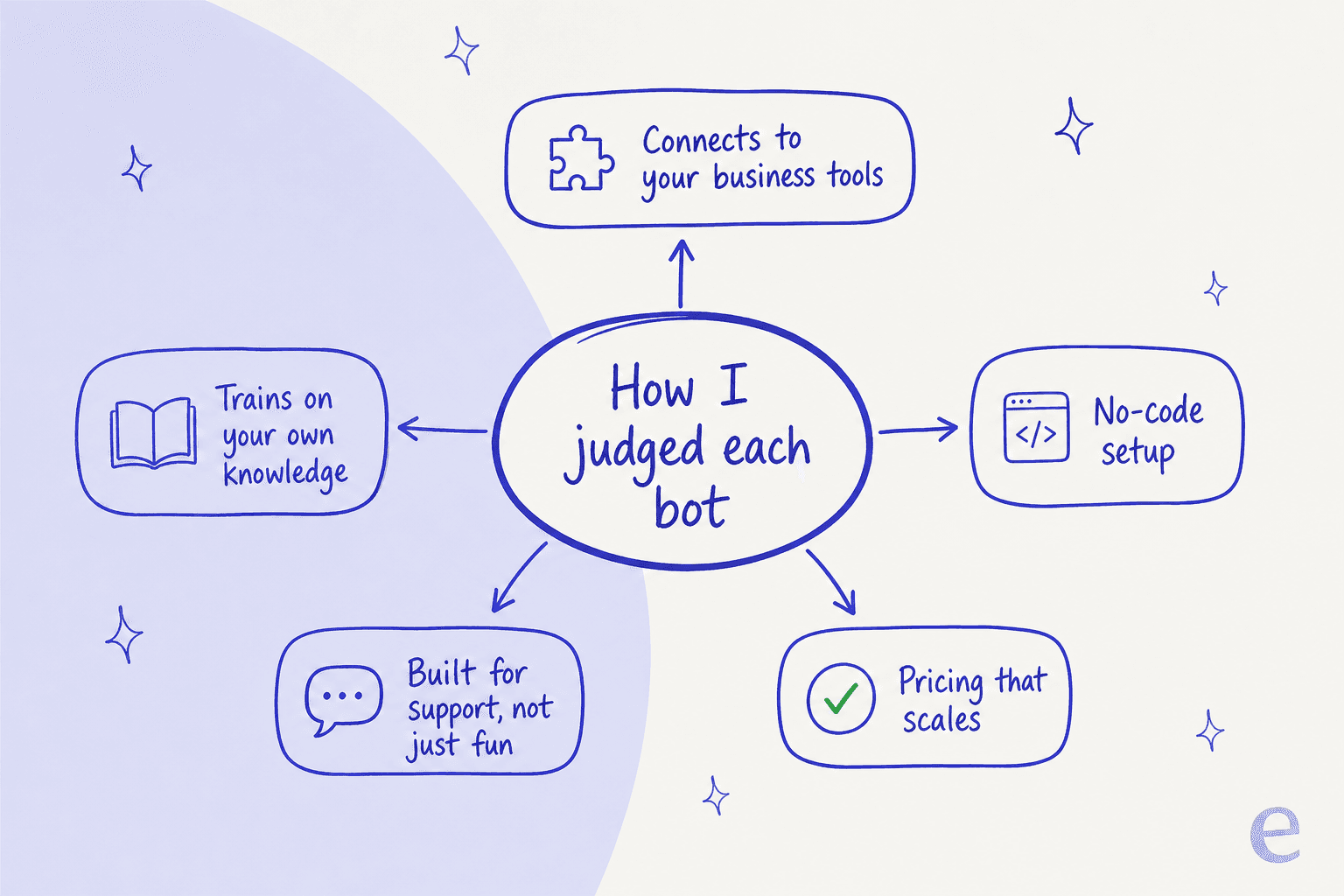
To separate the helpful from the hype, I looked at these tools through the lens of a business using Discord for support or sharing internal knowledge.
- Connections to business tools: Does it play nice with the software you already use, like Zendesk, Freshdesk, Confluence, or Slack? A bot that can't talk to your other tools isn't all that useful.
- Training and knowledge: Can it actually learn from your content? The best bots train on your past support tickets, internal docs, and help articles to give answers that are actually on-point.
- Ease of setup: Can your support lead get it running, or do you need to book a developer for a month? I focused on no-code options that don't demand a computer science degree.
- Main purpose: Is it built for professional support and knowledge management, or is it more of a general-purpose bot for fun and games?
- Scaling and price: Does the pricing model make sense as your community grows? You want a tool that grows with you, not one that punishes you for being successful.
Quick overview: Top picks compared
Here's a snapshot of how my top picks measure up, with pricing re-verified against each vendor's own page in 2026.
| Tool | Primary Use Case | Connects to Help Desk? | Trains on Past Tickets? | Setup Effort | Starting Price |
|---|---|---|---|---|---|
| eesel AI | Integrated Support & Knowledge | Yes (Zendesk, Freshdesk, etc.) | Yes | Low (No-code) | Usage-based, from 40¢/resolution |
| Mava | Customer Support | Yes | Yes (from Discord) | Low | Custom |
| Botpress | Custom Bot Development | Via custom build | Yes (if built) | High (Developer-centric) | Free, then $150/mo |
| Voiceflow | Conversation Design Platform | Via custom build | Yes (if built) | High (Developer-centric) | Free trial, then by demo |
| MEE6 | Moderation & Engagement | No | No | Low | $11.99/mo (Premium) |
| Zapier | Workflow Automation | Via Zaps | No | Medium | $19.99/mo (Professional) |
| YourGPT | General ChatGPT Bot | No | No | Low | Custom |
The 7 best Discord AI chatbot tools
Let's get into what makes each of these tools tick and who they're best suited for.
1. eesel AI
eesel AI isn't just another bot; it's more like an AI brain for your whole company. It connects to your business tools and brings your entire knowledge base, from Confluence, Google Docs, and past tickets in Zendesk, right into your Discord server. The result is an AI assistant that gives accurate, relevant answers based on your own content.

Why it's on the list: It's the ideal choice for businesses that take support seriously, whether for customers or internal teams like IT and HR. You don't have to build anything, eesel AI works with the tools you already have. Its multi-bot setup means you can run separate, specialized bots for different departments, all from one dashboard. And before it answers a single member, you can simulate it on your past tickets to see exactly how it'll behave, which is how the team catches confident-but-wrong answers before they ever reach a member.
Pros:
- Plugs directly into over 100 business tools, including help desks like Freshdesk, wikis, and platforms like Slack.
- Learns from high-quality data like your past support tickets and private documents for seriously accurate answers.
- The no-code setup means you can go live in an afternoon without roping in a developer.
- It's a full AI toolkit, including an AI Copilot for agents, AI Triage for tickets, and a website AI Chatbot.
Cons:
- It's built for professional support, so it's probably overkill if you just want a bot to share memes or run community polls.
- The deepest accuracy comes from training on your historical tickets, so the more support history you have, the more it shines.
Pricing: Usage-based, starting at 40¢ per resolution, with no per-seat fees, no platform fee, and no monthly minimum. You're free to start until you've used $50.
2. Mava
Mava is a Discord AI chatbot built specifically for customer support that lives and breathes inside Discord. It's made to learn from your knowledge base, documentation, and (importantly) the past conversations that have already happened on your server to automate responses.
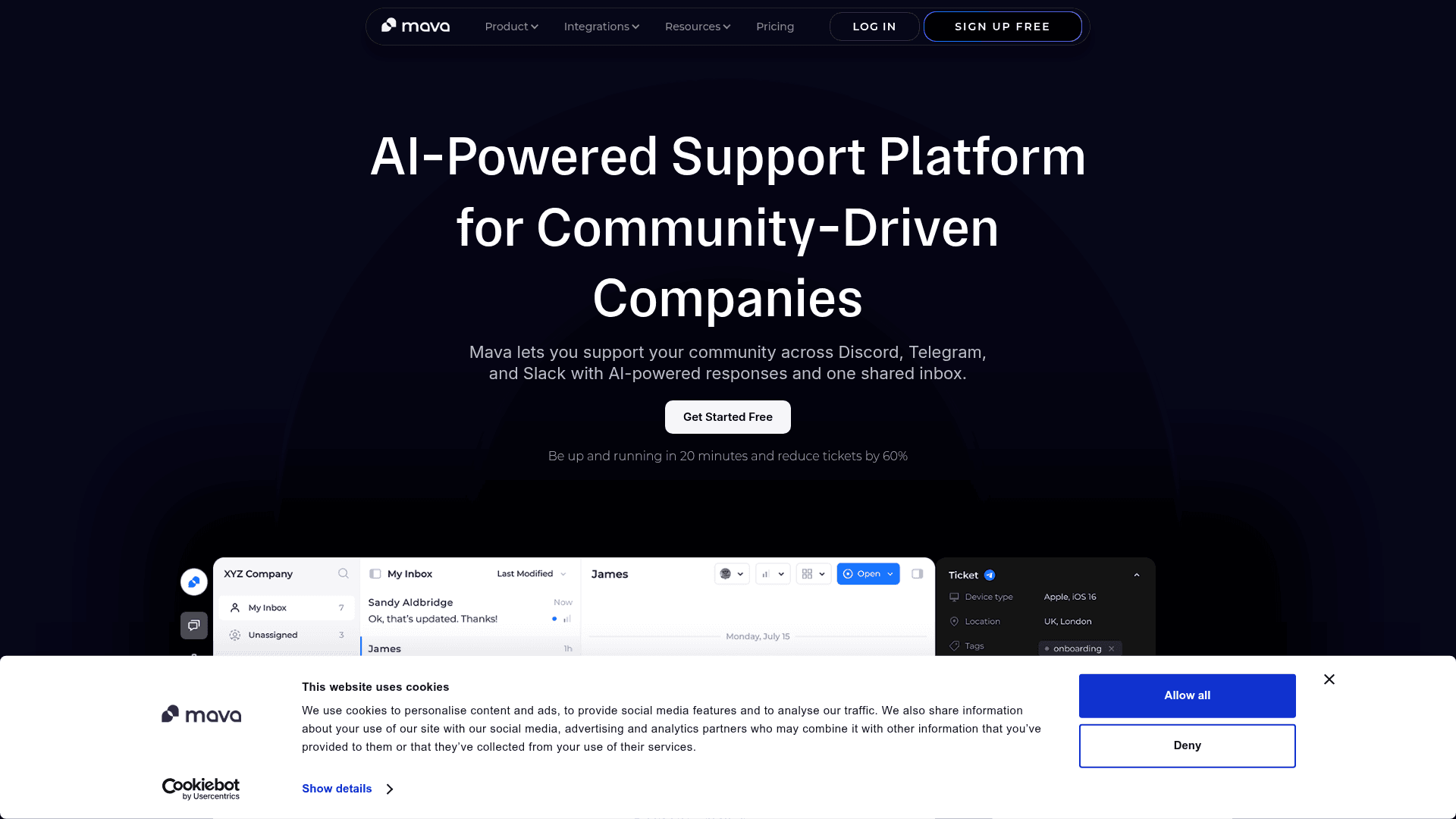
Why it's on the list: If your company's entire support world revolves around Discord, Mava is a solid option. It's highly focused on making that one specific workflow better.
Pros:
- Designed from the ground up for Discord support tickets and channel-based help.
- It can scan your server's chat history to improve its answers over time.
Cons:
- It's pretty much a Discord-only solution. It doesn't focus much on connecting with a broad range of external tools like help desks or company-wide wikis, which can make its knowledge a bit shallow.
- If you also offer support on your website, in your app, or over email, you'll need other tools. A platform like eesel AI lets you manage all of that from one place.
Pricing: Mava uses custom pricing, so you'll have to chat with their sales team for a quote.
3. Botpress
Botpress is a platform for developers looking to build complex, AI-driven conversational bots. It gives you a ton of control, letting you create a truly custom Discord AI chatbot from the ground up.
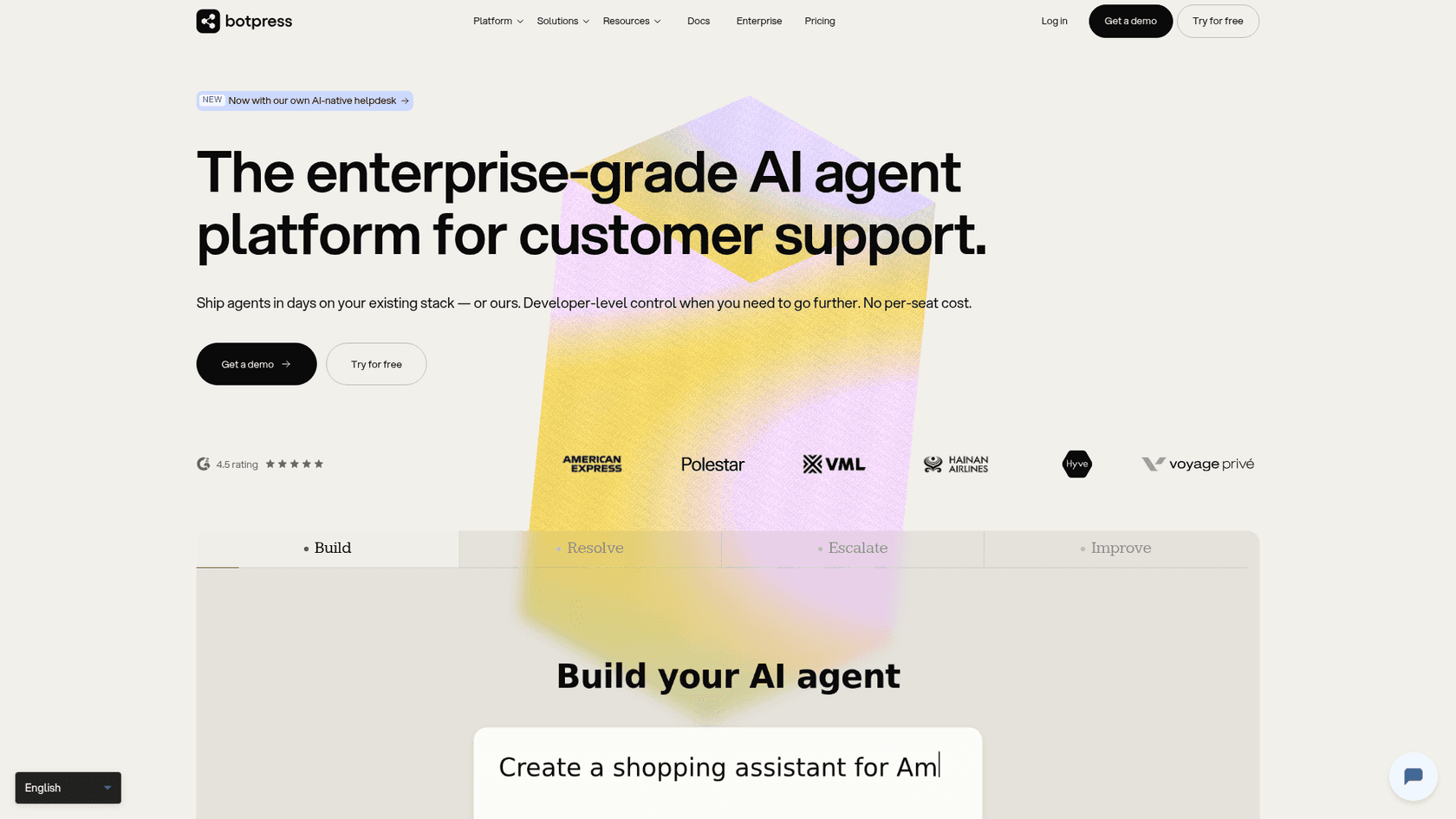
Why it's on the list: If you have developers on your team and a specific vision for a unique bot, Botpress is one of the most powerful options out there.
Pros:
- Incredibly flexible and customizable, letting you build almost any conversational flow you can imagine.
- A solid community of developers behind it, with a generous free tier to prototype on.
Cons:
- This is not a tool for your marketing or support teams. It has a steep learning curve and isn't designed for non-technical folks.
- The time and money to build, connect, and maintain a Botpress bot are much higher than a no-code tool like eesel AI, which you can set up yourself.
Pricing: A free plan covers 100 conversations a month. Paid plans now start at $150/month for the Plus tier (250 conversations included), with Team at $750/month.
4. Voiceflow
Voiceflow is a slick, collaborative tool for designing and mapping out AI conversations. It's known for its visual, drag-and-drop canvas for planning complex chat flows. To actually get it working on Discord, though, you'll need custom code and a separate hosting platform.
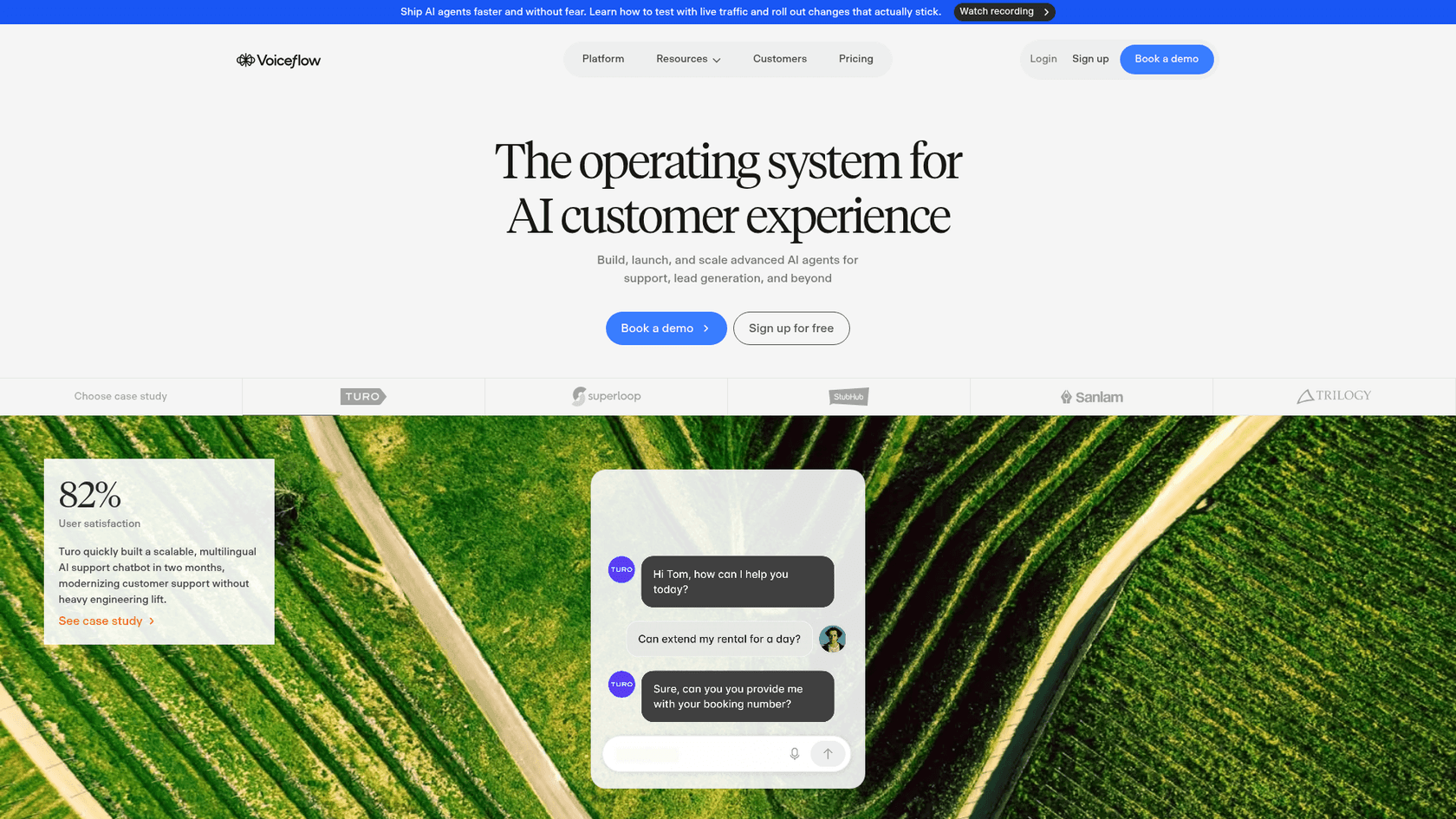
Why it's on the list: It's a great pick for teams that want to design the user's entire conversational path before any code gets written.
Pros:
- The visual builder makes it easy for designers, writers, and other stakeholders to collaborate on conversation design.
- Excellent for prototyping and visualizing user journeys.
Cons:
- It's not a plug-and-play solution. You need technical know-how and separate hosting to launch it on Discord.
- Its main strength is conversation design, not pulling in knowledge from business systems. Getting data from your help desk or wiki requires custom API work.
Pricing: Voiceflow offers a free trial; business plans have moved to request-a-demo pricing rather than a public per-seat rate, so you'll book a call for a quote.
5. MEE6
If you've spent any time on Discord, you've likely run into MEE6. It's one of the most popular bots around, famous for its moderation tools, XP and leveling systems, and custom commands that help keep communities active and safe.
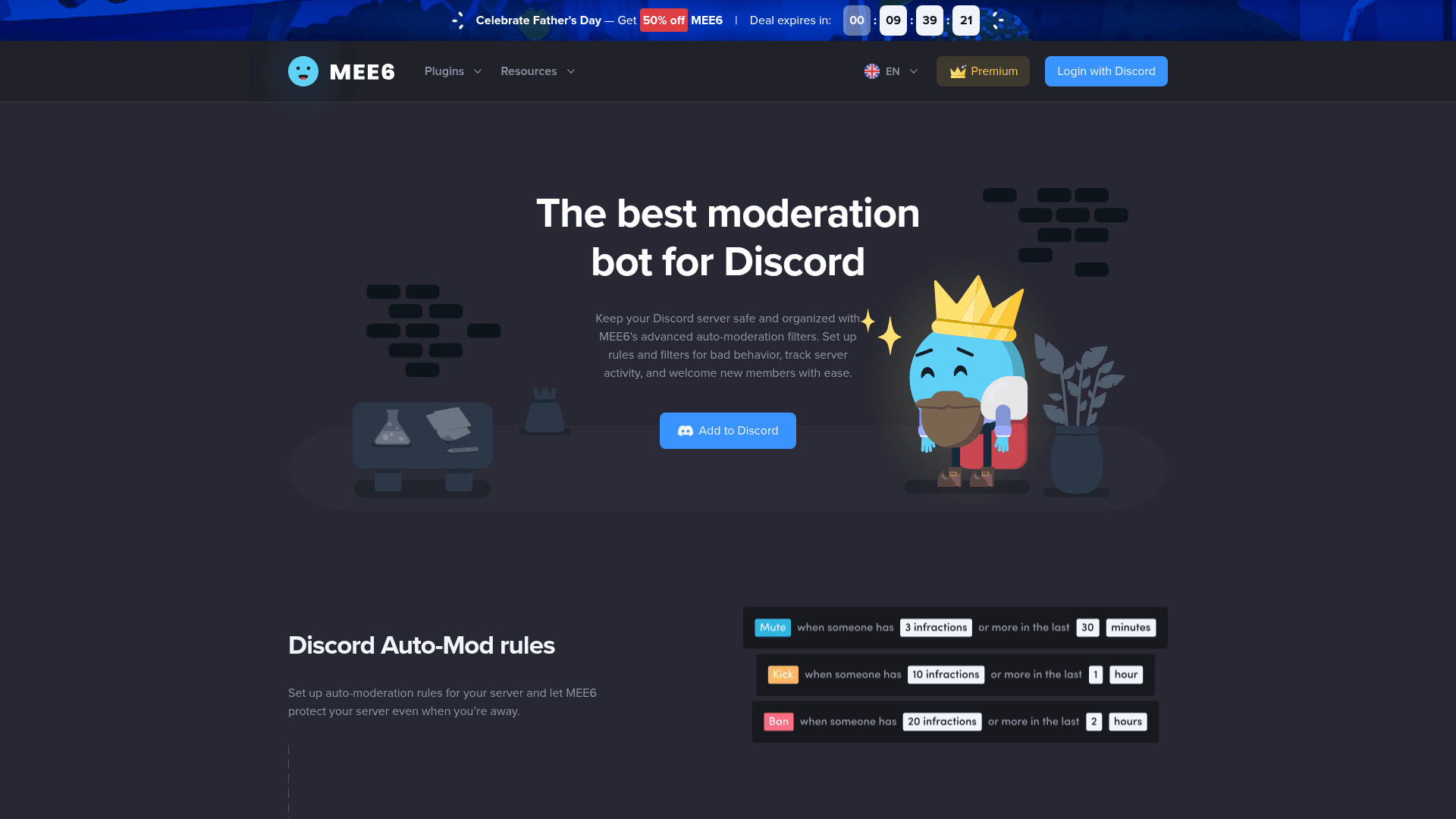
Why it's on the list: It's the top dog for general server management and a must-have for pretty much any large community.
Pros:
- Best-in-class for automated moderation, welcome messages, and features that get members talking.
- Super easy to set up for its main functions.
Cons:
- It's not a real Discord AI chatbot for knowledge or support. It can't connect to your help docs to answer specific questions.
- Its AI capabilities are limited to basics like spotting toxic language, not having intelligent back-and-forth conversations.
Pricing: Core features are free. The Premium plan is $11.99/month, with a $49.99/year option and a one-time $89.99 lifetime license.
6. Zapier
Zapier is like digital duct tape for the internet. It lets you create automated workflows, called "Zaps," that connect Discord to thousands of other apps without writing code. For instance, you could set up a Zap to post a message in a channel whenever a new support ticket is created in your CRM.
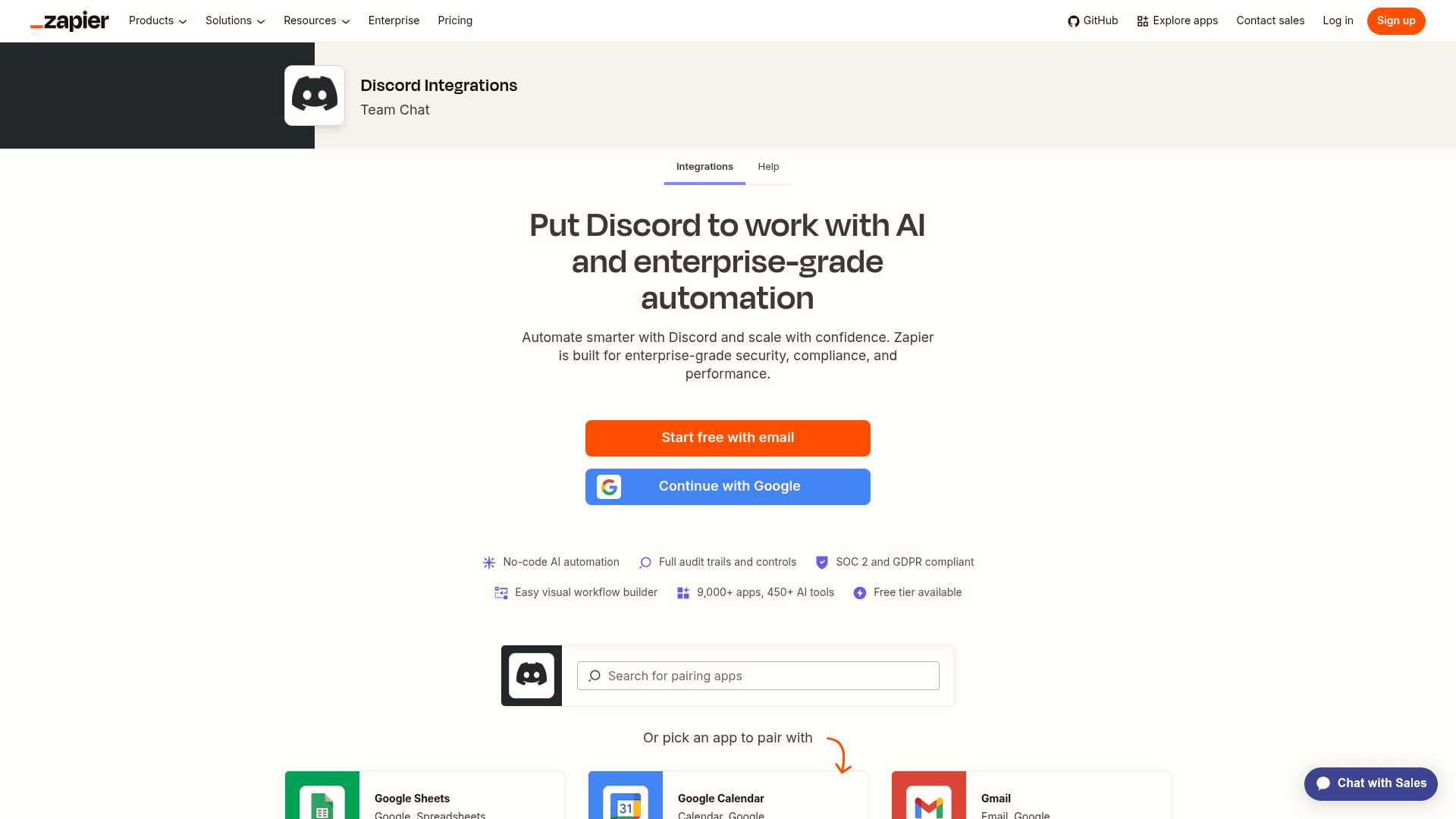
Why it's on the list: It's a straightforward way to create simple, event-based automations and link Discord to the rest of your software.
Pros:
- Extremely versatile, with integrations for over 9,000 different apps.
- Fairly easy to set up simple, one-way automations.
Cons:
- This is not a conversational AI. It can't understand or reply to member messages; it just reacts to triggers.
- Trying to build a real support system with Zapier can turn into a clunky, fragile, and expensive mess. That's a job much better handled by a dedicated AI helpdesk like eesel AI.
Pricing: A free plan with limited features is available; paid plans start at $19.99/month for Professional, with Team at $69/month.
7. YourGPT
YourGPT does exactly what its name implies: it lets you quickly add a custom ChatGPT-like bot to your Discord server. It's a simple way to bring general conversational AI into your community for brainstorming or just for fun.
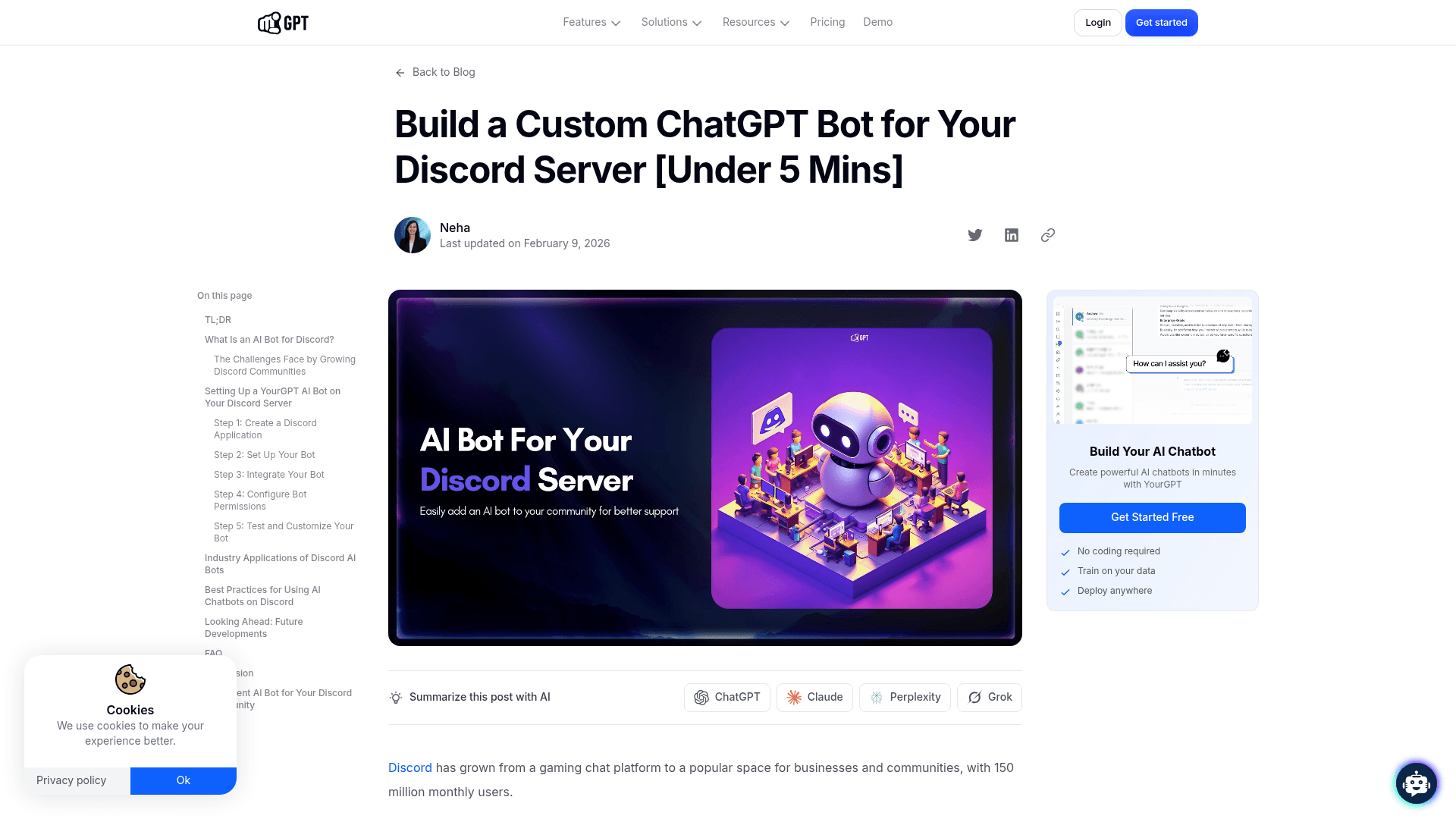
Why it's on the list: It's one of the easiest ways to add a general-purpose AI chatbot to a server for entertainment or answering random trivia.
Pros:
- Very simple and quick to get going.
- Gives you that familiar, free-flowing conversational style of ChatGPT.
Cons:
- It isn't trained on your company's knowledge. Its answers are generic and pulled from the public web, which makes it the wrong tool for official customer support.
- It has no integrations with business tools and can't do things like tag a ticket or hand off a conversation to a human agent.
Pricing: YourGPT uses custom pricing.
A few tips for picking the right Discord AI chatbot
Feeling a bit stuck? Here's a simple way to narrow down your options.
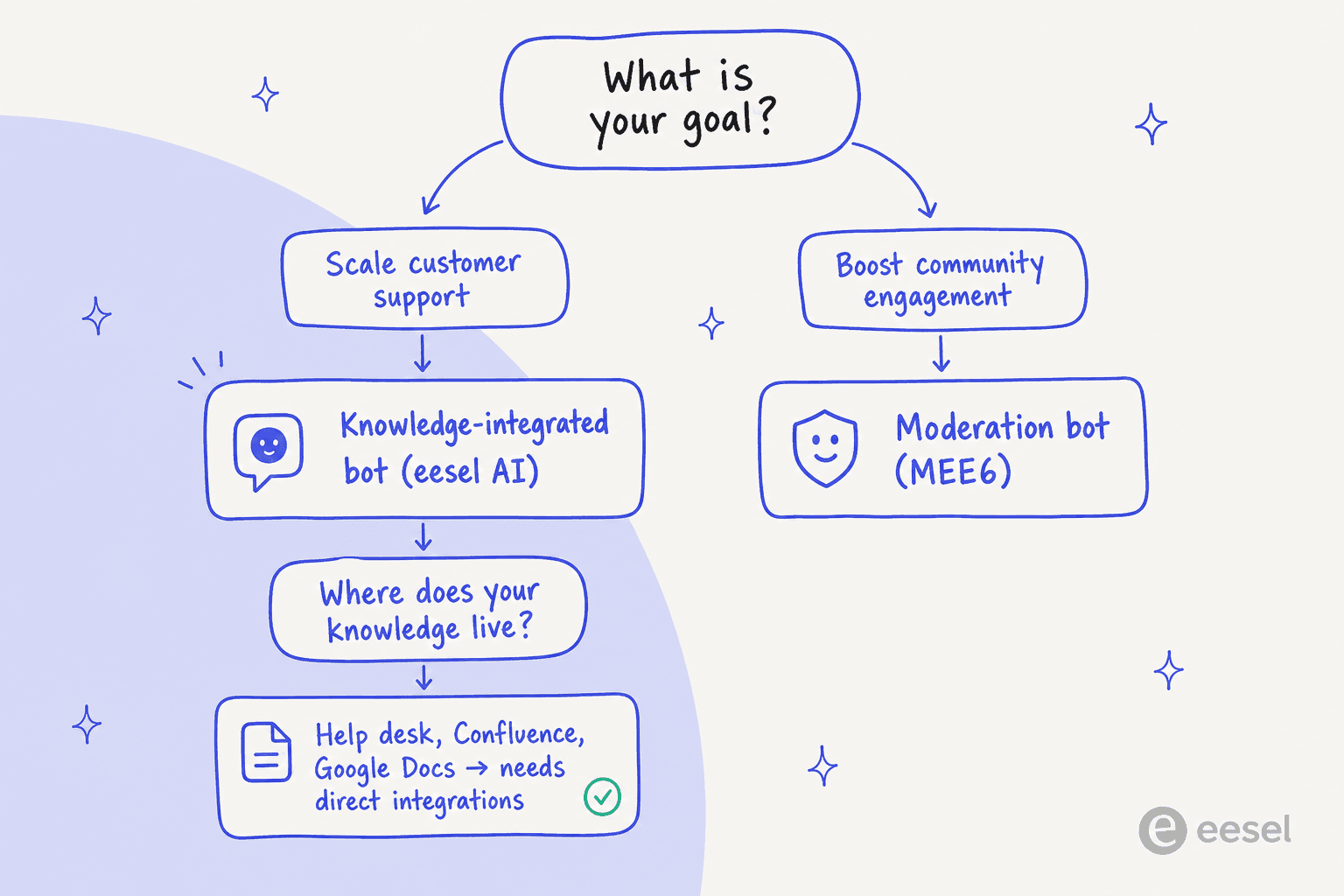
- First, what's your goal? Trying to scale customer support? You need a knowledge-integrated bot like eesel AI. Just want to make your community more engaging? A moderation bot like MEE6 is the way to go.
- Check your knowledge sources. Where does your important information live? If your answers are tucked away in a help desk, Confluence, or Google Docs, you need a tool that connects to them directly.
- Be realistic about your team's tech skills. Do you have developers ready to build and maintain a custom bot, or do you need a no-code solution your support lead can manage alone?
- Run a test drive. The best platforms let you test the AI against your past support conversations before you go live. It's a risk-free way to see how accurate it'll be, and the single most important step nobody does.
Level up your community with the right AI support
Adding a Discord AI chatbot to your server is a big step up for scaling support and making your community a better place to be. But as I've covered, not all bots are the same.
The "best" tool really comes down to your goal. For community engagement and moderation, bots like MEE6 are perfect. But for real business support, you need an AI tool that connects with your core systems and learns from your unique company knowledge, the kind of thing I see work every day across live support queues.
Want an AI for Discord that works like a new hire who already knows your help center? eesel AI plugs into your help desk and docs, drops into your server, and lets you simulate it on your real tickets before it ever answers a member, so you go live knowing exactly how it'll behave. It's free to try, and usage-based from 40¢ a resolution.

Ready to see what an integrated Discord AI chatbot can do? Try eesel free, or book a demo to see it in action.
Frequently Asked Questions

Share this article

Article by
Riellvriany Indriawan
Riell is a designer and writer at eesel AI with about two years of experience researching CX platforms, AI chatbots, and helpdesk software. She combines her design background with a sharp eye for how these tools actually look and feel in practice — making her comparisons unusually visual and user-focused.