A practical guide to the Freshdesk API v2


Last edited January 16, 2026

If you’re running a support team on Freshdesk, you’re probably always on the lookout for ways to make things run a bit smoother. You’ve likely heard about the Freshdesk API v2, a tool that provides custom workflows, connected apps, and a whole lot of automation. But what does that really mean for you, the person managing the team?
This guide is for the decision-makers, not the developers. We’re going to skip the dense code and focus on what you can actually get done with the API, what you need to get started, and some important details to keep in mind. We'll also look at a quick path to get powerful results by using complementary tools that work right within the Freshdesk ecosystem.
What is the Freshdesk API v2?
Think of an API (Application Programming Interface) as a universal translator that lets different software programs chat with each other. The Freshdesk API v2 is a specific set of rules that allows other apps to securely interact with your Freshdesk data. It’s a modern, reliable version built on a standard called REST, which means most developers already know how to work with it.
Basically, it lets you or your team write scripts that perform actions automatically inside Freshdesk. These actions are done over the web using a few basic commands:
-
GET: To pull information (like looking up a ticket's details).
-
POST: To create something new (like making a new ticket from a website form).
-
PUT: To update something that's already there (like changing a ticket's priority).
-
DELETE: To remove something (like deleting a spam ticket).
This opens the door to building custom tools that can streamline your support process, sync customer data with your CRM, or even generate detailed reports tailored to your specific business needs. For practical code samples, check out our ticket API examples. You can also set up webhooks for real-time event notifications.
Getting started with the Freshdesk API v2
Before you can do anything with the API, you have to verify your permissions. This is called authentication, and it’s how Freshdesk makes sure only authorized people or apps can access your help desk data.
Finding your Freshdesk API v2 key
Your API key is a unique code that works like a special password for your automations. Here’s where to find it:
-
Log into your Freshdesk account.
-
Click on your profile picture in the top right and select Profile Settings.
-
You'll see your API key on the right side of the page.
Treat this key like you would any password. It provides secure access to your Freshdesk account through the API.
Understanding Freshdesk API v2 authentication and permissions
To use the key, you simply include it in the header of any API request. The permissions of the key are tied directly to the user it belongs to.
So, if you use an agent's API key and their role doesn't allow them to delete tickets, any API script using that key will also be restricted from deleting tickets. It's a handy security feature that ensures your automations follow your help desk's established rules.
Key capabilities of the Freshdesk API v2
The API gives you control over nearly every piece of your help desk. While the complete API documentation is very comprehensive, most of what people do with it falls into three big buckets.
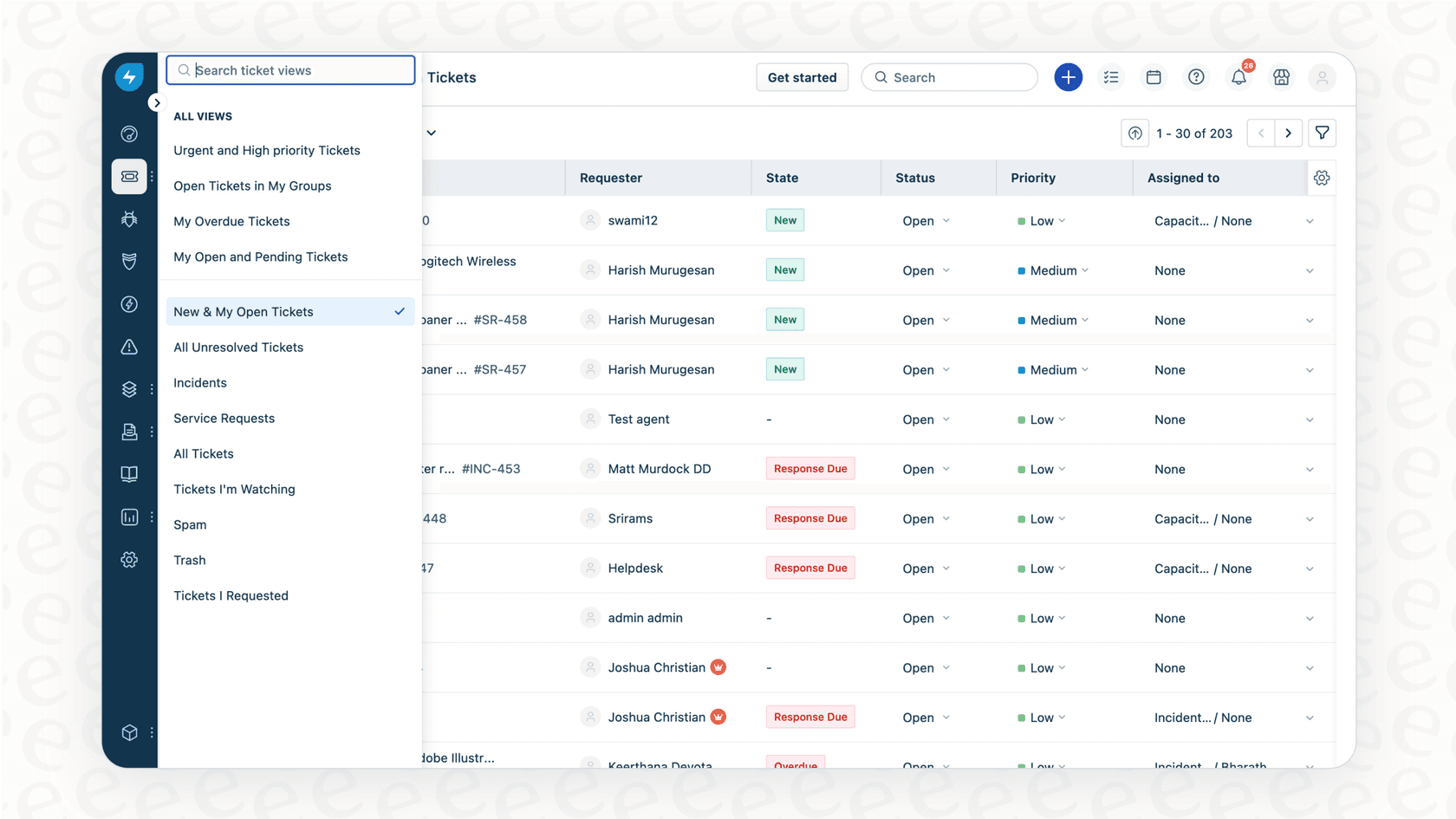
Managing tickets and conversations
This is, by far, one of the most common uses for the API. You can create custom workflows that complement Freshdesk's built-in rules.
-
Create tickets automatically: You can set it up so a Freshdesk ticket is instantly created from an external source, like a "Contact Us" form on your website or an alert from your server monitoring tool.
-
Update tickets from other apps: Change a ticket’s status, priority, or agent assignment based on triggers from other systems. For example, you could automatically update the priority of a ticket if your CRM shows that customer just became a VIP.
-
List and filter tickets for custom views: Pull lists of tickets that match very specific criteria to feed into custom dashboards or specialized reports.
-
Add notes and replies programmatically: Automatically add private notes with extra context for your agents or even send out public replies based on certain triggers.
Automating contact and company management
You can use the API to keep your customer information perfectly in sync between Freshdesk and other tools, like your CRM or billing system.
-
Create or update contacts: When a new user signs up for your product, a script can automatically create their contact profile in Freshdesk, ensuring your records are always current.
-
Manage companies: Link contacts to their respective companies and keep company-level details, like subscription plans, up to date.
-
Sync your data: Make sure that when a customer’s info changes in one place, it updates everywhere. This gives your agents the full, correct context every single time.
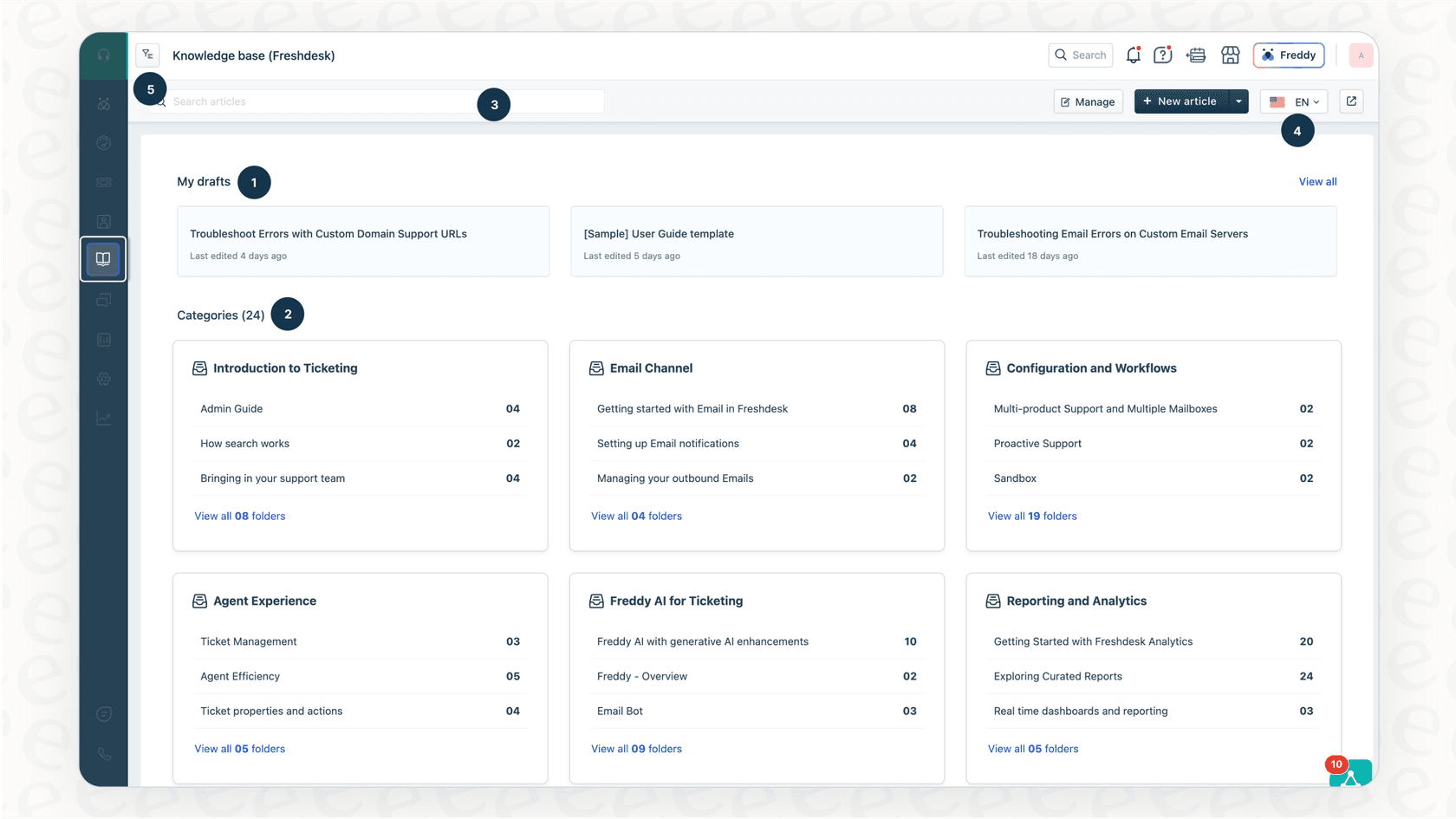
Integrating your knowledge base
The API isn't just for tickets; it can also manage your help articles in Freshdesk. This is really useful if you want to streamline your content operations.
-
Create or update articles: Imagine a workflow where updating an internal document in Confluence or Google Docs automatically triggers an update to the corresponding public help center article.
-
List articles and folders: You can pull your knowledge base content to display it elsewhere, such as inside your own application, for a more unified experience.
Common challenges and limitations of the Freshdesk API v2
While the API is powerful, using it directly involves some technical considerations that are important for planning your resources.
Navigating Freshdesk API v2 rate limits
Freshdesk uses rate limits to ensure platform stability and performance for all users. The limit depends on your subscription plan. For instance, the Growth plan allows 200 calls per minute, while Enterprise allows 700.
| Plan | API Rate Limit (per minute) |
|---|---|
| Growth | 200 |
| Pro | 400 |
| Enterprise | 700 |
Source: Freshdesk API Documentation
If you reach your limit, Freshdesk temporarily manages the request volume to maintain system health. For a busy support team, this simply means your developers will need to account for these tiers when building your custom scripts.
The need for developer resources
Using the API directly is a technical task. It typically requires a developer to:
-
Write the code: Someone builds and tests the scripts that interact with the API.
-
Host the code: These scripts run on a server to stay connected.
-
Maintain it: As your business evolves, your custom code might need updates to stay aligned with your latest workflows.
This is a standard part of building any custom integration and is a great way to get exactly the functionality you need.
Complexity in retrieving full context
The Freshdesk API is incredibly detailed, and sometimes getting the exact data you want requires knowing specific parameters. For example, if you are looking for specific ticket stats like "First response time," you simply need to remember to include the include=stats parameter in your request. Freshdesk's community forums and documentation are great resources for finding these helpful tips.
A faster way to automate Freshdesk with AI
If you want to get the benefits of automation quickly, there are specialized tools that work alongside Freshdesk to enhance your workflow. Modern AI platforms for customer support automation can help you achieve these results without starting from scratch.
For example, eesel AI is an option that works within the Freshdesk ecosystem through a seamless Freshdesk integration.

Get up and running in minutes
Instead of a custom coding project, you can connect tools like eesel AI to your Freshdesk account very quickly. These types of integrations are often self-serve, allowing you to begin automating parts of your workflow in a matter of minutes.
Build workflows without writing code
With options like eesel's AI Agent, you can set up automations using a visual builder. You can define how the AI helps with tagging or status changes, all while it works within the parameters you set for your Freshdesk instance.
Unify all your knowledge sources instantly
While an API integration focus on the data inside Freshdesk, complementary tools can also connect to other sources like Confluence, Google Docs, or Slack. This gives your support ecosystem a broader knowledge base to pull from, helping to provide comprehensive answers to your customers.
Final thoughts on the Freshdesk API v2
The Freshdesk API v2 is a powerful and reliable tool for any team looking to customize their help desk. It offers deep control over your tickets, contacts, and knowledge base, making it a gold standard for building tailored, enterprise-grade workflows.
Building custom integrations directly with the API is a solid choice when you have specific developer resources available to maintain them. For teams looking for a more immediate or no-code approach, the Freshdesk marketplace and ecosystem offer many complementary tools.
Platforms like eesel AI serve as a great add-on that sits right on top of Freshdesk. They allow you to connect your knowledge and build smart workflows quickly, helping you to deflect tickets effectively and giving your agents more time to focus on complex customer needs.
Ready to see how you can enhance your Freshdesk workflow in 2026?
Start your free trial with eesel AI or book a demo to see it in action.
Frequently asked questions


Automate your Freshdesk with AI agents
Share this article

Article by
Stevia Putri
Stevia Putri is a marketing generalist at eesel AI, where she helps turn powerful AI tools into stories that resonate. She’s driven by curiosity, clarity, and the human side of technology.