A practical guide to the Freshdesk Conversations API


Last edited January 16, 2026

If you work in customer support, you know the value of context. When a new ticket lands in your queue, having the full history of interactions at your fingertips is what allows you to provide a truly personalized solution. Freshdesk makes this easy by keeping a complete record of every conversation, so you can always see exactly what a customer needs.
The Freshdesk Conversations API is a powerful way to programmatically access all that data and build custom integrations that enhance your team's efficiency. It allows you to leverage the robust data Freshdesk collects to create support solutions tailored to your unique workflow.
In this guide, we'll walk through what the Freshdesk Conversations API is, the impressive things you can do with it, and some professional considerations to keep in mind. We’ll also look at a complementary way to add even more automation to your Freshdesk setup with ease.
What is the Freshdesk Conversations API?
So, what exactly is the Freshdesk Conversations API? Think of it as a set of professional tools that lets your software communicate directly with your Freshdesk ticket histories. In the world of Freshdesk, a "conversation" is a comprehensive record of a ticket's journey, including:
-
Public replies sent to the customer to keep them informed.
-
Private notes shared internally among your team for seamless collaboration.
-
System-generated updates and notifications that track the ticket's progress.
It's a complete, reliable record of everything that has occurred with that ticket. The API gives developers a professional way to work with this history programmatically. The main functions available include:
-
GET: Pull a list of all conversations for a ticket.
-
POST: Add a new reply or a private note to a ticket.
-
PUT: Edit the contents of an existing note.
-
DELETE: Remove a conversation from a ticket’s history if needed.
These actions allow you to build custom scripts and integrations that sync perfectly with your Freshdesk workflows. You can explore all the technical details in the official Freshdesk API documentation.
Key capabilities of the Freshdesk Conversations API
What can you achieve with these capabilities? Let's look at a few practical examples of how teams use this API to get more out of Freshdesk.
Accessing the full story of a ticket
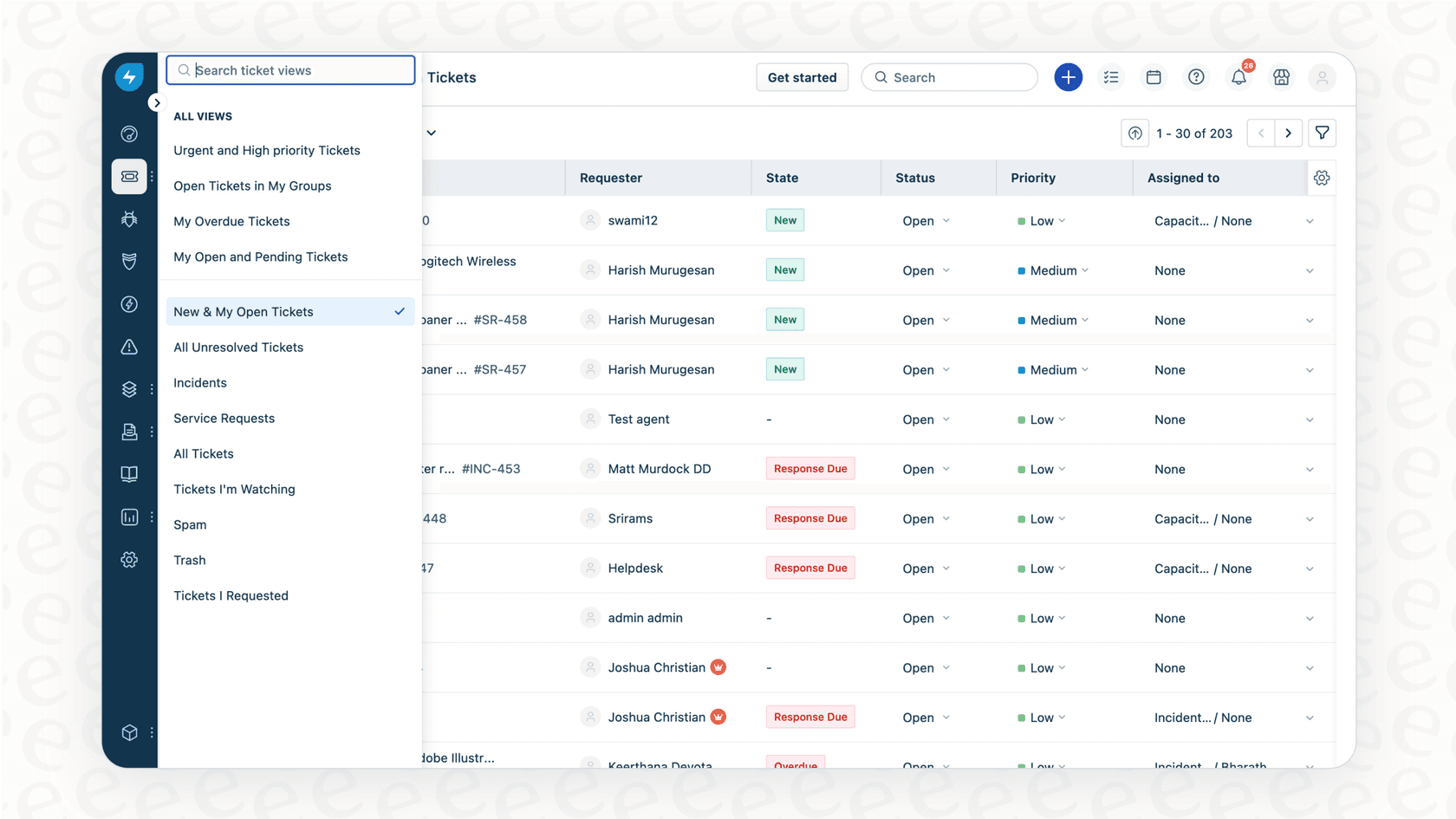
A primary use of the Conversations API is to pull the entire history of a ticket. By using the "GET /api/v2/tickets/[id]/conversations" endpoint, you can fetch every message and reply tied to a specific ticket.
This is excellent for building custom reporting dashboards. A support manager can create a dashboard that highlights important ticket interactions, helping them stay informed and jump in to support their team when needed. This ensures that nothing slips through the cracks in a busy support environment.
Automatically adding notes or replies to a ticket
The API also allows you to push information directly into a ticket using the "POST /api/v2/tickets/[id]/reply" and "POST /api/v2/tickets/[ticket_id]/notes" endpoints. This is a great way to streamline routine tasks.
For example, if you have an internal status update, you could set up a script that adds a private note to relevant tickets. This ensures that your agents have the most current information right where they work, without having to switch between different tools.
Syncing ticket data with your business ecosystem
Because the API provides a structured way to access conversation data, it’s a reliable method for syncing information with other business software, such as your CRM.
Teams often use the API to pull conversations from resolved tickets and push that data into a warehouse for long-term analysis. This allows your team to find valuable product feedback or identify which response strategies are most effective, helping you continuously improve your service.
Considerations when using the Freshdesk Conversations API for advanced automation
While the API is a robust tool for these tasks, there are some professional considerations to keep in mind when building more advanced, intelligent automation.
Planning for developer resources
Building and maintaining custom API scripts is a significant technical undertaking. Because the Freshdesk Conversations API offers so much flexibility, it often benefits from dedicated engineering focus. This allows your team to ensure that the integration remains stable and scales effectively as your business grows.
Managing API rate limits for stability
To ensure a consistently fast and reliable experience for all users, Freshdesk maintains rate limits on API calls. For example, the Enterprise plan offers a generous 700 calls per minute.
When designing your automation, it's important to be mindful of these limits, especially if you're pulling data from a high volume of tickets. Efficient script design ensures that your integrations continue to run smoothly alongside your other support operations.
Retrieving recent conversations at scale
The "GET /api/v2/tickets/[id]/conversations" endpoint is designed for full transparency, returning conversations from oldest to newest. This ensures you never miss a detail. To find the most recent messages in a long ticket history, your script will simply process the chronological data to identify the latest updates, ensuring your team has the full context of the interaction.
Integrating an intelligence layer
The API provides a foundational layer of raw data. To build truly smart automation that understands customer intent or finds specific answers in your knowledge base, many teams choose to add an AI layer on top of the API. This is an exciting step that involves natural language processing (NLP) to make your support even more proactive.
A complementary, intelligent option for Freshdesk automation
If you're looking to add advanced intelligence to your Freshdesk setup without starting from scratch, there is a simpler way to achieve your goals.
eesel AI is an AI platform that works within the Freshdesk ecosystem, providing powerful automation that enhances your existing workflows. Here is how it complements your Freshdesk setup.
Enhance your setup in minutes
With eesel AI, you can connect your Freshdesk account quickly and easily. There is no need to write custom code or manage complex API keys. The platform is designed to be user-friendly, allowing you to get a powerful AI agent up and running by learning from your existing Freshdesk data in just a few minutes.

Unify your support knowledge
While the API focuses on ticket data, eesel AI can help you unify information from across your business. It connects to Freshdesk tickets and also to other sources your team uses, like Confluence, Google Docs, and your help center. This gives your team a more comprehensive view, leading to even more accurate support.
Built-in intelligence for support teams
eesel AI is built to understand the context and sentiment of customer conversations. It can automatically learn from your past interactions to match your brand’s voice and identify successful resolutions. It acts as a specialized layer that works alongside Freshdesk to make your team even more effective.
Test with confidence
When you're ready to add more automation, eesel AI offers a simulation mode that lets you test everything first. You can see how the AI handles past tickets in a safe environment before you go live. This gives you the confidence that your automated responses will be helpful and accurate.
Final thoughts on the Freshdesk Conversations API
The Freshdesk Conversations API is a reliable and capable tool for developers who want to customize their support environment. It provides the necessary access to build professional integrations and sync data across your systems.
If you are looking to quickly add a layer of intelligent automation that can deflect tickets and support your team's workload, using a platform like eesel AI is an excellent way to enhance your Freshdesk experience. It handles the technical complexities of AI training and workflow management, allowing you to focus on delivering the best possible support to your customers.
Ready to see how you can further automate your Freshdesk support? Start a free trial with eesel AI or book a demo to see it in action.
Frequently asked questions


Automate your Freshdesk with AI agents
Share this article

Article by
Stevia Putri
Stevia Putri is a marketing generalist at eesel AI, where she helps turn powerful AI tools into stories that resonate. She’s driven by curiosity, clarity, and the human side of technology.