A complete Notion overview: Is it the all-in-one workspace for you?

Last edited September 28, 2025
Notion seems to be everywhere lately. It’s pitched as the ultimate solution for organizing your work, your team, and maybe even your entire life. But let’s be real, for most first-timers, opening the app feels like being handed a giant box of LEGOs with no instruction manual. It’s a bit much.
A lot of people get trapped in a cycle of "fake productivity", spending hours crafting beautiful dashboards and color-coding categories instead of, you know, actually getting work done. So, is Notion just a glorified digital planner, or can it really help manage the beautiful chaos of modern life?
This post is a straightforward, practical, and honest Notion overview. We’re going to cut through the aesthetic hype to show you what it is, how people actually use it, where it falls short (especially its AI), and how you can make it work for you.
What is Notion?
At its heart, Notion is a flexible workspace that bends to fit your needs. It's not just another note-taking app or a rigid project manager. The best way to think about it is as a set of digital building blocks you can use to create your own tools and workflows.
Everything in Notion is made from three simple parts:
-
Pages: These are the foundation. A page can be a simple document, a project dashboard, or a massive wiki. It’s basically a blank canvas for your ideas.
-
Blocks: These are the little pieces of content you pop onto a page. A block could be a paragraph, a to-do list item, an image, a heading, or even a whole database. You just arrange them to build out your page.
-
Databases: This is where Notion’s magic really lies. A database is a smart spreadsheet that you can look at in a bunch of different ways. You can see the same information as a table, a Kanban board, a calendar, a timeline, or a gallery. This flexibility is what makes Notion so different from other tools.
The cool thing about Notion is that it scales. It can be as simple as a single page for your grocery list or as complex as a company-wide operating system that connects dozens of teams and projects.
How people really use Notion
It’s easy to get sidetracked by pretty templates, but Notion's real power is in what it helps you do. When you strip away the fancy icons and cover images, it’s a solid engine for getting things done. Here’s a look at how people are using it to be more productive.
Personal productivity: The 'second brain' concept
A lot of people use Notion as a "second brain", a central place to dump and organize thoughts, tasks, and random information so they don’t have to keep it all in their heads. It’s all about offloading that mental clutter.
Here are a few real-world examples:
-
Students and researchers use it to keep everything in one spot. They build hubs to track deadlines, organize research notes, manage lab work, and outline papers. Instead of juggling ten different apps, it all lives in one connected space.
-
For personal organization, people create dashboards to track recipes, store household info like lease agreements, log books they've read, or even keep detailed health journals to share with their doctors.
-
Hobbyists and creatives build systems to manage their projects. This could be anything from a database of a nail polish collection to a full-on workspace for a novel, complete with character profiles and plot outlines.
The point isn't to create a beautiful dashboard. It's to build a simple, functional system that frees up your brainpower for more important stuff.
Team collaboration: The central knowledge hub
For businesses, Notion really comes into its own as a single source of truth. It can replace the scattered documents and messy folders in Google Drive or Dropbox, bringing some much-needed clarity to team collaboration.
Here’s how teams put it to work:
-
As a company wiki, it becomes the go-to place for everything from onboarding docs and company policies to technical guides and standard operating procedures (SOPs).
-
For project management, teams use linked databases to connect big-picture projects with the day-to-day tasks. This gives leaders a clear overview of progress, while everyone else can focus on their to-do list without losing sight of the main goal.
-
As a hub for meeting notes, it keeps agendas, minutes, and action items accessible to everyone, ensuring the whole team is on the same page and knows who’s doing what.
Getting started with templates
You don’t have to build your system from the ground up. To help with that dreaded "blank page" paralysis, Notion has a massive template gallery with thousands of setups ready to go. Whether you need a simple to-do list, a content calendar, or a CRM, there’s probably a template that can get you started.
Notion AI: The promise vs. the reality
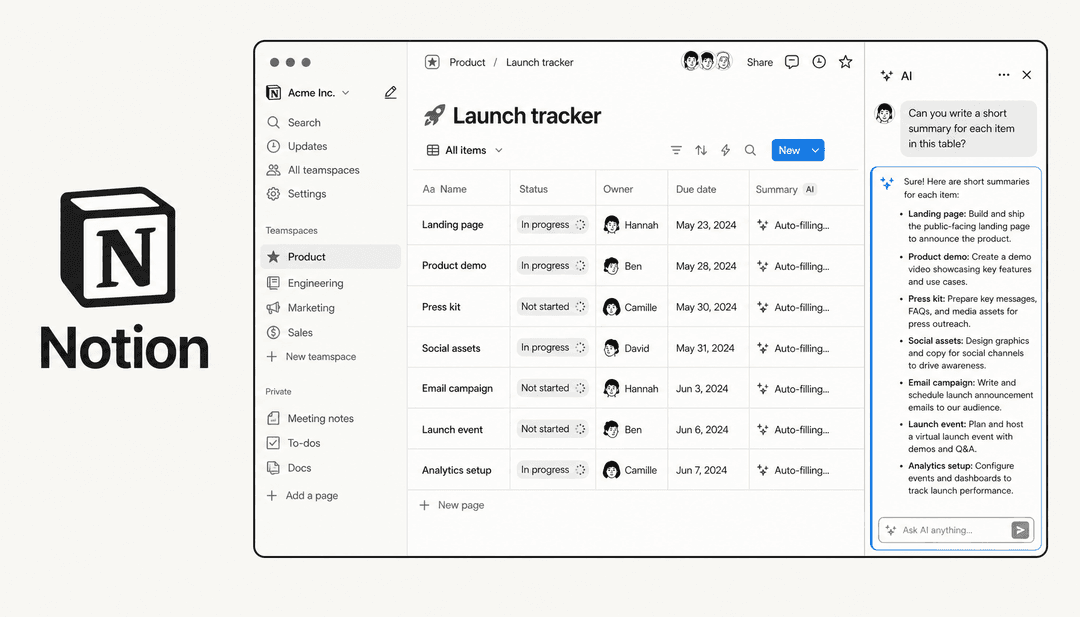
Notion has gone big on AI, rolling out features like AI Agents, Enterprise Search, and automated summaries. The promise is a workspace that actively helps you think, create, and organize. But what’s it actually like to use every day?
The challenge of finding what you've stored
A huge frustration for anyone who’s used Notion for a while is that its built-in AI search is surprisingly bad at finding things in your own workspace. As one user on Reddit bluntly put it, Notion AI "can not even answer the easiest questions about your workspace/pages."
This is a pretty big flaw. As your "second brain" grows with thousands of notes and project details, its value drops if you can't quickly find what you need. A knowledge base you can't search is less of a brain and more of a digital attic, full of stuff you know is in there somewhere, but you just can't find it.
Your knowledge doesn't just live in Notion
The problem gets even bigger because most teams don’t work in a bubble. Your company’s knowledge isn’t only in Notion. It’s spread across tools you use every day, like Slack, Google Docs, and Confluence.
Notion AI is completely blind to all of that information. It can only search inside its own walls, which means it has no idea about that important sales conversation in Slack or the final project brief living in Google Docs. This leads to an incomplete search that often leaves you with more questions than answers.
Unlocking your knowledge with a smarter AI layer
Instead of relying on an AI that’s stuck inside a single app, a better option is to use an AI platform that connects to all your knowledge sources to create one unified brain.
This is exactly what a tool like eesel AI is designed to do. It plugs directly into your Notion workspace and all your other apps to give you an AI assistant that actually knows everything you know. You can ask it complex questions and get instant, accurate answers pulled from a Notion database, a Google Doc, or a Confluence page. It solves the exact search problem that drives so many Notion users crazy.
For example, with eesel’s AI Internal Chat, you can set up a chatbot in Slack that’s trained on your Notion wiki and other internal docs. This lets your team get the answers they need right where they’re already working, without having to dig through different apps. It pulls all your knowledge together and makes it useful.
Notion pricing
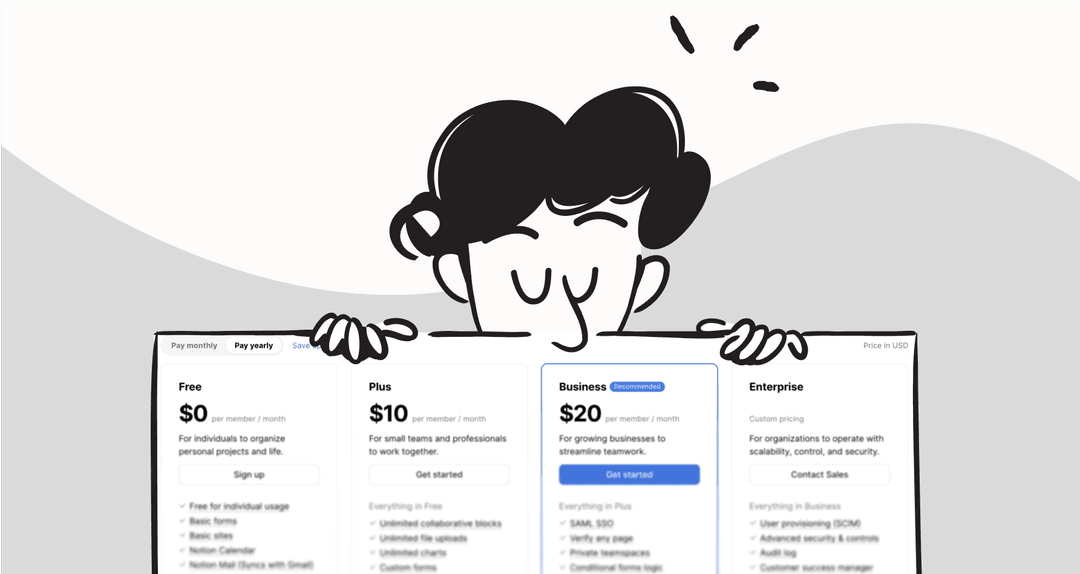
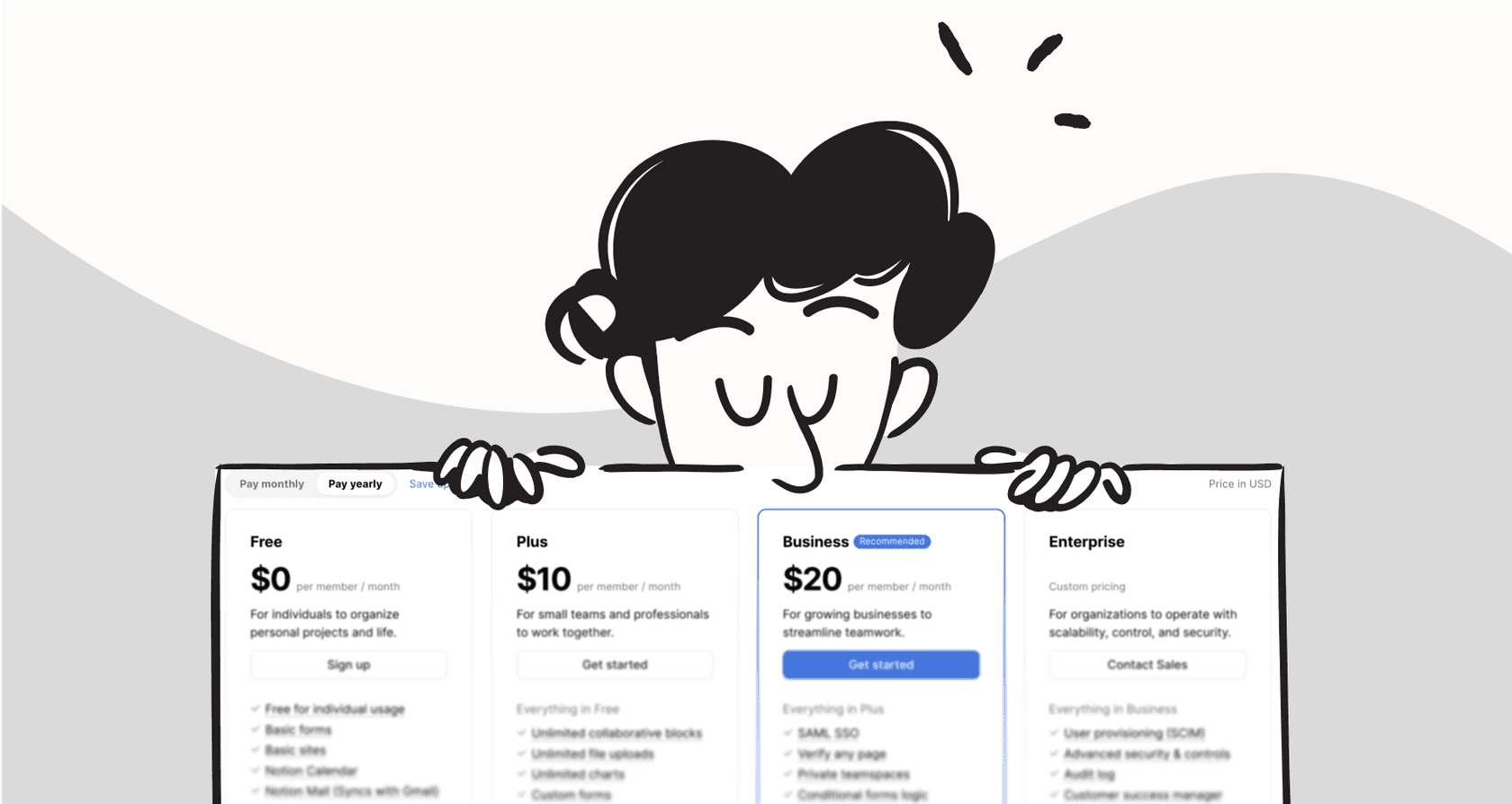
Notion's pricing is set up to grow with you, from a single user all the way up to a large company. Here's a quick look at the tiers to help you figure out where you fit.
One thing to keep in mind: Notion AI is a paid add-on. It costs an extra $10 per user, per month on top of any of the paid plans below.
| Plan | Price (per user/month, billed annually) | Key Features | Best For |
|---|---|---|---|
| Free | $0 | Unlimited blocks for individuals, 7-day page history, up to 10 guests. | Individuals, students, and anyone wanting to try Notion for personal use. |
| Plus | $8 | Unlimited blocks & file uploads for teams, 30-day page history, up to 100 guests. | Small teams and businesses that need a truly collaborative workspace. |
| Business | $15 | SAML SSO, private teamspaces, 90-day page history, up to 250 guests. | Companies needing more advanced admin, security, and collaboration features. |
| Enterprise | Custom | Advanced security & controls, audit log, dedicated success manager, unlimited page history. | Large organizations with complex security, compliance, and support needs. |
The Free plan is pretty generous for solo users, but teams will quickly find they need to upgrade for more collaboration features. The real power for businesses comes with the Business and Enterprise plans, but don't forget to budget for the AI add-on if that's something you want.
This video from Notion provides a great visual summary of how you can use the platform as a single space for your thoughts, projects, and team collaboration.
Is Notion the right tool for your organized chaos?
Notion is an incredibly powerful and flexible tool. Its ability to be a customizable workspace for both individuals and teams is genuinely impressive. For centralizing notes, managing projects, and building wikis, it’s one of the best tools out there.
But its greatest strength, its flexibility, can also be its biggest weakness, often feeling overwhelming for new users. More importantly, as you add more and more information, Notion's native AI just can't keep up, making it frustratingly hard to find the stuff you worked so hard to store.
Notion is a great place to build a central knowledge hub. But to really get the most out of that knowledge, you need an AI that can search across all your tools, not just one.
Don't let your team's valuable information get lost in that digital attic. Make your Notion workspace (and all your other docs) instantly intelligent and searchable. Get started with eesel AI for free and build an AI brain that actually works the way you do.
Frequently asked questions

Share this article

Article by
Stevia Putri
Stevia Putri is a marketing generalist at eesel AI, where she helps turn powerful AI tools into stories that resonate. She’s driven by curiosity, clarity, and the human side of technology.