A practical guide to the Python Claude Code SDK (now agent SDK) in 2025


Last edited September 30, 2025

Table of Contents
- What is the Python Claude Code SDK and why is it now the agent SDK?
- What can you build with the Python Claude Code SDK?
- The reality of building production agents for your business
- A comparison: Python Claude Code SDK vs. a managed platform like eesel AI
- Understanding the total cost of ownership for the Python Claude Code SDK
- Python Claude Code SDK: Build or buy?
A ton of buzz has been floating around about Anthropic’s developer SDK for building AI agents, and honestly, it’s for a good reason. It’s like giving developers a key to build autonomous tools that can use a computer just like a person would.
Now, if you go looking for the original "claude-code-sdk" package that got everyone talking, you’ll find it’s been deprecated. But don’t worry, its successor, the "claude-agent-sdk", is here to carry the torch with even more power under the hood. This guide will walk you through what the Python Claude Code SDK (now the Agent SDK) is all about, what you can do with it, and some real-world things to think about before you decide to build your own business agents from the ground up.
What is the Python Claude Code SDK and why is it now the agent SDK?
Let's clear up the name situation first. If you search for the Python Claude Code SDK, you’ll see that the original "claude-code-sdk" package on PyPI is officially deprecated. It’s been replaced by the much more fitting "claude-agent-sdk". So, why the switch? Anthropic pretty quickly figured out that the tools they were building for coding could be used for a whole lot more.
The Claude Agent SDK is a library, available for Python and TypeScript, that essentially lets you give Claude access to a local computer. Think of it as giving Claude a body, not just a brain.
Instead of just spitting out text in response to a prompt, an agent built with this SDK can actually use tools to interact with its environment. It can read and write files, look through your codebase, and run terminal commands like "grep" to find info or kick off scripts. It basically gives Claude a set of hands to gather its own context and take action, transforming it from a simple chatbot into a real collaborator.
What can you build with the Python Claude Code SDK?
The SDK is a pretty powerful toolkit for developers, opening up a whole world of possibilities for creating custom, automated workflows. Here’s a peek at what makes it so interesting.
Local file and terminal access
The biggest leap forward here is giving Claude a presence in your local environment. Instead of being some detached brain in the cloud, it can now do things on your machine.
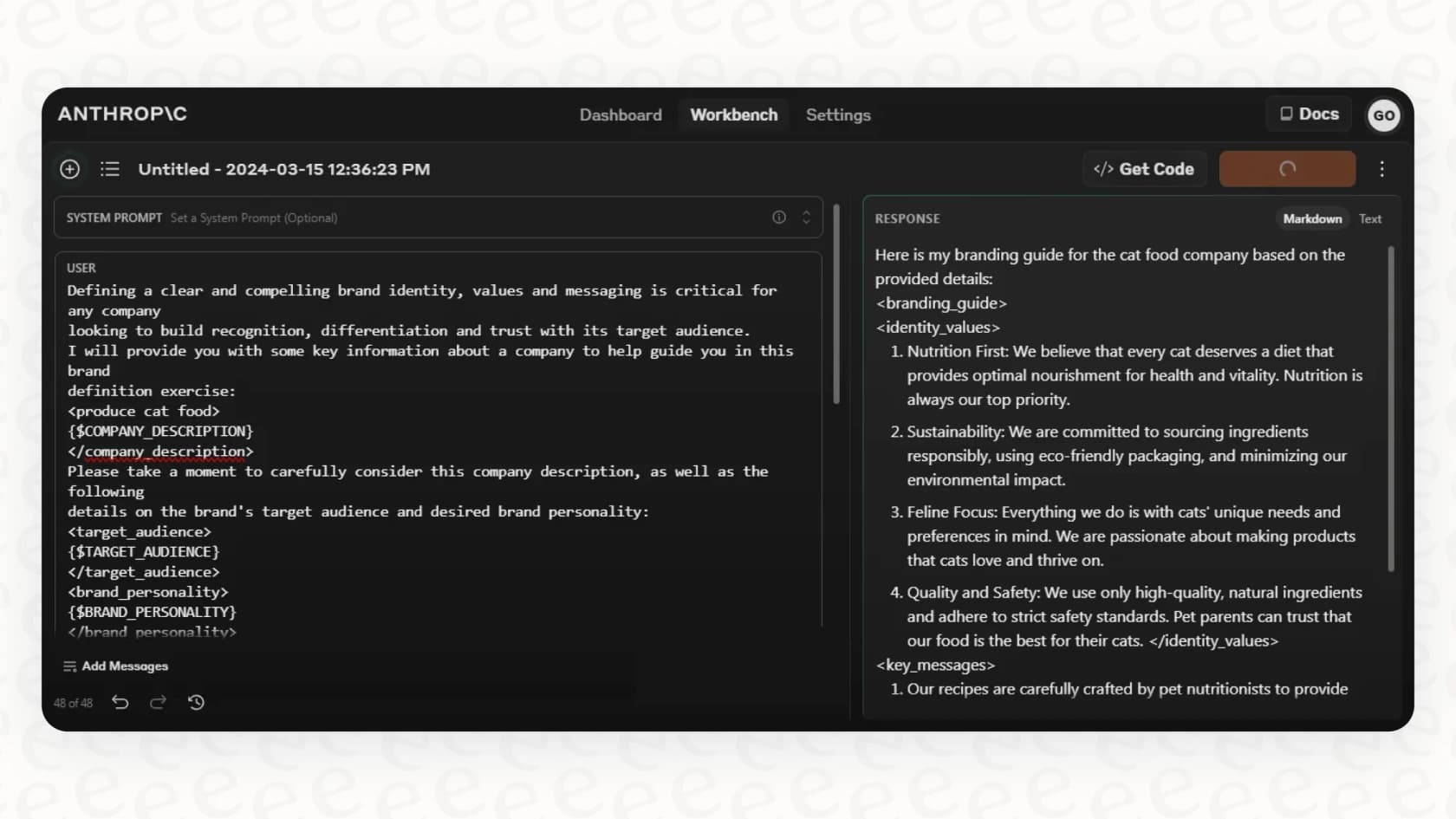
For example, you could ask an agent to "find the database connection string in our project." A normal chatbot would just give up. But an agent built with the SDK could use the "grep" command to search for "DATABASE_URL" across all the files, read the right one, and give you the answer. This "agentic search" is a huge deal, letting the AI actively find the information it needs instead of passively waiting for you to feed it everything.
A flexible toolset for any task
The SDK comes with a bunch of built-in tools that will feel familiar to any developer:
-
Read/Write: For basic file operations.
-
Bash: For running any command-line script or shell command you can think of.
-
Grep/Glob: For searching inside files or finding files that match a specific pattern.
-
WebFetch/WebSearch: For pulling information down from the internet.
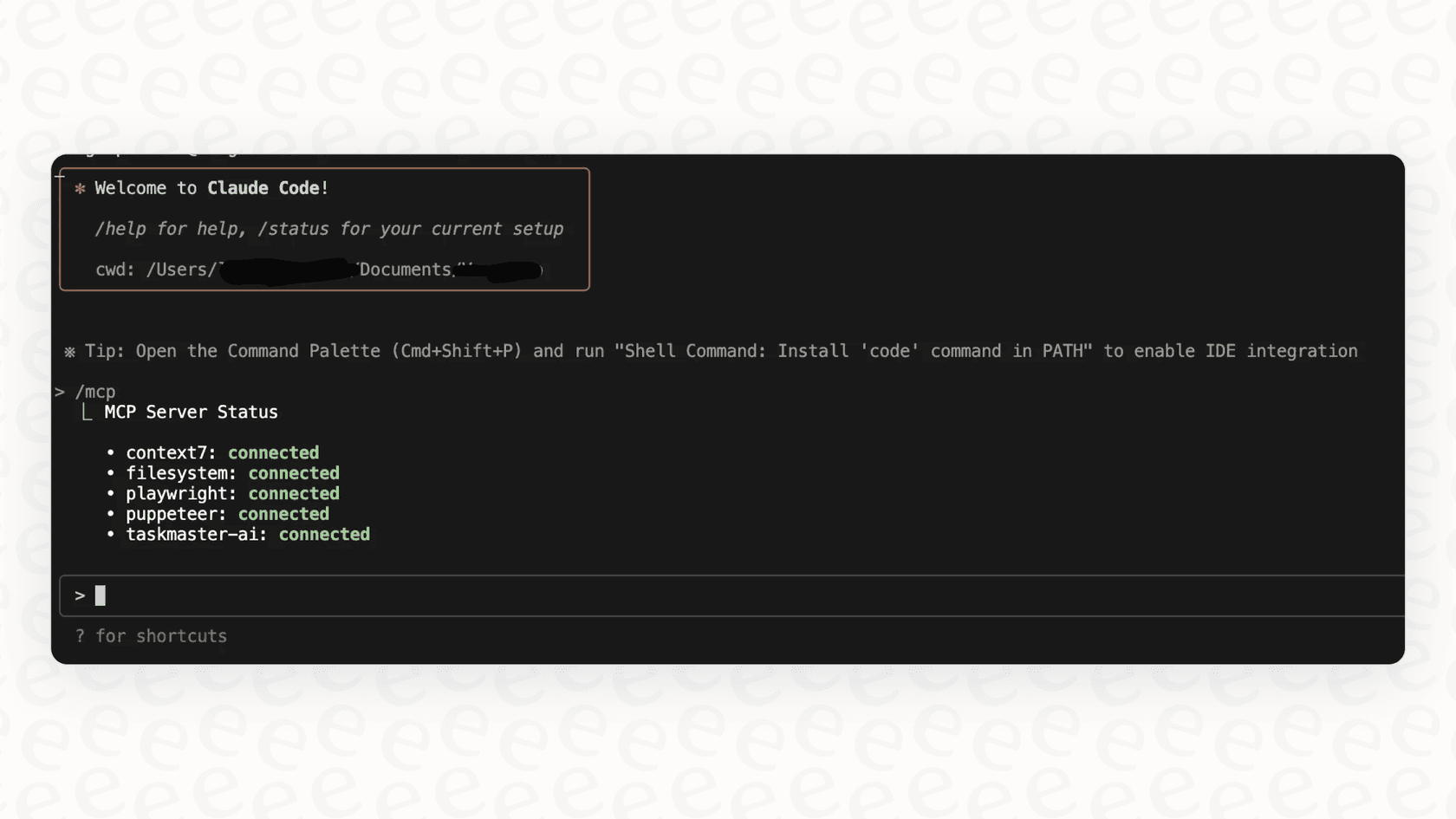
But you're not stuck with just these. The SDK supports something called the Model Context Protocol (MCP), which lets you define your own Python functions and turn them into new tools for Claude. For instance, a customer support team could build a custom tool called "lookup_order(order_id)" that hooks into their Shopify store's API. When a user asks about their order, the agent can call this tool to grab real-time details on its own.
Advanced features for creating complex agents
As your ideas get bigger, the SDK has features to help you manage the complexity and add more control.
You can create subagents, which are like specialized little agents designed for one specific job. For example, your main agent could hand off a tricky security question to a "security-reviewer" subagent that has its own set of instructions and a very limited toolkit. This helps keep things organized and allows more complicated tasks to be broken down and even run at the same time.
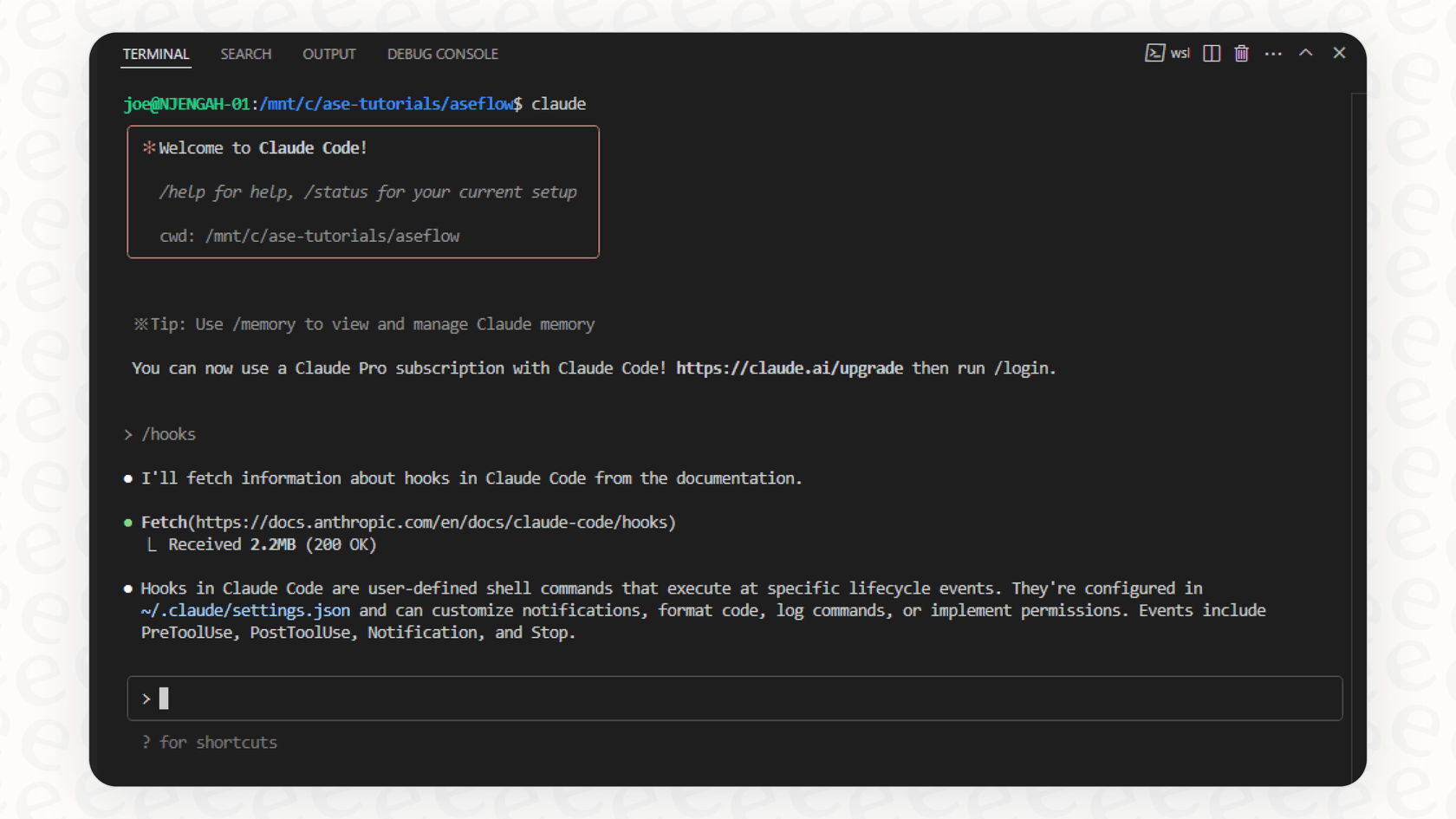
The SDK also includes hooks, which let you inject your own logic at important points in the agent's process. You could use a hook to double-check a file path before a "Write" tool is used, adding a simple safety net to prevent it from accidentally overwriting the wrong file.
The reality of building production agents for your business
While the SDK is a fantastic playground for developers, building a production-ready, reliable, and scalable business agent is a whole different ball game than just hacking together a Python script. For businesses, especially in areas like customer support, this quickly turns into the classic "build vs. buy" debate.
The hidden costs of the DIY approach
Let's be real: building your own agents from scratch is a massive project. It requires dedicated engineering time to develop the logic, create custom tools, and build integrations, all of which pulls your team away from working on your actual product.
And once it’s built? You're the one responsible for hosting, monitoring, and maintaining it. If it breaks on a Saturday night, it’s your team that gets the call. On top of that, the SDK is a developer tool. It doesn't come with a nice UI, which means your support managers can't tweak, test, or manage the agent without filing a ticket with the engineering team and waiting.
In contrast, a platform like eesel AI is built to be self-serve from the ground up. You can connect your helpdesk, train the AI on your knowledge base, and go live in minutes, all without writing a single line of code.
Integrating with business tools
To be genuinely helpful, a business agent needs to communicate with your other systems: your helpdesk, CRM, internal wiki, and so on. With the SDK, that means building a custom tool for every single one. If you want to automate something like ticket triage, you’d have to build custom integrations for your helpdesk's API (like Zendesk), write all the logic for tagging and routing, and handle authentication securely.
This is where a managed platform really shines. eesel AI offers over 100 one-click integrations with the tools you already use, including helpdesks like Freshdesk, wikis like Confluence, and chat tools like Slack. It connects your knowledge sources and workflows almost instantly, saving you months of development headaches.
Ensuring safety and performance at scale
How do you test your home-brewed agent before you let it talk to actual customers? How can you predict its resolution rate or figure out where its knowledge is lacking? With the SDK, you’re on your own to build a testing and analytics framework from scratch.
eesel AI handles this with a powerful simulation mode. You can safely test your AI setup on thousands of your past support tickets in a sandbox. This gives you a surprisingly accurate forecast of how it will perform and helps you find knowledge gaps before it ever interacts with a live customer.
A comparison: Python Claude Code SDK vs. a managed platform like eesel AI
| Feature | Building with Claude Agent SDK | Using eesel AI |
|---|---|---|
| Setup Time | Days to weeks of development | Go live in minutes |
| Integrations | Manual build for each API | 100+ one-click integrations |
| Management | Requires developer help | Self-serve dashboard for business users |
| Testing | Build your own testing framework | Powerful simulation on past tickets |
| Knowledge Sources | Limited to what you build tools for | Unify knowledge from helpdesks, wikis, docs & more |
| Custom Actions | Fully customizable with code | Customizable prompt editor & API actions |
| Best For | Highly custom, developer-centric tools | Businesses wanting to automate support fast |
Understanding the total cost of ownership for the Python Claude Code SDK
When you're weighing your options, it’s easy to just look at the sticker price, but you really need to consider the total cost of ownership.
Subscription and API costs for the Python Claude Code SDK
To use the Agent SDK with a local terminal setup, you need a Claude Pro or Max subscription, which is around $17 a month if you pay annually. If you plan to host your agent in the cloud and use it at scale, you'll be paying for API usage, which can get unpredictable fast.
But the main cost isn't the subscription fee; it's the developer salaries and ongoing server costs required to build, deploy, and babysit your custom solution.
The transparent pricing of a managed solution
eesel AI offers a much clearer and more predictable path. eesel AI's pricing is based on a flat monthly or annual fee that depends on your usage needs. There are no surprise per-resolution fees, so you won't get a crazy bill after a busy month. This bundles the AI model costs, infrastructure, integrations, and management tools into one simple package, giving you a cost structure you can actually plan for.
Python Claude Code SDK: Build or buy?
The Python Claude Agent SDK is an incredibly cool and powerful tool for developers who want to create their own AI agents with fine-grained control. For highly specialized internal tools or just for experimenting, building with the SDK can be a great choice.
However, for common business problems like automating customer support, a managed platform offers a faster, safer, and more cost-effective way to get where you want to go. Instead of reinventing the wheel by building your own integrations and testing frameworks, you can lean on a platform that has already solved those hard problems. This lets you keep your engineering talent focused on your core product, not on building and maintaining a support automation stack.
Take your support automation to the next level
Building a support agent from scratch is a huge undertaking. With eesel AI, you can deploy a powerful AI agent that unifies all your knowledge, integrates with your helpdesk, and starts resolving tickets in minutes, not months. You get all the power of an autonomous agent without the headache of building and maintaining it yourself.
Sign up for a free trial and see how easy it is to get your support automated today.
Frequently asked questions

Share this article

Article by
Kenneth Pangan
Writer and marketer for over ten years, Kenneth Pangan splits his time between history, politics, and art with plenty of interruptions from his dogs demanding attention.