An honest Salesforce Service Cloud overview for 2025


Last edited November 16, 2025
Salesforce is a massive name in the business software world, and it's not by accident. When a company starts shopping for a customer relationship management (CRM) tool, Salesforce is usually at the top of the list. But their ecosystem is huge, and if you're on a customer service team, your focus is going to be on Service Cloud. It’s the part of the platform built to manage the entire customer support experience.
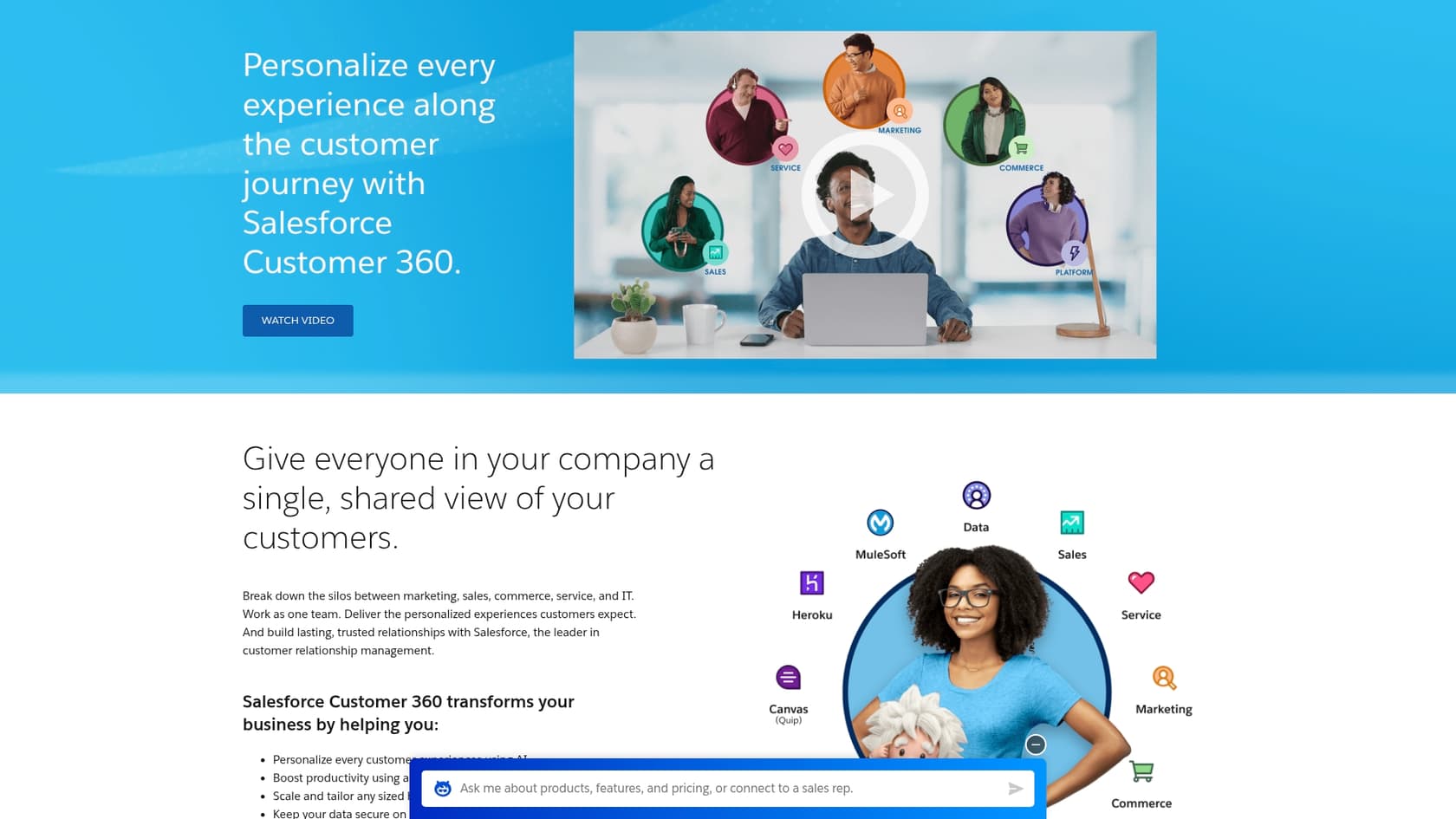
But what does that actually mean for your day-to-day work? This blog post is a straightforward Salesforce Service Cloud overview. We’re going to cut through the marketing noise and look at what it really offers: its main features, the good, the bad, and a full breakdown of the cost. Because let’s be real, while Service Cloud is powerful, it’s also a major commitment of time and money. You need to be sure it’s the right fit before you jump in.
What is Salesforce Service Cloud?
At its heart, Salesforce Service Cloud is a CRM platform made specifically for customer service and support teams. You can think of it as the mission control for every single customer interaction. The main goal is to give your team a complete picture of every customer, letting you handle support cases from different channels and run your whole service operation from one place.
Sales Cloud - what you do with customers before they buy your product Service Cloud - how you support them after they buy your product

Service Cloud also plays nicely with other Salesforce products like Sales Cloud and Marketing Cloud, which is a huge benefit if your company is already using them. This connection creates one central hub for customer data, so your support agents can see everything about a customer’s journey, from the first marketing email they received to their most recent purchase. The whole idea is to help you deliver quicker, smarter, and more personal support, even as your company grows.
A deep dive into features
The real power of Service Cloud comes from its massive list of features, which are meant to cover just about every part of the customer service process. Let's break down the key tools you’d be working with.
Comprehensive case management
Case management is the bread and butter of Service Cloud. It's the system that helps your team track and resolve every customer problem, from the moment a ticket comes in until it’s officially closed.
Here’s how it works in practice:
-
Automatic case creation: Service Cloud can automatically turn emails, website contact forms, and social media messages into support cases. No more manual data entry.
-
Smart routing: You can set up rules to send incoming cases to the right agent or team based on things like their skills, how busy they are, or the type of issue.
-
Escalation rules: To make sure nothing gets missed, you can track service level agreements (SLAs) and create rules to automatically flag or escalate high-priority cases that haven’t been handled quickly enough.
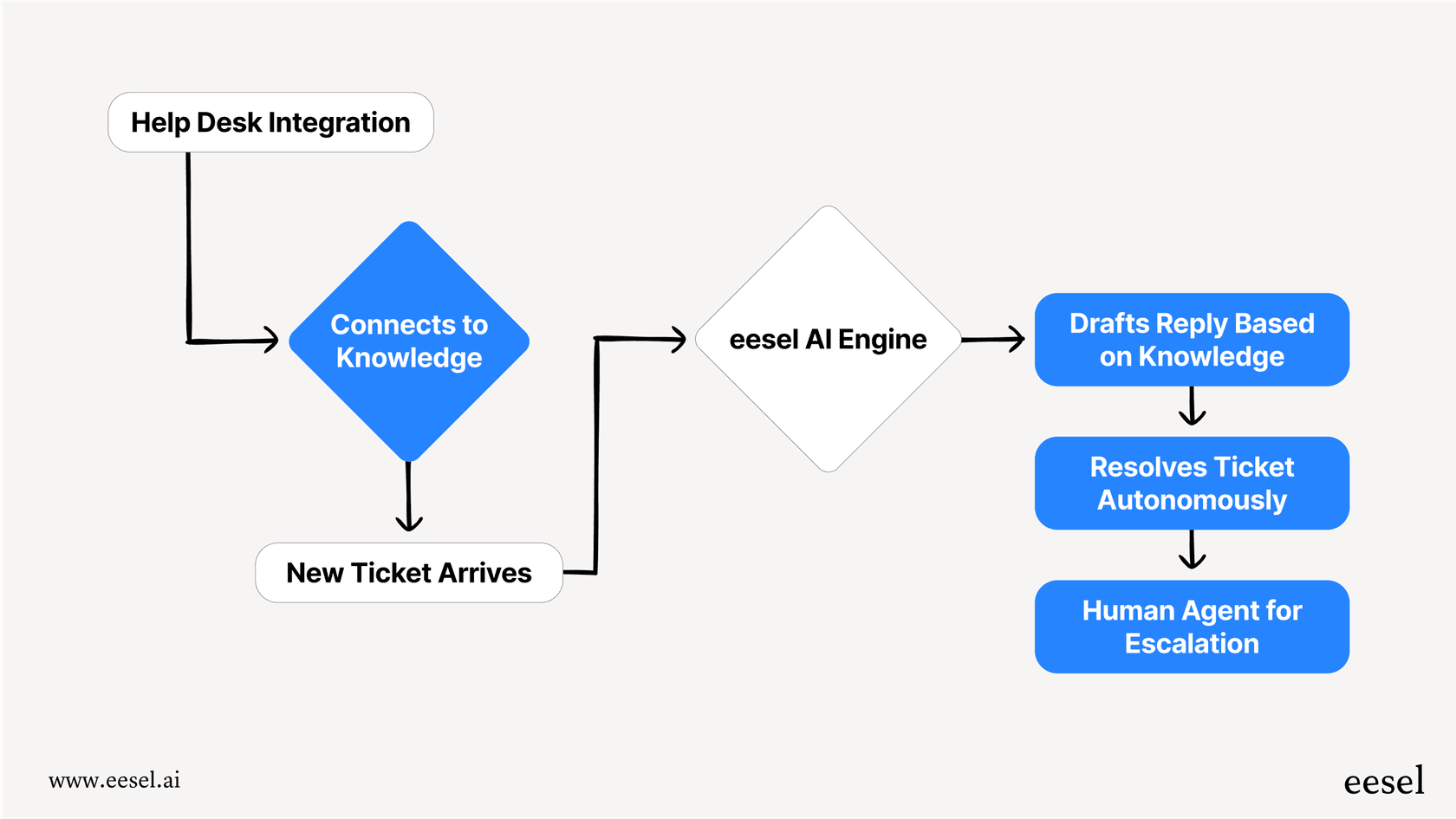
While Salesforce’s routing is pretty solid, it depends entirely on an admin setting up and tweaking a bunch of complex rules. It’s also limited to the data you have stored inside Salesforce. For teams that need a bit more flexibility, an AI layer like eesel AI can plug into your helpdesk and sort tickets based on what they're actually about, not just the rules you’ve written. The best part? You can get it working in minutes, not months.
Omni-channel customer engagement
"Omni-channel routing" is just a fancy term for letting your agents handle conversations from any channel, whether it’s phone, email, live chat, or social media, all from a single screen.
This makes a huge difference for agent productivity. Instead of juggling a dozen different tabs and tools, everything they need is in one spot. It also creates a much smoother experience for customers, since they don't have to repeat themselves every time they switch from a chat on your website to a follow-up email. The agent picks up right where the conversation left off. Tools like Live Agent for web chat and Service Cloud Voice for phone integration make this possible.
This setup makes sure every customer question, no matter where it comes from, goes through the same process, gets to the right person, and is solved by an agent who has all the context they need.
Centralized knowledge management
Salesforce Knowledge is a built-in knowledge base that lives right inside Service Cloud. It’s a place for your team to create and share articles that help solve cases faster. This helps in two ways: it gives agents quick access to approved answers, and it lets customers find solutions on their own through self-service portals.
When a customer can find an answer in your help center, that’s one less ticket for your team to worry about. Service Cloud even has AI-powered suggestions that show relevant articles to agents while they’re working on a case, which can speed things up.
The catch, however, is that Salesforce Knowledge works best when all your information is already in Salesforce. Most teams have knowledge spread out across different places like Confluence, Google Docs, and Notion. An external tool like eesel AI is built for this exact problem. It connects all those scattered sources instantly and trains an AI on your entire company knowledge without forcing you to move everything into one place.

AI and automation with Einstein
Einstein is Salesforce's own AI engine, and it’s mixed into Service Cloud to handle repetitive tasks and offer up helpful predictions. Here are a few of its key features for service teams:
-
Einstein Bots: These are the chatbots you can put on your website to answer common questions, collect basic customer info, and handle simple issues before they ever need a human.
-
Einstein Case Classification: This feature automatically reads incoming cases and adds the right tags and priority levels, saving agents from a lot of manual clicking.
-
Einstein Service Replies: The AI can write draft responses to customer questions based on how similar cases were handled in the past. Agents can then send them as-is or tweak them first.
Getting Einstein to work isn't as simple as flipping a switch, though. It usually requires someone with special expertise, a ton of clean historical data for the AI to learn from, and a pretty long setup process. In contrast, eesel AI is designed to go live in minutes. Its simulation mode lets you test your automations on thousands of your own past tickets before you turn it on. This gives you a clear idea of your ROI and lets you roll it out slowly and confidently, which is something you don’t always get with more complex, built-in AI platforms.

Pros and cons
No tool is perfect, so it’s important to look at both the good and the not-so-good before making a big decision.
The benefits
-
Deep platform integration: Its biggest strength is how well it connects to Sales Cloud and the rest of the Salesforce world. This creates one true source for all your customer data.
-
Scalability: Service Cloud was built for big companies. It can handle a huge volume of customer interactions and support teams with thousands of agents.
-
Customization: The platform is incredibly flexible. You can customize just about everything to fit your company’s unique processes, though you’ll probably need a developer to do it.
-
Robust reporting: Salesforce has some of the most powerful analytics around. You can build dashboards to track pretty much any service metric you can imagine.
The potential limitations
-
It's seriously complex: All that power comes with a steep learning curve. You’ll likely need a certified Salesforce administrator to set it up and keep it running, and training for agents can be a big undertaking.
-
The total cost adds up: The monthly license fees are just the beginning. You also have to factor in the cost of implementation partners, developers, ongoing admin work, and paid add-ons for certain features.
-
It takes a long time to set up: Unlike modern tools you can plug in and start using right away, a full Service Cloud implementation is a major project that can easily take months.
-
Vendor lock-in: Once you’re all in on the Salesforce ecosystem, it can be really difficult and expensive to switch to another tool. This is where something like eesel AI is different, because it’s designed to work with the tools you already have, not make you replace them.
Salesforce Service Cloud pricing
Salesforce prices its products per user, per month, and you typically have to sign an annual contract. The prices below are based on their public info from late 2024, but you should always talk to their sales team to get an exact quote for your needs.
| Plan | Price (per user/month, billed annually) | Key Features |
|---|---|---|
| Starter Suite | $25 | Basic case management, knowledge, lead & opportunity management. |
| Pro Suite | $100 | Everything in Starter + quoting, forecasting, and more automation. |
| Enterprise | $175 | Everything in Pro Suite + AI for customer service, self-service help center, advanced workflow automation. |
| Unlimited | $350 | Everything in Enterprise + chat & bots, 24/7 support, Premier Success Plan, full sandbox. |
| Agentforce 1 Service | $550 | Everything in Unlimited + advanced AI, Tableau analytics, Data Cloud credits. |
After seeing the per-user pricing, it’s interesting to compare it to a more modern approach. eesel AI uses transparent pricing based on the number of interactions, with no extra fees per resolution. This means your costs are predictable, and you don’t get punished for being busy. eesel AI also offers month-to-month plans, which is pretty rare in a world where most enterprise software locks you into an annual contract.

Is Salesforce Service Cloud right for you?
So, what’s the final takeaway from our Salesforce Service Cloud overview? It's an incredibly powerful and scalable platform that’s a great option for large companies, especially if they’re already using other Salesforce products. If you need one system to manage a huge global support team and have the budget and people to back it up, Service Cloud is one of the best choices out there.
But all that power comes with trade-offs. You have to be ready for the complexity, the high overall cost, and a long setup period. For companies that want a more flexible, affordable, and easier-to-use AI solution, it’s worth looking at modern AI platforms that can improve your current systems without needing a complete overhaul.
Your next step
You don't have to rip out your entire system to get the benefits of AI automation. An AI-native platform can give you the intelligence you need without the headache of a massive implementation project.
eesel AI connects directly to your existing helpdesk and unifies all your knowledge sources to automate support in minutes, not months. You can even run a free simulation on your past tickets to see exactly how much time and money you could save before you commit to anything.
Frequently asked questions

Share this article

Article by
Stevia Putri
Stevia Putri is a marketing generalist at eesel AI, where she helps turn powerful AI tools into stories that resonate. She’s driven by curiosity, clarity, and the human side of technology.