I tried the 7 top AI agents in 2026 (here’s what I found)


Last edited June 17, 2026

Table of Contents
AI agents are having a moment. You’ve probably seen the slick demos: AI assistants that write code, book your travel, and run entire marketing campaigns on their own. It’s cool stuff, but let's be honest. For most of us trying to run a business, there's a huge gap between a flashy tech demo and a tool that actually saves your support team from drowning in tickets.
That’s why I decided to cut through the noise. I spent weeks testing some of the top AI agents designed specifically for business workflows like customer support, IT service management (ITSM), and internal Q&A. My goal was simple: find the platforms you can actually set up and get value from without needing a team of developers or a six-month implementation project.
This isn't another list of futuristic concepts. It's a hands-on look at what works right now.
What are the top AI agents, really?
Before we dive in, let’s clear up what we're talking about. AI agents are more than just fancy chatbots. They are software programs that can understand what's going on, make decisions, and take action to hit a specific goal, all without you holding their hand.
Think of it like this: a basic chatbot follows a script. An automation tool follows a rigid "if this happens, do that" rule. An AI agent, on the other hand, operates in a continuous loop:
-
Perceive: It sees a new support ticket, reads a question in Slack, or notices new data.
-
Decide: It analyzes the information, pulls context from different places (like your help center or past tickets), and figures out the best thing to do.
-
Act: It drafts a reply, tags a ticket, looks up order info, or passes the conversation to a human.
What makes today’s agents so useful is their ability to connect to and work across all your business tools, from your helpdesk and knowledge bases to your CRM, to get the job done.
How we picked the top AI agents for this list
My goal was to find tools that a real business could start using and benefit from quickly. To do that, I focused on a few practical questions:
-
Ease of setup: How fast can you go from signing up to having a working agent? I leaned heavily towards tools that are truly self-serve, letting you get started without a mandatory sales call.
-
Customization and control: Does the platform let you decide exactly what gets automated? I looked for granular controls and clear, easy-to-set-up rules for when a human needs to step in.
-
Knowledge and integration depth: How well does the AI learn your specific business? The best tools connect instantly to the software you already use and learn from your past conversations and documents.
-
Testing and safety: Can you test the agent on your real data before it ever talks to a customer? A solid simulation or sandbox mode was a non-negotiable.
-
Pricing transparency: Is the pricing clear and predictable? I avoided platforms with confusing, usage-based fees that sting you for being successful.
A quick comparison of the top AI agents in 2026
Here’s a quick look at the platforms that made the cut. We’ll get into the details on each one below.
| Platform | Best For | Key Feature | Pricing Model |
|---|---|---|---|
| eesel AI | Self-serve support automation | Risk-free ticket simulation | Flat-rate, interaction-based |
| Voiceflow | Building custom conversational agents | Visual drag-and-drop flow builder | Per-user / usage-based |
| Moveworks | Enterprise-grade IT support | Deep ITSM integrations | Custom (Enterprise) |
| Aisera | Augmenting human support agents | AI-powered agent assistance | Custom (Enterprise) |
| Sierra | Omnichannel conversational AI | Unified multi-channel support | Custom (Enterprise) |
| Lindy | No-code custom automations | Flexible "if-this-then-that" logic | Credit-based |
If you’re still building your shortlist, the AI Customer Support Agents directory on The AI Agent Index is a useful resource for teams evaluating options in this space.
The 6 top AI agents for business automation reviewed
Now for the fun part. Here’s my breakdown of each platform, including what it’s good at, where it falls short, and how much it’ll cost you.
1. eesel AI
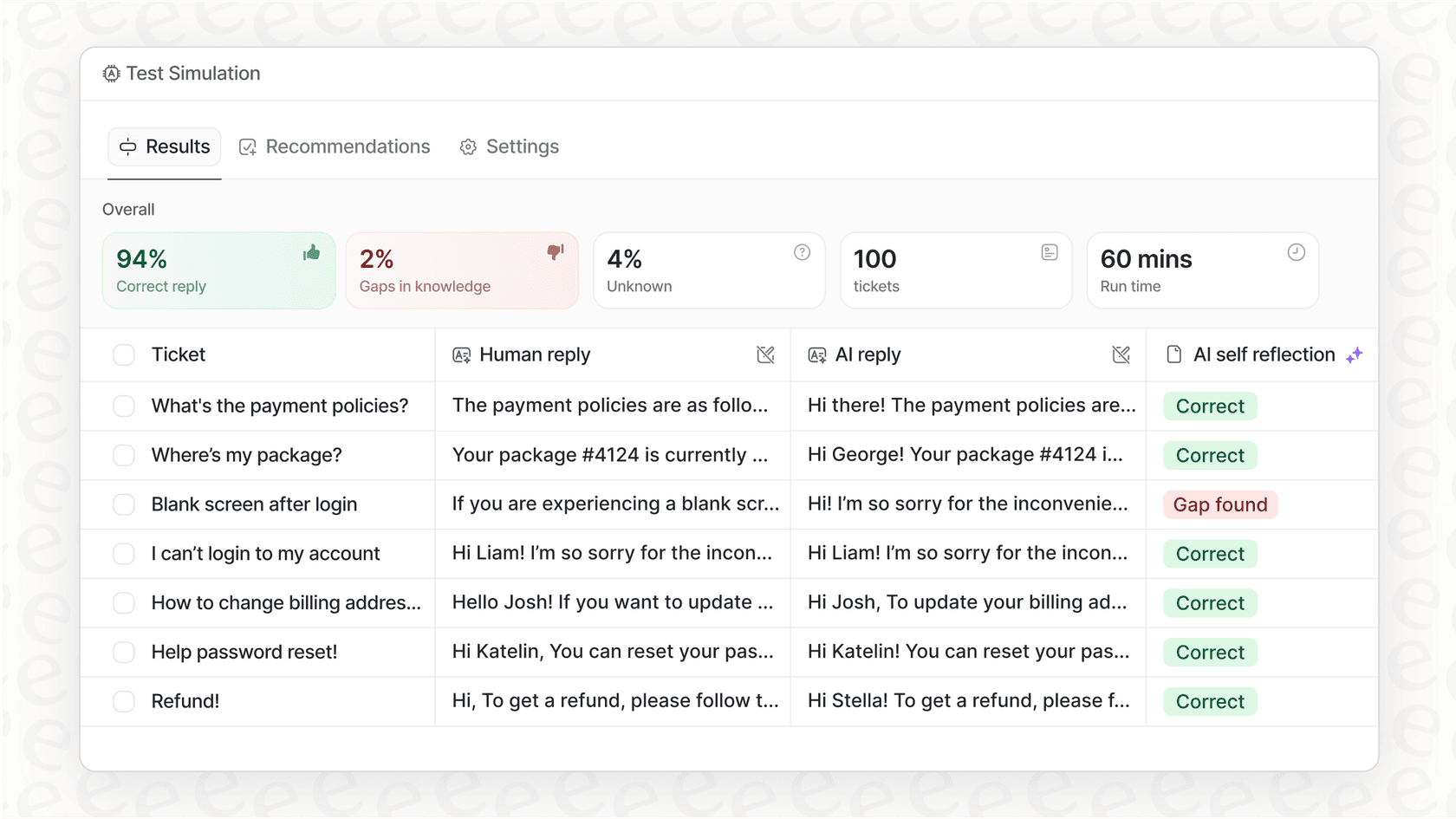
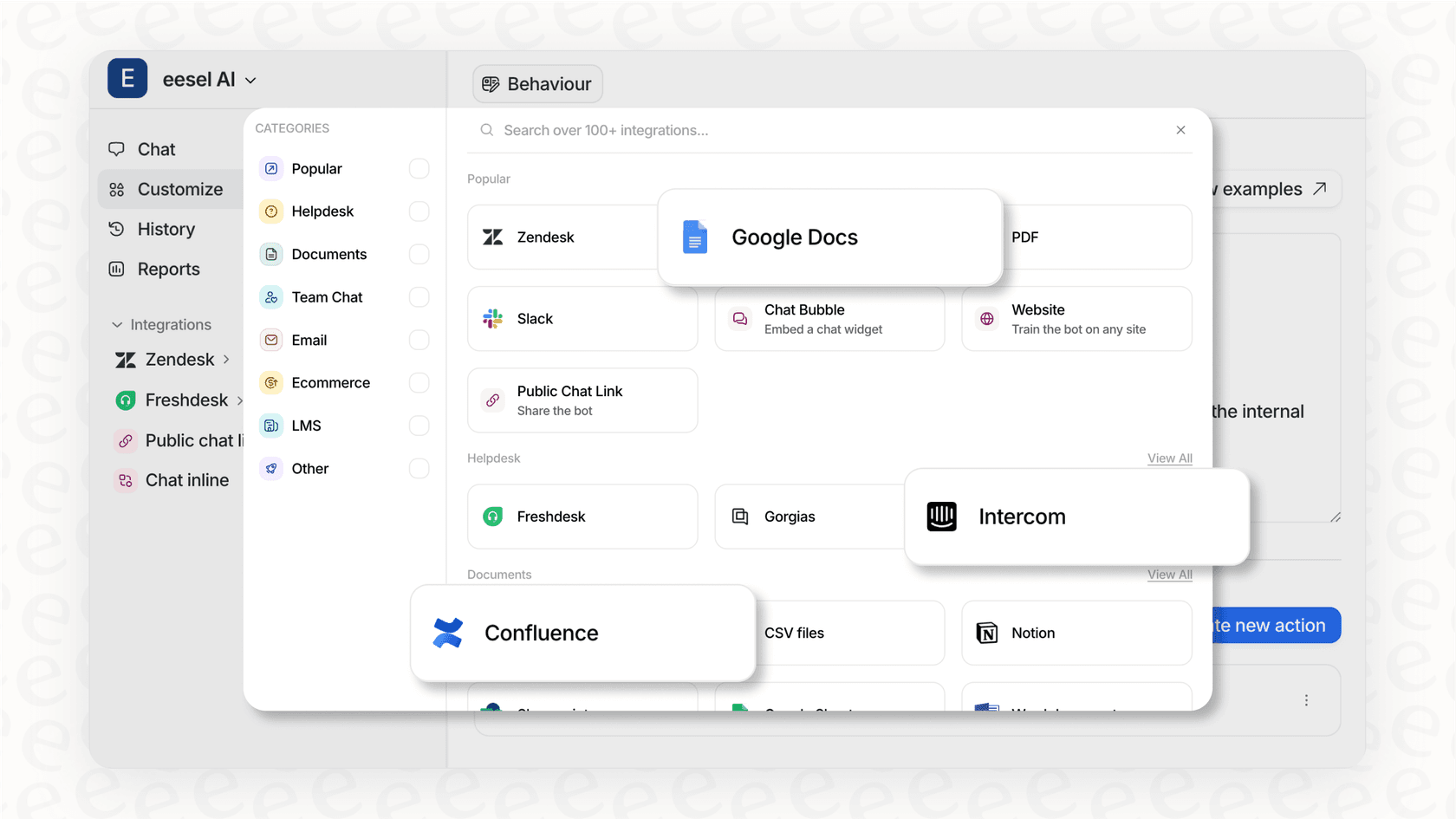
eesel AI is built for support, IT, and ops teams who want serious automation without the headache of a long setup. It plugs directly into your helpdesk (like Zendesk or Freshdesk) and knowledge sources (like Confluence or past tickets) to handle frontline support, draft replies for human agents, and answer internal questions in Slack.
What really stood out to me was how ridiculously fast it is to get started. You can connect your helpdesk and have a working AI copilot in minutes, not months.
Pros:
-
Go live in minutes: It’s genuinely self-serve. You can sign up, connect your apps with one click, and set up your agent without ever talking to a salesperson.
-
Test with confidence: The simulation mode is a huge deal. It runs your AI agent on thousands of your historical tickets and shows you exactly how it would have responded. This gives you a clear forecast of its performance and ROI before you flip the switch.
-
Total workflow control: You get fine-grained control to decide which tickets get automated. You can start with simple, repetitive questions and have everything else go to a human, then gradually let it handle more as you get comfortable.
-
Unified knowledge: It learns from everything, your past tickets, help center articles, and internal docs in Google Docs or Notion. This gives it the context needed to provide accurate answers that sound like your team.
Cons:
-
Its integrations are deep and focused on support and IT workflows, but it doesn't have the thousands of general-purpose app connections you'd find in a tool like Zapier or Lindy.
-
Advanced multi-agent orchestration is available, but it’s part of their custom enterprise plan.
Pricing:
eesel AI has transparent, feature-based plans without tricky per-resolution fees. Pricing is based on a predictable number of monthly AI interactions.
-
Team: Starts at $239/month (billed annually) for up to 1,000 interactions/month, including the AI Copilot and Slack integration.
-
Business: Starts at $639/month (billed annually) for up to 3,000 interactions/month, adding the fully autonomous AI Agent, the ability to train on past tickets, and AI Actions.
-
Custom: Custom pricing for unlimited interactions and advanced features like multi-agent workflows.
2. Voiceflow
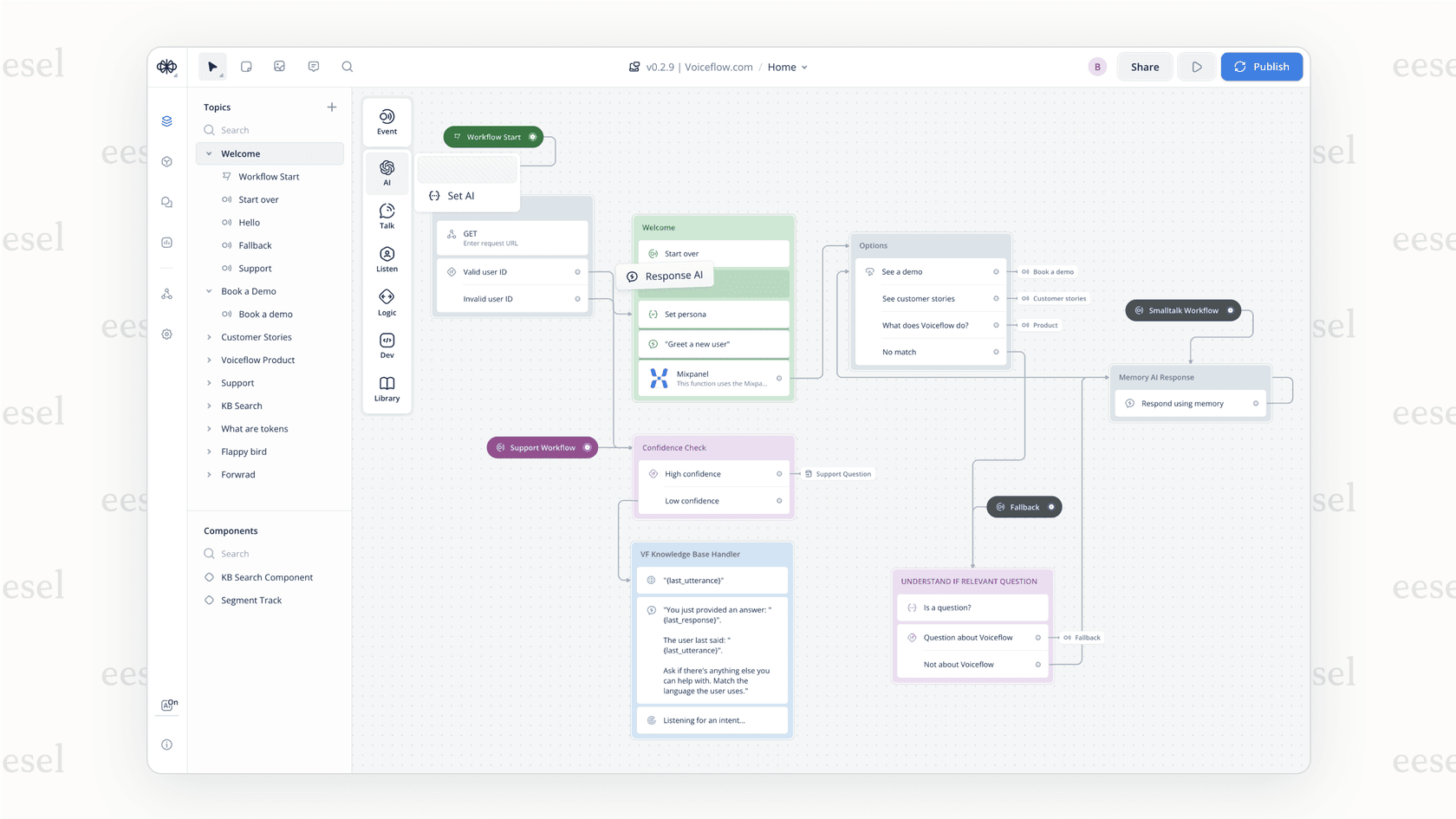
Voiceflow is a powerful, collaborative platform for designing and launching highly customized conversational AI agents from the ground up. If you have a specific vision for a unique chatbot or voice assistant and the team to build it, Voiceflow gives you a visual canvas to bring it to life.
Pros:
-
The visual, drag-and-drop flow builder is great for mapping out complex conversation logic and user journeys.
-
It's extremely flexible, allowing you to design and prototype sophisticated interactions for both chat and voice.
Cons:
-
It's a builder platform, not a ready-made solution. You’re responsible for designing, building, and maintaining the agent's intelligence, knowledge, and integrations, which is a big job.
-
It lacks purpose-built features for support automation, like ticket simulation or learning from historical conversations, that you’d find in a more specialized tool.
Pricing:
Voiceflow's pricing is based on features and usage credits, which are used up by AI services.
-
Starter: A free plan with 100 credits for hobbyists.
-
Pro: Starts at $60/month for one user and your choice of credit packs (e.g., 10,000 credits).
-
Business: Starts at $150/month for one user with larger credit packs and more features.
-
Enterprise: Custom annual plans for teams needing advanced security and support.
3. Moveworks
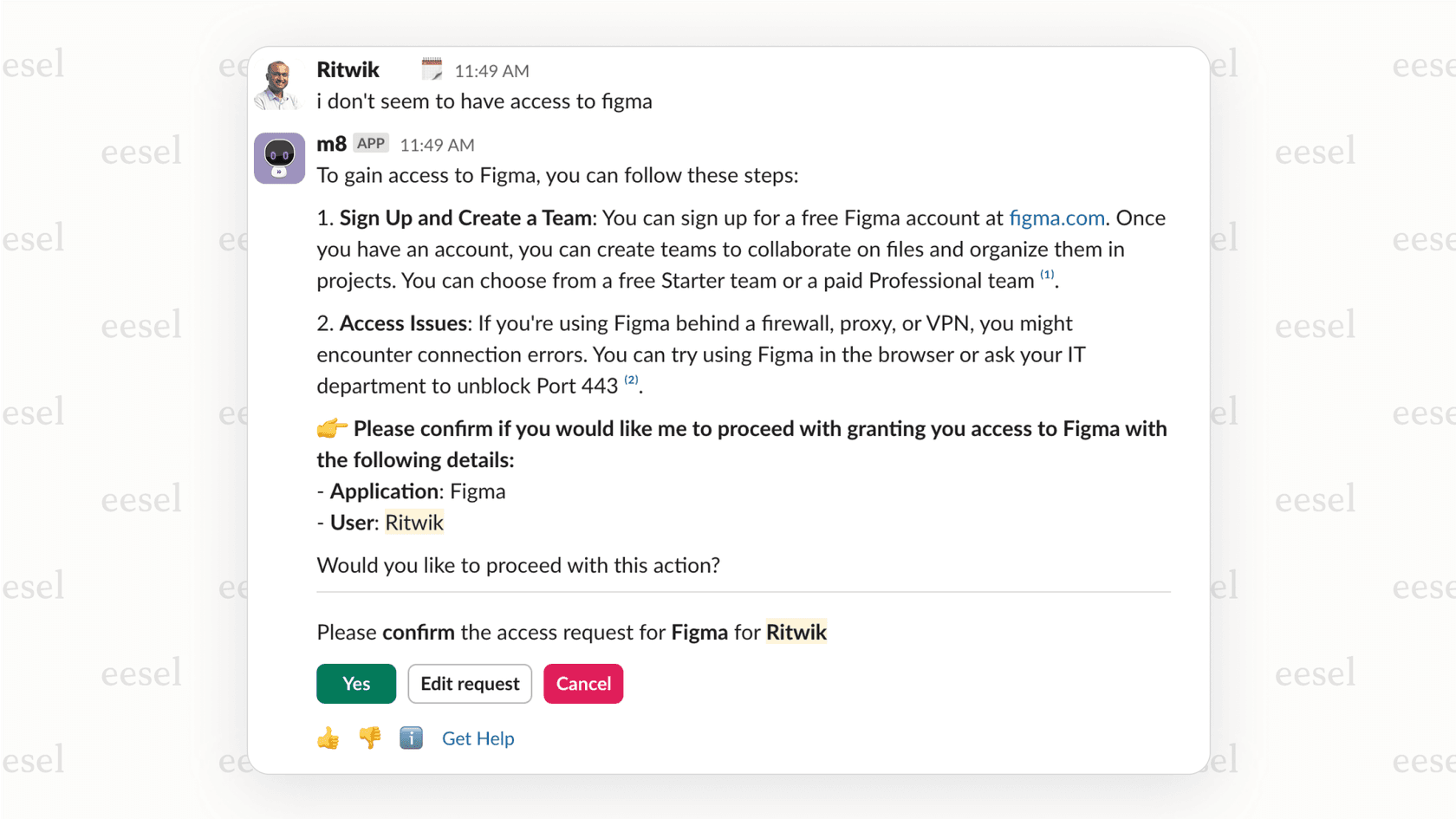
Moveworks is the heavyweight champion for large enterprises looking to automate internal IT and employee support. It lives inside your company’s chat tools, like Microsoft Teams or Slack, and is great at handling common employee requests like "I need access to a file" or "How do I reset my password?"
Pros:
-
It has incredibly deep integrations with enterprise systems like ServiceNow, Workday, and SharePoint, allowing it to take action directly within those platforms.
-
Its natural language understanding is excellent for a wide range of common IT and HR requests.
Cons:
-
This is not a self-serve tool by any stretch of the imagination. Getting started requires a long sales process, a significant budget, and a major implementation project managed by their team.
-
The pricing is completely hidden and designed for large-scale enterprise contracts, making it out of reach for most small to mid-sized businesses.
Pricing:
Moveworks doesn't publish its pricing. You have to book a demo and go through their sales team to get a custom quote. This usually means a high price point geared toward large companies.
4. Aisera
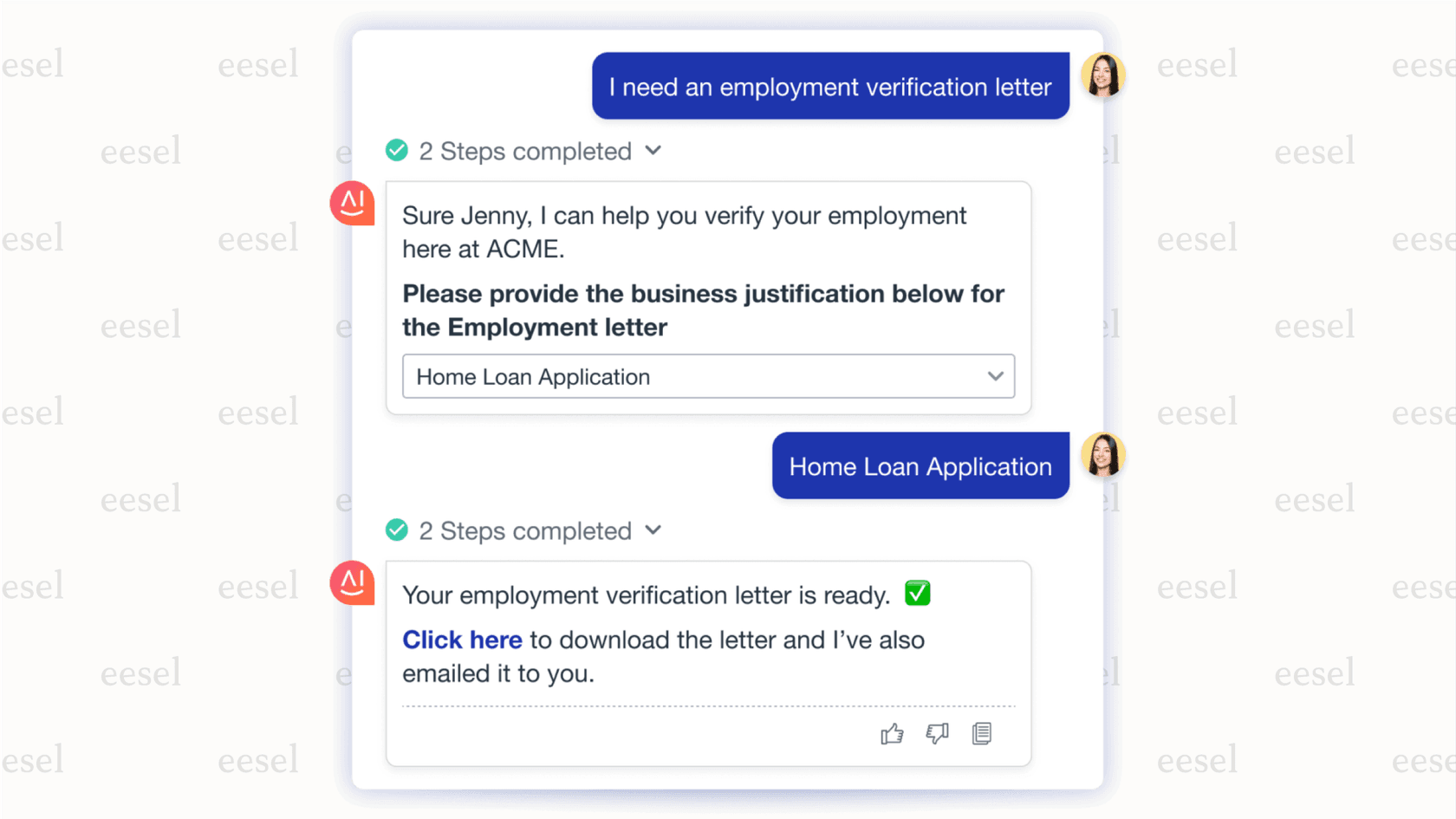
Aisera is an AI platform focused on both customer and employee service. Its main strength is making human agents better by giving them AI-suggested responses, case summaries, and next-best actions right inside their helpdesk. It’s less about full autonomy and more about making your human team faster and more efficient.
Pros:
-
Excellent for boosting the productivity of human agents with its "Agent Assist" features.
-
Its "Intelligent Swarming" feature is neat for helping teams collaborate on complex tickets by pulling in the right experts from different departments.
Cons:
-
The platform can be complex to set up and is definitely built for larger organizations with dedicated ops teams to manage it.
-
It’s less focused on a fast, self-serve setup and leans more towards a managed implementation process.
Pricing:
Like Moveworks, Aisera doesn't list public pricing. You need to contact their sales team for a custom quote, which again points to a focus on enterprise clients.
5. Sierra
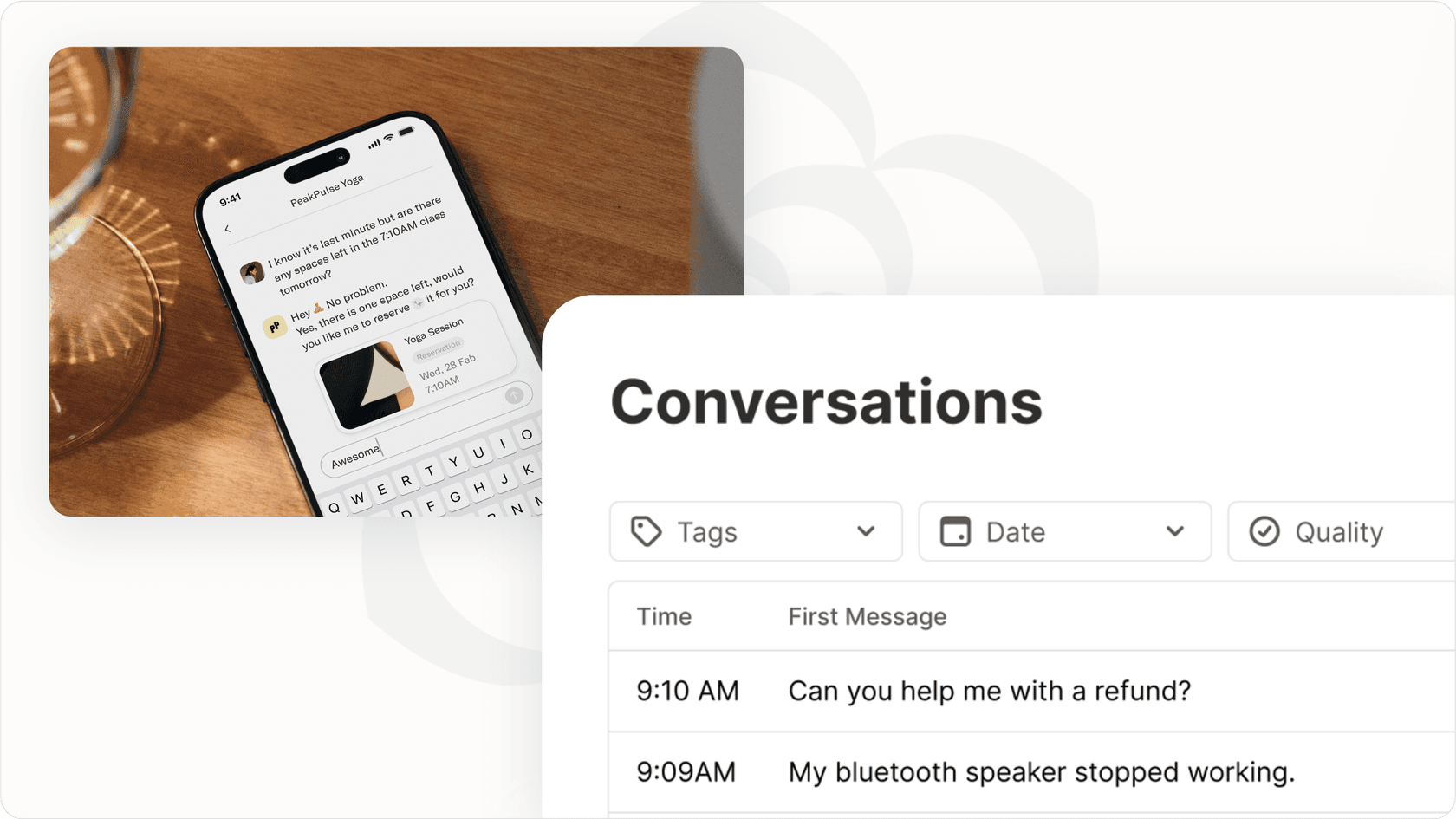
Sierra is a high-end conversational AI platform for brands that want a single, consistent AI agent across every customer channel: voice, chat, email, and SMS. It aims to provide a unified experience, whether a customer is talking to the agent on the phone or chatting with it on the website.
Pros:
-
It excels at delivering a unified omnichannel experience, which is a huge challenge for many brands.
-
It's very powerful for businesses that care about conversational commerce and want their agent to handle everything from support to sales.
Cons:
-
Sierra is often positioned as a replacement for your existing tools, not an integration. This "rip and replace" approach is a massive commitment.
-
It’s an enterprise-level platform with a price tag and implementation effort to match.
Pricing:
Sierra's pricing is custom and tailored to enterprise clients. You have to schedule a demo with their sales team to get details.
6. Lindy
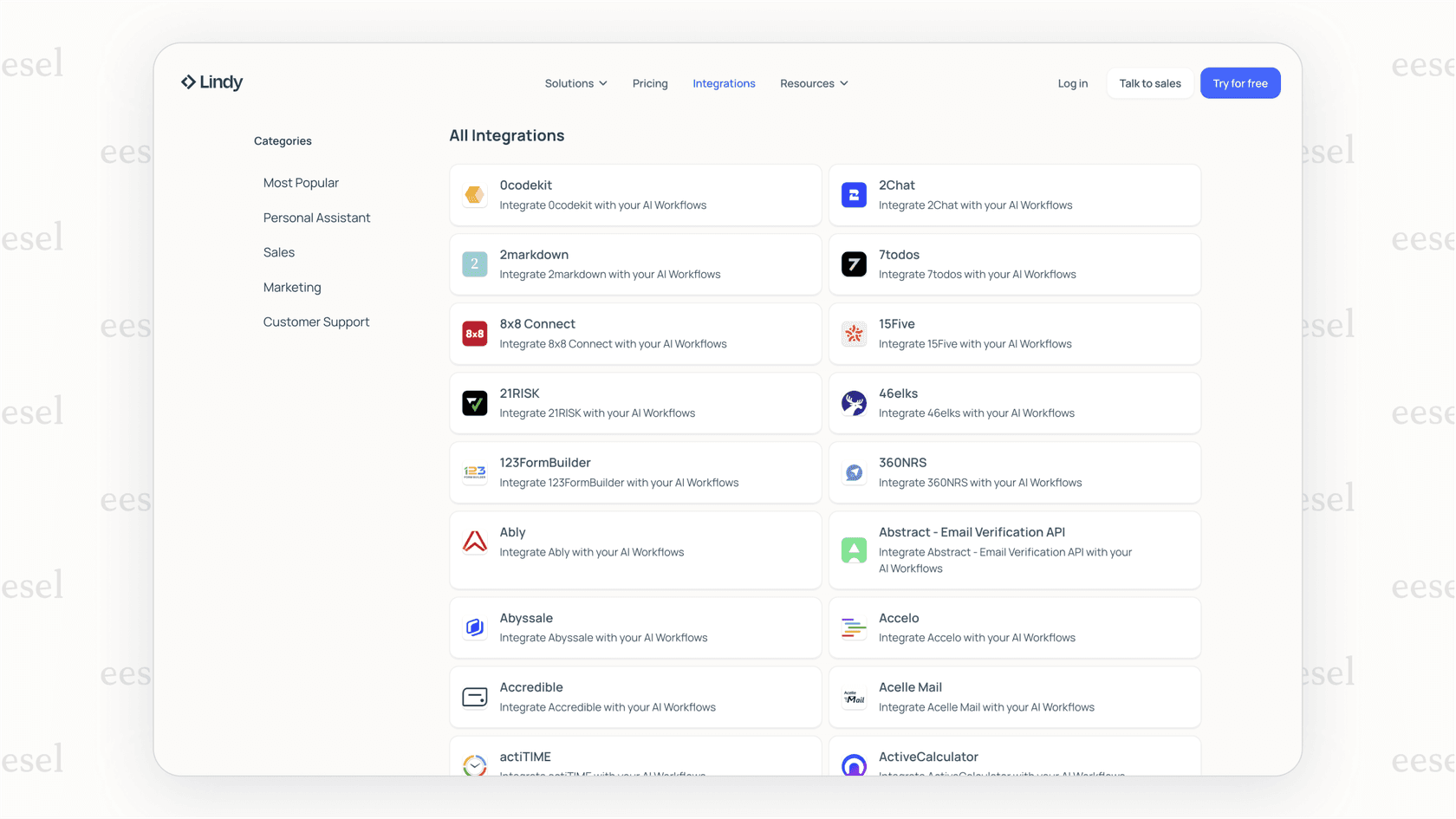
Lindy is a flexible no-code platform that lets you build your own simple AI agents (called "Lindies") for a huge range of tasks. Using an "if-this-then-that" style of logic, you can connect different app triggers and actions to automate personal and business workflows. It's a great choice if you like to tinker and build your own automations.
Pros:
-
With over 2,500 integrations, it's incredibly versatile for connecting different apps and services.
-
The trigger-and-action model is straightforward for non-technical users who want to build simple, custom agents for tasks like sorting emails or summarizing meetings.
Cons:
-
It's a general-purpose tool, not one built for customer support. It lacks critical features like risk-free ticket simulation, deep helpdesk functions (like tagging or routing), and the ability to learn from past support conversations.
-
Building a truly intelligent support agent would be difficult and require you to string together many different services.
Pricing:
Lindy uses a credit-based system. Each action your agent takes uses credits.
-
Free: Includes 400 credits per month.
-
Pro: $39.99/month (billed annually) for 5,000 credits/month.
-
Business: $159.99/month (billed annually) for 20,000 credits/month.
-
Enterprise: Custom pricing for higher volumes.
Key things to consider when choosing top AI agents
After testing all these platforms, a few key lessons stood out. If you're looking to bring an AI agent into your business, keep these points in mind:
-
Tool vs. toolkit: First, decide what you need. Are you looking for a ready-to-go solution for a specific job like support (like eesel AI)? Or do you need a toolkit to build an agent from scratch (like Voiceflow)? Builder platforms offer flexibility but demand a lot more work.
-
Risk-free testing: I can't stress this enough: never deploy an AI agent blind. A platform with a robust simulation mode is essential. It lets you prove the agent's performance and ROI on your own data before a single customer interacts with it.
-
Plays well with others: Your AI agent should fit into your current workflow, not force you to change it. Prioritize tools that offer simple, one-click integrations with the helpdesk, knowledge base, and other systems you already use. A "rip and replace" approach is a huge red flag for most teams.
-
Predictable pricing: Watch out for per-resolution or per-ticket pricing models. They create unpredictable bills that punish you for having a busy month. Look for flat-rate plans that are easy to understand and budget for.
-
Human in the loop: The goal is smart automation, not replacing your support team. Make sure the platform gives you easy control over when the agent handles a ticket and when it needs to escalate to a person.
The future of top AI agents is automated, but you're in control
The right AI agents are incredible helpers. They take the repetitive, time-consuming tasks off your team's plate, freeing them up to focus on the high-value, strategic work that humans do best. The trick is choosing a tool that gives you powerful features without taking away your control.
That’s the thinking behind eesel AI. We provide an enterprise-grade AI agent platform that’s radically self-serve, fully controllable, and completely transparent. You can test everything on your own data and go live in minutes, not months.
Ready to see how simple powerful support automation can be? Start your free trial today.
Frequently asked questions

Share this article

Article by
Stevia Putri
Stevia Putri is a marketing generalist at eesel AI, where she helps turn powerful AI tools into stories that resonate. She’s driven by curiosity, clarity, and the human side of technology.