What is AI search in ServiceNow? A 2025 overview


Last edited October 7, 2025

If you're running your support or IT department on ServiceNow, you’ve probably felt the push to move beyond old-school keyword search. Let's be honest, the days of users getting "zero results" because of a tiny typo are getting old. The future is all about intelligent search that actually understands what people are asking for.
This guide will walk you through ServiceNow's AI Search. We'll get into what it is, what it can do, how it works, and where it falls short. We'll also look at a more flexible alternative for teams who need to connect knowledge from all their different apps without getting stuck in a months-long implementation project.
What is AI Search in ServiceNow?
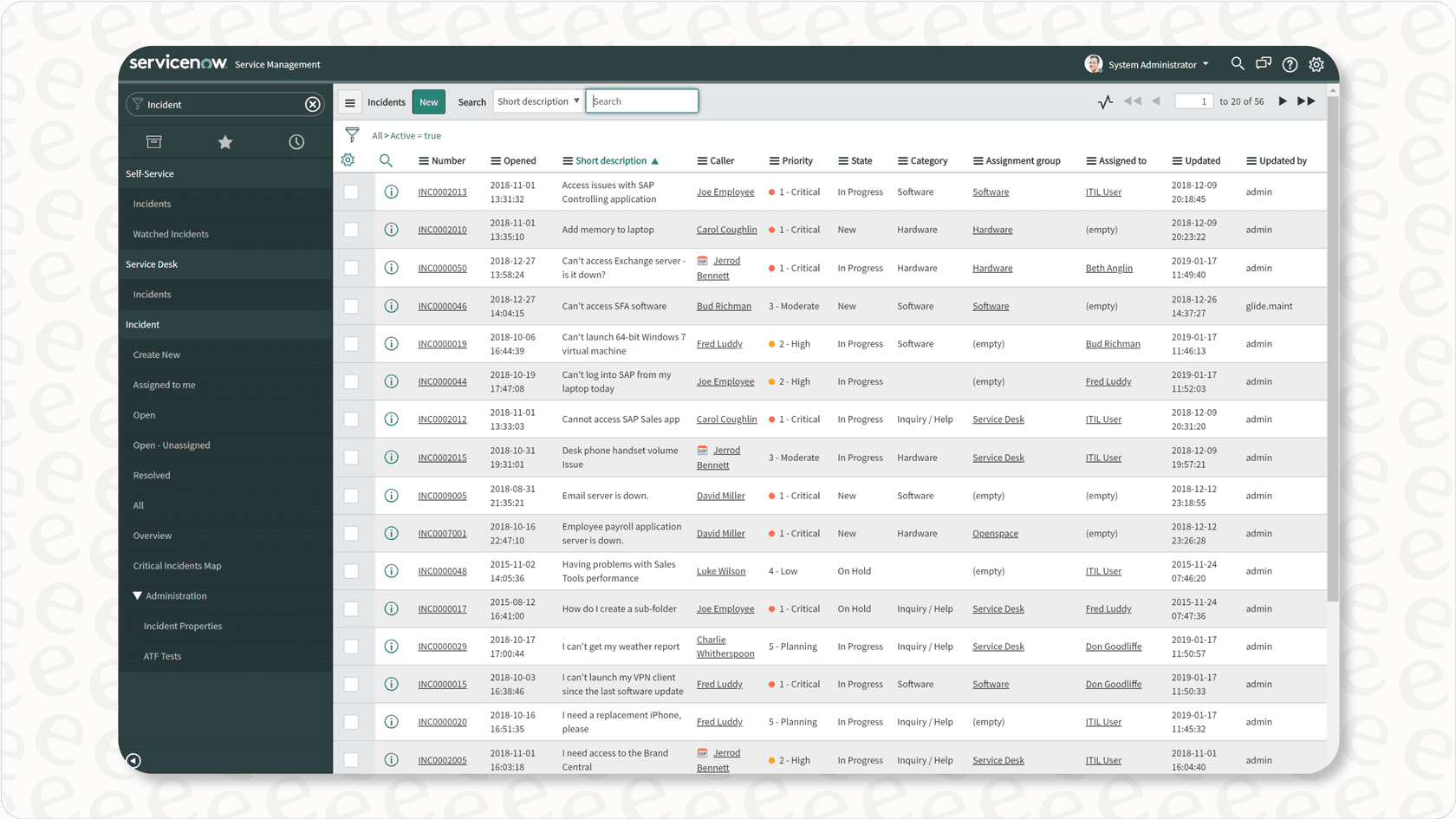
AI Search is ServiceNow's answer to modern, consumer-style search engines. It’s designed to replace the platform's older keyword-based technology, Zing. The main goal is to give you more relevant and personalized results by understanding what a user actually means, instead of just matching the exact words they typed. So, instead of a flat list of links, it tries to provide direct answers and actions right on the results page.
This feature is woven into the whole ServiceNow world, showing up in the Service Portal, the Now Mobile app, and even in chats with the Virtual Agent. The idea is to make self-service feel more natural for employees and customers, helping them find answers faster and hopefully cutting down on the number of support tickets. It uses machine learning to tweak its results based on user behavior, so it’s supposed to get smarter over time.
Key features of AI Search in ServiceNow
ServiceNow AI Search packs in a few clever features that aim to make it feel less like a clunky enterprise tool and more like Google. Here’s a look at what it brings to the table.
Semantic search and natural language understanding (NLU)
This is the real brains of the operation. AI Search uses semantic search to grasp the meaning behind a query, not just the keywords. It looks at context and intent. For example, if someone searches for "new laptop," the system is smart enough to show results for a "MacBook request" form or an article titled "how to order a computer." This NLU feature helps connect the dots between what users type and the info you have stored, which means better, more relevant results.
Genius results and question answering
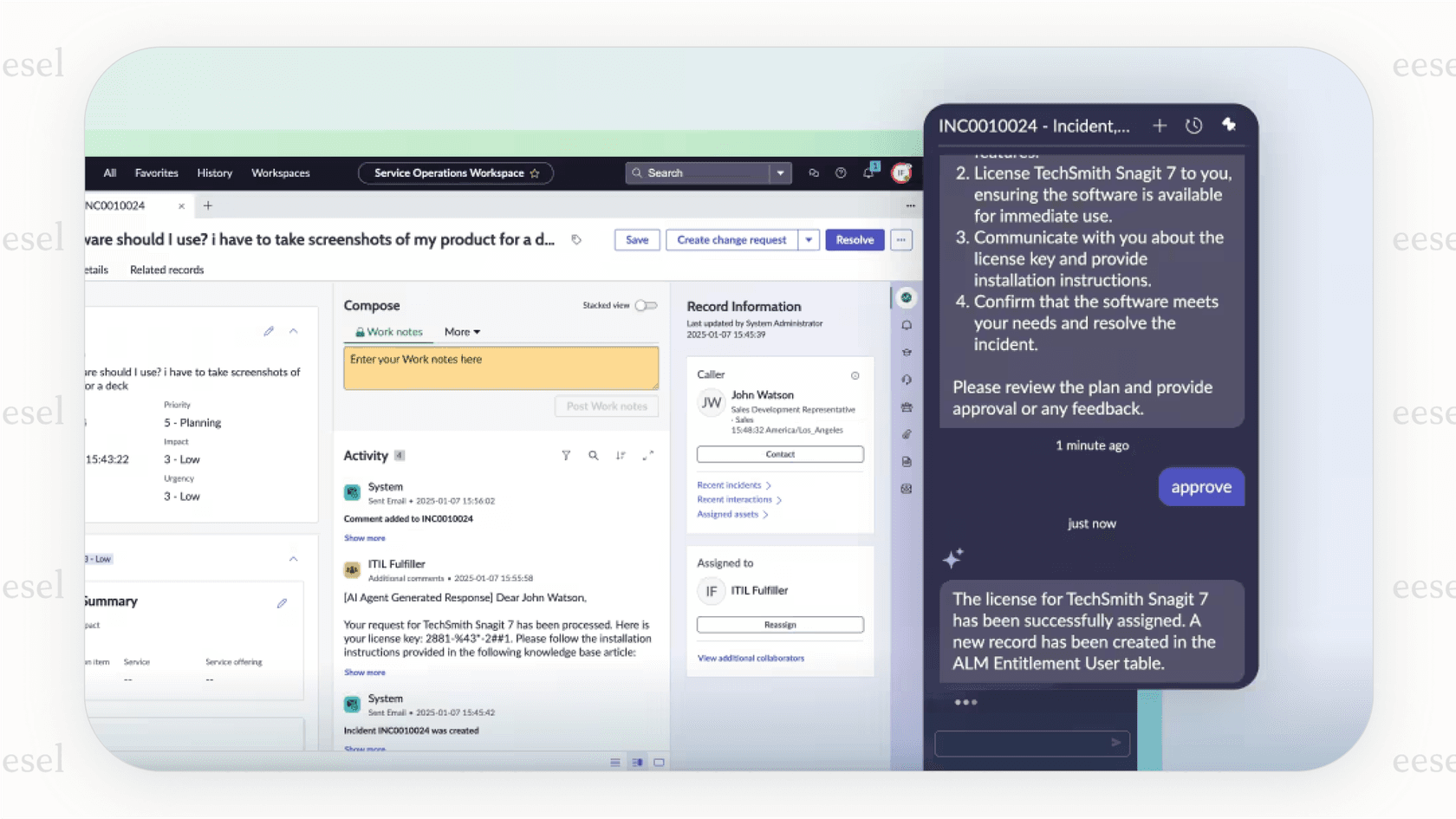
Genius Results are probably the most noticeable part of AI Search. They’re basically actionable cards that pop up at the top of the results page to give a direct answer or a quick next step. Someone searches "reset my password"? A Genius Result might show up with a direct link to the password reset tool. Looking for a catalog item? It might display a card with an "Order Now" button right there. The whole point is to resolve issues on the spot and deflect tickets without making people dig through a bunch of links.
Typo handling and auto-correction
We’ve all been there: you type something in a hurry, make a small typo, and the search bar gives you nothing. It's frustrating. AI Search has typo handling to automatically correct misspelled words based on the content it has indexed. If a user types "laptpo," the system figures out they meant "laptop" and shows the right results. It’s a helpful touch, though its effectiveness can depend on your specific setup and the languages you need to support.
Continuous learning and relevancy tuning
AI Search is built to learn on the job. It uses machine learning to watch how users interact with search results, like which links get the most clicks for a certain question. This feedback helps the system automatically adjust its relevancy scores, so over time, the most useful content should bubble up to the top.
The complicated side of AI Search in ServiceNow
While the user-facing side of ServiceNow AI Search looks slick, setting it up on the back end is a different story. It can be a surprisingly complex and lengthy process. This isn't a simple switch you can flip on. To really understand its limitations, you have to look under the hood.
The configuration hierarchy
Getting AI Search up and running involves a layered process that takes a lot of admin work. It’s not something you knock out on a Friday afternoon.
-
Indexed Sources: First, you have to tell AI Search what to actually look at. This means creating an "indexed source" for every single ServiceNow table you want to make searchable, like your knowledge base ("kb_knowledge") or service catalog ("sc_cat_item").
-
Search Sources: With your data indexed, you then create search sources to set up filtered views of that data. For instance, you could make a specific search source that only includes "Active Knowledge Articles."
-
Search Profiles: Next, you bundle these search sources into profiles. This is where you configure things like synonym lists, stop words, and those Genius Results we talked about. Each profile is tailored for a specific search experience.
-
Search Application Configurations: The final step is linking a profile to a user-facing part of the platform, like the Service Portal, through a search application configuration.
This level of control can be powerful, but it also creates a huge hurdle. You need someone with deep technical knowledge of ServiceNow and a good chunk of time to build and maintain it. This is a stark contrast to more modern tools like eesel AI, which offers one-click integrations that can be live in minutes, not months.
Limitations of a platform-native tool
Another big challenge is that most companies' knowledge doesn't live exclusively in ServiceNow. While ServiceNow has connectors for outside content, they often require a separate plugin, extra licensing fees, and a whole other integration project. This can leave you with information silos where your shiny new AI search only sees part of the picture. If your team relies on a mix of tools like Confluence, Google Docs, and Slack, getting a single, unified search experience can feel nearly impossible.
Pricing for ServiceNow AI Search
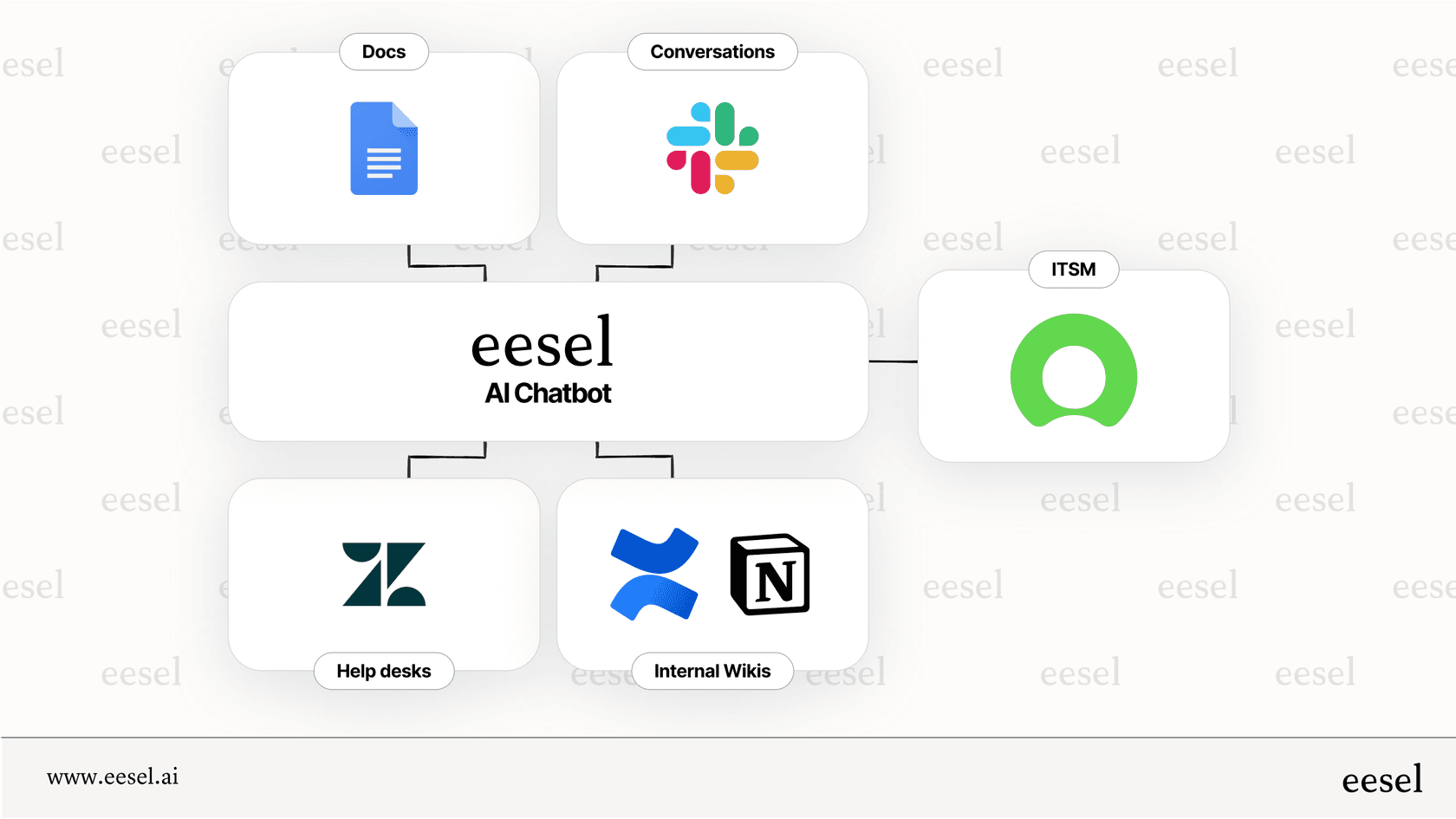
So, what's the price tag? That’s the million-dollar question, and unfortunately, ServiceNow doesn't make the answer easy to find. The cost of AI Search isn't listed publicly. It's usually bundled into their more expensive subscription packages, like ITSM Pro or CSM Pro.
This lack of clear pricing comes with a few headaches:
-
You have to talk to sales: There's no way to estimate the cost or try it out without getting on a call with a sales rep, which can really drag out the evaluation process.
-
It’s a big investment: Because it's part of an enterprise-level package, it's likely a serious financial commitment. This can put it out of reach for teams that don't need all the other "Pro" features.
-
Costs can be unpredictable: It's often hard to tell if there are extra costs for things like connecting to external content sources or for high usage. This makes budgeting a lot tougher compared to solutions that have straightforward pricing.
A simpler, more powerful alternative: eesel AI
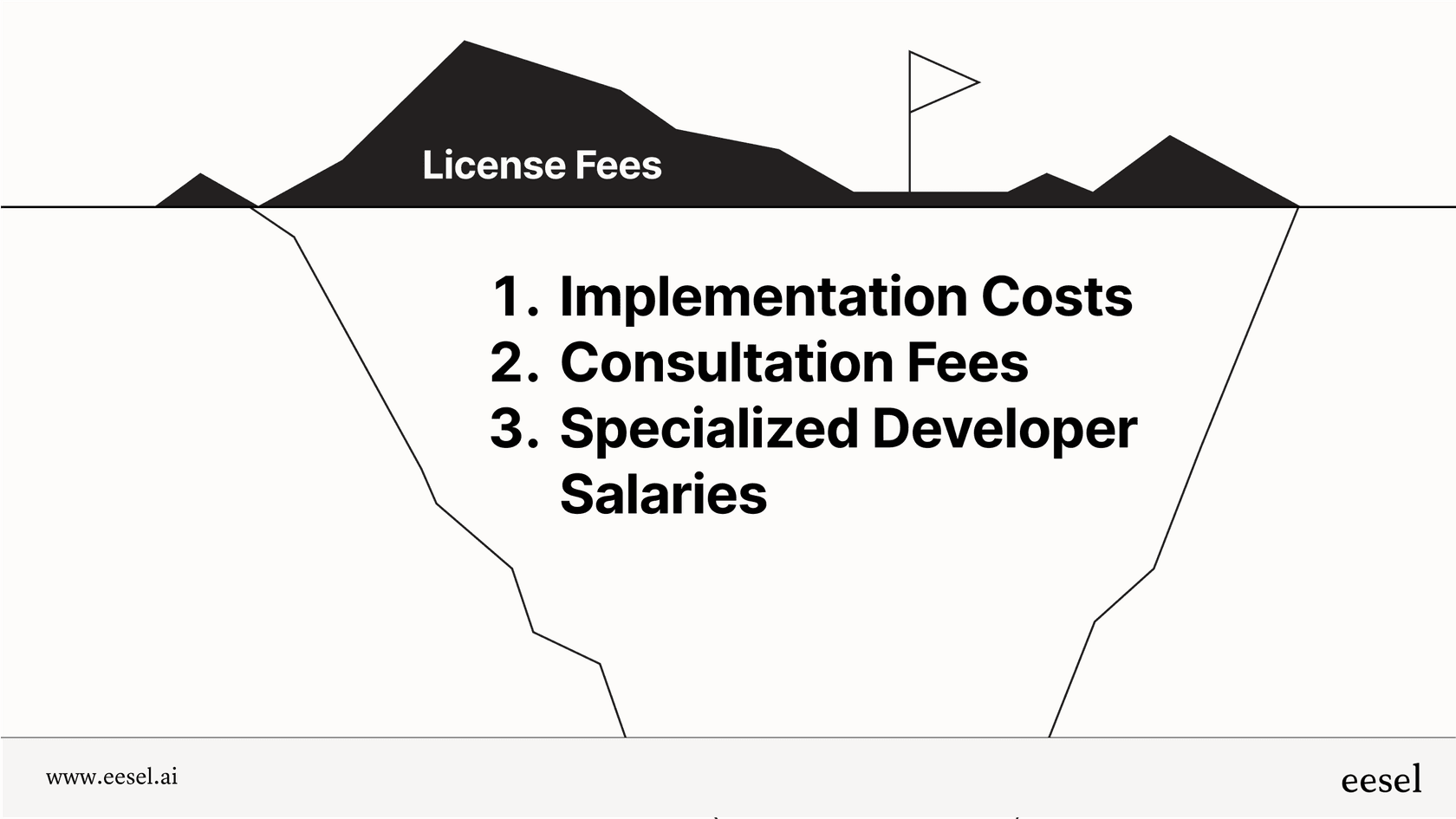
For teams that want a powerful AI search without the headaches, high costs, and information silos of a platform-native tool, eesel AI is a great alternative. It’s built from the ground up to work with the tools you already use, creating a unified knowledge source that you can set up in minutes.
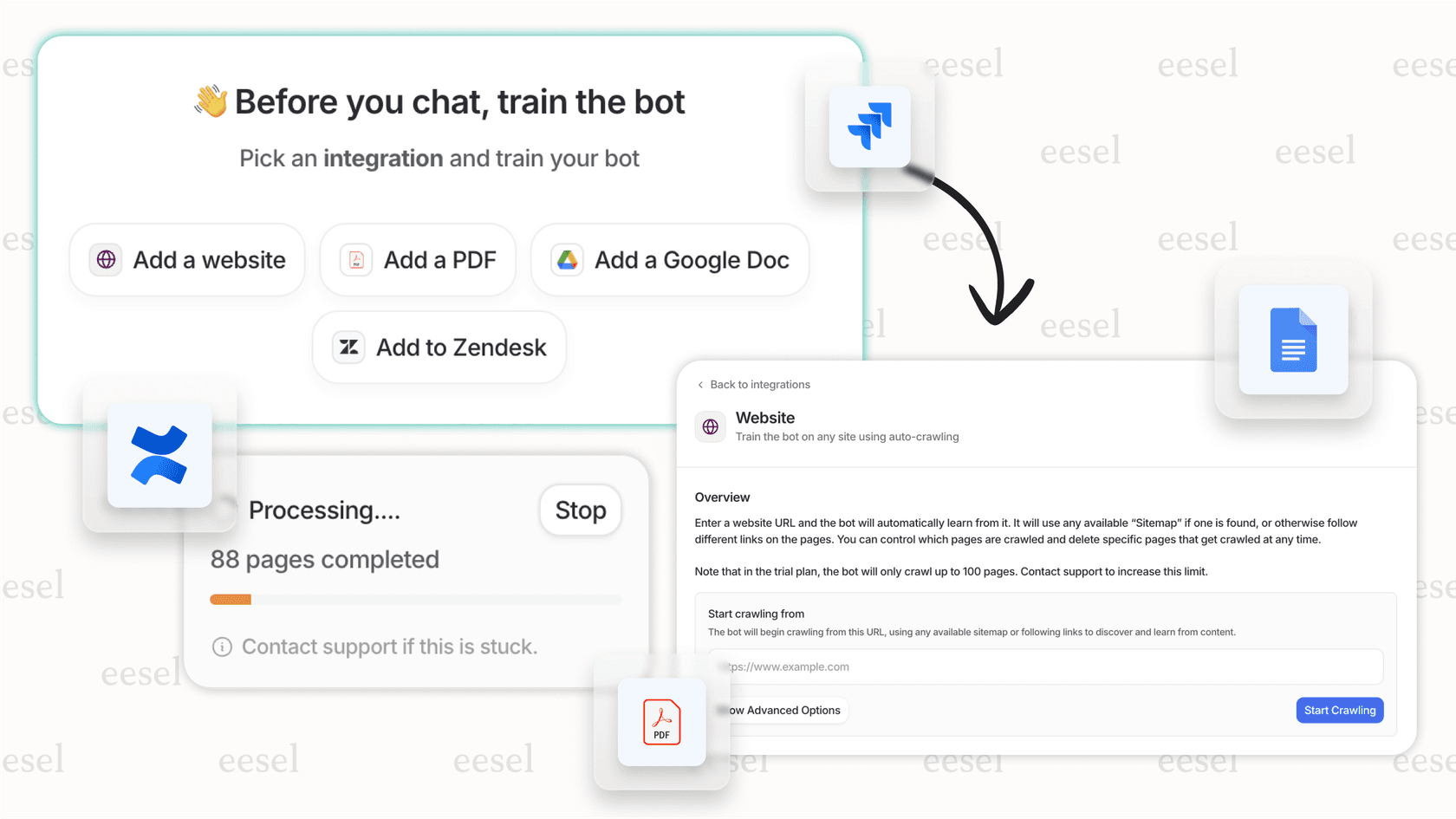
Here’s how eesel AI gets around the main problems with ServiceNow AI Search:
-
Go live in minutes, not months: eesel AI is completely self-serve. With one-click integrations for help desks like Zendesk, Freshdesk, and Jira Service Management, plus chat tools like Slack and MS Teams, you can have an AI agent working in the time it takes to grab a coffee. You can even run a simulation on your past tickets to see how well it will perform before you turn it on for customers.
-
Unify all your knowledge, instantly: Stop worrying about where your documents live. eesel AI connects right away to Confluence, Google Docs, Notion, past tickets, and more. This gets rid of information silos and gives your AI the full context, which leads to better answers for both your internal team and your customers.
-
Transparent and predictable pricing: Unlike ServiceNow, eesel AI has clear pricing tiers based on usage, with no surprise fees per resolution. You can start on a monthly plan and cancel whenever you want, giving you the freedom to scale without getting locked into a massive enterprise contract.
| Feature | ServiceNow AI Search | eesel AI |
|---|---|---|
| Setup Time | Weeks to months; needs a dedicated admin | Minutes; fully self-serve |
| Knowledge Sources | Mostly ServiceNow data; external sources are a separate, complex project | Unifies all sources instantly (helpdesk, Slack, Confluence, Google Docs, etc.) |
| Pricing | Hidden; requires a sales call and enterprise contract | Transparent and predictable; no per-resolution fees |
| Simulation | Not a built-in, highlighted feature | Lets you test performance on past tickets before you go live |
Is AI Search in ServiceNow right for you?
ServiceNow AI Search is a definite step up from the platform's old keyword search, with smart features like semantic understanding and Genius Results. But its biggest strength, being a native tool, is also its biggest weakness. It brings a ton of configuration complexity, a high risk of information silos, and opaque pricing that makes it a heavy lift for many organizations.
For teams looking for a fast, flexible, and affordable solution that plays nicely with all their existing tools, a dedicated AI layer is often the smarter move. By bringing all your knowledge together and offering a simple, self-serve setup, you can start seeing value right away without the enterprise-level overhead.
Ready for an AI search that just works? Try eesel AI for free and get set up in minutes.
Frequently asked questions

Share this article

Article by
Stevia Putri
Stevia Putri is a marketing generalist at eesel AI, where she helps turn powerful AI tools into stories that resonate. She’s driven by curiosity, clarity, and the human side of technology.