
Zendesk AI agent conversation transcripts: The complete 2026 guide


Last edited January 12, 2026
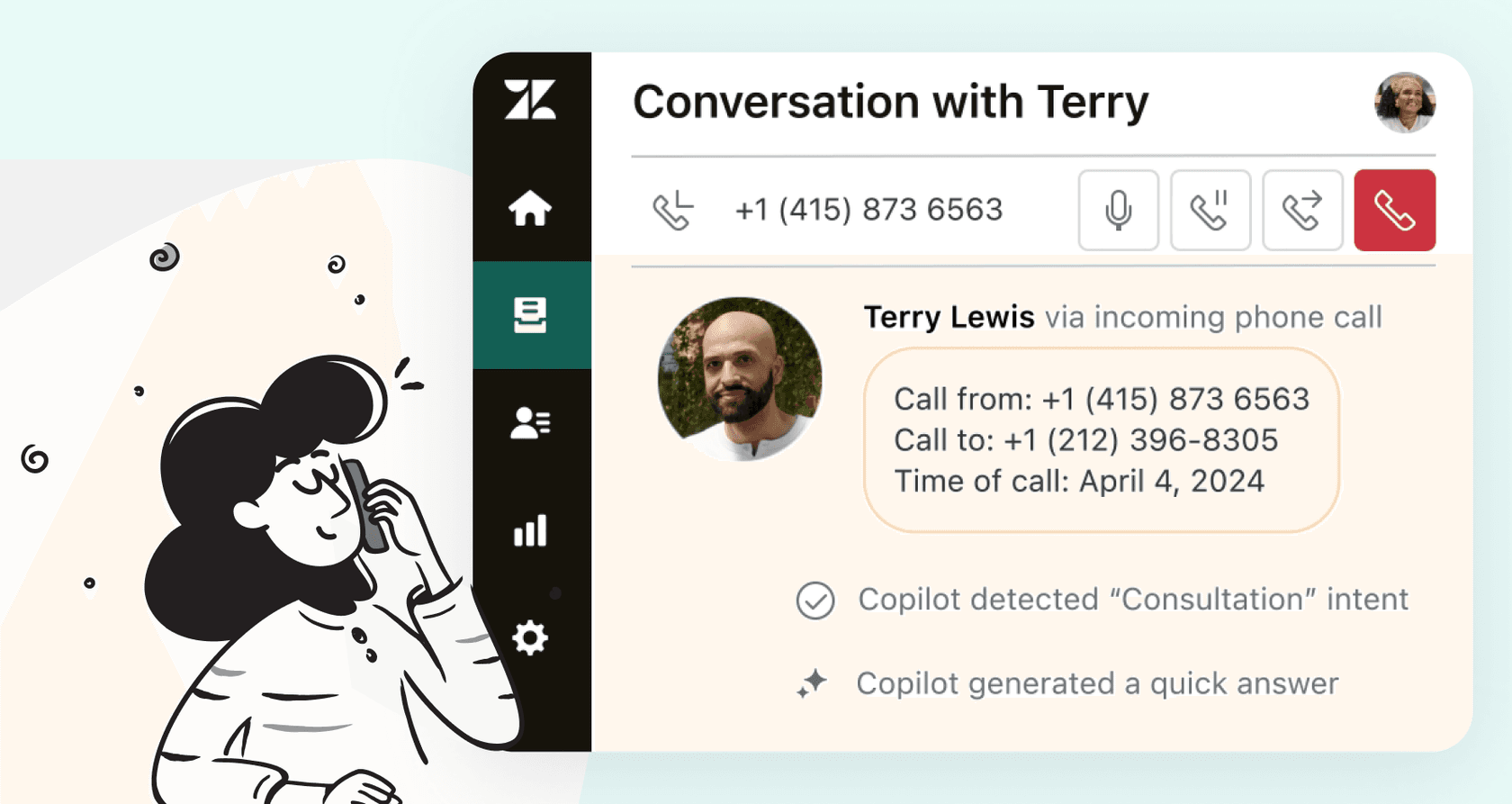
So, your team is using AI agents. They're handling customer chats, and that's a great win for efficiency. As a support leader, you likely want to dive into those interactions to see how they're helping your customers. Understanding the flow of these conversations is key to continuous improvement.
Zendesk has made this easier than ever by turning AI conversations into tickets, providing support managers with a clear, organized view of every interaction.
This guide will walk you through what Zendesk AI agent conversation transcripts are, how this helpful ticketing feature works, and how you can go from seeing conversations to getting even more value from your support data in 2026.
What are Zendesk AI agent conversation transcripts?
In the past, keeping track of conversations handled by a Zendesk AI agent involved checking logs in the Admin Center. To make this data more accessible, Zendesk has evolved the platform to ensure these records are easier to find and manage within your daily workspace.
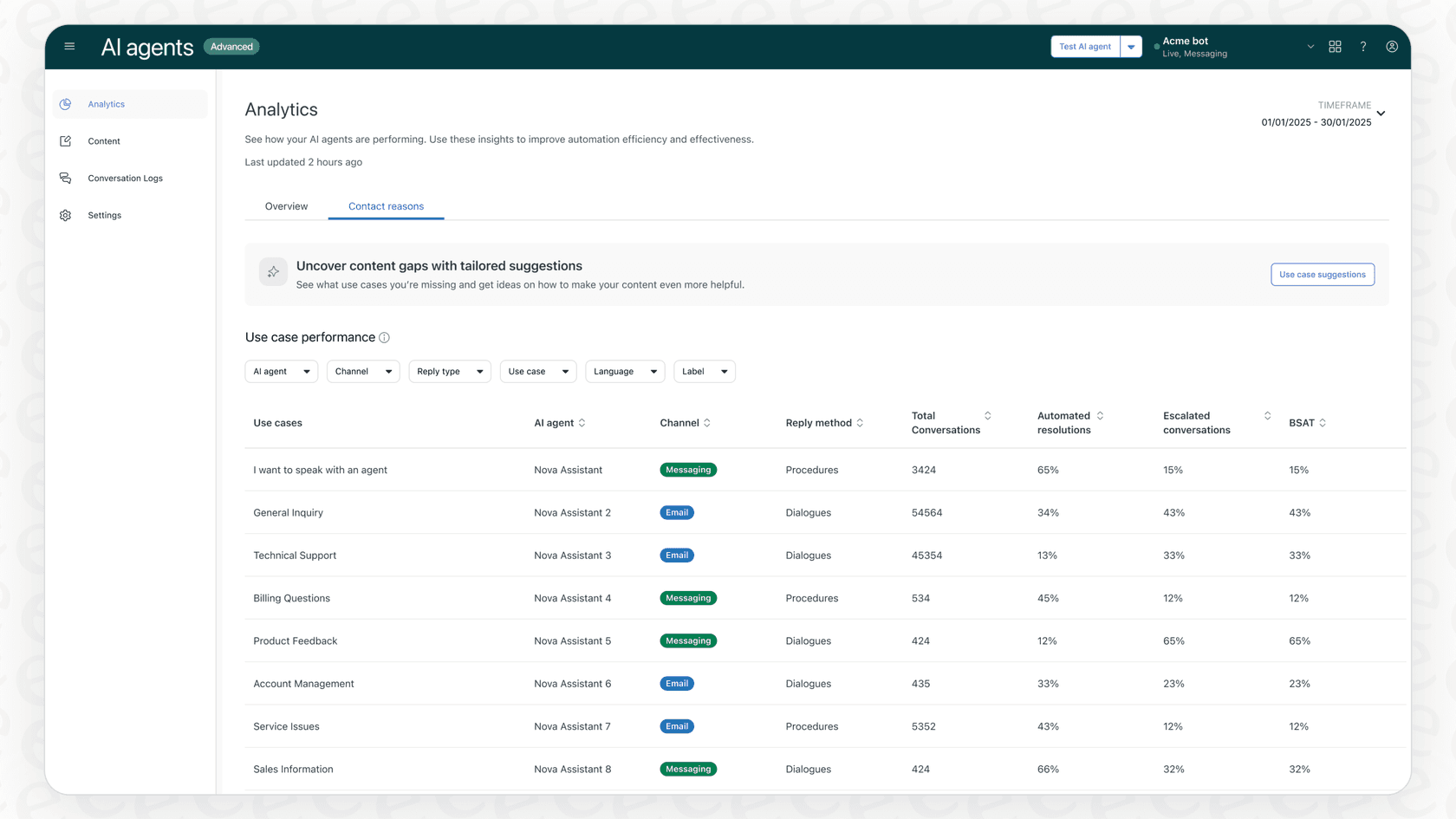
Zendesk rolled out an update that creates AI agent tickets, bringing more transparency to your automated support. Here’s how it works:
-
AI chats become tickets: Any conversation that an AI agent handles from start to finish now shows up as a ticket in the Agent Workspace. This centralizes all your customer data in one place.
-
Stable records: These tickets are read-only, acting as a permanent "source of truth" for the interaction. This ensures the integrity of the record is maintained for future audits or reviews.
-
Enhanced context for humans: If a customer’s chat does eventually get escalated, the human agent can easily see the customer’s past AI-only chats in their history. This provides the agent with the valuable background they need to provide a great experience.
This feature is a major step forward for visibility, giving you a reliable way to monitor how your AI is representing your brand.
Maximizing the value of Zendesk's native tools
While seeing AI conversations as tickets is a great foundation, you may find that you want to do even more with this data. Zendesk provides a solid core, and many teams choose to layer on additional tools to customize their reporting and automation even further.
Understanding the workflow of AI agent tickets
In Zendesk's current setup, AI agent tickets are designed for review and record-keeping. They are read-only and generally don't trigger standard automations to ensure the automated interaction remains undisturbed.
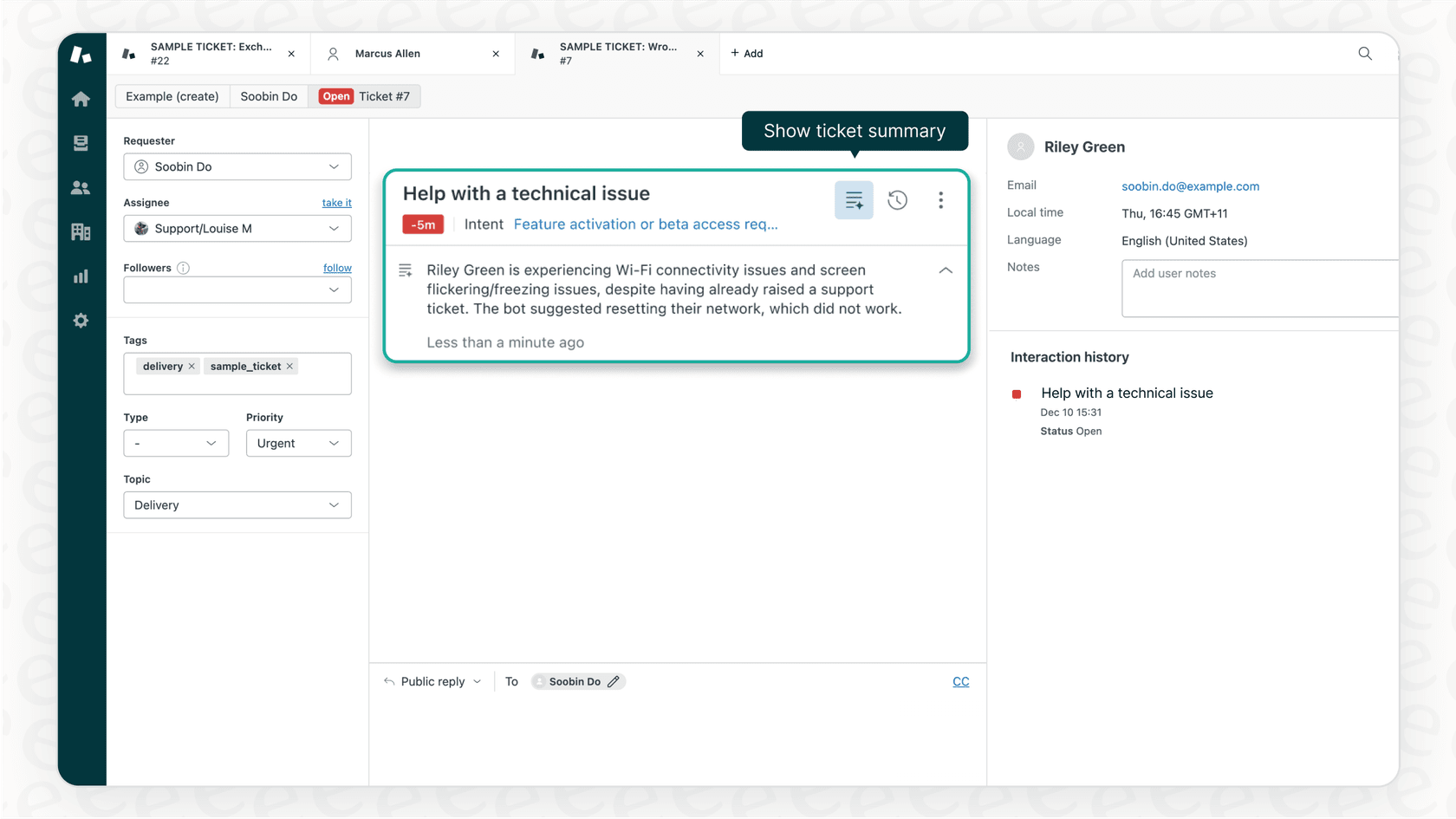
Because these tickets are specialized, you might consider complementary tools for tasks like:
-
Bulk tagging chats based on specific emerging topics.
-
Creating custom alerts for human review based on sentiment.
-
Running specialized surveys on AI-only interactions.
While Zendesk keeps these records secure, a tool like eesel AI can plug into your help desk to run additional workflows. It can help sort and tag tickets based on what was said, turning that record into even more actionable data.
Enhancing your transcript analysis
If you look at Zendesk's community forums, you'll find that many users are interested in advanced ways to export and analyze transcripts. Zendesk's current messaging focus is on providing a seamless, secure experience within the platform itself.
To build upon this, you can look for ways to:
-
Perform large-scale analysis to identify customer intent trends.
-
Use data to further refine your AI models.
-
Share insights with product or marketing teams to improve the customer journey.
Reviewing transcripts one-by-one is great for quality assurance, but as you scale, adding a complementary analytics layer can help you see the bigger picture.
Accessing your AI insights
Zendesk's reporting for AI performance is conveniently housed within the Admin Center. While this is separate from Zendesk Explore, it provides a dedicated space to focus specifically on AI metrics.
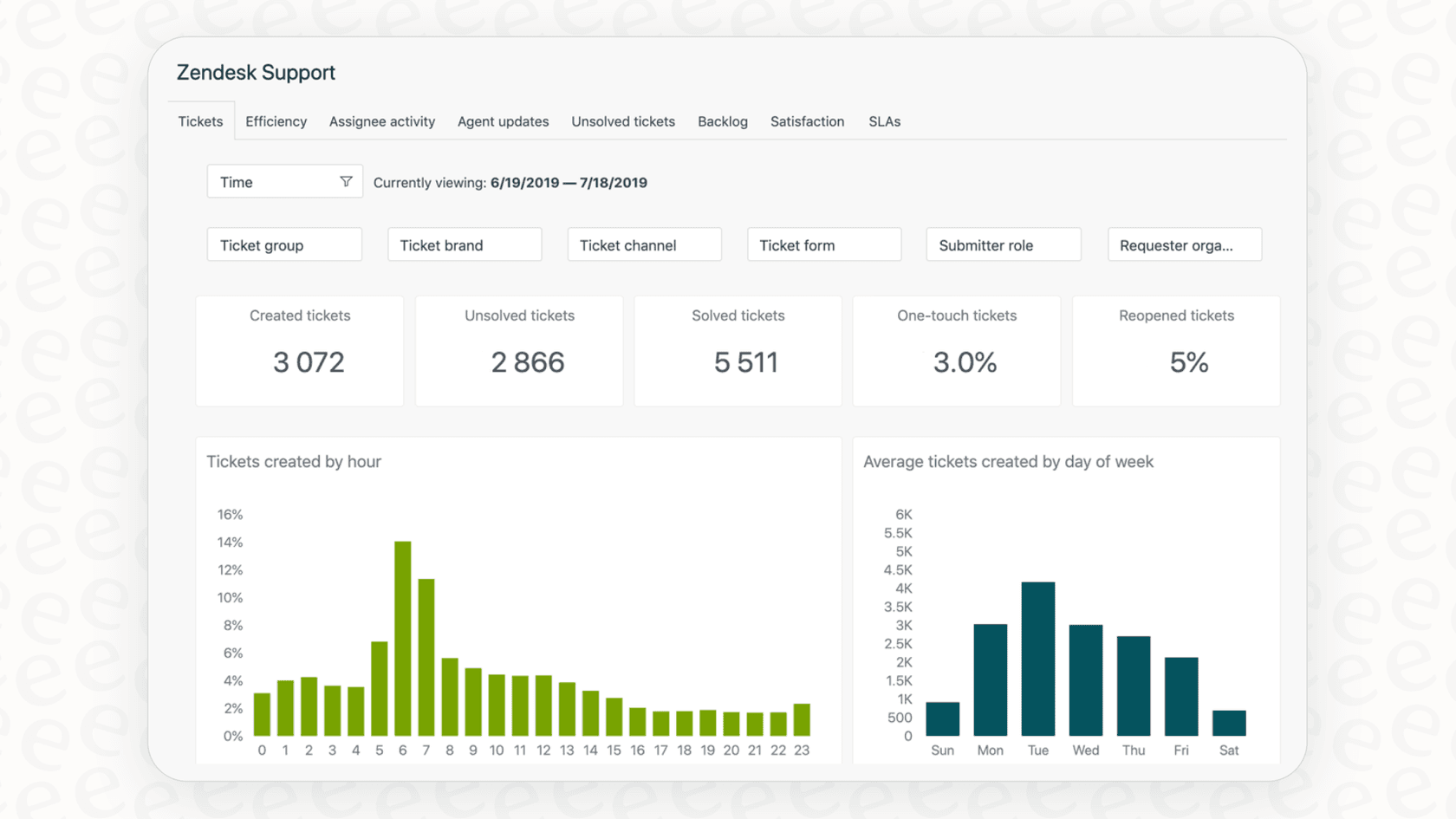
This structure ensures that AI data is managed securely. To get a unified view of your entire operation in real-time, you might use a tool like eesel AI. Its analytics can help you identify gaps in your knowledge base that might lead to escalations, working in tandem with Zendesk's native reporting.
Advanced ways to use your conversation transcripts
To truly maximize your AI conversation data, you can look beyond the transcript itself and focus on how to use that information to improve your entire support ecosystem.
Unify your knowledge sources
A robust AI agent works best when it has access to all your company's knowledge. Zendesk provides an excellent platform for public articles, and you can enhance this by connecting your AI to other internal resources. eesel AI is a great option for this, connecting to your Zendesk tickets and help center while also pulling from:
-
Historical context: It can analyze past conversations to learn your brand's unique tone.
-
Internal documentation: It can pull answers from sources like Confluence and Google Docs.
-
Team shortcuts: It can learn from the macros your best agents already use.
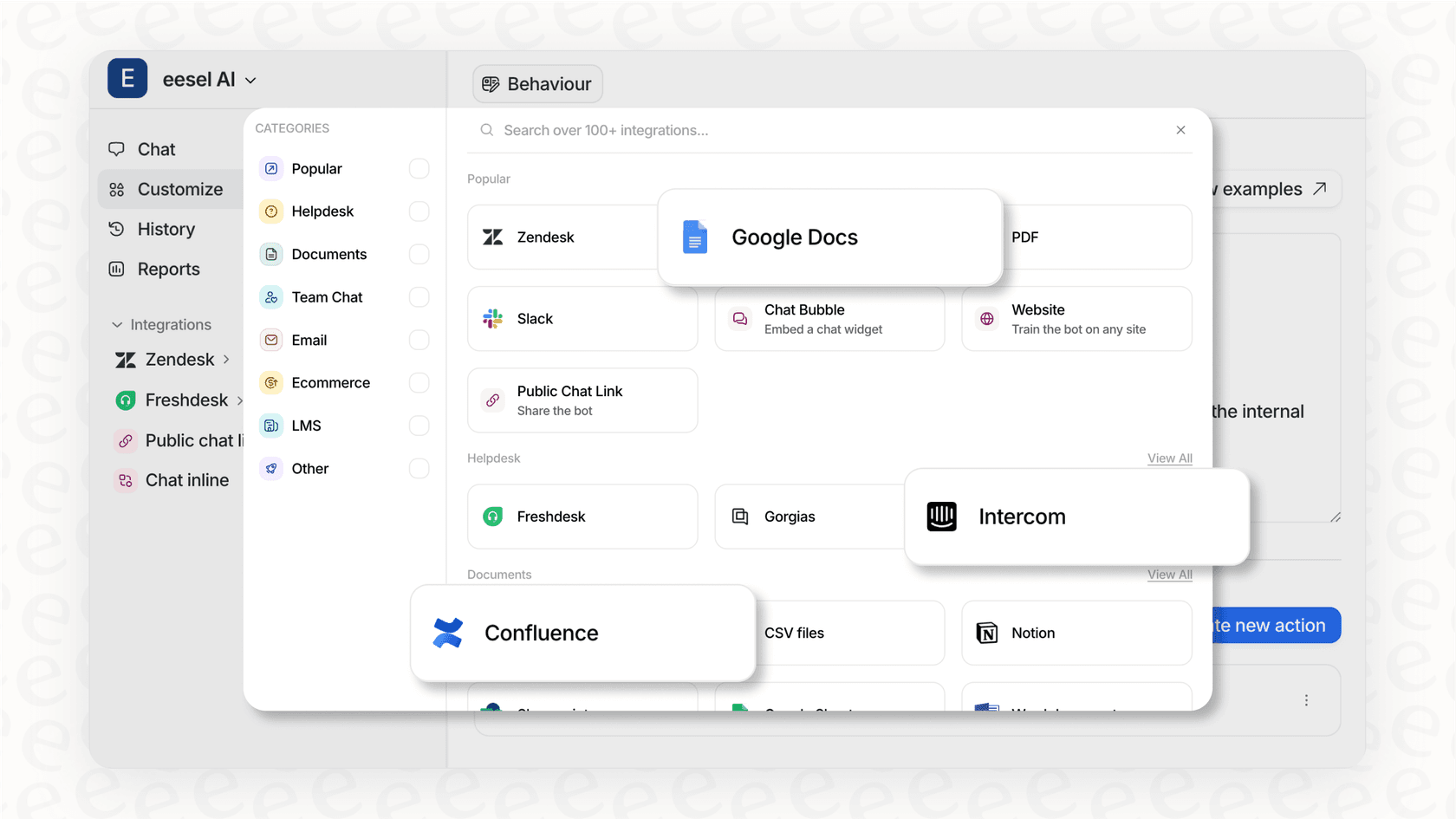
By integrating these sources, your AI can provide even more accurate answers, making your Zendesk transcripts even more valuable.
Test your improvements with data
When you want to refine your AI's performance, it's helpful to see the potential impact before going live. Zendesk's ecosystem allows for various testing methods.
Using a complementary tool like eesel AI lets you run simulations against your actual past Zendesk tickets. This provides a detailed look at:
-
Which tickets could have been handled automatically.
-
The quality of the responses given.
-
Projected automation rates.
This proactive approach allows you to fine-tune your setup with complete confidence.
Taking automated action
The most effective AI agents do more than just talk-they help resolve issues. You can extend Zendesk's capabilities by building workflows that allow your AI to take specific actions.
With the help of eesel AI, you can create workflows that allow the agent to:
-
Triage tickets: Automatically apply tags and set priority levels within Zendesk.
-
Retrieve information: Check order statuses in Shopify or other databases.
-
Optimize escalation: Ensure that complex issues are routed to the perfect human agent for the job.

This helps turn your AI into a truly capable member of your support team.
Exploring Zendesk AI pricing options
Zendesk includes helpful AI features in its Suite Team plan, providing a great entry point for teams. For those looking for more specialized tools, Zendesk offers tiered options like the Copilot and Advanced AI Agents as add-ons.
Zendesk's pricing is designed to scale with your business, ensuring you have access to the enterprise-grade tools you need as you grow.
From viewing transcripts to driving results
By making AI conversations visible as tickets, Zendesk has provided a powerful tool for transparency and quality control. This visibility is the foundation of a great automated support strategy.
To take your Zendesk AI agent conversation transcripts to the next level, consider how complementary tools can add even more intelligence to your workflow. eesel AI is designed to work seamlessly with Zendesk, helping you unify knowledge, simulate performance, and automate tasks.
You can start enhancing your Zendesk setup today. In just a few minutes, you can try eesel AI and run a free simulation to see how you can further optimize your support automation for 2026.
Frequently asked questions


Share this article

Article by
Kenneth Pangan
Writer and marketer for over ten years, Kenneth Pangan splits his time between history, politics, and art with plenty of interruptions from his dogs demanding attention.
