Creating a Smiley and Bouncing Animation Using HTML Canvas
Last Updated : 24 Jan, 2026
Canvas is used to draw static graphics and to create animations, each handled separately using JavaScript.
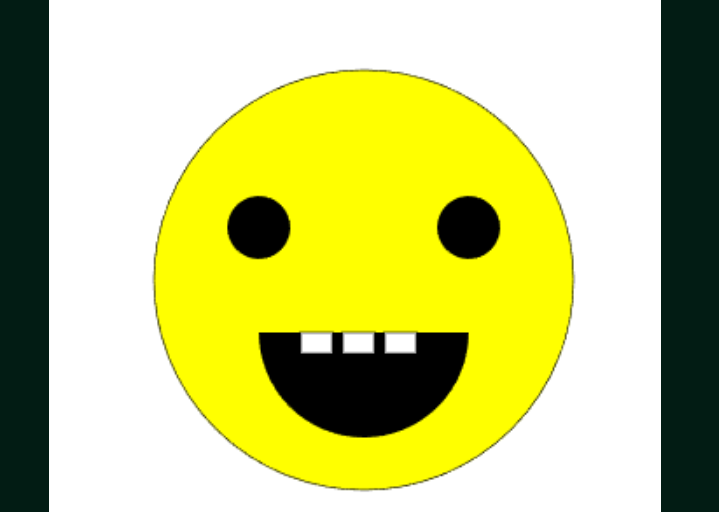
Draws a static smiley face using Canvas shapes like arcs and rectangles.
Creates a separate bouncing circle animation using position updates and boundary detection.
Uses requestAnimationFrame to smoothly animate the moving object.
HTML Canvas
HTML Canvas is a powerful drawing surface that allows developers to create graphics and animations using JavaScript. It enables direct rendering of shapes, images, and motion within the browser.
Supports dynamic drawing using JavaScript.
Ideal for creating lightweight animations and visual effects.
Creating A Smiley
Creating a smiley using HTML Canvas involves drawing simple shapes such as circles and arcs with JavaScript. By combining these shapes, a clean and visually appealing smiley face can be rendered on the canvas.
Creates an HTML canvas element with fixed width and height, styled with a white background and rounded corners.
Applies page styling to center the canvas on a dark green background with no margins or padding.
Uses the canvas rendering context to draw a yellow circular face with eyes and a mouth using arcs.
Adds teeth by drawing small white rectangular shapes inside the mouth.
Creating Bouncing Ball
Creating a bouncing ball using HTML Canvas demonstrates how to animate objects by updating their position and handling boundary collisions with JavaScript.
Output :
Displays an HTML canvas element styled with a white background and rounded corners for drawing graphics.
Uses JavaScript to access the canvas and its 2D rendering context.
Defines a circle object with position, radius, and velocity to represent the moving ball.
Animates the circle using requestAnimationFrame while reversing direction on canvas boundary collisions.