|
VOOZH | about |
|
VOOZH | about |
GraphQL is a powerful query language that allows clients to request specific data from an API efficiently. Setting up a GraphQL server involves installing required dependencies and configuring the server to handle GraphQL queries.
Prerequisites: Basic Knowledge of APIs and JavaScript | Node.js Installed
GraphQL is versatile and can be installed and set up in several methods besides the server framework. Here are the steps for installation:
First proceed to download the Node package and confirm the installation by running:
node -v
npm -v
Output:
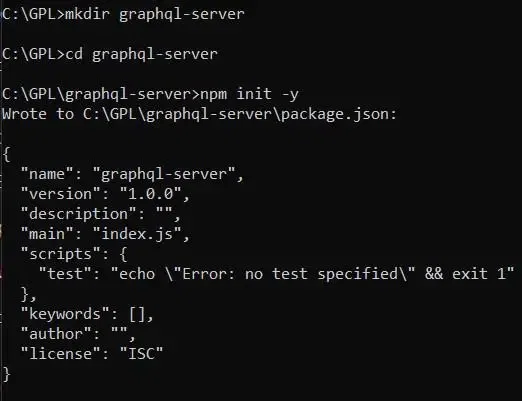
Create a new project folder and navigate into it. Then initialize a new Node.js project using the following commands:
mkdir graphql-server
cd graphql-server
npm init -y
Output:
Install Express, express-graphql middleware, and the graphql package using npm:
npm install express express-graphql graphqlTo understand how GraphQL works in practice, let’s create a simple server using Node.js, Express, and GraphQL. This server will handle GraphQL queries through a /graphql endpoint and return responses based on defined schema and resolvers.
Create an index.js file and setup a basic Express server integrated with GraphQL.
const express = require('express');
const { graphqlHTTP } = require('express-graphql');
const { buildSchema } = require('graphql');

// Construct a schema, using GraphQL schema language
const schema = buildSchema(`
 type Query {
 hello: String
 }
`);

// The root provides a resolver function for each API endpoint
const root = {
 hello: () => {
 return 'Hello world!';
 },
};

const app = express();
app.use('/graphql', graphqlHTTP({
 schema: schema,
 rootValue: root,
 graphiql: true,
}));

app.listen(4000, () => console.log('Now browse to localhost:4000/graphql'));Start the server using the following command:
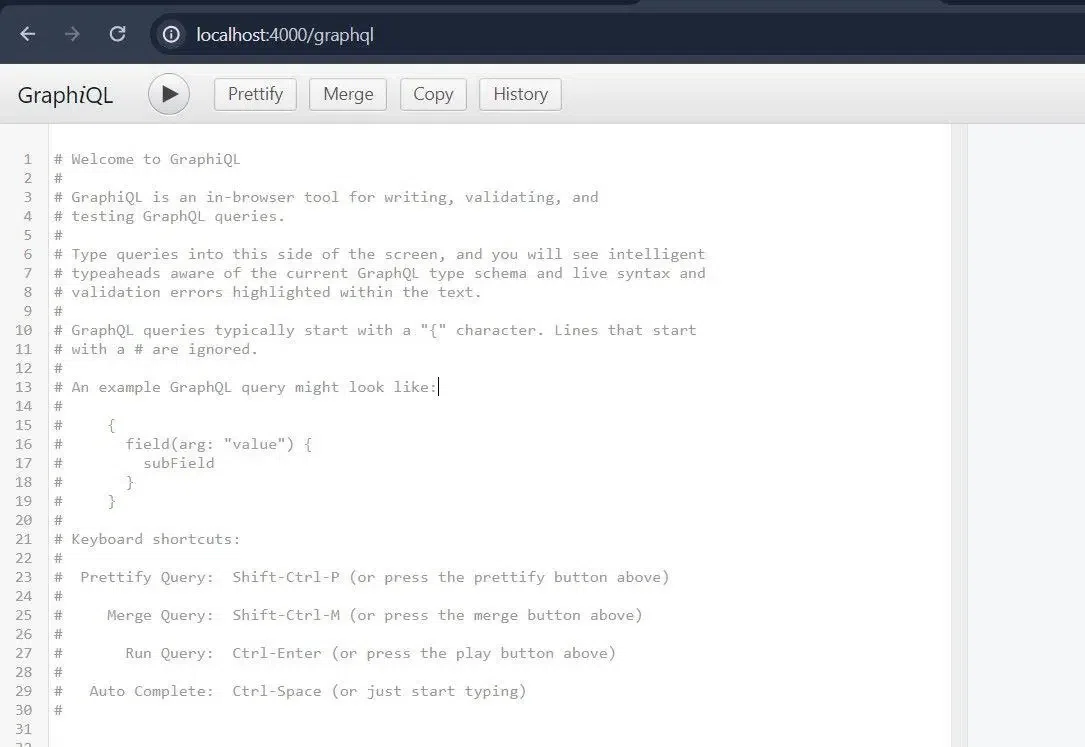
node index.jsOpen your browser and navigate to http://localhost:4000/graphql. You should see the GraphiQL interface, which is an in-browser tool for writing, validating and testing GraphQL queries.
Output:
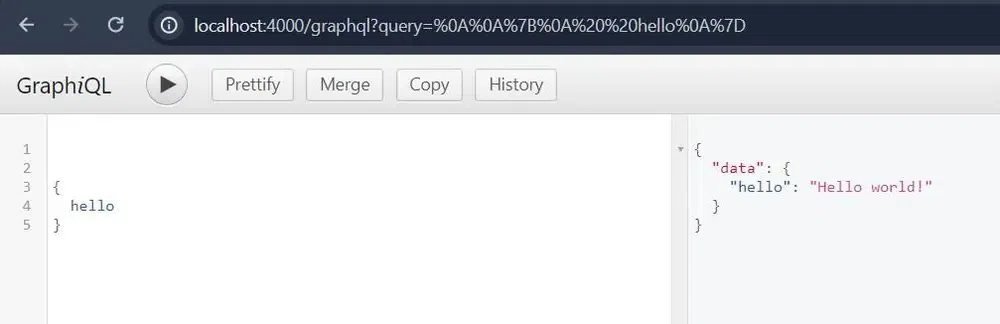
In the GraphiQL editor, enter the following query:
{
 hello
}
Output:
Click on the "Execute Query" button (the play button) to see the output.