|
VOOZH | about |
|
VOOZH | about |
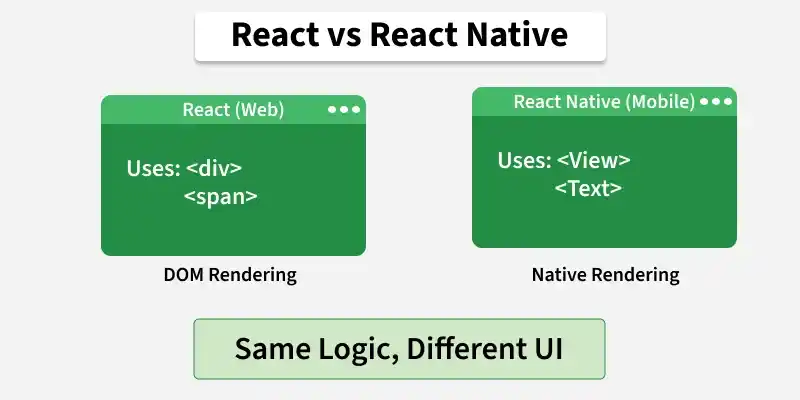
ReactJS and React Native are both popular JavaScript libraries used for building user interfaces. While they share similar concepts, they are used for different platforms and purposes.
It is a JavaScript library that supports both front-end and server-side. It is a popularly used library that focuses on developing user interfaces (UI) for mobile and web-based applications. Developed by Facebook, it is based on the JavaScript language, and hence, it is also synonymously called ReactJS.
Creating a React application involves setting up the development environment, initializing a project, creating components, and running the app in a browser or device.
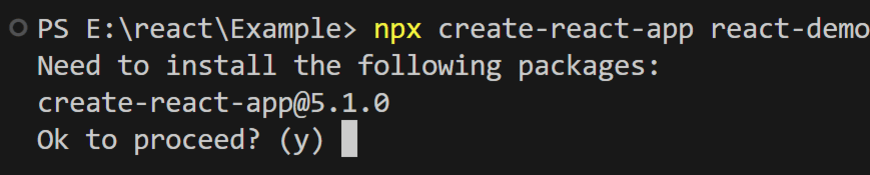
Create a React application using the following command:
npx create-react-app project-nameIt may ask you to install the required package by typing 'y' and pressing Enter. It will then install.
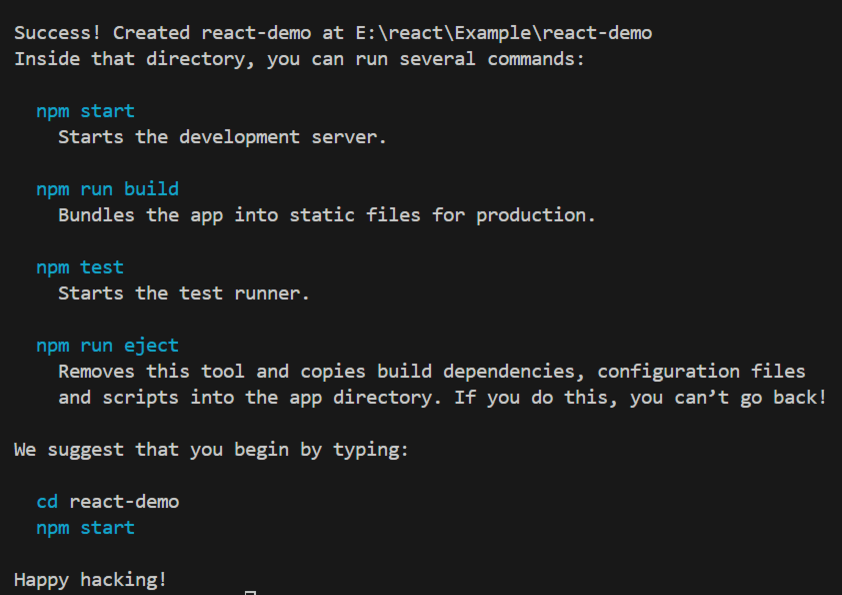
It completes the project creation and displays a message: "Success! Created react-demo at path," as shown in the image below.
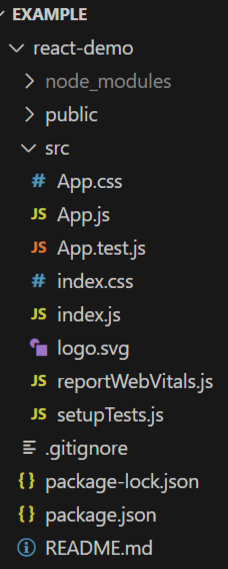
After creating your project folder, i.e., react-demo, move to it using the following command:
cd project-nameApp.js
Run the application using the following command from the root directory of the project:
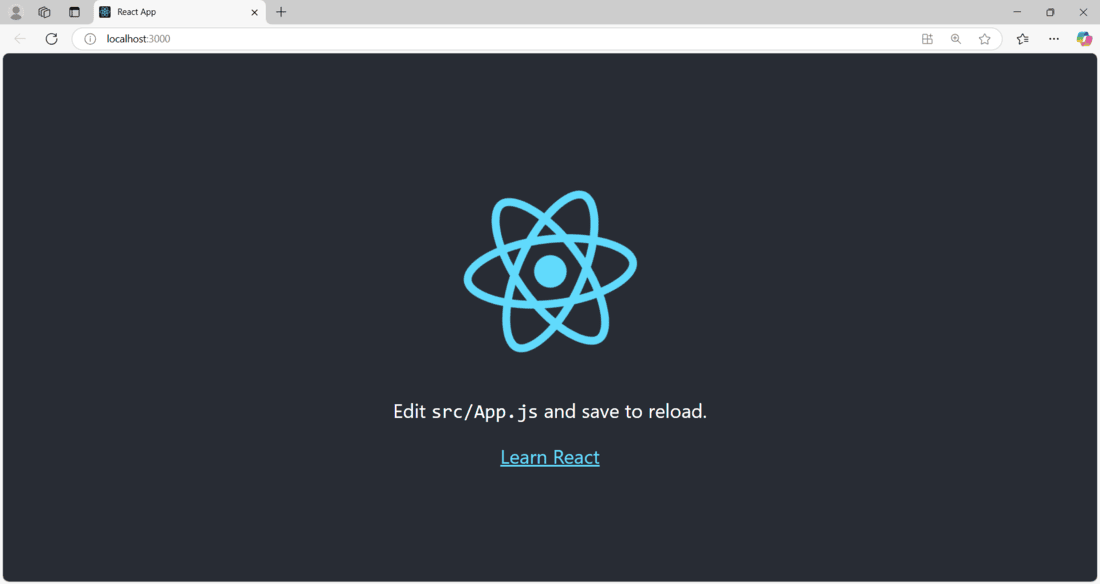
npm startNow open your browser and go to http://localhost:3000
React Native is a cross-platform mobile framework that uses the ReactJS framework. As the name suggests, it is primarily used for developing "native" mobile applications (like Windows, iOS as well and Android). Also developed by Facebook, the major advantage provided by React Native is that it allows the developers to create mobile applications on various different platforms without compromising the end user's experience.
Now, create a project with the following command.
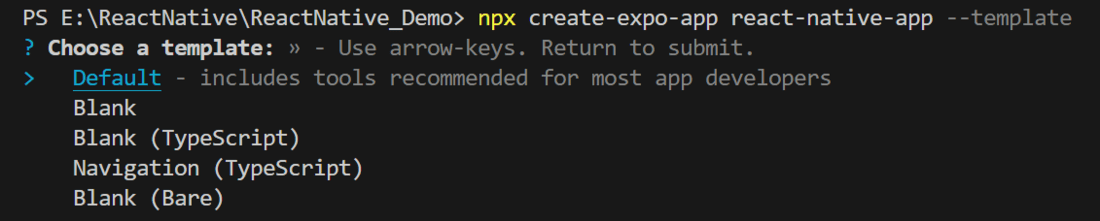
npx create-expo-app app-name --template
Note: Replace the app-name with your app name for example : react-native-demo-app
Next, you might be asked to choose a template. Select one based on your preference as shown in the image below. I am selecting the blank template because it will generate a minimal app, as clean as an empty canvas in JavaScript.
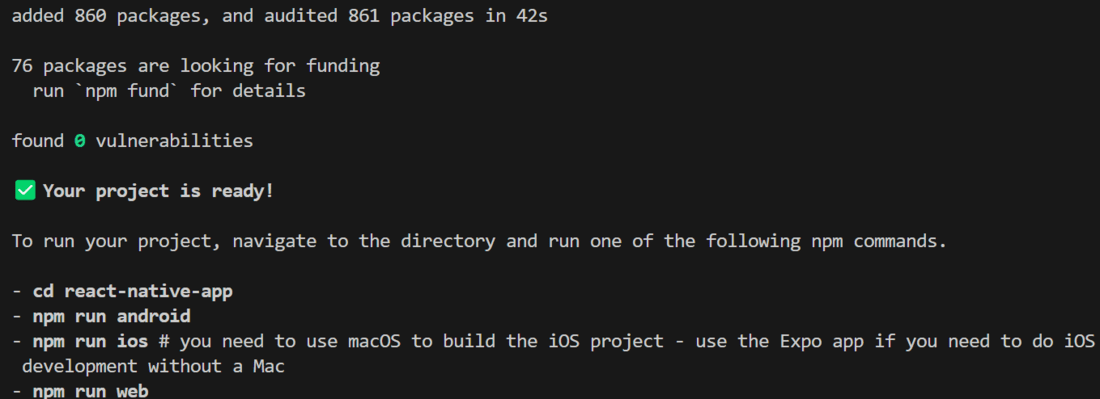
It completes the project creation and displays a message: "Your Project is ready!" as shown in the image below.
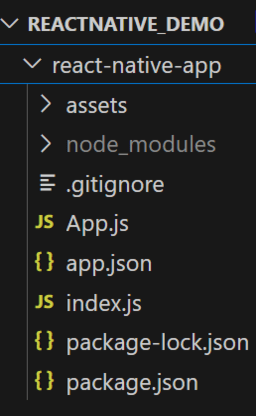
Now go into your project folder, i.e., react-native-demo
cd app-nameApp.js
Start the server by using the following command.
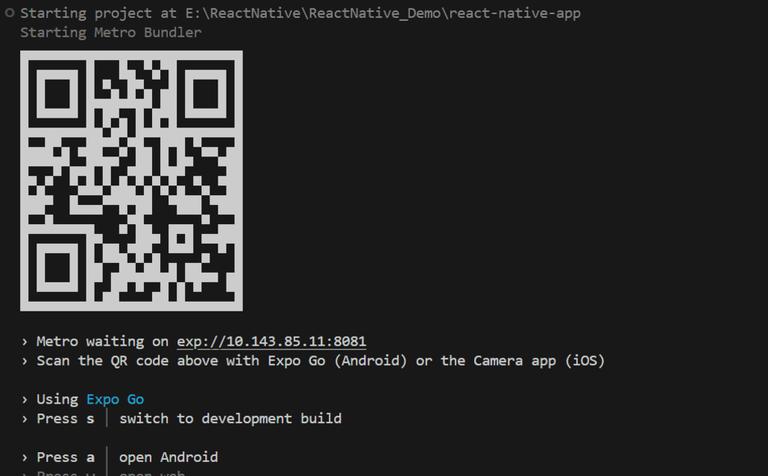
npx expo startThen, the application will display a QR code.
To know more ways to create a React Native Project refer this article: What are the steps to create first React Native App ?
| React JS | React Native |
|---|---|
| A JavaScript library, widely used for developing the user interface. | A cross-platform mobile framework used for developing native mobile applications. |
| Since it is mainly used for web browsers, it can be easily executed on all platforms. | Since it is used for native applications, it takes a sufficient amount of developer effort to be customized and executed on all platforms. |
| ReactJS renders HTML tags in its user interface. React components can include simple HTML tags. | React Native renders JSX in its user interface. React Native supports specific JSX tags that are used. |
| ReactJS uses Cascading Style Sheets (CSS). | React Native uses a Stylesheet object (JavaScript object). |
| ReactJS uses VirtualDOM, a tool that allows for easy interaction with DOM elements. | React Native widely uses native APIs. |
| ReactJS uses the React router to allow users to visit different web pages. | React Native uses its built-in Navigator library to allow users to visit different screens. |
| ReactJS supports third-party packages but lacks native library support. | React Native lacks both native libraries and third-party packages. |
| Since ReactJS focuses on UI, it requires animations, which can be easily added using CSS. | To incorporate animations in React Native, it uses an animated API. |
| It has comparatively higher security. | It has comparatively lower security. |
| It is widely used to develop a dynamic user interface for web applications. | It is used to develop true native mobile applications. |
| Facebook, Netflix, Medium, Udemy | Uber Eats, Tesla |