|
VOOZH | about |
|
VOOZH | about |
Django is a high-level Python web framework used to build secure, scalable web applications quickly. While the Kaggle platform is mainly designed for data science and machine learning, Django can still be installed in notebooks for testing and learning purposes.
Why install Django in Kaggle:
Prerequisites
Before we begin, ensure we have:
- A Kaggle account.
- Basic familiarity with Python.
- Some understanding of Django concepts, such as models, views, and the Django ORM (optional but helpful).
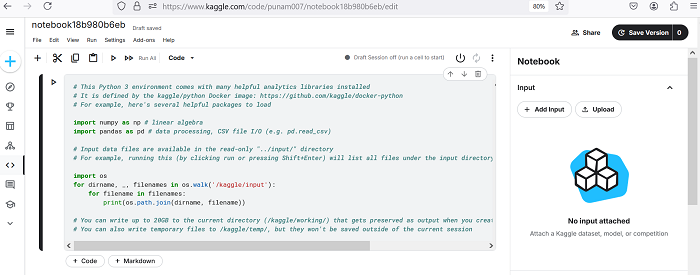
Kaggle notebooks allow the installation of additional Python packages using pip. To install Django, follow these steps:
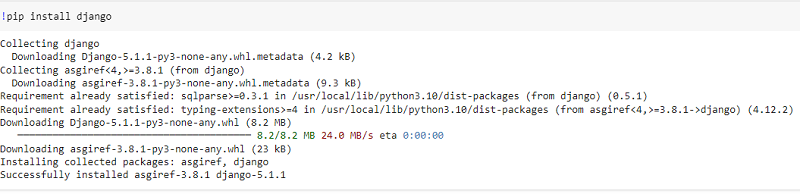
!pip install django
This will output the installed Django version, confirming a successful installation.
Although Kaggle is not designed for hosting web servers, you can still create and explore a Django project locally.
!django-admin startproject myproject
%cd myproject
From here, we can interact with the Django project files and use the Django ORM, models, etc., within our Kaggle notebook.
Kaggle does not support running or exposing live web servers. Django can only be used for:
If we encounter issues during installation or setup, here are a few tips:
1. Installation Failed
2. ImportError (Django Not Found)
3. Permission Issues
ALSO READ: