|
VOOZH | about |
|
VOOZH | about |
Composer is essentially a package manager for PHP. You can effectively manage libraries and packages in your PHP projects by using Composer, a dependency management for PHP. Composer makes package management easier for both small and large-scale applications by automating the installation and update of dependencies. A package manager is, it allows anyone to import codebases into the project & keep them up to date. It just helps you to manage those dependencies.
In this article, we will look into the process of installing a composer on a Windows system.
Make sure your machine satisfies the following prerequisites before you start:
Follow the below steps to install PHP composer on a Windows system:
Step 1: Navigate to the official composer website.
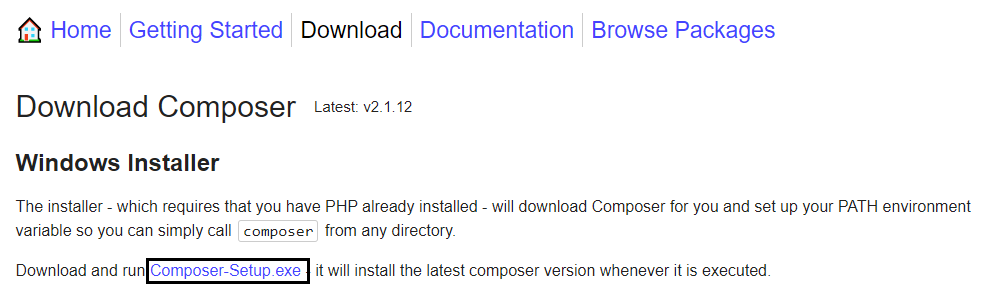
👁 ImageStep 2: Then click on the Download button.
👁 downloading composerStep 3: Then click on the Composer-Setup.exe & download the file.
👁 downloading composerStep 4: Then click on "Install for all users".
👁 setup modeStep 5: Do not make any changes & click Next
👁 ImageStep 6: First, you have to install PHP on your computer. You can see the installation location here. Click Next.
👁 ImageStep 7: Do not make any changes & click Next.
👁 ImageStep 8: Do not make any changes & click Install.
👁 click on the install buttonStep 9: Wait for the installation.
👁 installing composer on windowsStep 10: Do not make any changes, just leave it & click Next.
👁 Click on nextStep 11: Click Finish, Composer is installed successfully.
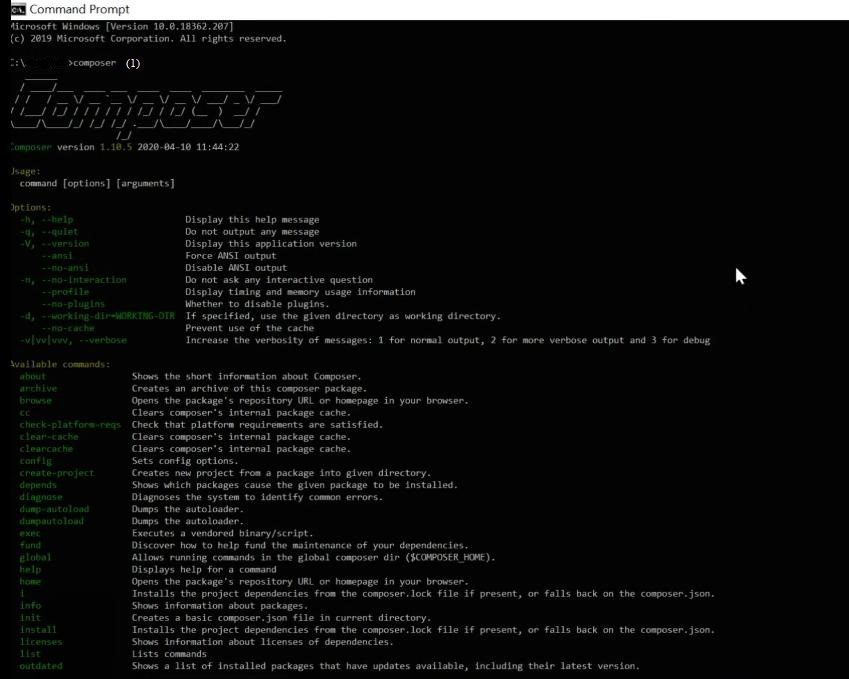
👁 Composer installation completed.Step 12: Open the command prompt & execute the below command :
composer👁 verify composer installationHence you can see all the details & your installation is successful.
PHP Composer is a very simple tool for managing dependencies in PHP projects; it's easy to install, update, and manage packages with Composer, which makes your development process more organized and productive. Installing PHP Composer on Windows is a simple process.
Also Read