|
VOOZH | about |
|
VOOZH | about |
Selenium WebDriver is a web framework that permits you to execute cross-browser tests. This tool is used for automating web-based application testing to verify that it performs expectedly.
Follow the below steps to install Selenium WebDriver on macOS:
Step 1: Install the latest Python3 in MacOS
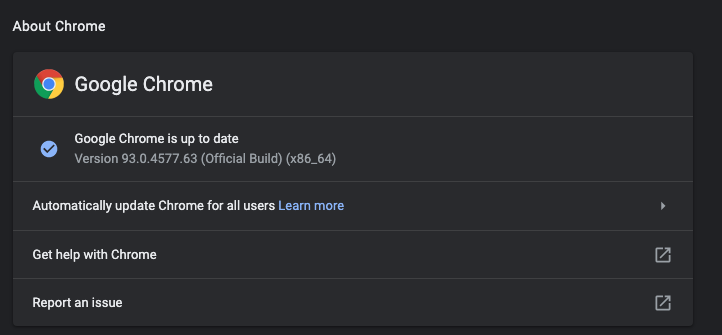
Step 2: Download and install the latest Chrome and check your Chrome version from "chrome://settings/help"
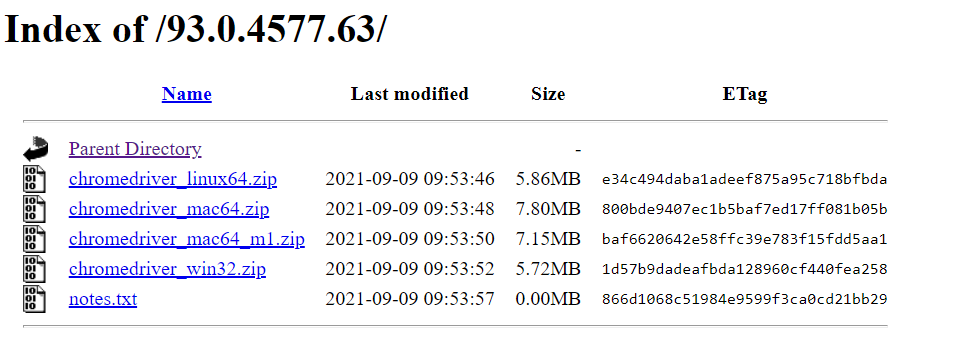
👁 Download and install the latest ChromeStep 3: Download the Chrome WebDriver Zip File matching with your Chrome version and Apple Chip from here and extract the chromedriver.
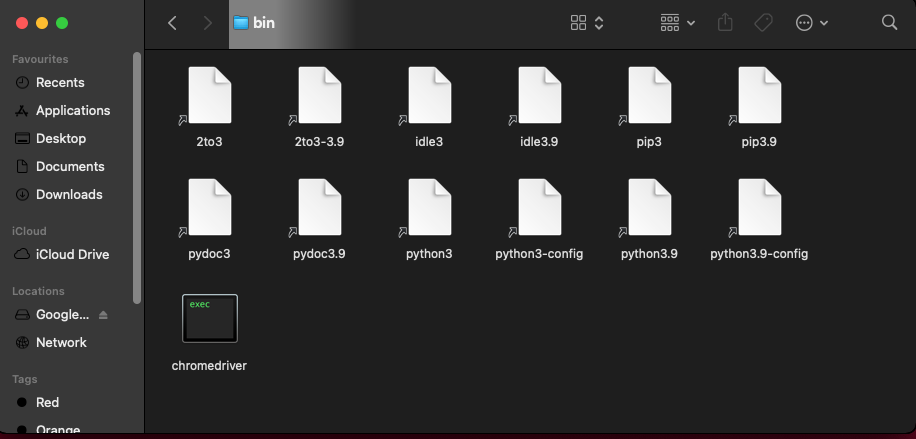
👁 Download the Chrome WebDriver Zip FileStep 4: Copy the chromedriver and paste it to "/usr/local/bin" (If this folder doesn't exist then create one)
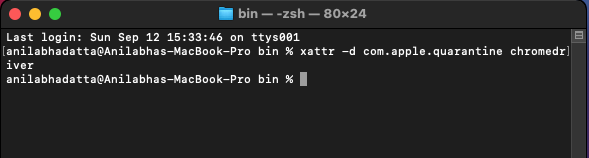
👁 ImageStep 5: Open a terminal inside the bin folder and run the following command so that MacOS can verify the app.
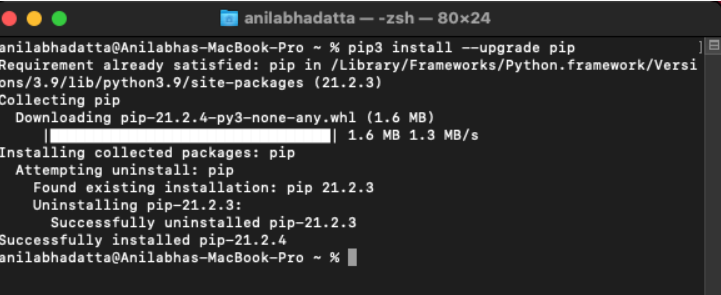
xattr -d com.apple.quarantine chromedriver👁 MacOS can verifying the app.Step 6: Upgrade your pip to avoid errors during installation.
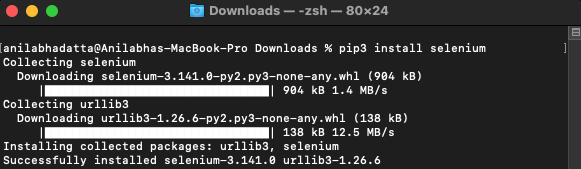
pip3 install --upgrade pip👁 upgrading pip in macosStep 7: Install selenium library via pip.
pip3 install selenium👁 installing selenium in macos using pip
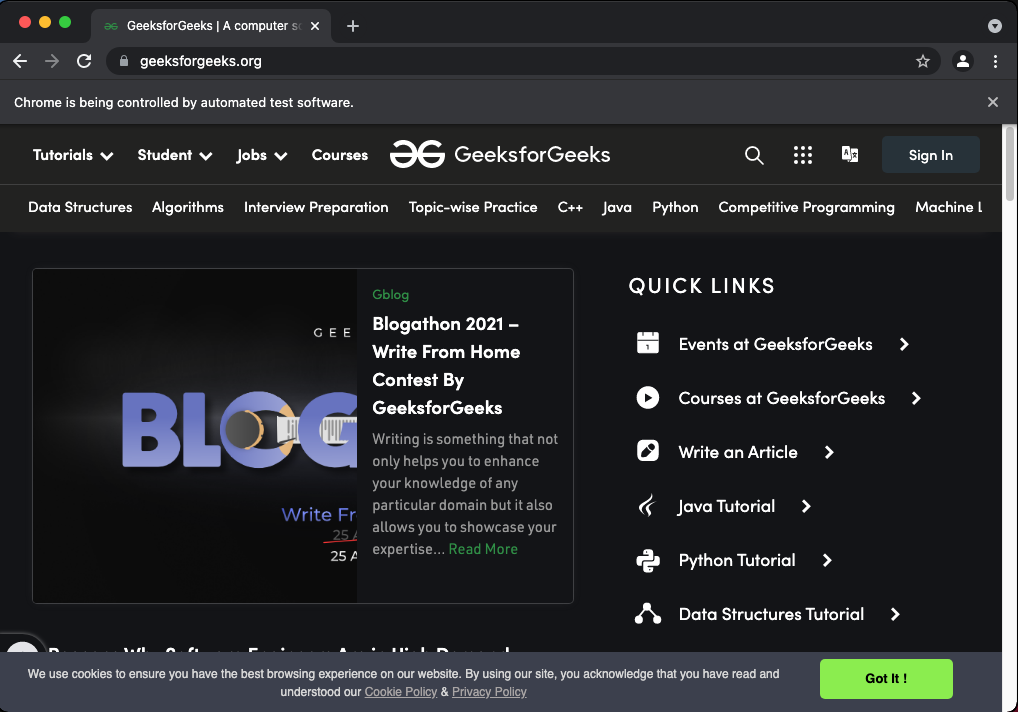
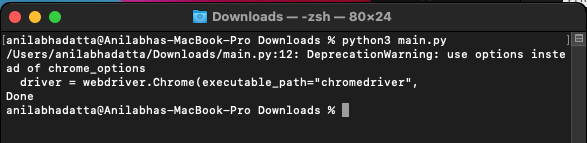
Run the python code below in your system and it should open up "https://www.geeksforgeeks.org/" in your chrome browser automatically.
Browser Output:
Terminal Output: