|
VOOZH | about |
|
VOOZH | about |
Before you can start building your own projects, you need the right setup. Here we will learn how to set up the effective environment or tools where you can write, run, and test your JavaScript code.
Even though JavaScript runs in the browser, we need Node.js to run JS code outside the browser (like on your terminal), and npm (Node Package Manager) to install JavaScript libraries.
Step 1: Install Node.js:
Step 2: Verify installation
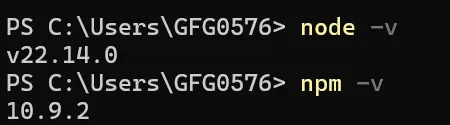
After installing Node.js, verify the installation by running the following commands:
node -v
npm -vFor more details follow this article =>How to Install Node.js on your System
We recommend Visual Studio Code (VS Code) a powerful, beginner-friendly editor.
Steps:
Recommended Extensions:
For more details follow this article => How to Install Visual Studio Code on Windows?
Now that you have Node.js and Visual Studio Code set up, let’s create a simple project to make sure everything is working. Follow below steps to create your project:
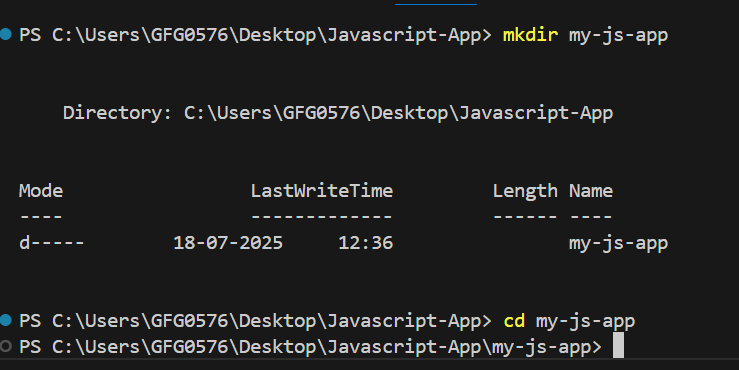
Step 1: Set Up Your Project Folder
mkdir my-js-app
cd my-js-appStep 2: Create HTML and JavaScript Files
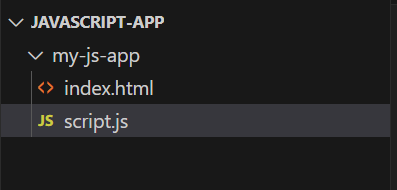
Inside the my-js-app folder, you need two files:
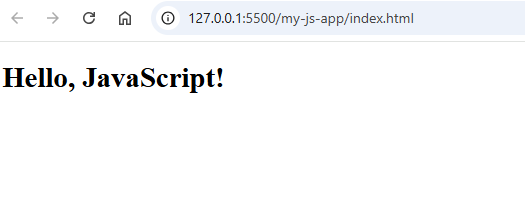
Step 3: Run the Project in the Browser