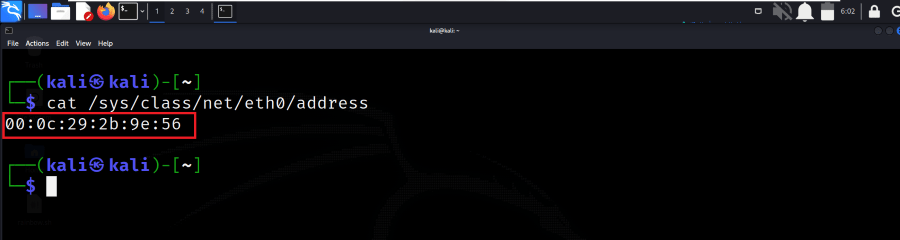
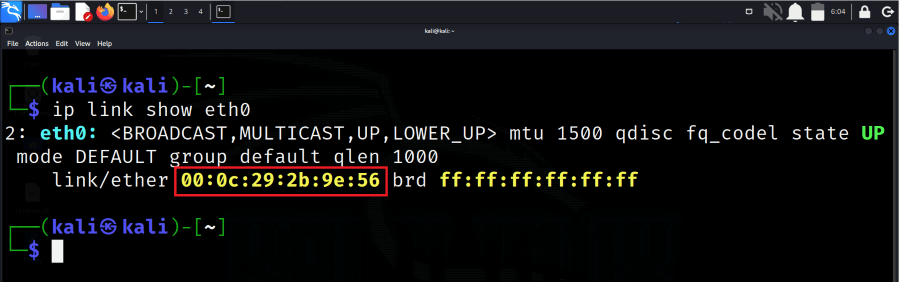
Note: On modern Linux systems (including Kali Linux), network interfaces may not always be named eth0. You may see names like enp0s3, wlan0, or similar.
How to get the MAC Address
Below are 10 reliable methods to retrieve the MAC address on Linux systems.
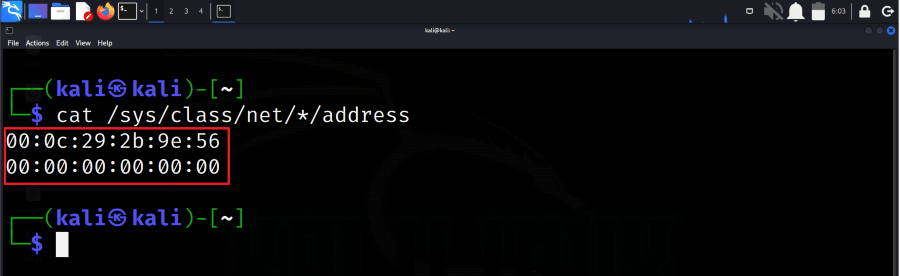
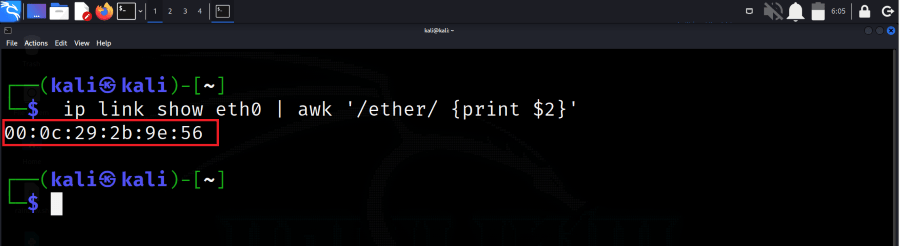
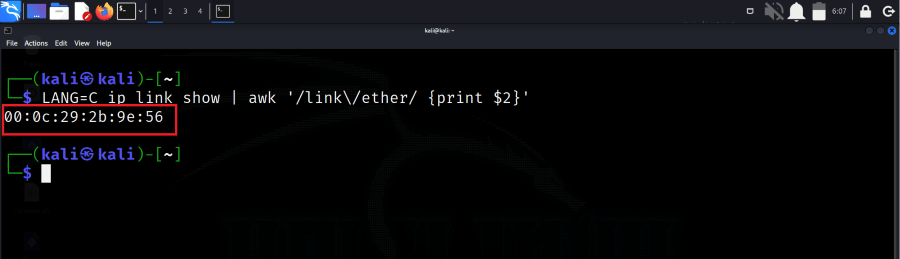
As the above command gives only the current interface address, if we need to get the address of all the interfaces then we can use the below command in the terminal.
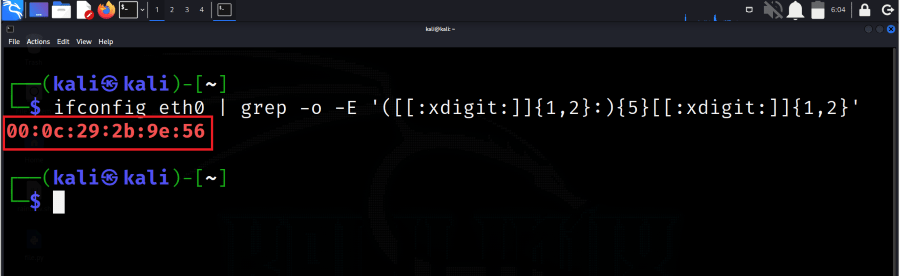
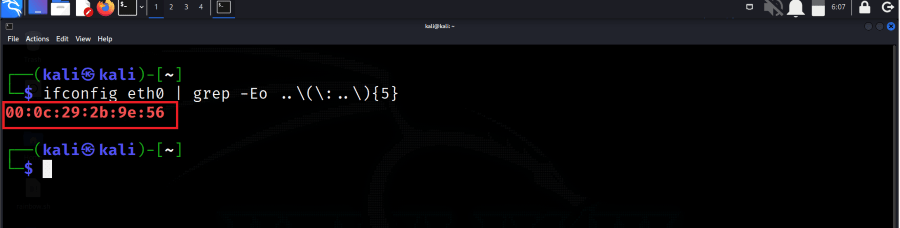
In this method, we will be using the grep command along with the custom regex expression which will work for us to get the MAC address of our system. So run the below command in the terminal to get the MAC address.
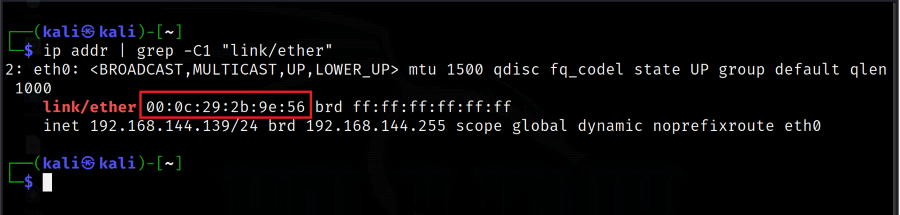
In this method, we will use the combination of the ip and grep commands to get the MAC address along with more configuration information about the interface. So run the below command to get the address along with the information.
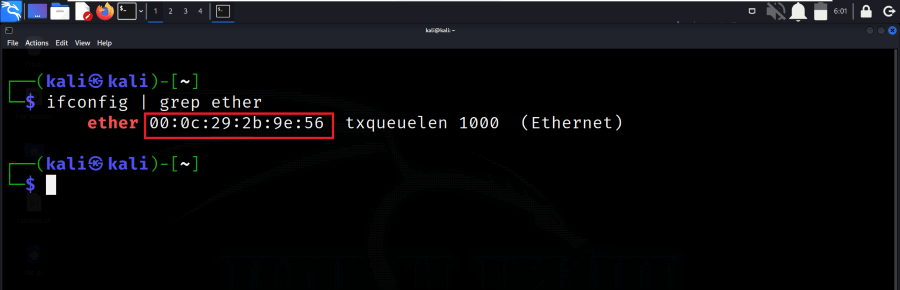
In this command, we will use the ifconfig along with the grep command to get the MAC address of our Kali Linux system. So run the below command in the terminal to get the MAC address.
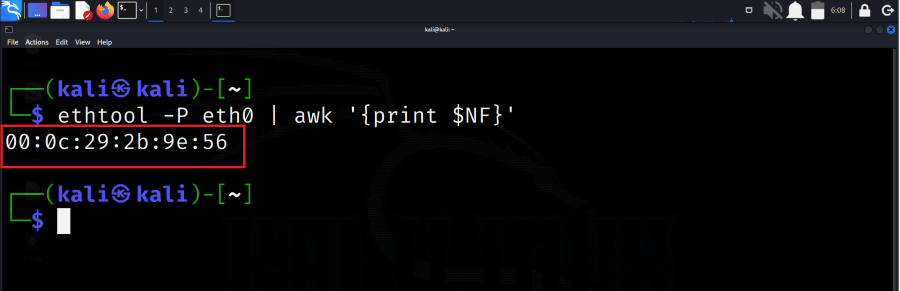
In this method, we get the MAC address of our system by using the tool name "ethtool". This tool is already present in our Kali Linux system. We just need to run the below command and get the MAC address.
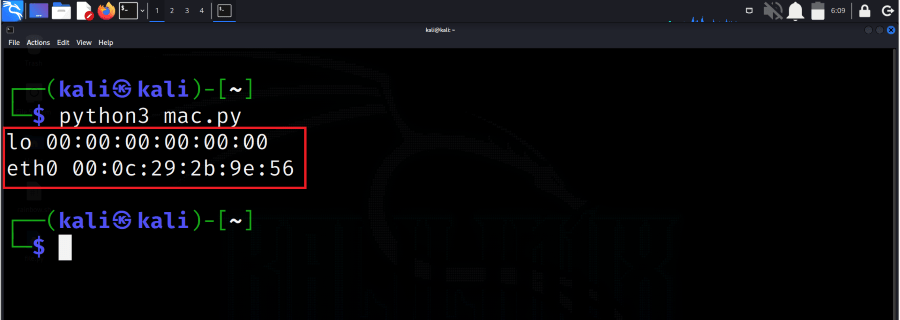
Step 1: In this method, we will be writing our own Python script and getting the MAC address. So using any of the editors, write the below Python script. Save the file with the (.py) extension.
Step 2:
Now, by using the Python command run the script and get the MAC address on your terminal printed in just one click.
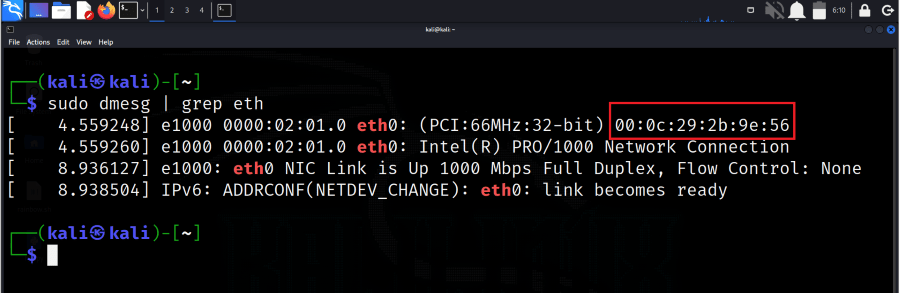
In this method, we will be using the open-source utility named dmesg to get the MAC address of our system. So run the below command in the terminal to get the MAC address.