|
VOOZH | about |
|
VOOZH | about |
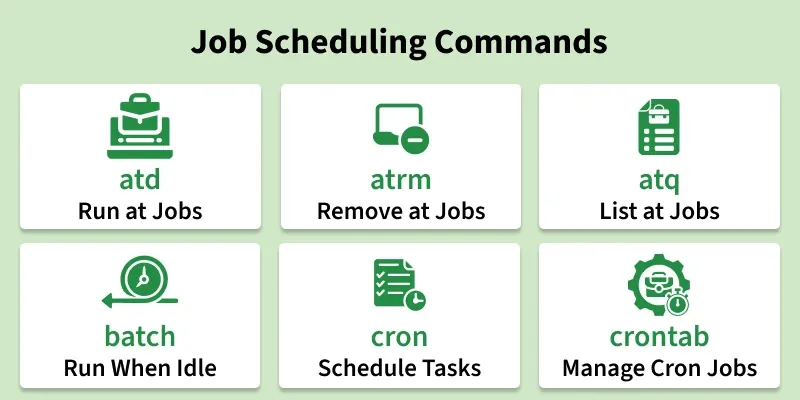
Job scheduling commands in Linux are used to schedule tasks for future execution or to run commands automatically at specific times or intervals. These commands help automate repetitive tasks, system maintenance, and background jobs without manual intervention.
The following commands are used for job scheduling in Linux.
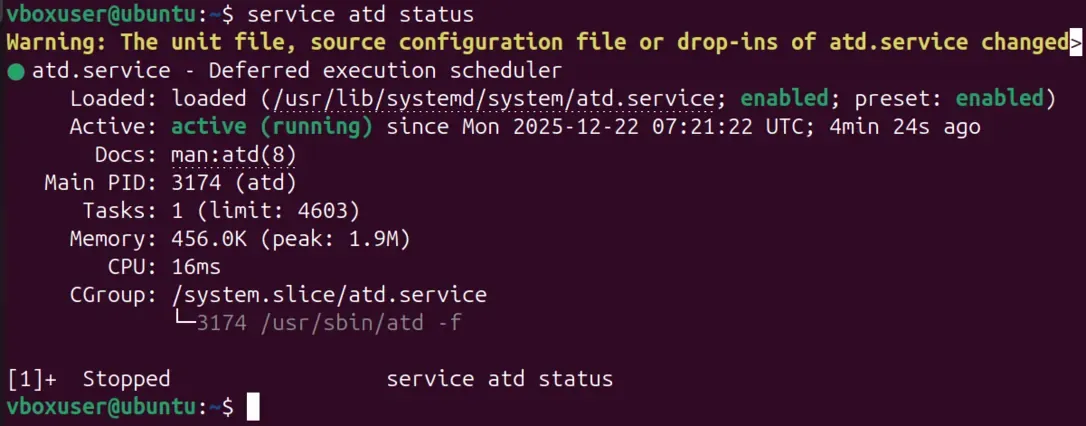
The atd command is a daemon that runs scheduled at jobs in the background. It must be running for at commands to work properly.
Syntax:
atd Example:
atd
service atd status
The atrm command is used to remove scheduled at jobs. It deletes jobs using their job ID.
Syntax:
atrm job_idExample:
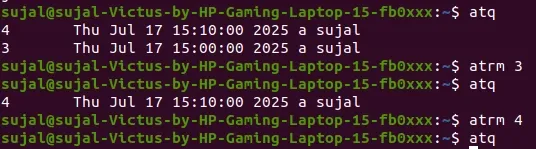
atrm 3👁 atrmThis removes the scheduled job with ID 3.
The atq command displays the list of pending at jobs scheduled by the user.
Syntax:
atqExample:
atq👁 atqThe batch command schedules jobs to run when system load is low. It is useful for resource-intensive tasks.
Syntax:
batchExample:
batchThe cron command is a background service that runs scheduled jobs at fixed intervals. It is widely used for recurring tasks.
Syntax:
cronExample:
cronThe crontab command is used to create, edit, and manage cron jobs. It defines scheduled tasks in a file.
Syntax:
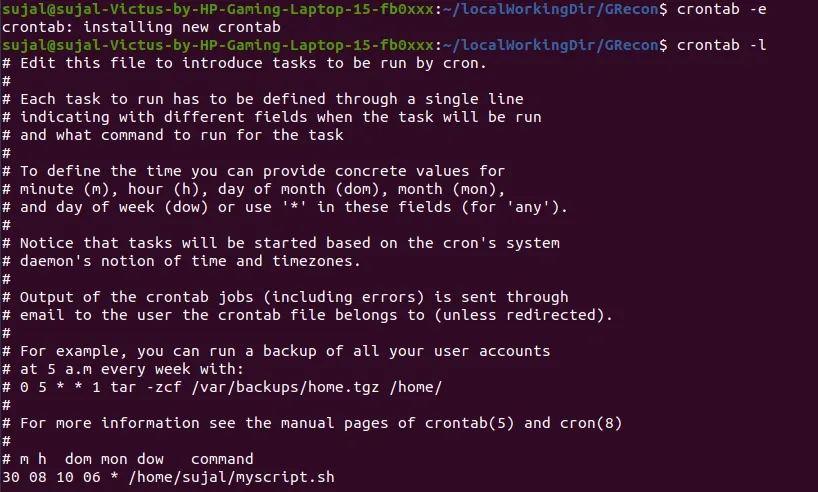
crontab [option]Example:
crontab -e👁 crontab8This opens the crontab file for editing scheduled jobs.