|
VOOZH | about |
|
VOOZH | about |
React Native is a popular cross-platform framework for mobile app development. Emojis have become common in modern applications, providing personalization and enhancing user engagement. In this article, we'll see how we can add an emoji picker to a React Native application.
React Native doesn't have an inbuilt emoji picker. So we are going to use an external emoji picker library called "react-native-emoji-selector".
Step 1: Set Up the Development Environment
Install Expo CLI globally by running this command:
npm install -g expo-cliStep 2: Create React Native Application With Expo CLI
Create a new native project with Expo CLI by using this command:
expo init emoji-picker-nativeStep 3:Navigate to the project directory by using this command:
cd emoji-picker-nativeStep 4: Install Required Dependencies
Install the react-native-emoji-selector library in your project directory using this command:
npm install react-native-emoji-selectorExample: In this example, the Emoji Picker App component. It uses the useState hook to manage showPicker and selectedEmoji state. The EmojiPicker component renders a button, displays the selected emoji, and conditionally shows the EmojiSelector component. The App component renders the EmojiPicker component with custom styles using StyleSheet.create.
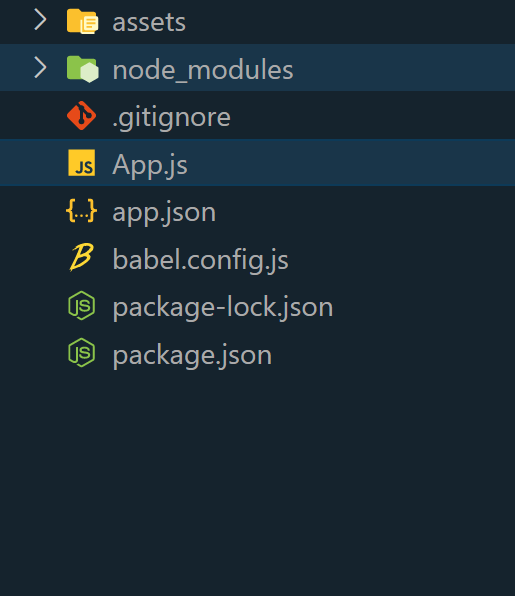
Step 5: Open the App.js file. And paste the code into the App.js.
Step 6: To run the react native application, open the Terminal and enter the following command.
npx expo startTo run on Android:
npx react-native run-androidTo run on Ios:
npx react-native run-iosOutput: