Perl is universal and cross-platform programming language mainly used for text manipulation and used in developing many software application like web development, graphical user interface application etc. It is preferred over other programming languages as it is faster, powerful and Perl has a lot of shortcuts which helps in writing a quick script making it take less time for writing.
A directory is used in programming languages to store values in the form of lists. A directory is quite similar to a file. Just like a file, the directory also allows performing several operations on it. These operations are used for the modification of an existing directory or creation of a new one.
Different operations that can be performed on a Directory are:
- Creation of a new Directory
- Opening an existing Directory
- Reading content of a Directory
- Changing a Directory path
- Closing a Directory
- Removing a Directory
Creating a Directory
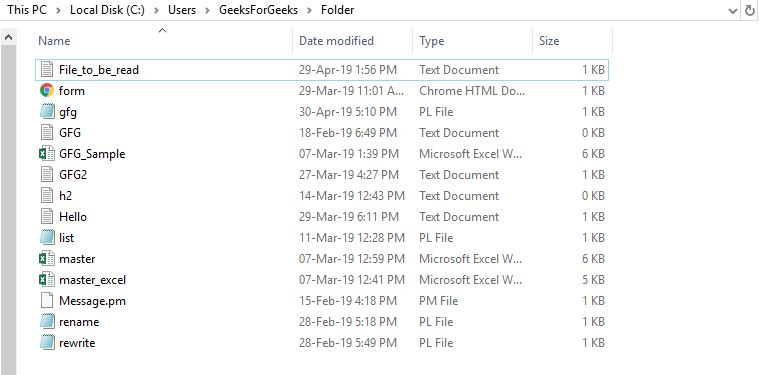
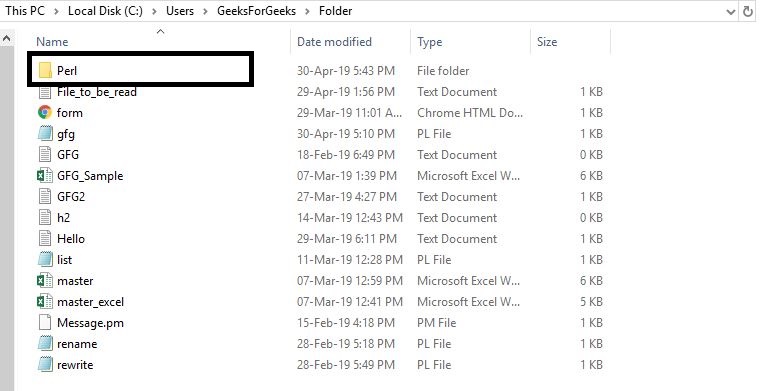
To create a directory mkdir(PATH, MODE) is used. This function helps to create a new directory, if the user wants to check that the file already exists, it can be done by
-e function. The path is been set by PATH using the mode which is specified by MODE function.
Example:
Output:
👁 Image
👁 Image
👁 Image
Opening a directory
To open a directory in Perl a short function opendir DIRHANDLE, PATH is used. The PATH here is the path of the directory to be opened.
Example :
OutPut:
👁 Image
Read Directory in Scalar and List Context
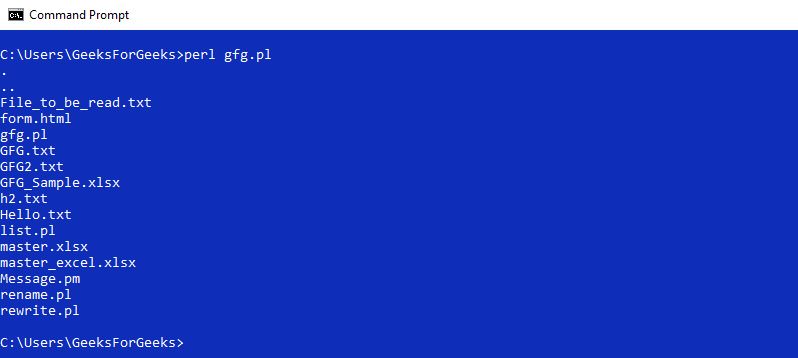
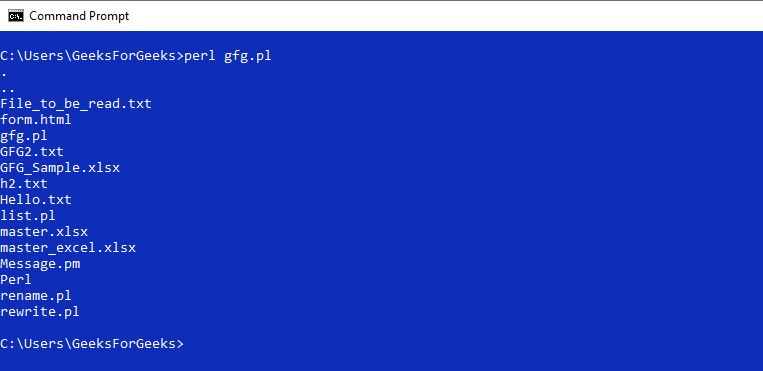
Reading a directory is a common task as one has to every time read what is stored in the files to run the code or to understand the code. To read a directory, readdir DIRHANDLE is used. There are two ways a user can read the directory, i.e. in list context and scalar context.
In list context, the code returns all the rest of the entries in the directory and if the entries are empty in the directories then the undefined values will be returned in scalar context and the empty list in the list context.
Scalar context:
Example:
Output:
👁 Image
List context:
Output:
👁 Image
Changing a directory
To change a directory chdir() function is used. This function helps to change the directory and send it to a new location. chdir() function when called with a script, changes the directory for the rest of the script. The directory on the terminal will not be changed if this function is called within a script. On the other hand, when called directly with a new directory path, changes reflect at the same time in the terminal.
Example 1: When chdir() is called within a script
Output
👁 Image
Example 2: When chdir() is called directly on the terminal
👁 Image
Closing a directory
To close a directory closedir DIRHANDLE is used. Here, DIRHANDLE is the handle of the Directory with which it is opened using opendir function.
Example:
Output:
👁 Image
Removing a Directory
Removing a Directory can be done by using rmdir function. This function removes the specified directory by FILENAME only if that directory is empty, if it succeeds it returns true, otherwise false.
Example:
Output:
👁 Image
👁 Image
👁 Image