|
VOOZH | about |
|
VOOZH | about |
Prerequisite: Introduction to MATLAB
MATLAB is a powerful programming language, that can be used to draw various plots used in machine learning, deep learning, computer vision, and big data programming. Let us start with coding for plots in MATLAB.
Example 1: Let us first understand the simple plot :
Output :
👁 Image
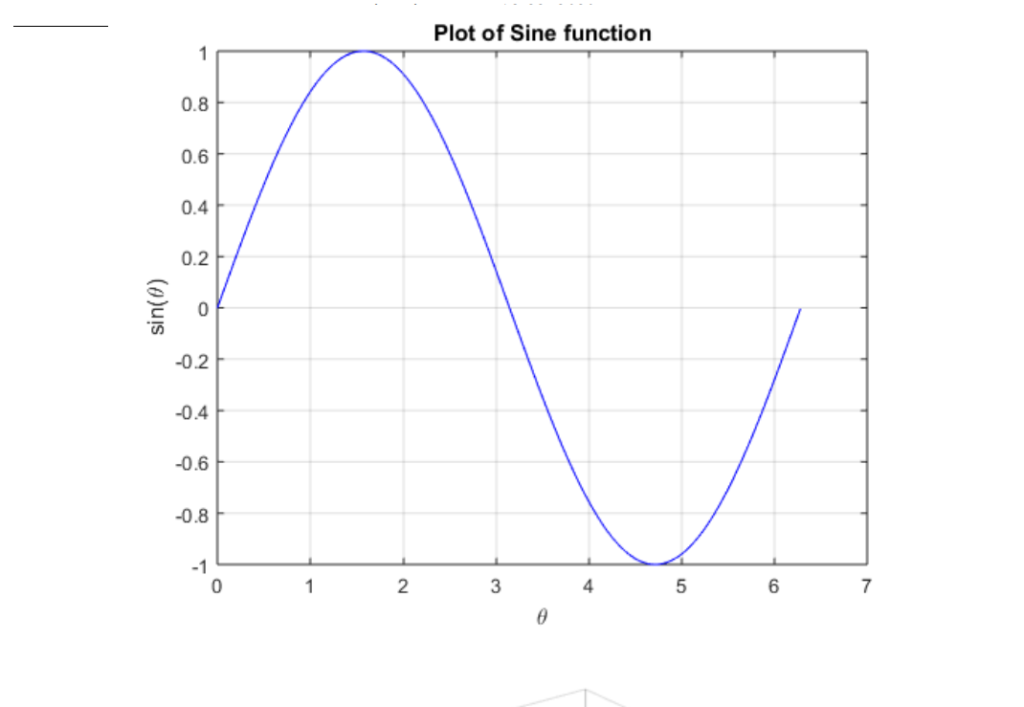
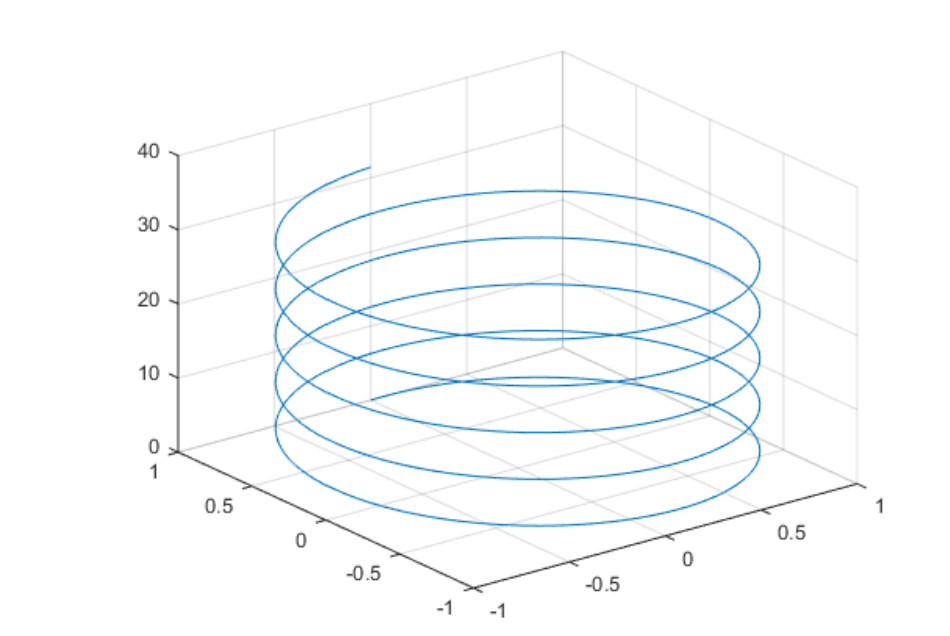
In the above code, the sine graph is plotted. Here as seen from the code we first define theta value of the sine plot, then build an array out of it and that function is finally plotted on the graph as shown in the output. Example 2: Here we will plot the helix which is a 3-dimensional figure. As we all know from basic geometry that a helix is formed from the combination of the sine function and cosine function by declaring the value of theta and then iterating it over the same function. Try to visualize the output.
Output : 👁 Image
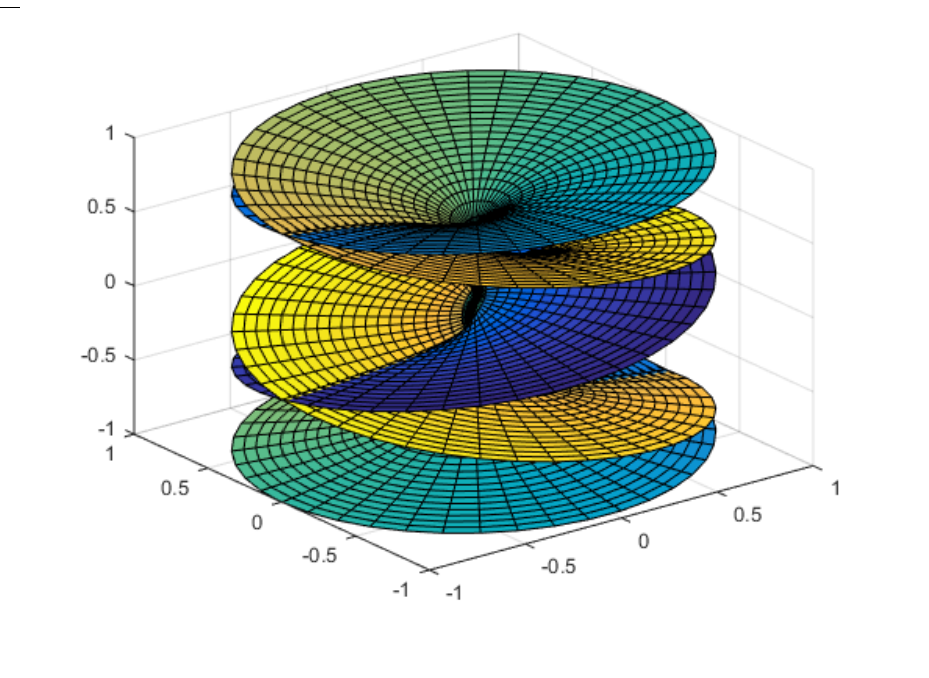
Example 3: This is purely a complex plot, MATLAB being a highly visualization language for statistics and plots. We have a scope to plot such types of graphs here. Here we have plotted the Riemann surface, in a 3D space. Try to visualize the output. Such types of complex functions can be plotted in MATLAB.
Output : 👁 Image