|
VOOZH | about |
|
VOOZH | about |
The app.use() function in Express.js adds middleware to the application's request-processing pipeline. It applies the specified middleware to all incoming requests or to specific routes, allowing you to modify request/response objects, perform operations, or handle errors throughout the application.
app.use(path, callback)Step 1: You can install this package by using this command.
npm install expressStep 2: After installing the express module, you can check your express version in the command prompt using the command.
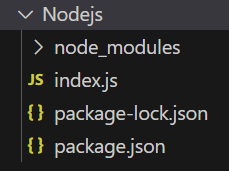
npm version expressThe updated dependencies in package.json file will look like:
"dependencies": {
 "express": "^5.1.0",
}
Example: Below is the code example of middleware.
Steps to run the program:
node index.jsConsole Output:
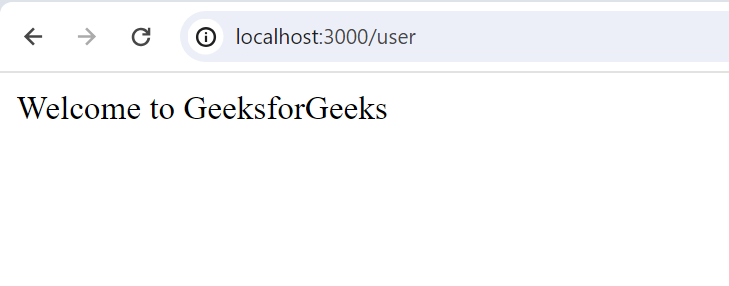
Browser Output: Now open your browser and go to http://localhost:3000/user and you can see
We have a complete list of Express Application module methods, properties and events, to check those please go through this Express.js Application Complete Reference article.