|
VOOZH | about |
|
VOOZH | about |
The router.all() function is just like the router.METHOD() methods, except that it matches all HTTP methods (verbs). It is very helpful for mapping global logic for arbitrary matches or specific path prefixes.
Syntax:
router.all(path, [callback, ...] callback)Parameter: The path parameter is the path of the specified URL and the callback is the function passed as a parameter.
Return Value: It returns responses.
Installation of the express module:
You can visit the link to Install the express module. You can install this package by using this command.
npm install expressAfter installing the express module, you can check your express version in the command prompt using the command.
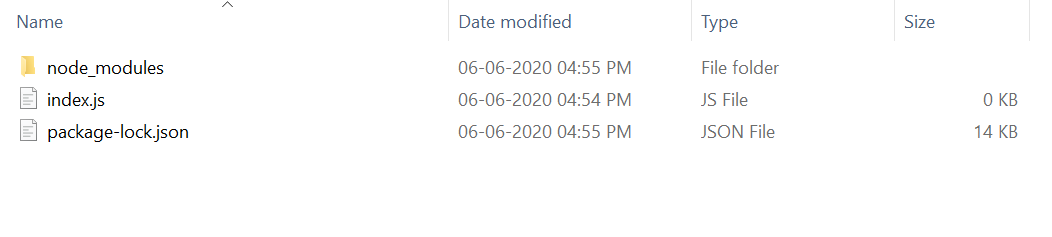
npm version expressAfter that, you can just create a folder and add a file, for example, index.js. To run this file you need to run the following command.
node index.jsProject Structure:
👁 ImageExample 1:Filename: index.js
Steps to run the program:
Make sure you have installed the express module using the following command:
npm install expressRun the index.js file using the below command:
node index.jsOutput:
Console Output:
Server listening on PORT 3000Browser Output:
Now make any request to http://localhost:3000/user like POST, PUT, DELETE, or any other type of request, and it will be shown the following output
User Page Called Every type of request made to http://localhost:3000/user will print the same output.
Example 2:Filename: index.js
Steps to run the program:
Run the index.js file using the below command:
node index.jsOutput:
Now make a GET request to http://localhost:3000/user, http://localhost:3000/student, and http://localhost:3000/teacher it will show the following output.
User Page Called
Student Page Called
Teacher Page Called