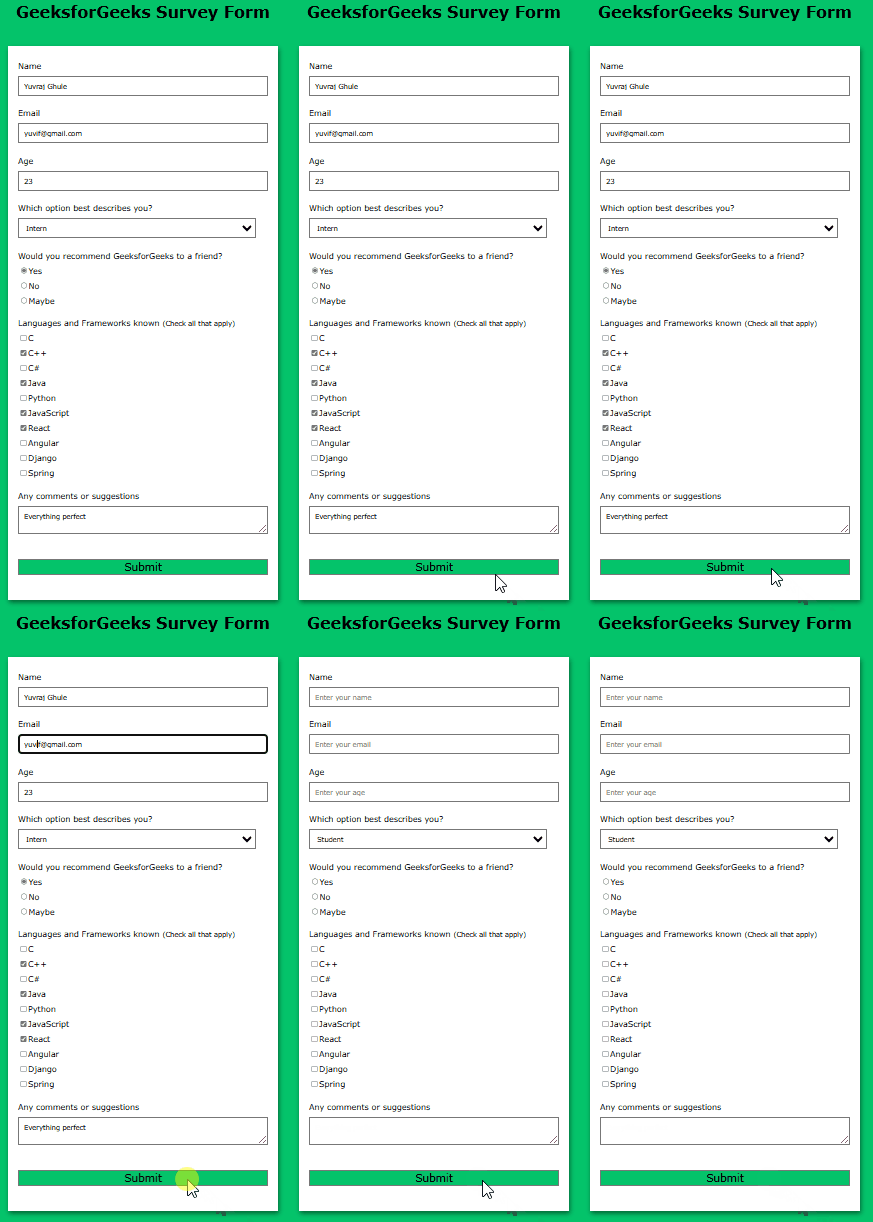
Creating a survey form helps in understanding the basics of web development. A responsive Survey Form can be designed using HTML and CSS using different input types such as text fields, checkboxes, and radio buttons to collect user responses.
Features of the Survey Form
Survey Form Interface: We will design a simple form where users can easily input their responses using text fields, checkboxes, and radio buttons.
User-Friendly Design: The form will be visually appealing and easy to navigate, ensuring a smooth user experience.
Data Collection: The form will gather user responses in an organized way, ready for submission.
Responsive Layout: The form will be styled to adapt to different screen sizes, ensuring it looks great on both desktop and mobile devices.
Survey Form - HTML and CSS Code
This survey form has a simple and flexible design that works well on any device. It includes different input options like text fields, checkboxes, and radio buttons, making it easy to fill out. The form also looks nice and has smooth effects, making it easy to use.
Output
👁 Survey form Build a Survey Form using HTML and CSS