|
VOOZH | about |
|
VOOZH | about |
20 min
read
What is low-code business process automation? Understand how it works, why it matters, and how it compares to traditional automation methods
By
Jesus Vargas
Updated on
May 29, 2026
.
Reviewed by
Real-World Experience with No-Code Tools: With over 320 apps built, we know firsthand what works—and what doesn't—when using no-code platforms like Glide, Bubble, FlutterFlow and Webflow.
Expert Team with 40+ Years of Combined Experience: Our team has deep technical knowledge, with experts who use no-code tools to solve real-world problems for clients every day, ensuring our advice is actionable and reliable.
Detailed Guides Based on Actual Projects: We don’t just talk about no-code; we use it daily to solve real business problems for our clients, from MVPs to complex automations.
Take a deeper look at our editorial guidelines
Low-code refers to a development approach that requires minimal hand-coding to build applications and automate workflows. Instead of writing extensive code, you can create solutions through visual interfaces and pre-built components.
When applied to business process automation (BPA), low-code platforms empower you to streamline repetitive tasks without deep technical expertise. You can visually map workflows, connect systems, and automate data transfers through intuitive drag-and-drop interfaces.
This approach differs significantly from traditional BPA, which often requires specialized developers writing custom code for months. Low-code automation tools like Bubble, Glide, and FlutterFlow democratize the process, allowing your team to build solutions in weeks rather than months.
The result? Faster implementation, lower costs, and easier maintenance as your business needs evolve. Low-code puts automation capabilities directly in the hands of those closest to the processes themselves.
At LowCode Agency, we specialize in turning your operational challenges into streamlined, automated solutions. With over 330 successful app and automation projects across diverse industries, our team of no-code experts can transform your business processes without the cost and complexity of traditional development.
We'll work closely with you to identify inefficiencies, build custom solutions using platforms like Bubble, Glide, and FlutterFlow, and implement systems that grow with your business.
Ready to eliminate manual tasks and focus on what truly matters? Schedule a free consultation call today to discuss how we can automate your business processes and boost your operational efficiency.
Bubble stands out as a comprehensive web and mobile app application development no-code platform. Its visual programming environment gives you complete control over your application's design and functionality through an intuitive drag-and-drop interface.
Bubble's sophisticated workflow editor allows you to define complex business logic with conditional statements, loops, and API integrations. You can create intricate automations that respond to user actions, scheduled events, or external triggers. Its flexible database system supports custom data types, complex relationships, and granular privacy rules, making it ideal for automating data-intensive processes.
The platform excels in creating custom internal tools that can replace multiple disconnected systems. With Bubble's plugin marketplace, you can extend functionality to include integrations with services like Stripe, PayPal, Google Analytics, and hundreds of other tools your business already uses.
Some possible use cases are sophisticated client management portals that automate lead nurturing and client onboarding, custom project management systems with automated task assignment and reporting, marketplace platforms with automated matching algorithms, and complex reservation systems with intelligent scheduling capabilities.
Glide transforms data into polished, professional apps. This platform bridges the gap between simple data management and sophisticated app functionality, allowing you to create powerful business tools with no-code development.
Glide's unique approach leverages your existing data structures making it exceptionally fast to deploy. The platform offers row owners and user-specific views, enabling you to build role-based automation where different team members see and interact with only the data relevant to their position.
What sets Glide apart for business process automation is its ability to handle complex data relationships while maintaining a simple user interface. You can create apps that present the perfect amount of information at each stage of your business process, guiding users through complex workflows without overwhelming them.
Some relevant use cases are field service applications that track job status and automatically notify clients of updates, inventory management systems that alert stakeholders when supplies reach reorder thresholds, employee onboarding processes that guide new hires through required documentation, and customer feedback collection tools that automatically categorize and route responses to appropriate departments.
FlutterFlow represents the next generation of mobile app development platforms, allowing you to build native iOS and Android applications through a visual interface. It generates clean, maintainable Flutter code that delivers truly native performance.
What makes FlutterFlow particularly valuable for business process automation is its offline-first capabilities. Field workers can continue using the app and inputting data even without internet connectivity, with automatic synchronization once connection is restored, a critical feature for industries like construction, utilities, and field service.
The platform supports sophisticated state management and complex user interactions, allowing you to create multi-step business processes with branching logic. Its integration with Firebase and other backend services enables real-time updates, user authentication, and secure data storage without additional coding.
Possible use cases are construction site inspection apps that automate compliance reporting, delivery management systems with real-time route optimization, healthcare provider applications that streamline patient check-ins and record-keeping, and retail audit tools that automatically compile findings into actionable reports.
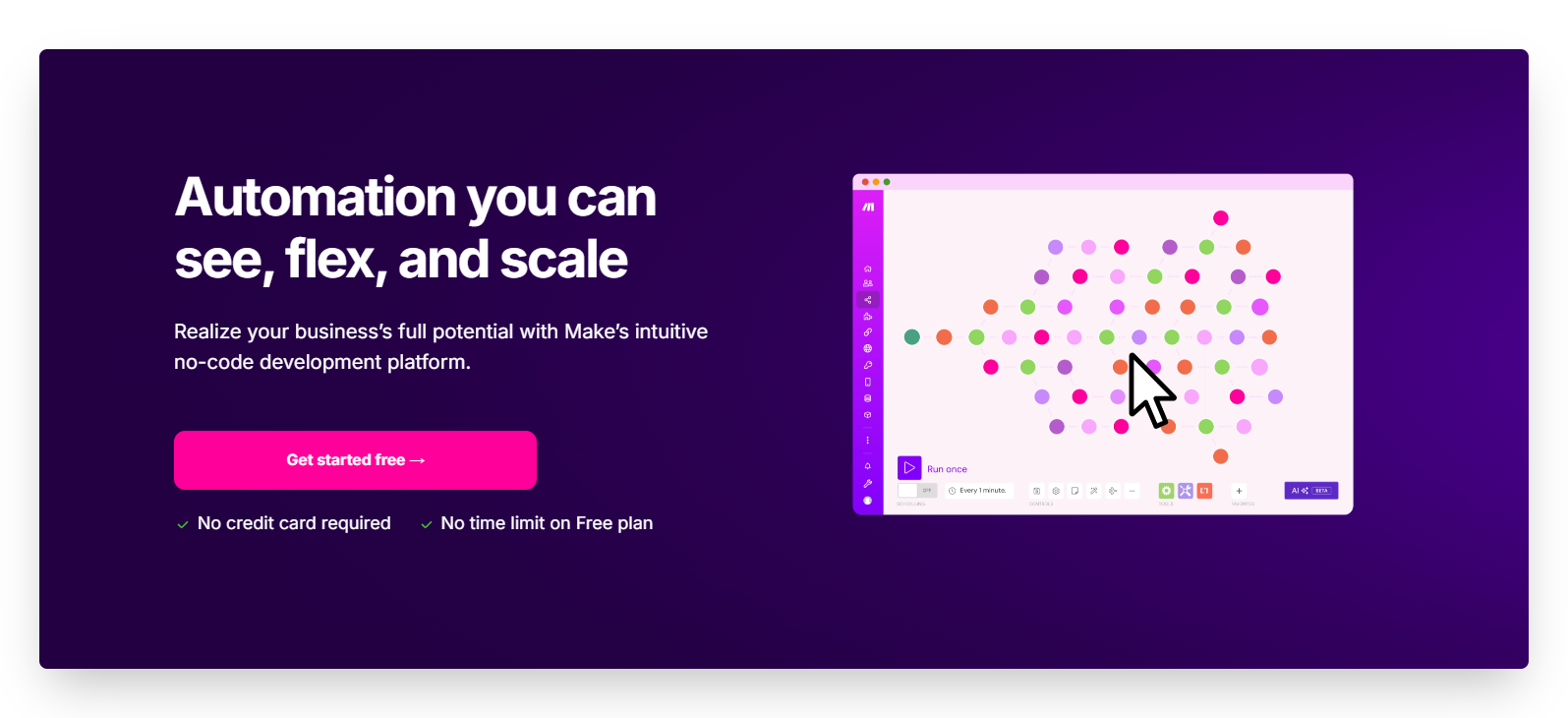
Make offers powerful automation through a visual, flowchart-style interface that gives unprecedented control over data transformations. Its flexible routing capabilities allow for complex decision trees and data handling that goes beyond linear workflows.
With connections to 1,500+ applications and double the API endpoints per app compared to similar tools, Make supports sophisticated processes with advanced filters and error handling. Companies like Spotify and BambooHR leverage Make's robust capabilities for their automation needs.
Online retailers use Make to create sophisticated inventory management systems that connect their stores with warehouse data and shipping providers. Marketing agencies build client reporting automations that pull data from multiple platforms into branded reports.
Zapier connects over 7,000 apps through simple "if this, then that" automations. Its straightforward interface makes creating workflows accessible even to beginners, while still offering multi-step Zaps and conditional logic for more complex needs.
The platform excels at eliminating repetitive tasks like transferring data between systems, sending notifications, and creating records across your software stack. Enterprise companies like PwC and Accenture use Zapier alongside small businesses to automate marketing, finance, and operations workflows.
Marketing teams use Zapier to automate lead capture from Facebook Ads directly to their CRM and trigger personalized welcome emails. Finance departments can create workflows that automatically update accounting spreadsheets when transactions occur.
HR teams can automate employee onboarding by connecting form submissions to document generation and notification systems. The platform's AI capabilities now allow creating custom chatbots that can integrate with your business processes, making it even more versatile for customer engagement automation.
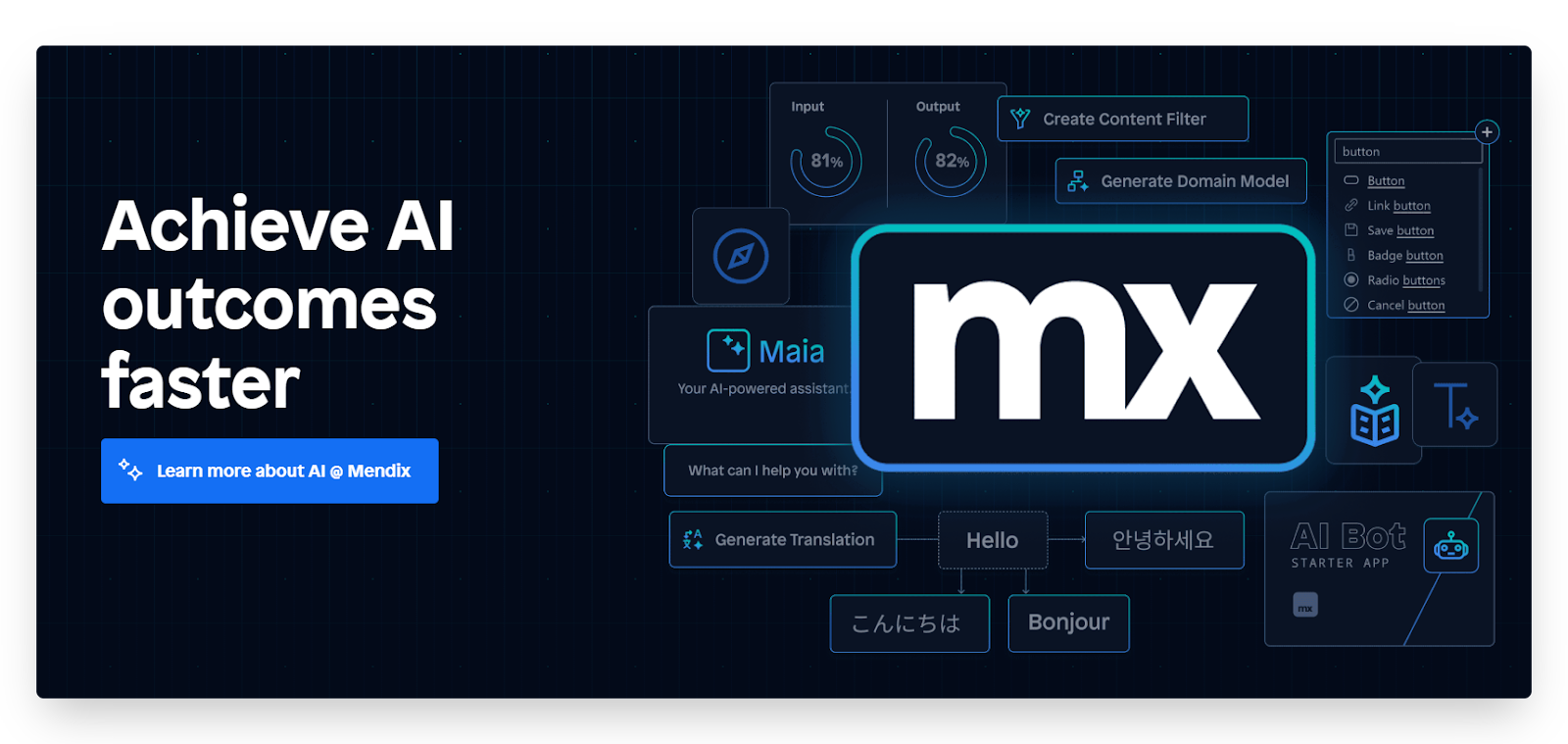
Mendix positions itself as an all-in-one platform for enterprise application development, bringing together business and IT teams in a collaborative environment. Its comprehensive approach covers the entire application lifecycle from ideation to deployment and maintenance.
Mendix truly shines in complex enterprise environments where process automation needs to interact with multiple legacy systems. Its extensive integration capabilities, including out-of-the-box connectors for SAP, Salesforce, and other enterprise platforms, allow you to build automation solutions that bridge departmental silos.
The platform's microservices architecture enables you to create modular automation components that can be reused across projects, accelerating development and ensuring consistency. Mendix also offers robust governance features, including version control, team management, and audit trails, which are critical for regulated industries.
Some possible sse cases are supply chain optimization applications that coordinate across multiple departments and systems, regulatory compliance automation that ensures proper documentation and approval flows, customer service platforms that unify customer data from disparate sources, and financial operations tools that streamline complex approval hierarchies.
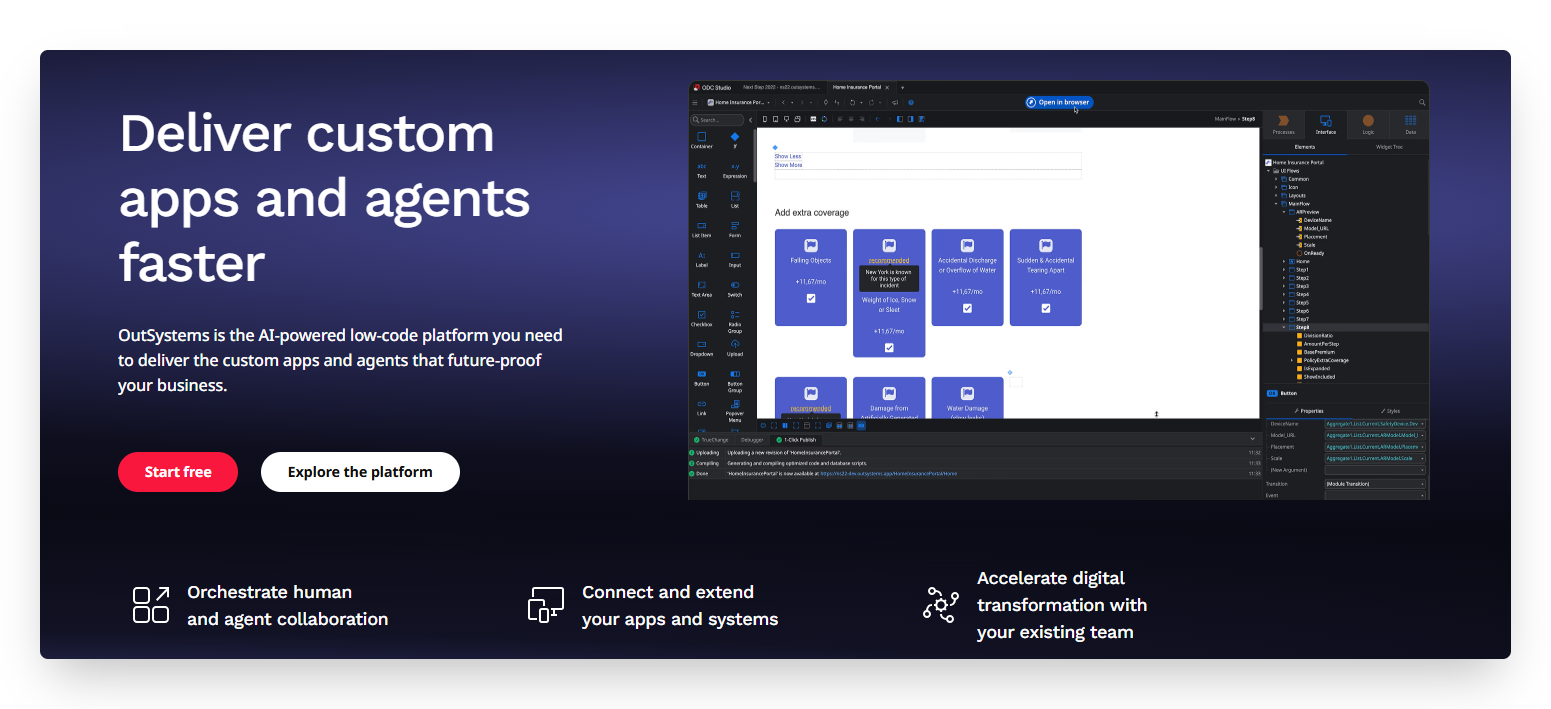
OutSystems delivers enterprise-grade low-code development capabilities with particular emphasis on scalability, security, and integration. The platform enables rapid application development without sacrificing the robustness required for mission-critical systems.
What distinguishes OutSystems for business process automation is its architecture designed for performance at scale. The platform generates optimized, standard-based code that can handle high-volume transactions and complex business rules, which are essential for automating core business processes that handle thousands of transactions daily.
Its AI-assisted development features help identify potential issues before deployment and suggest optimization opportunities in your automation workflows. OutSystems also excels at creating seamless user experiences across web and mobile platforms, ensuring your automated processes are accessible wherever your team works.
The platform excels at creating insurance claims processing systems that automate underwriting and approval workflows, banking applications that streamline loan origination and servicing, manufacturing execution systems that coordinate production planning and quality control, and healthcare management platforms that automate patient journeys across departments.
Microsoft PowerApps leverages the vast Microsoft ecosystem to create business applications with minimal coding. As part of the Power Platform suite, it integrates seamlessly with Microsoft 365, Dynamics 365, Azure, and other Microsoft services.
PowerApps offers unmatched integration with Microsoft's productivity and business tools, making it ideal for organizations heavily invested in the Microsoft ecosystem. Its connection to Power Automate allows you to create sophisticated automation sequences that span multiple applications and services.
The platform's AI Builder functionality brings intelligence to your business processes through pre-built AI models for text recognition, object detection, and prediction. This allows you to automate complex cognitive tasks like categorizing documents, extracting data from forms, or predicting business outcomes.
Possible use cases are contract management systems that integrate with SharePoint and Teams for collaborative review and approval, expense reporting applications that automatically extract information from receipts and update financial systems, sales enablement tools that provide real-time data from Dynamics CRM, and HR onboarding processes that coordinate across Office 365 applications.
Kissflow takes a process-first approach to low-code development, focusing specifically on workflow automation and process management. The platform is designed to make complex business processes transparent, efficient, and measurable.
Kissflow's intuitive process designer allows business users to map out workflows visually, with drag-and-drop forms, rule-based routing, and role-based permissions. Its process analytics provide real-time insights into bottlenecks and inefficiencies, helping you continuously optimize your automated processes.
What makes Kissflow particularly valuable is its implementation of case management capabilities alongside traditional sequential workflows. This enables you to automate both structured, predictable processes and more dynamic, unpredictable workflows that require human judgment and ad-hoc collaboration.
It’s most relevant use cases are procurement management with multi-level approval workflows and vendor performance tracking, employee lifecycle management from recruitment through offboarding, IT service request handling with SLA monitoring and escalation paths, and compliance management systems that ensure regulatory requirements are consistently followed.
Citizen developers are business professionals who create applications and automation solutions without formal programming training. They're marketing specialists, operations managers, HR professionals, and finance experts who understand their department's needs intimately and can now build solutions themselves.
Low-code platforms empower these team members by providing visual development environments that abstract away complex coding. Instead of writing lines of code, citizen developers can:
This democratization of development brings tremendous advantages. First, it alleviates the burden on IT departments, reducing backlogs and allowing technical teams to focus on more complex initiatives. Second, it places solution development in the hands of those who understand the business problems most deeply, resulting in more relevant and effective automation.
Most importantly, citizen development accelerates digital transformation across your organization. When team members can build their own solutions, departments no longer wait months for IT resources to become available. The result is faster innovation, more responsive business processes, and a culture of continuous improvement.
Start by mapping out your current workflows and identifying tasks that consume significant time while adding little value. Look for processes involving data entry, approvals, notifications, or document generation. The best candidates for automation are high-volume, rule-based activities with clear inputs and outputs.
For example, you might notice your team spends hours each week manually transferring data between systems or chasing approvals through email chains. These repetitive tasks are perfect automation targets.
Select a low-code platform that aligns with your specific needs, technical environment, and long-term goals. Consider factors like integration capabilities, scalability, security features, and ease of use.
Different platforms excel in different areas: Bubble might be ideal for complex web applications, while Glide could be perfect for mobile-friendly solutions based on data sources.
While low-code platforms reduce technical barriers, partnering with experienced developers can dramatically accelerate your success. Professional partners bring valuable expertise in platform capabilities, best practices, and implementation strategies.
At LowCode Agency, we've built over 330 business applications across industries, helping companies transform manual processes into efficient business automated solutions. Our expertise ensures you avoid common pitfalls and implement solutions that truly deliver on your objectives.
Create a minimal viable product (MVP) that addresses the core functionality needed to solve your business challenge. Focus on automating the most critical aspects of your process first, rather than trying to build a comprehensive solution immediately.
This approach allows you to validate your concept quickly, gather feedback from actual users, and make improvements before investing in a full-scale implementation. A good prototype can often be developed in 5-8 weeks.
Involve actual end-users in testing your automation solution. Their feedback is invaluable for identifying usability issues, missing features, or unexpected scenarios. Use their input to refine your solution through several iterations.
When you're ready to deploy, consider a phased rollout approach. Start with a small group of users or a single department before expanding across your organization. This minimizes disruption and allows you to address any issues that arise during real-world use.
Automation isn't a "set it and forget it" solution. Establish key performance indicators (KPIs) to measure the impact of your automated processes. Track metrics like time saved, error reduction, and user satisfaction.
Regularly review these metrics and gather ongoing feedback from users. Use these insights to continuously improve your solution, adding new features or optimizing existing workflows. The most successful automation initiatives evolve alongside your business needs.
Low-code automation works best for clearly defined, process-driven workflows that require frequent updates or customization. It delivers exceptional results in areas like approval processes, data collection, customer onboarding, and operations that currently rely on spreadsheets or manual transfers between systems.
Start your journey with a focused pilot project that delivers visible value within 4-8 weeks. Choose a process that affects multiple team members but isn't mission-critical for your initial implementation.
Consider partnering with an experienced team like LowCode Agency for your first project to accelerate learning and ensure quality outcomes that grow with your business
Last updated on
May 29, 2026
.
Jesus Vargas
-
Founder
Jesus is a visionary entrepreneur and tech expert. After nearly a decade working in web development, he founded LowCode Agency to help businesses optimize their operations through custom software solutions.
Custom Automation Solutions
Save Hours Every Week
We automate your daily operations, save you 100+ hours a month, and position your business to scale effortlessly.
Our AI — trained on 300+ shipped products — tells you what to build, what to skip, and what it'll actually cost. No fluff.
Assess My Idea"Working with LowCode Agency was the best decision I made in 2025"
Franklin Frith
CEO at HRM
Low-code platforms offer more customization and complexity through minimal coding when needed, while no-code tools require absolutely zero programming. Low-code solutions typically provide greater flexibility, integration capabilities, and scalability, making them suitable for enterprise-level business process automation. No-code platforms prioritize simplicity and speed, often at the expense of advanced customization options.
Yes, modern low-code platforms support sophisticated business logic through visual workflow builders, conditional branching, and formula editors. They can handle multi-step approval processes, complex calculations, and intricate decision trees. For extremely specialized requirements, many platforms allow injecting custom code snippets within the visual environment, giving you the best of both worlds.
Leading low-code platforms implement enterprise-grade security measures including data encryption, role-based access controls, and compliance certifications (SOC 2 and GDPR). Many host on secure cloud infrastructure like AWS or Azure. The security risk typically comes not from the platforms themselves but from implementation practices, making proper governance and training essential.
Most platforms are designed for business users with minimal IT support, though technical knowledge helps for complex integrations or advanced features. Basic process automation can be implemented entirely by business teams. For enterprise-wide deployments, IT involvement is recommended for governance, security standards, and integration with legacy systems, but day-to-day development rarely requires developer assistance.
Companies with frequent process changes, limited IT resources, or growing backlogs of automation requests see the greatest benefits. Industries with complex workflows like financial services, healthcare, manufacturing, and professional services achieve particularly strong ROI. Organizations experiencing rapid growth also leverage low-code tools to scale operations without proportional staff increases.
Yes, though the ease varies by platform. Most enterprise low-code platforms generate standard code (Java, .NET, etc.) that can be exported and modified. Others offer APIs that allow custom-coded components to interact with low-code solutions. Some platforms provide limited export capabilities, making migration more challenging. Consider future flexibility when selecting your platform if migration potential is important.
Business Automation
Build a Drip Campaign Automation Without Coding
Learn how to create a drip campaign automation from scratch easily without any coding skills. Step-by-step guide for beginners.
Business Automation
Automate SEO Reporting and Weekly Rankings Easily
Learn how to automate SEO reports and track weekly rankings effortlessly with simple tools and strategies.
Business Automation
Build a PR Review Reminder Bot Without Coding
Learn how to create a PR review reminder bot quickly without engineering time using no-code tools and automation platforms.
Business Automation
Top Zapier KPIs to Track After Launch
Discover essential Zapier KPIs to monitor post-launch for optimizing automation and improving workflow efficiency.
Business Automation
Get Instant Alerts for Payment Failures Easily
Learn how to receive instant notifications when a payment fails in your system to prevent revenue loss and improve customer experience.
Business Automation
Auto-Generate Release Notes from Commit History Using AI
Learn how to use AI to automatically create release notes from commit history efficiently and accurately.