|
VOOZH | about |
|
VOOZH | about |
16 min
read
Build and launch web apps faster with top tools, proven steps, and no-code best practices—without sacrificing quality or user experience
By
Jesus Vargas
Updated on
Jun 16, 2026
.
Reviewed by
Real-World Experience with No-Code Tools: With over 320 apps built, we know firsthand what works—and what doesn't—when using no-code platforms like Glide, Bubble, FlutterFlow and Webflow.
Expert Team with 40+ Years of Combined Experience: Our team has deep technical knowledge, with experts who use no-code tools to solve real-world problems for clients every day, ensuring our advice is actionable and reliable.
Detailed Guides Based on Actual Projects: We don’t just talk about no-code; we use it daily to solve real business problems for our clients, from MVPs to complex automations.
Take a deeper look at our editorial guidelines
Rapid Web App Development (RAD) is a method to build web apps quickly using visual tools, ready-made elements, and simple workflows. It helps you launch apps faster without deep coding.
RAD is useful when speed matters. Startups need to test MVPs early. Businesses want to launch new features faster. Developers and product teams must make changes quickly. RAD supports all this by saving time during development.
This approach is best for founders, developers, and product teams. If you need to build apps without long wait times, RAD helps you get started fast. Tools like Bubble and Glide make it easy to design, build, and update web apps.
RAD is not just about speed. It also helps you test, learn, and improve your product step by step.
RAD helps you move fast with fewer resources, while traditional methods are better for long-term projects that need full control. Choose the method based on your goals, team size, and how quickly you need to launch.
In production environments, a VPS Server is often used to host rapidly developed web applications because it provides dedicated resources, better performance, and scalable infrastructure compared to shared hosting, making it suitable for handling growing user demand efficiently.
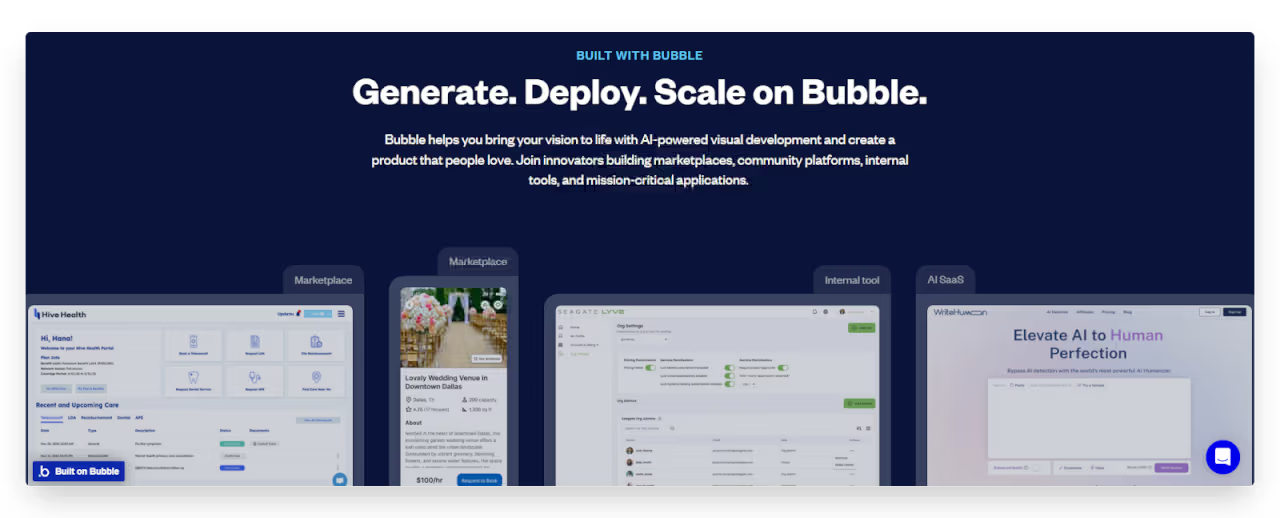
Bubble is a powerful no-code platform designed for creating sophisticated web applications without writing traditional code. It features a visual development environment where you can design interfaces, define workflows, and manage databases through an intuitive drag-and-drop interface.
Bubble stands out with its robust database capabilities, extensive third-party integrations, and flexible workflow editor that can handle complex business logic. The platform's responsive design features ensure your applications work seamlessly across devices, while its plugin marketplace lets you extend functionality without custom coding.
Despite its strengths, Bubble has limitations. The learning curve can be steep for beginners, as the platform's flexibility comes with complexity. Performance may become an issue for applications with complex workflows or large databases. Additionally, while Bubble can create progressive web apps, it doesn't natively support building true mobile applications.
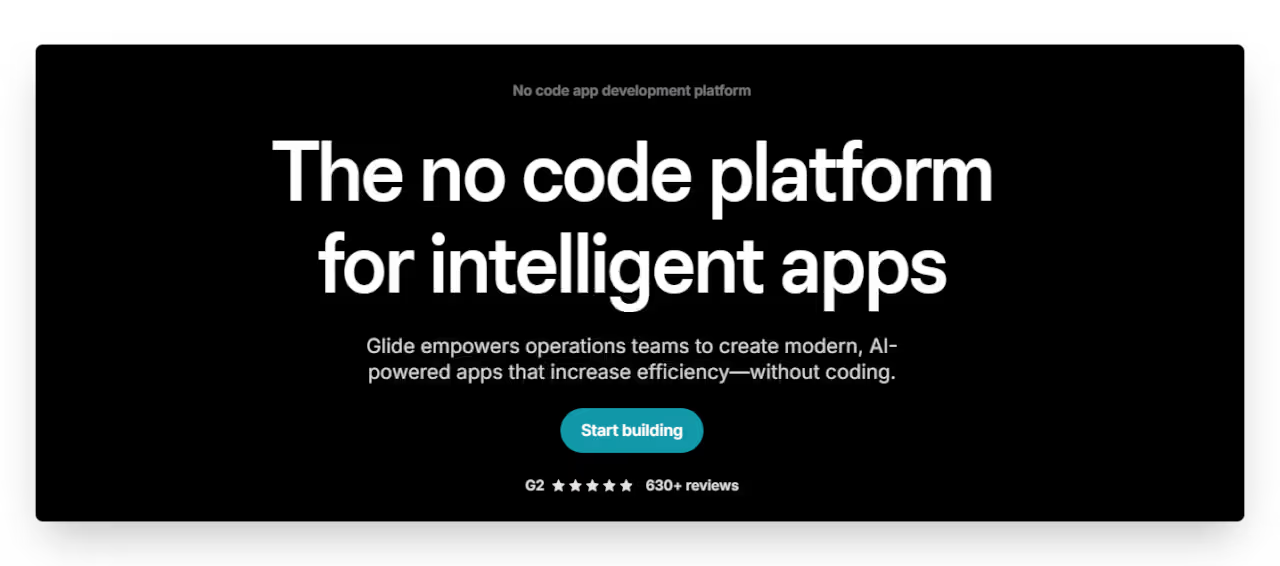
Glide transforms several data sources into polished web applications. It connects to data sources like Google Sheets, Excel files, Airtable, and several SQL databases and automatically generates a user-friendly interface that can be customized to match your brand.
What makes Glide unique is its speed and its ability to create beautiful apps. You can build functional apps in hours rather than days, with minimal technical knowledge required. Its spreadsheet-first approach makes it particularly accessible for business users already comfortable with tools like Excel. Glide also excels at creating internal tools, client portals, and operational dashboards.
Glide's limitations include less flexibility for complex custom functionality compared to other platforms. The reliance on spreadsheets as a database can create performance limitations for data-intensive applications. While great for straightforward business applications, it may not be suitable for highly complex or uniquely designed user experiences.
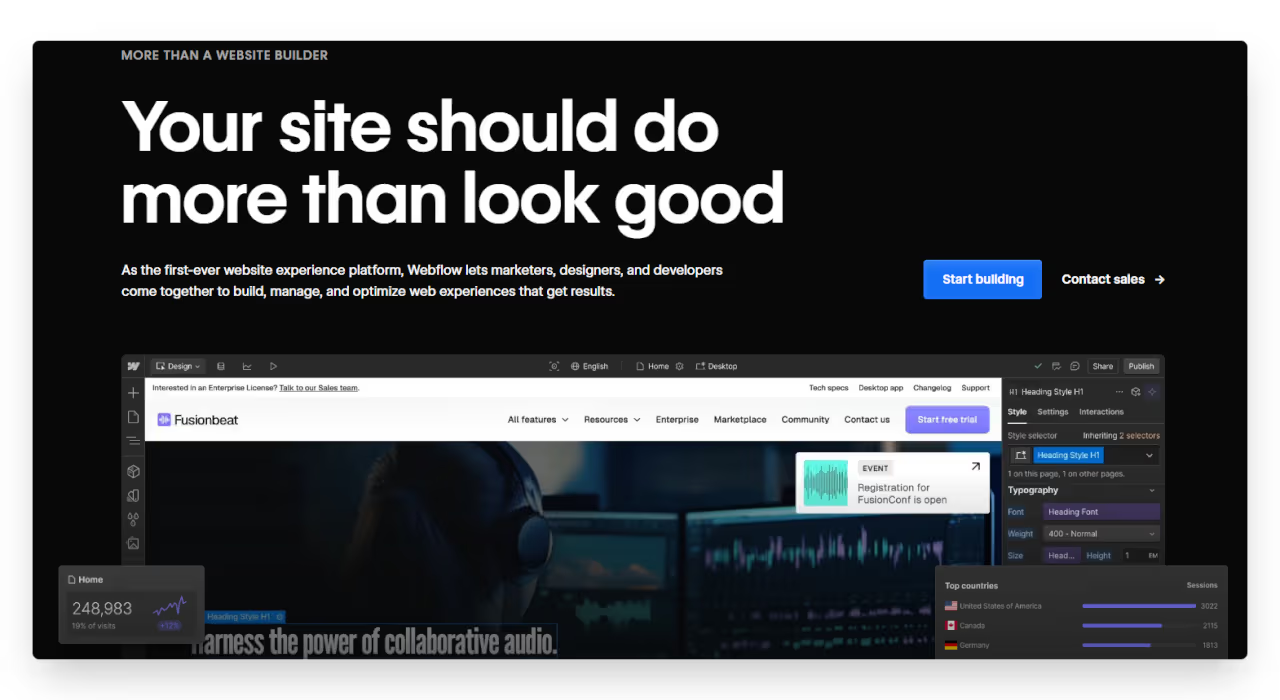
Webflow is a visual development platform that combines professional design capabilities with CMS functionality. It allows you to build visually stunning, responsive websites with advanced interactions and animations without writing code.
The platform's standout features include its advanced design tools that give you pixel-perfect control over your website's appearance and functionality. Its built-in CMS enables dynamic content management, while its hosting infrastructure ensures fast loading speeds and reliable performance. Webflow also generates clean code that follows best practices.
However, Webflow is primarily focused on websites rather than web applications with complex functionality. While suitable for content-driven sites, portfolios, and simple e-commerce, it has limitations for building applications requiring advanced user interactions or complex business logic. Its pricing can also become expensive for larger projects with multiple team members.
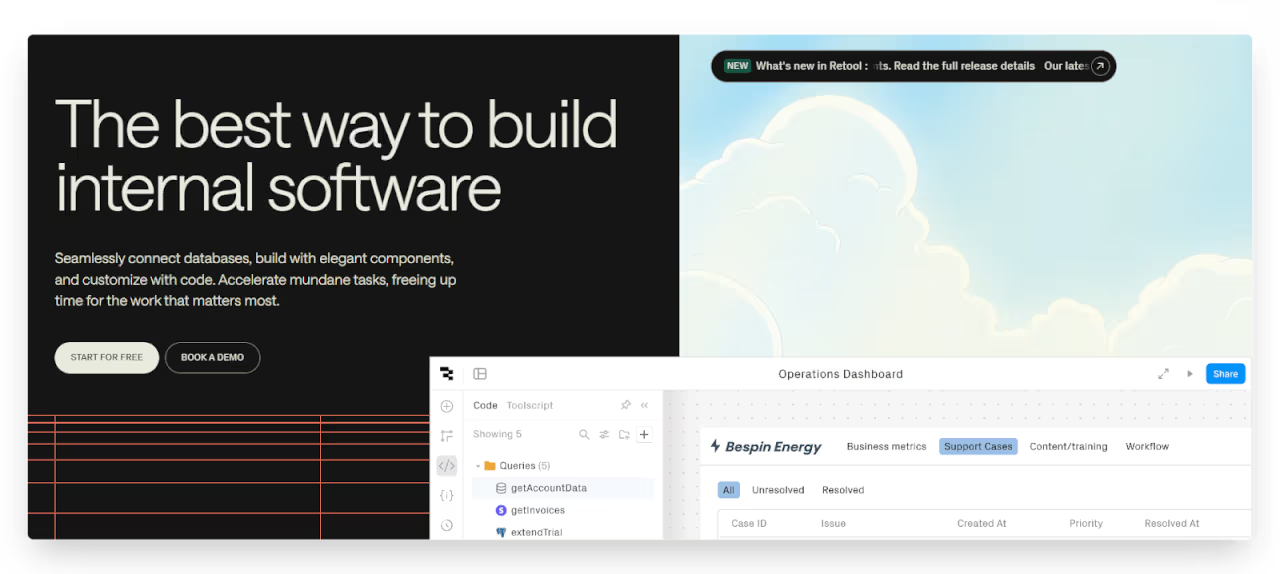
Retool is designed specifically for building internal tools and business applications quickly. It provides a library of pre-built UI components that connect directly to your data sources, making it easy to create dashboards, admin panels, and operational tools.
What distinguishes Retool is its focus on connecting to existing databases and APIs rather than building from scratch. This makes it ideal for companies with established data infrastructure. Retool also supports custom JavaScript when needed, offering more flexibility than many no-code tools. Its version control and collaboration features are well-suited for team environments.
Retool's limitations include being less suitable for customer-facing applications, as it prioritizes functionality over aesthetic customization. The learning curve can be steeper for non-technical users compared to pure no-code tools. Additionally, complex applications may require some coding knowledge to implement fully.
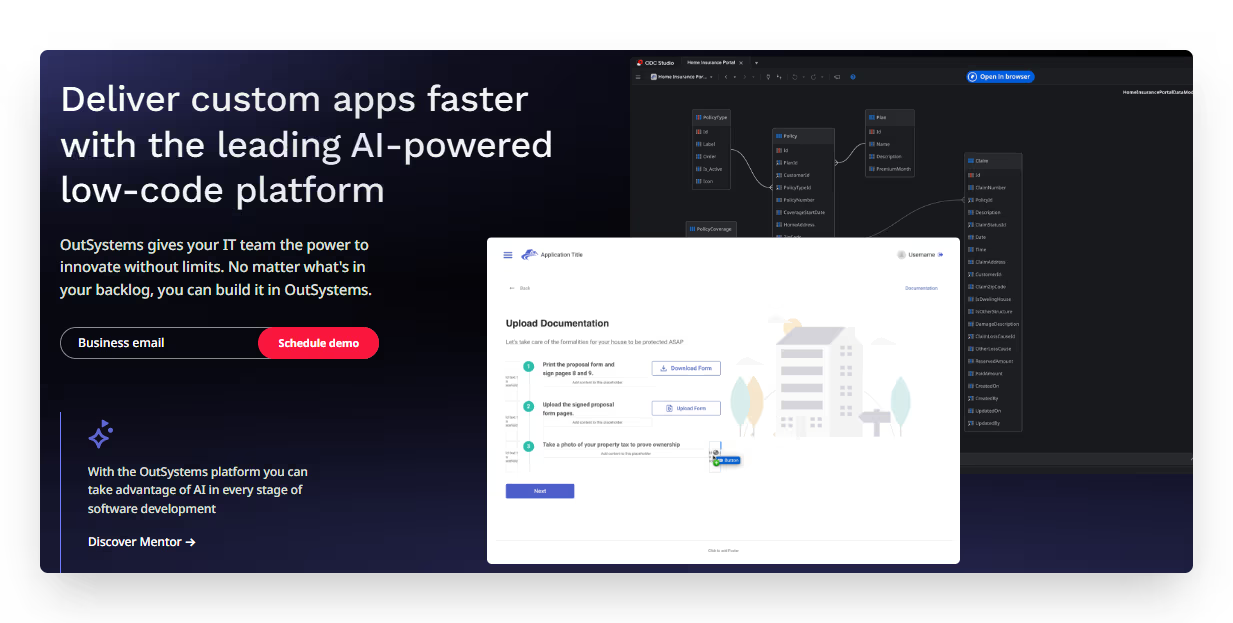
OutSystems is a comprehensive low-code platform aimed at enterprise-level application development. It provides tools for building complex, scalable applications that can serve thousands of users while maintaining high levels of security and compliance.
The platform excels with its extensive component library, AI-assisted development features, and robust DevOps integration. OutSystems applications can scale effectively for enterprise needs and integrate seamlessly with existing systems. The platform also offers strong governance and security features required in regulated industries.
The main limitations of OutSystems include its significant cost, which typically places it out of reach for startups and small businesses. The platform also requires more technical expertise than true no-code solutions, with a steeper learning curve for non-developers. Deployment and maintenance often require specialized knowledge of the OutSystems ecosystem.
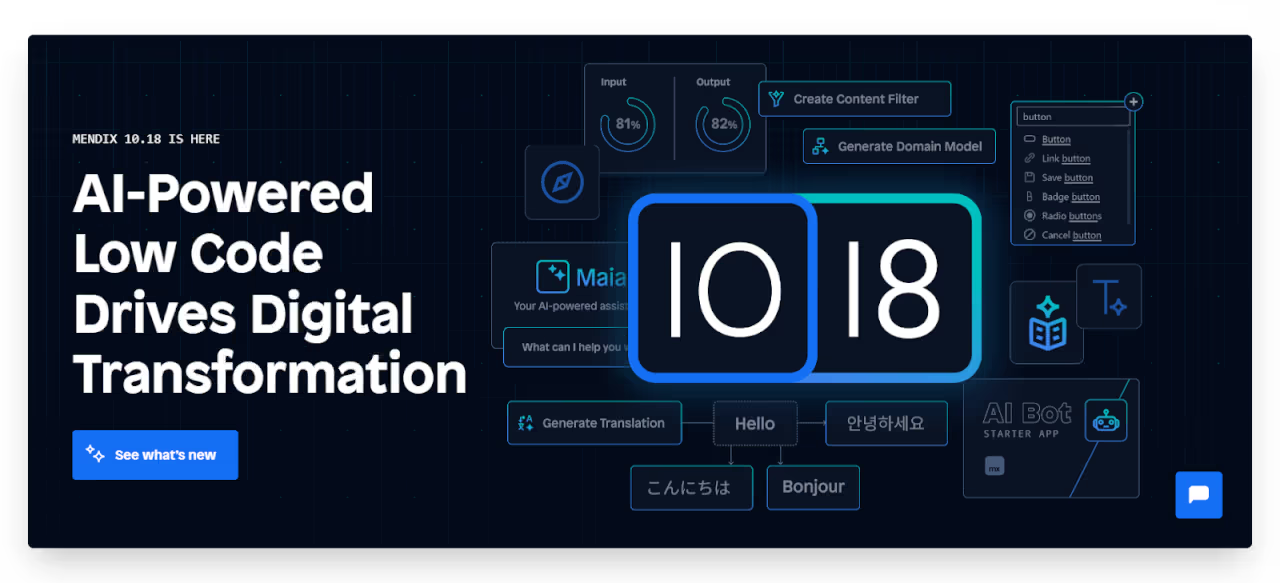
Mendix is an enterprise low-code platform that facilitates collaboration between business and IT teams. It offers visual development tools alongside more advanced development capabilities, making it suitable for a wide range of applications.
Mendix stands out with its collaborative features that support both business-side and IT-side development. Its model-driven approach ensures consistency across applications, while its multi-cloud deployment options offer flexibility for enterprise environments. The platform includes AI-assisted development tools that can suggest code and identify potential issues early.
Like OutSystems, Mendix's primary limitations are its enterprise-focused pricing and the technical expertise required to fully leverage its capabilities. The platform may be overengineered for simpler projects where a lighter-weight solution would suffice. Additionally, customization beyond the platform's standard components can sometimes be challenging.
At LowCode Agency, we specialize in transforming your ideas into functional web applications in half the time traditional development requires.
With over 330 successful projects delivered, our team has mastered the art of rapid web application development across multiple platforms, including Bubble, Glide, FlutterFlow, and Webflow. We understand the unique strengths of each platform and can recommend the perfect solution based on your specific needs.
Ready to build your web application without the typical delays and budget overruns? Book a free consultation call with our team today.
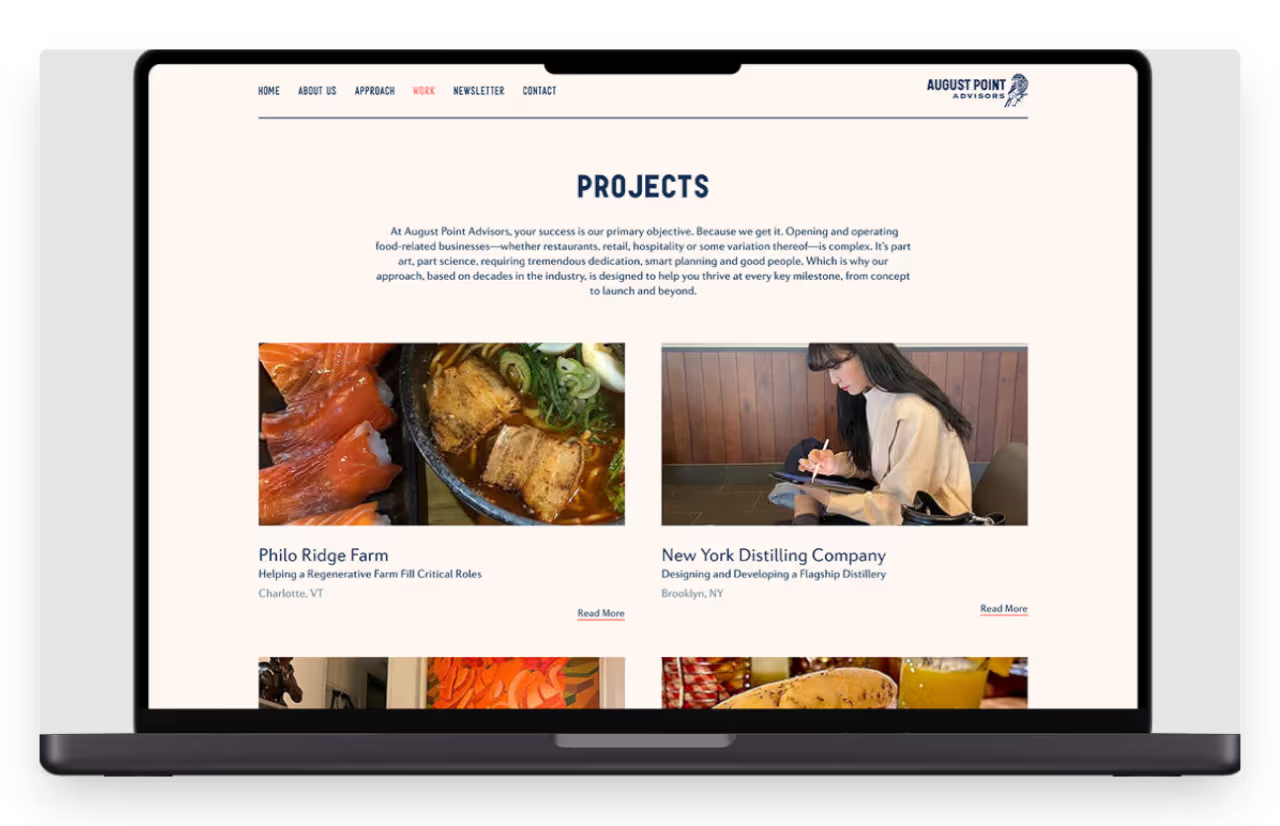
We transformed this food & beverage consultancy's website from a basic digital business card into a lead-generating machine in just three weeks using Webflow.
The redesigned platform featured custom galleries, intuitive navigation, and a sophisticated newsletter system.
Results came quickly with an 85% increase in qualified leads and 127% growth in newsletter signups within three months of launch.
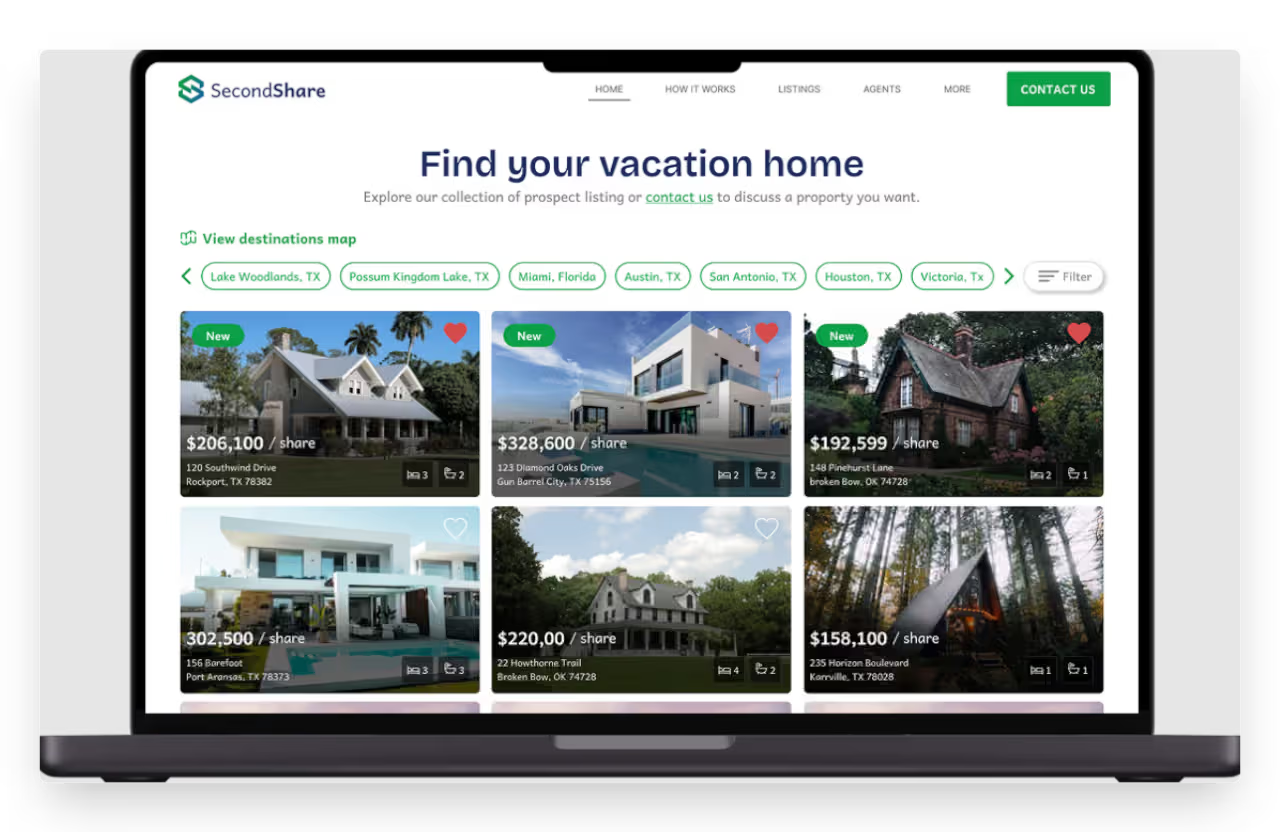
This real estate company had impressive properties but a website that was actively undermining their premium positioning. In just two weeks, we used Webflow to create an immersive property experience with custom galleries and interactive tools.
The transformation cut bounce rates in half, extended average visit time from 40 seconds to 4.5 minutes, and increased conversions by 20%.
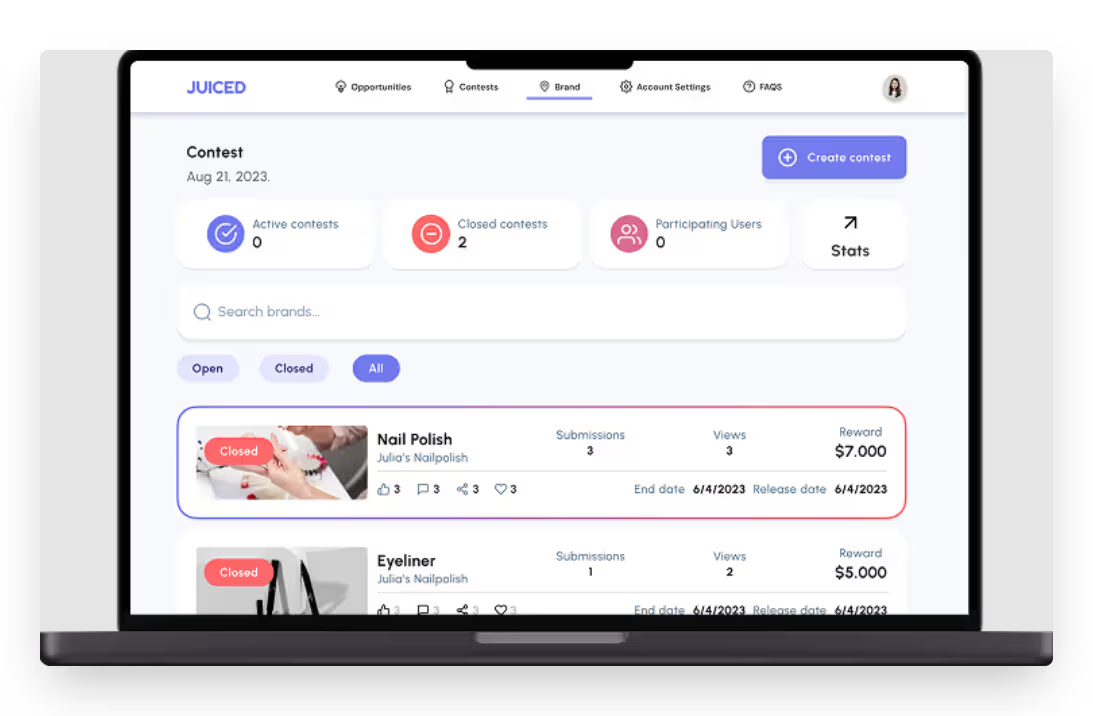
We built a complete TikTok marketing platform in 9 weeks that revolutionized how brands connect with creators. Using FlutterFlow, we created a dual-sided marketplace with verification systems and contest infrastructure.
The platform saw a 60% increase in user sign-ups within its first month and expanded brand partnerships by 40%, while reducing campaign setup time by 75%.
Rapid web app development is not about cutting corners but about working smarter with modern tools and methods. Using specialized platforms and fast workflows, you can build powerful apps in half the time of traditional development. The focus is on delivering real value, not unnecessary complexity. Launching early helps you test ideas, collect real feedback, and improve based on actual user behavior.
This is especially useful for SaaS products, internal tools, and MVPs, where speed matters most. Getting your app into users’ hands quickly can help you stay ahead and avoid missing key opportunities in a competitive market.
Ready to accelerate your web app development journey? Explore our detailed case studies to see how we've helped businesses like yours transform ideas into functional applications in weeks, not months. If you like what you see, we’re always one call away to start building something amazing together.
Last updated on
June 16, 2026
.
Jesus Vargas
-
Founder
Jesus is a visionary entrepreneur and tech expert. After nearly a decade working in web development, he founded LowCode Agency to help businesses optimize their operations through custom software solutions.
Custom Automation Solutions
Save Hours Every Week
We automate your daily operations, save you 100+ hours a month, and position your business to scale effortlessly.
Our AI — trained on 300+ shipped products — tells you what to build, what to skip, and what it'll actually cost. No fluff.
Assess My Idea"Working with LowCode Agency was the best decision I made in 2025"
Franklin Frith
CEO at HRM
The fastest approach combines no-code platforms with a focused MVP strategy. Choose a platform like Bubble or Webflow that matches your project requirements, then build only the core features needed to deliver value. Leverage templates and pre-built components rather than creating everything from scratch, and integrate third-party services for complex functionality instead of building it yourself.
Yes. No-code platforms like Bubble, Glide, and Webflow have made web app development accessible to non-developers. These tools offer visual interfaces for building functional applications without writing code. While complex features will benefit from technical expertise, you can create web apps with these platforms, especially if you partner with no-code specialists for guidance.
The best tool depends on your specific needs. Bubble excels for complex web applications with custom workflows. Webflow is perfect for content-driven sites with stunning design. Glide works well for data-driven business apps. Retool specializes in internal tools connecting to existing databases. Choose the platform that aligns with your project requirements and team capabilities.
With no-code platforms, you can launch a functional MVP in 3-8 weeks, depending on complexity. Simple applications with standard features might take just 3 weeks. More complex applications with custom workflows could require 5-8 weeks. The timeframe depends on your project's complexity, the number of integrations needed, and how quickly you can make decisions.
Modern no-code platforms are increasingly capable of supporting scaling applications. Platforms like Bubble and OutSystems offer robust infrastructure for growing user bases. The key is implementing proper architecture from the start, creating modular components, optimizing database structures, and following platform-specific best practices. Most scaling issues can be addressed through optimization rather than rebuilding.
The biggest mistakes include skipping planning entirely, trying to build all features at once, neglecting user feedback loops, choosing the wrong platform for your needs, and ignoring future scalability. Many teams also fall into the trap of overengineering simple features or underestimating the importance of clear documentation, making future iterations more difficult.
No-code/Low-code
How to Hire the Best Web App Developers
Learn how to hire the best web app developers for your project. Compare skills, pricing, and platforms to find the perfect fit faster
No-code/Low-code
What Is Low-code Programming? [Simple Explanation Guide]
Learn what low-code programming means, how it works, and why teams use it to build apps faster with visual tools and minimal coding. Clear and beginner-friendly.
No-code/Low-code
Low-code Employee App Development Guide
Low-code employee app development guide covering features, use cases, tools, costs, and best practices to build internal apps faster and scale teams.
No-code/Low-code
Low-code vs No-code [Key Differences Explained]
Learn the real differences between low-code and no-code platforms. See how they work, where each fits, and which one is right for your project.
No-code/Low-code
Low-code DevOps: How It Works and When to Use It
Learn how low-code DevOps works, when to use it, key benefits, limitations, and real use cases to decide if it fits your development workflow.
Custom App Development
No-code/Low-code
Low-code Real Estate App Development Guide
Low-code real estate app development guide covering app types, core features, workflows, integrations, costs, and scalability for modern property platforms.





![👁 What Is Low-code Programming? [Simple Explanation Guide]](https://cdn.prod.website-files.com/61cbe22a00483909d327afc6/69de878d902970291a8e4123_69b2c8e7854d27e78ee5915f_what-is-low-code-programming.avif)

![👁 Low-code vs No-code [Key Differences Explained]](https://cdn.prod.website-files.com/61cbe22a00483909d327afc6/69de878c902970291a8e4079_69b2c832a1606ed9c53e2e83_low-code-vs-no-code.avif)