 |
VOOZH | about |
|
VOOZH | about |
We use cookies to improve your experience on our site. By using our site, you are agreeing to the collection and use of data as described in our Privacy Policy.
Cookie Settings×Table of contents
As you look to build product integrations, you’ll have a few different options for implementing them.
There’s native integrations, which involves leveraging your in-house engineers to build and maintain them; universal APIs, which allow you to offer a whole category of integrations (e.g. HRIS) by building to a single API; and an embedded integration solution, otherwise known as an embedded iPaaS, that lets you build one product integration at a time.
To help you suss out whether an embedded integration solution is right for your business, we’ll break down how the platform generally works, common tools in the market, their advantages and disadvantages, and more.
It’s an integration that sits between your product and a client’s 3rd-party application. Through these integrations, your clients can easily keep data in sync as well as automate workflows within your product—all but ensuring clients get more value from your solution.
It’s a 3rd-party tool that lets you build integrations between your product and clients’ 3rd-party applications. You may be able to white label these integrations to make it seem as if they’re built natively; and you can let your clients’ users build and maintain the integrations or limit this responsibility to clients.
An embedded integration platform is often used synonymously with an integration platform, but the two aren’t one and the same.
An embedded integration platform falls under the category of integration platforms, but it differs from most of the other integration solutions in that it only offers customer-facing integrations; integration platforms largely focus on internal integrations (i.e. integrations between the applications your teams use).
{{this-blog-only-cta}}
To better understand embedded integration solutions, let’s break down a few of their key features and functionality.
You can choose how clients access the embedded integration platform’s integrations and automations. More specifically, you can either provide the integrations and automations on clients’ behaves and bake them into your product or you can allow clients to build them themselves.
Assuming you pick the latter, you can choose to use the embedded platform’s workflow builder in its current design or, through additional investment, white label the workflow builder such that it matches your product’s look and feel.
To help you connect to a given application faster, an embedded integration vendor might offer a pre-built connector for that app. Once authenticated, these connectors can access a predetermined set of objects and fields from the client’s instance of an application.
In addition, the embedded integration platform may offer automation templates that you and/or your clients can access. These automation templates can be shared as is or modified to meet the client’s automation requirements.
You can also build your own automation templates and application connectors through the embedded iPaaS and allow clients to access them within your product, allowing you to offer a personalized integration marketplace.
Related: How API connectors work
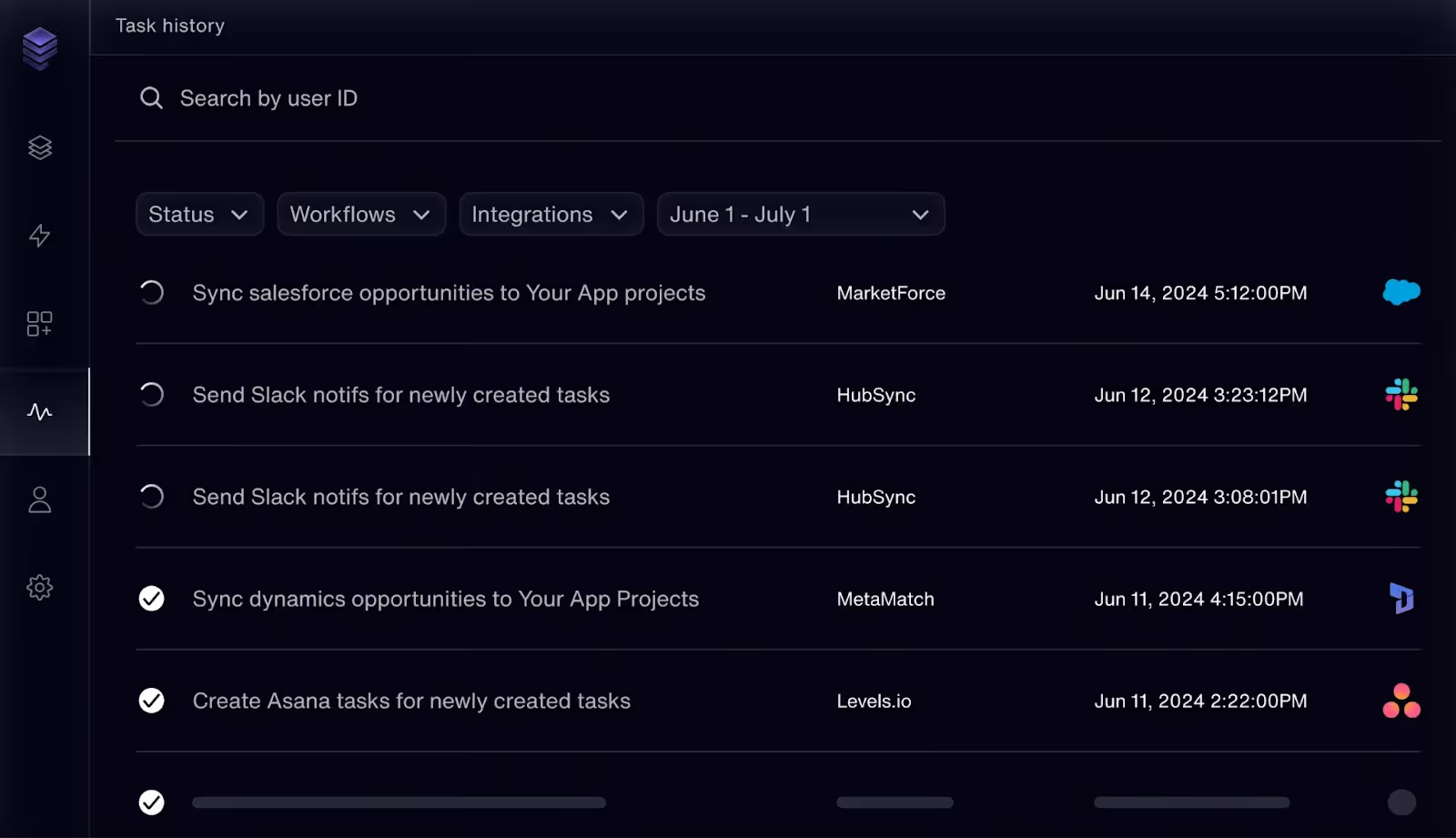
Most embedded integration solutions provide out-of-the-box monitoring and observability tooling.
This tooling can help you see the history of a client’s syncs, whether they were successful, the applications that were involved, among other insights.
Let’s break down just a few ways to use embedded integration solutions:
Say you offer a product that records field reps’ onsite meetings with clients and prospects.
To help the field reps and their managers access and review the appointment recordings in your product more effectively, you can integrate with their CRM systems and build the following sync: Once a recording gets added to your product, the relevant customer records from the client’s CRM get added to your product and associated with that recording.
Your users can then more easily search for and find recordings in your product and get high level context before watching any recording (what was being sold, to whom, whether the sale was successful, etc.).
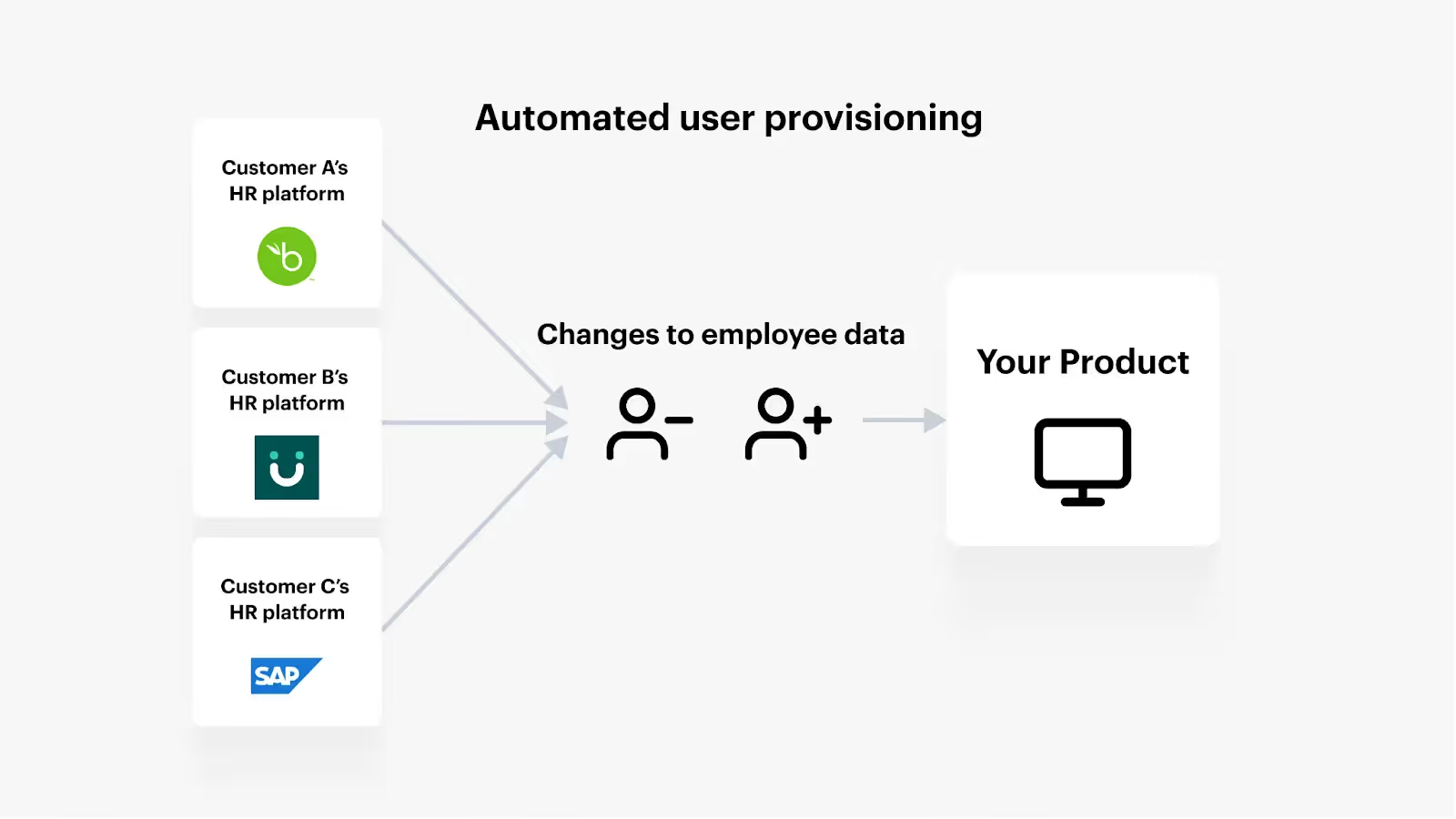
To help your clients add and remove users on time, as well as modify user permissions successfully, you can use an embedded integration solution to connect to clients’ HRIS solutions and build the following sync: Any time an employee is added, modified, or removed from a client’s HRIS, the corresponding actions take place in their instance of your product.
Imagine you offer a recruiting product that—among other things—allow clients to build and send offer letters to candidates.
To help clients’ recruiters populate offer letters quickly and without risking human errors, you can integrate with clients’ ATS solutions and implement a sync where once a user clicks a button like “Create offer letter” for a given candidate in your product, your platform automatically populates and shares an offer letter based on the information in that candidate’s ATS profile.
It comes down to being able to close more sales, retain more clients, and expand to new markets.
Let’s break down each of these factors.
According to Gartner, more than 4 in 5 buyers look for vendors that offer “seamless integrations” with 3rd-party tools.
Since an embedded integration solution can help you build these integrations faster than you could in-house, you’ll likely be able to not only offer the integrations your prospects want but also provide more integrations than your rivals. This, in turn, can help your product stand out and lead you to close more deals.
Embedded integrations, and any product integrations for that matter, allow your clients to realize more value from your solution.
While it depends on the integrations you offer, your clients can potentially auto-provision users in your product, upload files automatically, analyze specific types of data (e.g. employee compensation) more effectively, and so on. Each of these items translates to improved customer experiences that increases clients’ likelihood of renewing and even spending more with you.
As you look to break into specific markets, you’ll likely notice that many of the organizations that operate within it use a certain set of applications.
For instance, a small and midsize business (SMB) may use a tool like Gusto as their HRIS, Insightly as their CRM, and Quickbooks Online as their accounting tool; all the while, a larger company might use ADP as their HRIS, Salesforce as their CRM, and NetSuite as their accounting system.
If you can build embedded integrations with the applications your target market uses, you’re effectively eliminating a hurdle to earning their business.
So, why are embedded integration solutions worth investing in?
Unfortunately, embedded integration solutions aren’t without their flaws.
Scott Walker, an Engineering Manager at Bonusly, explains this point concisely: "Embedded iPaaS solutions require extensive customizations and force you to build one integration at a time, which isn’t scalable.”
Will Decker, the Head of Engineering at BrightHire, went so far as to say that this drawback was actually the reason why they avoided investing in this type of solution: "One of our reasons for avoiding embedded iPaaS solutions is that they simply don’t provide the tooling we need to manage our integrations effectively."
Related: The top benefits of using an embedded integration platform
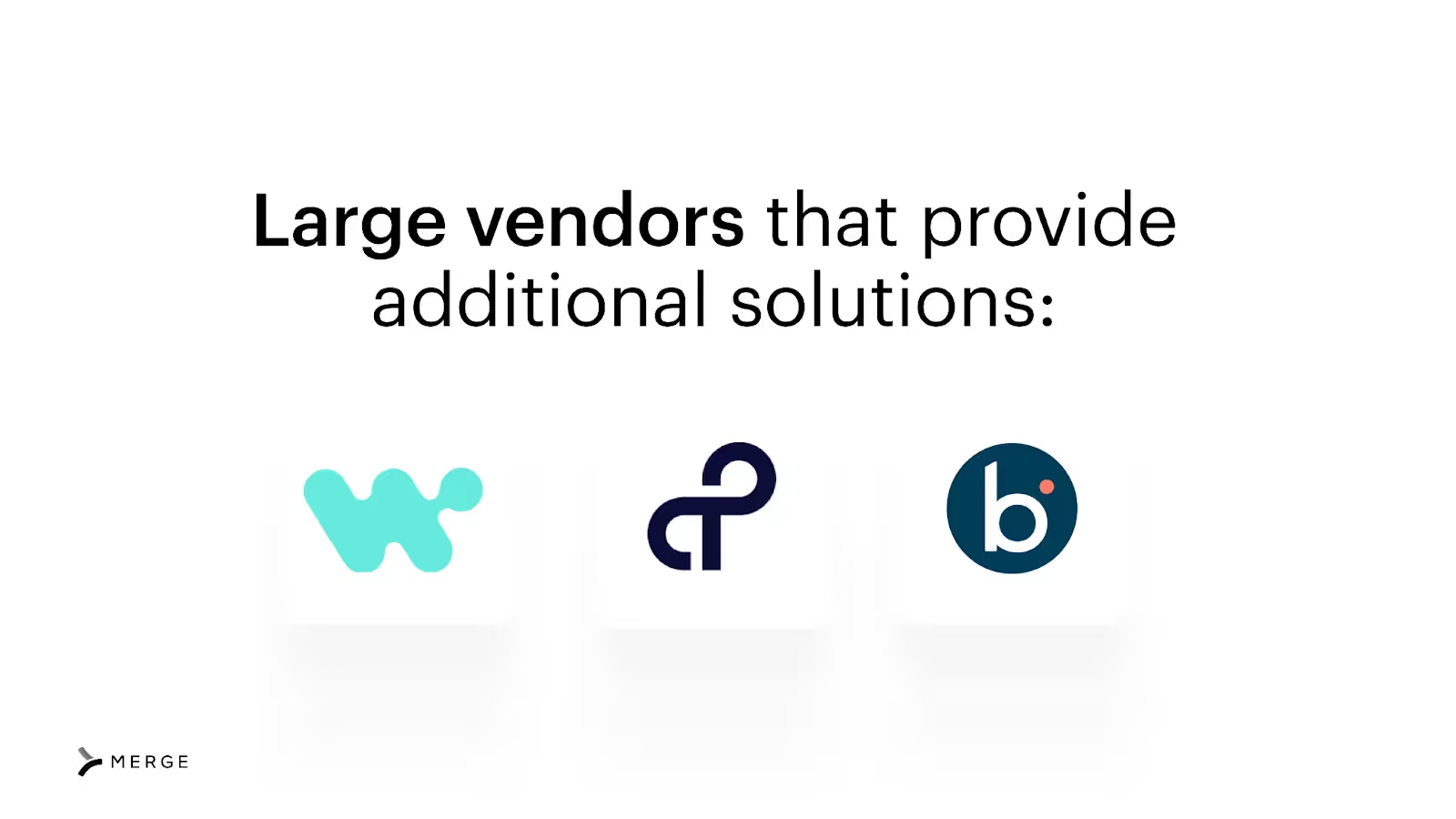
As you navigate the embedded integration market, you’ll likely come across two sets of vendors. There’s the larger iPaaS solutions that also offer “direct” (i.e. internal) integrations, along with other features and capabilities, like API management or UI-based integrations. These vendors include Workato, Boomi, and Tray.io.
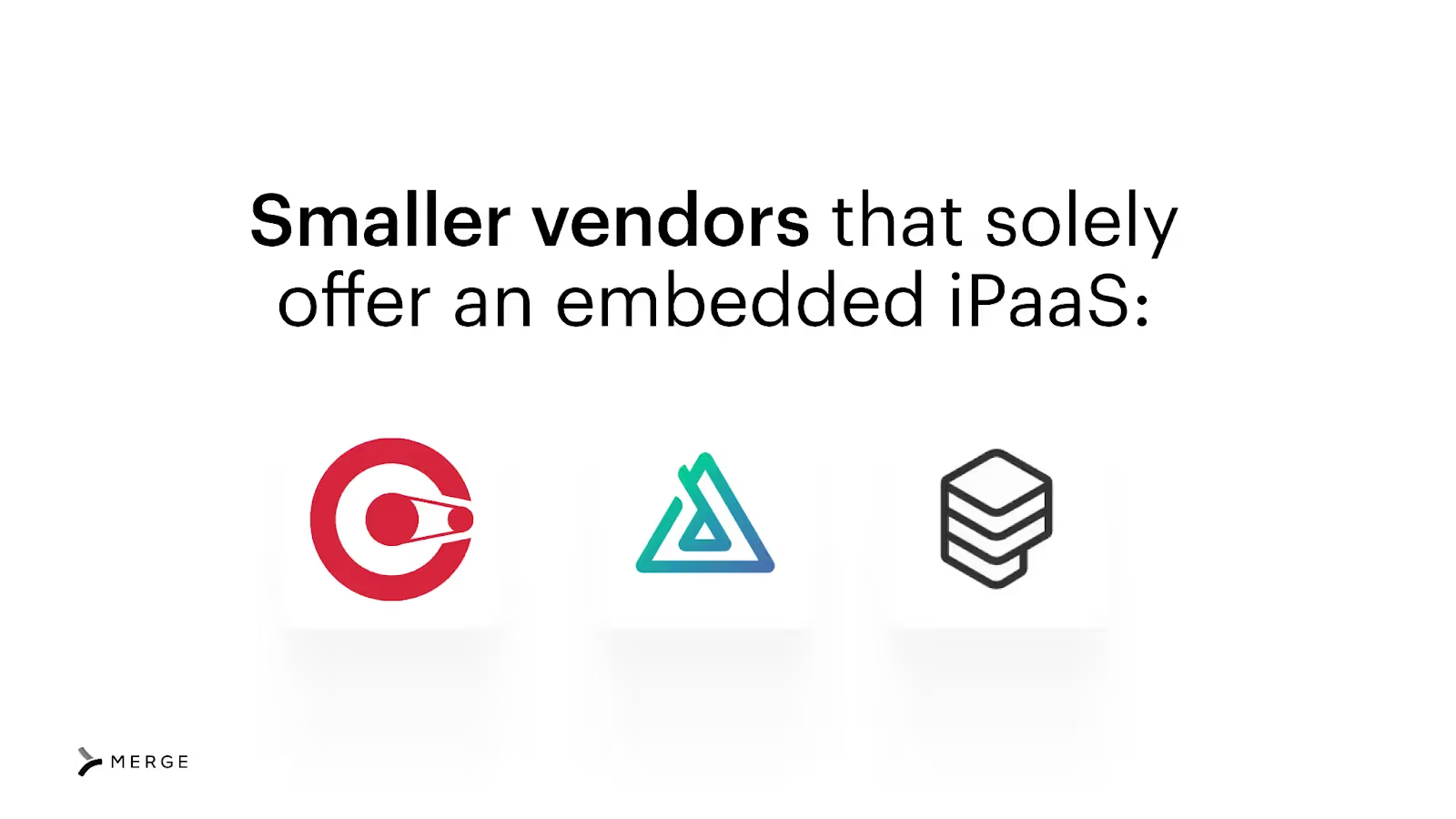
You also have smaller vendors that solely provide embedded iPaaS solutions. In a few cases, these vendors even specialize in specific industries (e.g. Alloy Automation was, until recently, focused on the e-commerce space). Some of the vendors that fit into this category today include Cyclr, Prismatic, and Paragon.
While there can be some differences between these vendors, such as the applications they provide pre-built connectors with or the maintenance and management tooling they offer out-of-the-box, they're, by and large, the same.
Related: What you need to know about embedded workflow solutions
Understanding what you’d do and what the embedded integration platform would provide can be confusing, but it’s critical to grasp as you decide whether to invest in this type of integration tool.
Here’s a brief look at each group’s areas of responsibility.
Building to a unified API lets you access a whole category of integrations, whether that’s HRIS, ATS, CRM, marketing automation, etc. This naturally makes the approach of building integrations more scalable.
In addition, using Merge, the leading product integration platform, you get:
To learn more about Merge, you can schedule a demo with one of our integration experts.
In case you have more questions on embedded integrations, we’ve addressed several more below.
It’s a section on your website and/or application that allows prospects and customers to view, learn about, and activate specific integrations with your product. In addition, these integrations are built and maintained via your embedded integration solution.
While there are many you can point to, a key feature includes their pre-built application connectors. These connectors likely require additional customization, but they allow developers to fast-track integration development with a 3rd-party application.
The best solution for your organization largely depends on your specific integration requirements. However, based on the reviews on G2—along with the G2 Grid® for Embedded Integration Platforms—they are Prismatic, Workato, Boomi, and Paragon.
Learn how Merge's Unified API enables you to offer reliable product integrations at scale, quickly.
.avif)

.avif)




.png)



