 |
VOOZH | about |
|
VOOZH | about |
We use cookies to improve your experience on our site. By using our site, you are agreeing to the collection and use of data as described in our Privacy Policy.
Cookie Settings×Table of contents
To help you build API integrations faster, integration platform as a service (iPaaS) and embedded iPaaS solutions offer “API connectors.”
These connectors offer several advantages to building either internal or customer-facing integrations, but they also aren’t without their drawbacks.
To help you evaluate and decide whether it makes sense to use them, we’ll break down how they work, highlight real-world examples, and cover their pros and cons.
It’s a pre-built API connection that iPaaS or embedded iPaaS solutions offer and that you can access by passing an authentication and authorization flow.
API connectors also provide a specific set of triggers and actions that are based on API endpoints, enabling you to build trigger-based automations that work across the integrated applications.
Related: What is an API connection?
API connectors are often used interchangeably with APIs. However, they’re completely different.
An API is a method of accessing and interacting with data or functionality from a 3rd party system, while an API connector offers a way to access certain 3rd-party API endpoints from an iPaaS or embedded iPaaS solution.
While API connectors can vary across integration providers, they typically offer the following features and functionality.
All API connectors should offer at least one method of authentication, whether that’s basic authentication, OAuth, API keys, personal access tokens, etc.
Mulesoft, an internal integration solution, for instance, supports both basic authentication and OAuth2 for their Jira connector.
Based on the endpoints a connector supports and the use cases it’s built to solve, it offers out-of-the-box triggers and actions.
For instance, Workato offers an integration solution for both internal and customer-facing use cases, so they need to support a wide range of triggers and actions for key business applications—like Asana.
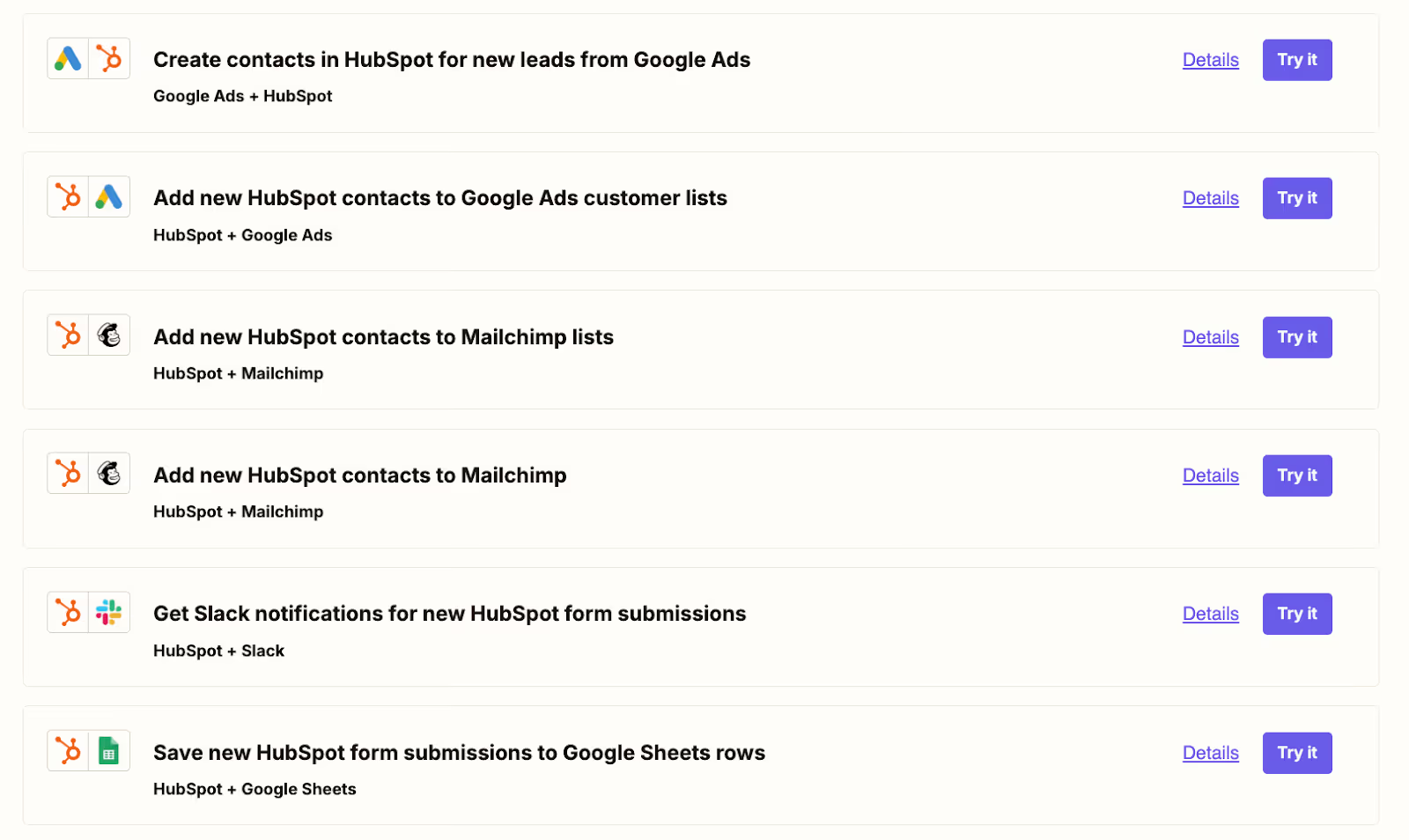
The vendor and—for product integration solutions—customers can leverage the connector to quickly build out automation templates.
These templates can help users brainstorm the most impactful integrations and workflow automations for their business, and they can also go on to adopt and customize any to meet their needs.
For example, Zapier, a workflow automation platform, offers a wide range of automation templates across their library of connectors. Users can review them and adopt any by simply clicking on the “Try it” button and creating an account.
The integration providers also regularly maintain the connectors to ensure they’re performing well and to prevent potential vulnerabilities. This helps take at least some of the onus of maintaining integrations off of your developers.
For example, Workato applies continuous enhancements and updates to their Workday connector for every even-numbered version release.
Here are just a few API connectors from iPaaS and embedded iPaaS vendors.
Their connector lets you access and perform actions on accounts, opportunities, contacts, and a host of other records, making the connector well suited to support various use cases.
This connector is relatively deep for a few reasons. Namely, Salesforce is likely one of Workato’s most in-demand integrations, and their customers have diverse integration needs for the CRM; and unlike many other iPaaS and embedded iPaaS solutions, Workato has been around 10+ years, so they’ve had more time to invest in their connectors.
Related: A look at Workato's competitors
The embedded iPaaS solution supports a more finite list of actions with their NetSuite connector.
The “records” may refer to a wide range of resources. Given that they aren’t listed (or they’re buried within their site), it’s fair to assume that the connector doesn’t cover the vast majority of NetSuite’s endpoints.
The reason for their shallow connector can potentially be explained by the fact that NetSuite’s API is complex and difficult to build to, and/or the team at Prismatic hasn’t prioritized building and maintaining this integration (assuming they have the resources to build and maintain this integration).
https://www.merge.dev/blog/prismatic-pricing?blog-related=image
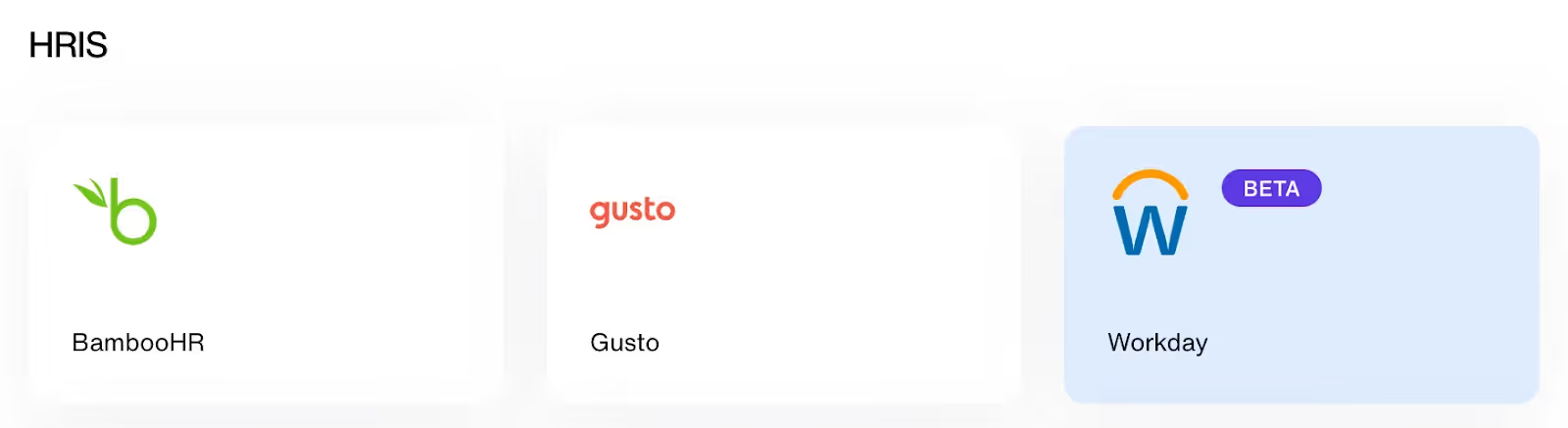
The embedded iPaaS solution supports “Beta” versions of certain API connectors, such as Workday.
Unlike the non-Beta API connectors listed on their site, the integrations page for Workday doesn’t list out any triggers and actions, making it seem as though it isn’t quite built yet or offers very limited functionality.
API connectors offer a specific set of pros and cons. Let’s start with the former:
API connectors also have notable cons worth considering:
API connectors are, clearly, not created equal. To help you find the best one for a given application, you should consider the following:
A connector’s API endpoint support is abstracted away with terms like triggers and actions. As a result, you’ll need to review the full scope of triggers and actions available for a given connector across providers.
Fortunately, this work is made relatively easy, as most vendors list out the specific triggers and actions they support across their connectors.
LLMs are making the process of developing and improving connectors easier. But only some integration providers are taking full advantage.
Workato falls into the camp that does.
They offer several copilots that support different facets of connector development and maintenance: Their Connector Copilot provides suggestions and instructions for implementing authentication logic, actions, and more for any new connector you want to develop; their Mapper Copilot can help you identify the appropriate fields to map between applications—and the list goes on.
API providers often support several forms of authentication, from OAuth 2.0 to basic authentication to API keys.
Based on the integrations you’re looking to build, you may want to use the most secure method—OAuth 2.0—if possible.
Fortunately, integration providers typically shed insight on the specific authentication methods individual connectors support via their docs, making it easy to compare your authentication options across providers.
An API connector may not offer all the functionality your integration needs out of the box.
With that in mind, you should look for connectors that let you add additional endpoints, provide several options for transforming data during the mapping process, and can access custom objects and fields.
https://www.merge.dev/blog/workday-connector?blog-related=image
Merge, the leading unified API solution, lets you add hundreds of integrations across several software categories—including HRIS, ATS, CRM, file storage, accounting, and ticketing—through a single integration build.
These integrations can support your data coverage needs through Merge's comprehensive Common Models and advanced features for syncing custom data; and your customer-facing teams can even monitor your integrations’ health and address any issues on time through Merge’s suite of Integration Observability features.
Learn more about Merge’s approach to building and managing integrations by scheduling a demo with one of our integration experts.
In case you have any more questions on API connectors, We've answered several more commonly-asked questions below.
API connectors are also often referred to as app connectors, pre-built integrations, or third-party connectors.
They can also be application-specific. For example, an API connector for Salesforce can be called a “Salesforce connector.”
An API connector offers the same functionality for every user out of the box while a custom connector refers to any connector that’s been modified to meet a user’s specific integration requirements.
It can make sense to use them for a wide range of reasons:
Popular software applications that offer APIs are widely offered as API connectors. To that end, Salesforce, Google Sheets, HubSpot, Dropbox, Workday, and QuickBooks are common connectors.
.avif)









.png)



