 |
VOOZH | about |
|
VOOZH | about |
We use cookies to improve your experience on our site. By using our site, you are agreeing to the collection and use of data as described in our Privacy Policy.
Cookie Settings×Table of contents
As you look to integrate applications, you’ll likely want to build the connections via their application programming interfaces (APIs).
After all, APIs let you sync data reliably, quickly, and they’re available for just about every application you’re interested in connecting with.
To help you reap the benefits of API-based connections, we’ll break down how they work, review common examples, share steps for implementing any connection, and more.
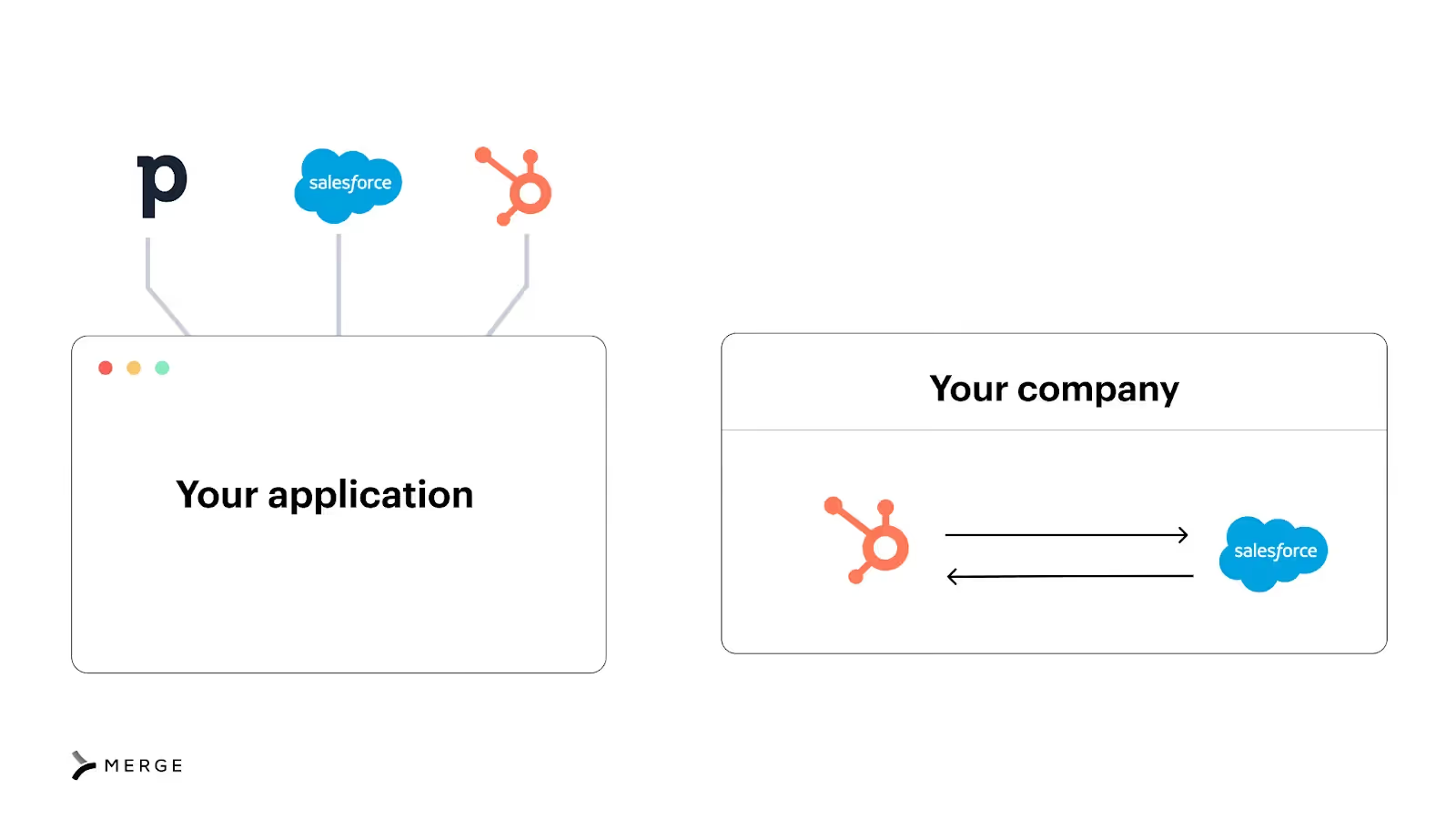
It's an API-based integration between two applications. These connections can be internal, or between the applications used within your organization, or customer-facing, meaning it’s between your product and a customer’s application.
It’s also worth noting that there are two types of API connections: REST and SOAP.
REST has become the default type offered by API providers. It’s also easier to build and maintain REST-based integrations for various reasons (e.g., they offer standardized and simple HTTP methods), so we’ll focus on REST-based connections throughout this page.
{{this-blog-only-cta}}
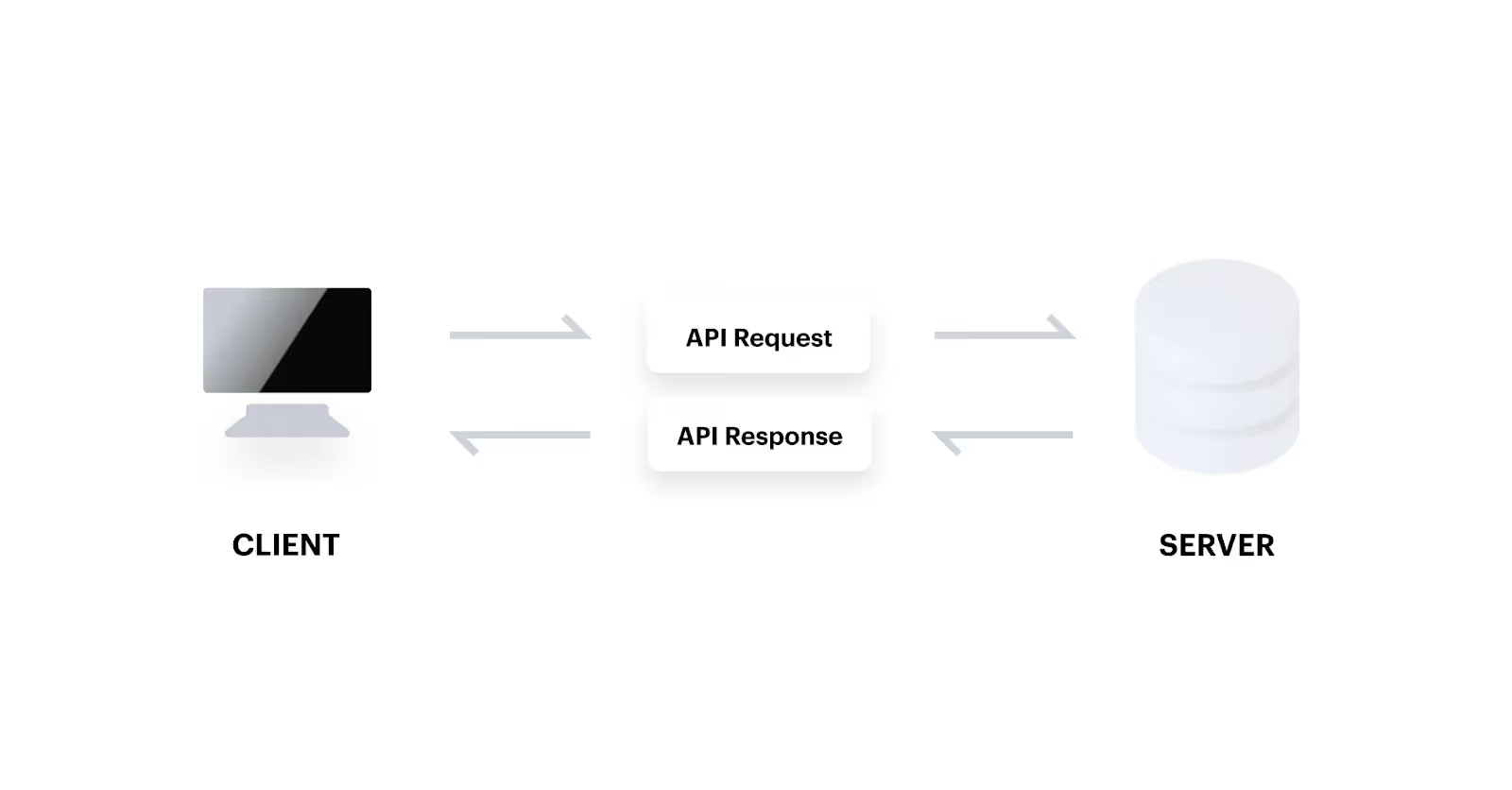
An API connection includes two parties: a client (requestor) and a server (receiver).
The process starts when a client sends an HTTP request to a server in a way that conforms to the server’s API specifications. This can include using certain headers or parameters, adding specific information in the request body, and so on.
Assuming the request includes the appropriate authentication credentials, requests a resource that exists, follows the server’s rate limit policies, and meets the other conditions set by the server, the latter processes the request and returns a response in a certain format (e.g., JSON). The client can then parse the response and use the data in any number of ways (the next section highlights several use cases).
Related: What is platform integration? Here's how it work
Let’s break down a few impactful internal and customer-facing API connections.
As your marketing team warms up leads, they’ll want reps to follow-up with them as soon as they’re sales-ready.
To help your marketing team do just that, you can connect your marketing automation platform (e.g., HubSpot) with your CRM (e.g., Salesforce) and build a flow where once a lead reaches a certain score in the former, they're added and assigned to a rep in the latter.
Once a candidate signs their offer letter, your team will want to move quickly in pre-boarding them—whether that’s ordering equipment, provisioning applications, etc.
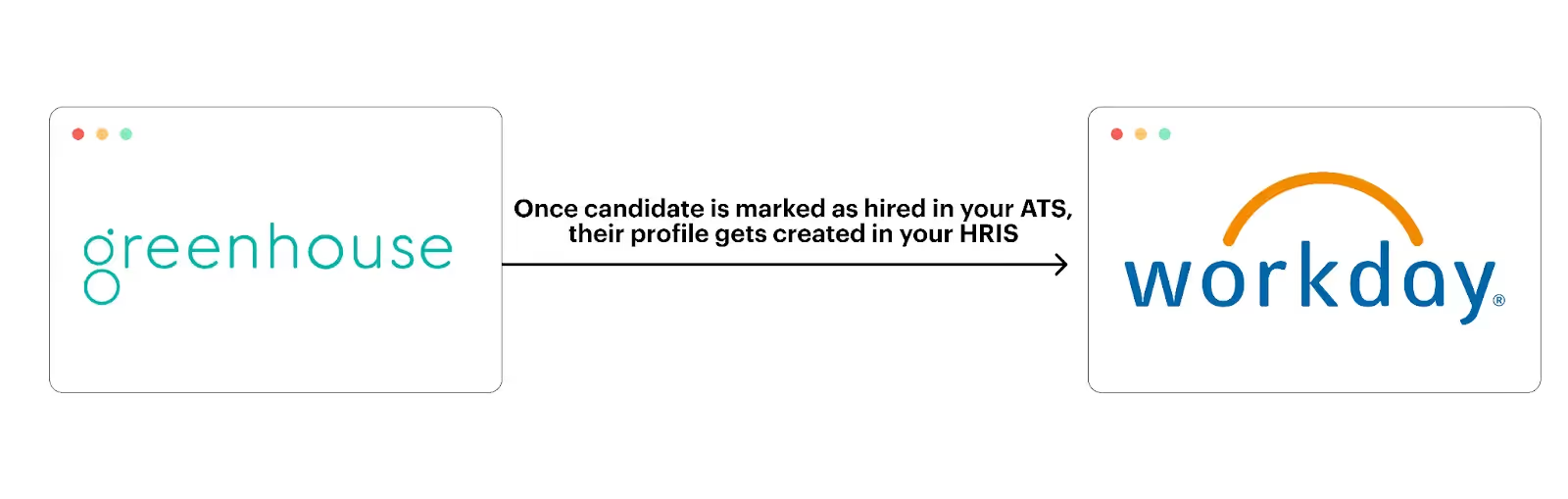
To ensure your team performs the appropriate set of pre-boarding steps on time, you can connect your ATS (e.g., Greenhouse) with your HRIS (e.g., Workday) and build a sync where once a candidate is marked as hired in the ATS, their profile automatically gets created in the HRIS.
To help your customers add users and remove any with ease, you can integrate with their HRIS solutions and build the following syncs:
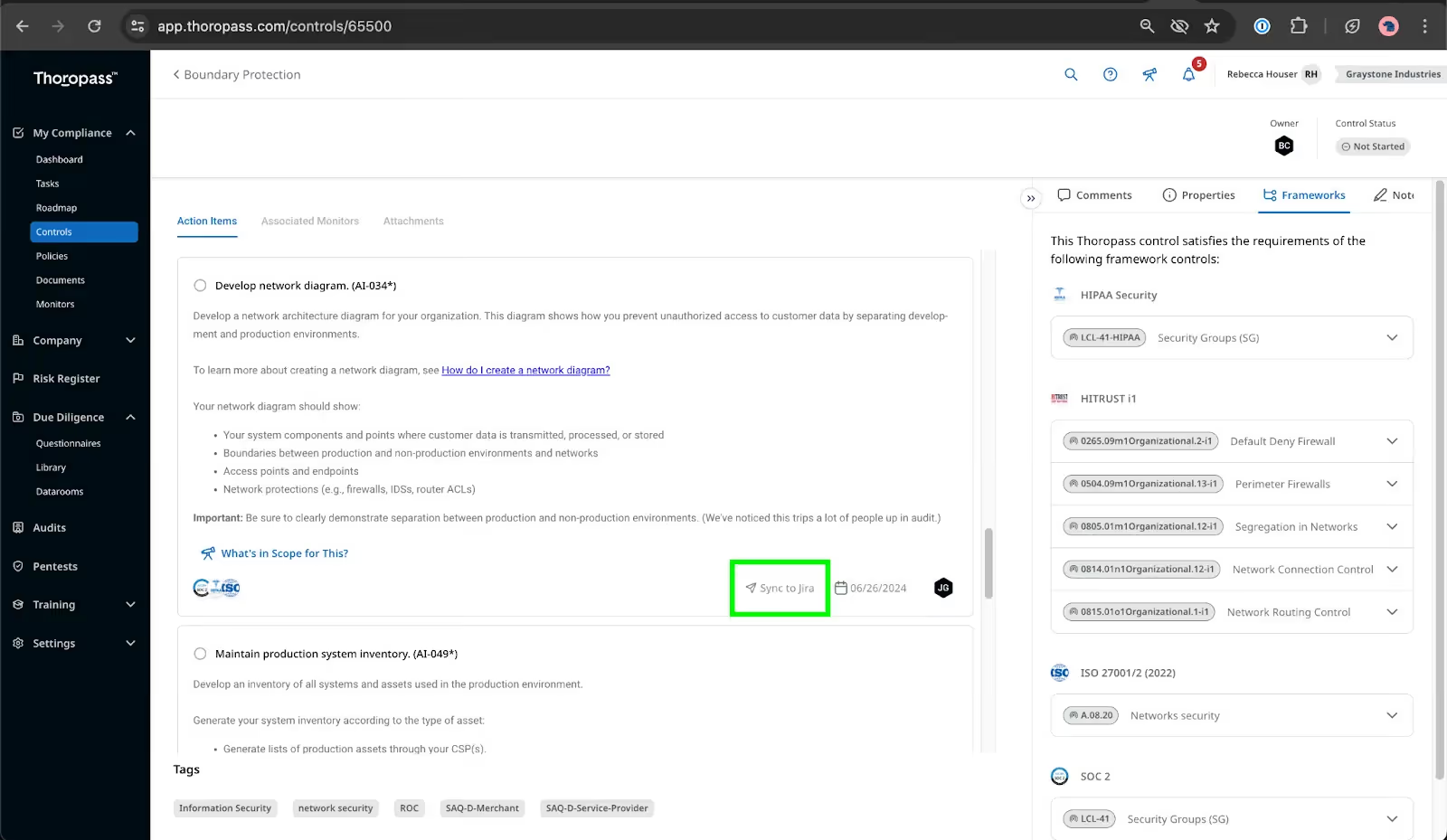
Say you offer a compliance automation platform (e.g., Thoropass) that can identify the tasks you need to complete in order to comply with specific frameworks, like SOC 2, ISO 27001, etc.
To help your customers complete these tasks quickly and easily, you can integrate with customers’ ticketing applications and build a bidirectional sync that works as follows:
1. As a task gets created in your platform, a user can add an associated task in their ticketing platform with the click of a button.
2. As the ticket gets worked on in the customer’s ticketing platform, relevant changes (e.g., status) are reflected in your platform—enabling your users to stay up to speed on any task.
Related: Common API integration use cases
While every integration build is inherently unique, there are some general steps you’ll need to follow across them.
Among other areas, you’ll need to suss out all of the following before you can start building in earnest:
Every API provider approaches areas like rate limiting, pagination, and authentication differently.
As a result, you’ll need to take the time to review a given API provider’s documentation to better understand their unique integration requirements.
Related: A guide to gathering integration requirements
Once you have a handle on how you want the integration to work and how it needs to be built, you can start the process of building to the endpoint.
You can install the native package for a given coding language and construct the raw requests from there; but, if possible, you should look to leverage the provider’s software development kit (SDK). This will help your team move faster and identify various details for a specific build on time (e.g., the authentication parameters that need to be passed).
You should also build out error-handling workflows for specific connection errors (e.g., 429 Too Many Requests) so that integration issues have little to no adverse impact. For instance, if a 429 error occurs, you can use an automated retry based on when the rate limit window expires (this information is often provided in the response header).
An integration can fail for any number of reasons, so you’ll need to perform a wide range of tests before pushing it to production.
Here are just a few tests worth using:
You’ll also want and need to run these tests in the API provider’s sandbox account to see how the information is returned in the application’s UI.
Related: An overview on API integration testing
Finally, you should document key facets of the integration in an easily-accessible place for your engineers. This includes everything from the goal of having the integration to the code that’s used to the history of issues it’s had.
That way, if any engineers who worked on the integration change teams or move companies, the remaining ones can get up to speed quickly and work on enhancing and fixing the integration themselves over time.
To help you avoid many of the steps highlighted above, you can leverage an API connection tool.
For internal integrations, this typically takes the form of an integration platform as a service (iPaaS), which lets you build one integration at a time and implement workflow automations that work across the connected systems.
iPaaS vendors vary widely in price, features, and functionality, but the most prominent ones are Zapier, Workato, and Mulesoft.
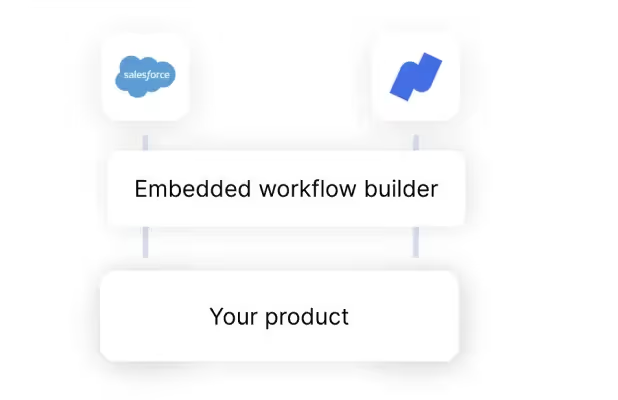
For customer-facing integrations, you’ll likely decide between an embedded iPaaS and a unified API solution.
The former forces you to build one integration at a time through a UX that comes with a learning curve. As a result, it likely won’t scale alongside your integration needs.
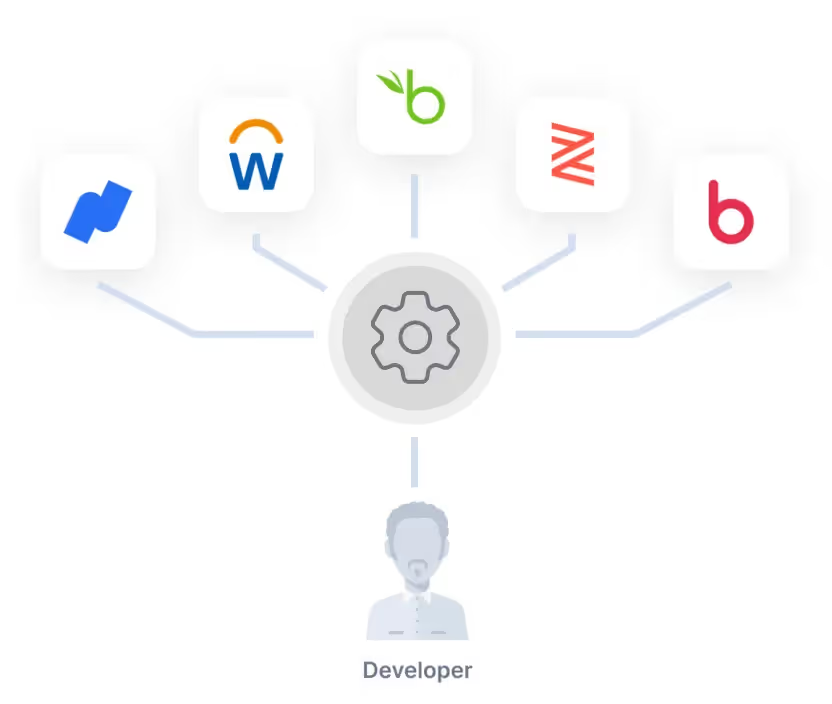
A unified API solution, on the other hand, lets you build once to access a whole category of integrations (e.g., HRIS), so it’s significantly more scalable.
In addition, with Merge, the leading unified API solution, you can add hundreds of integrations across several categories (i.e., file storage, CRM, HRIS, ticketing, accounting, ATS); monitor integration health and address issues with ease via Merge’s Integration Observability tooling; and build comprehensive and flexible integrations through Merge’s Common Models and advanced syncing features.
{{this-blog-only-cta}}
In case you have any more questions on API connections, we’ve addressed several more below.
While it depends on the API provider, you’ll likely come across 404 Not Found, 429 Too Many Requests, 401 Unauthorized, 500 Internal Server Error, and 503 Service Unavailable.
Learn more about the errors you might encounter and how you can troubleshoot them here.
API connection can be used interchangeably with API integration. And while not always the case, many also treat the term as a synonym for REST API integration, SaaS integration, software integration, and application integration.
The demand for integrating with applications generally correlates with their popularity. With that in mind, Salesforce, HubSpot, Workday, BambooHR, Slack, Dropbox, NetSuite, and QuickBooks are all often integrated.
An API connector is a pre-built connection that an iPaaS or embedded iPaaS solution provides for a specific 3rd-party application.
These integration vendors typically offer a wide range of API connectors with preconfigured triggers and actions, which you can either use as is or customize to meet your specific syncing requirements.
An API connection refers to an API integration. Therefore, an API connector is one way that you can build an API connection.
It refers to both a request to a 3rd-party API endpoint and the associated response. The term is fairly broad, so it can apply to any 3rd-party endpoint and any type of request and response.
You’d typically rely on a tool(s) that logs the API requests and responses. These logs would include details on requests, from their URIs to their timestamps to their request bodies. They’d also include critical details on responses, like the API response codes, the response headers, and the response bodies.
Ideally, the monitoring tool’s logs would provide filtering functionality so that you can easily find relevant logs. Also, the tool should provide an easy way to build workflows based on the response status that's returned. For instance, if a response gives a 404 Not Found message, your team could receive a Slack notification to double check the request URL and the parameters.
Learn more about integration monitoring.
Learn how Merge can help you add hundreds of integrations to your product in days.

.avif)






.png)



