 |
VOOZH | about |
|
VOOZH | about |
We use cookies to improve your experience on our site. By using our site, you are agreeing to the collection and use of data as described in our Privacy Policy.
Cookie Settings×Table of contents
As your organization looks to build integrations through a 3rd-party solution, you’ll likely want to use a platform that enables employees outside of engineering to use it.
After all, by allowing more employees to participate, your organization will have an easier time building and maintaining integrations at scale.
Many employees on non-technical teams also have a unique understanding of the applications they work in and the processes they're involved with, making them uniquely positioned to help organizations build certain integrations and automations effectively.
To help facilitate this demand, we’ve seen a rise of “low-code” integration solutions that support a wide range of integration and automation scenarios.
But what does low-code integration really mean? Which platforms should you evaluate if and when you decide to use this type of solution? And why are these tools not as great as they’re made out to be?
We’ll tackle all of these questions and more throughout this article.
It’s the process of connecting applications and building workflows between them through a UX that requires little, if any, coding. The level of coding required may be reserved for certain parts of the integration build, such as transforming data before adding it to another application.
A low-code integration platform, therefore, is simply a tool that allows you to develop and maintain integrations through its low-code UX. These types of tools typically fall under categories like integration platform as service (iPaaS) and robotic process automation (RPA) software.
Related: A guide to building API integrations with ease
Let’s take a closer look at some of the top low-code integration solutions.
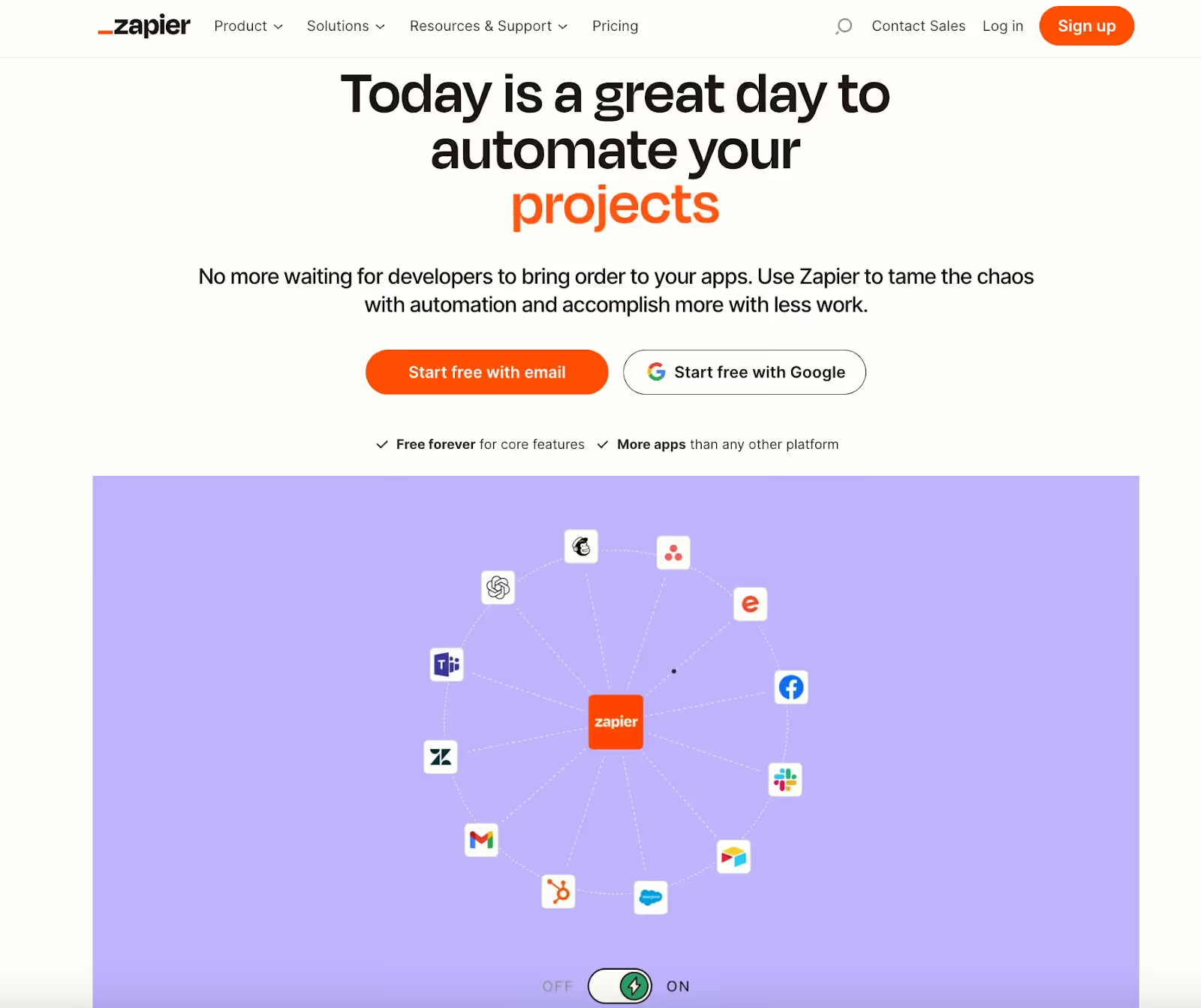
The widely-used automation tool is known for being relatively affordable and accessible. It allows a wide range of teams to use it, from IT to sales to marketing to customer support. And its users can build “zaps”, or automations, to streamline critical internal business processes. That said, the platform is often less ideal for larger companies that need enterprise-grade governance and security features or that need to build relatively complex workflow automations.
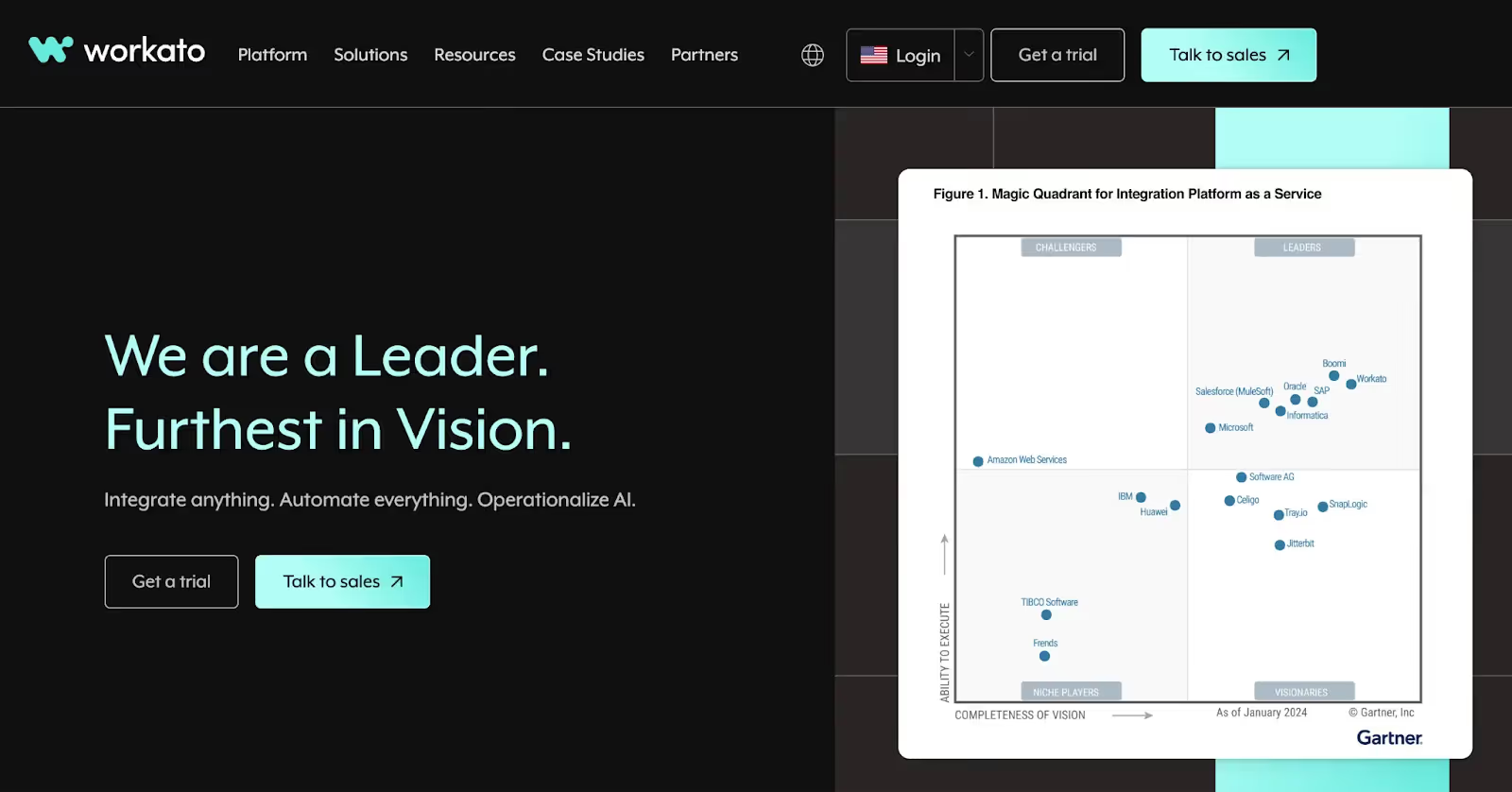
The iPaaS solution supports a wide range of integration and automation scenarios. This includes building internal and customer-facing integrations and automations, APIs, workflow applications, and custom platform bots (Workbot®).
Related: The differences between iPaaS and embedded iPaaS
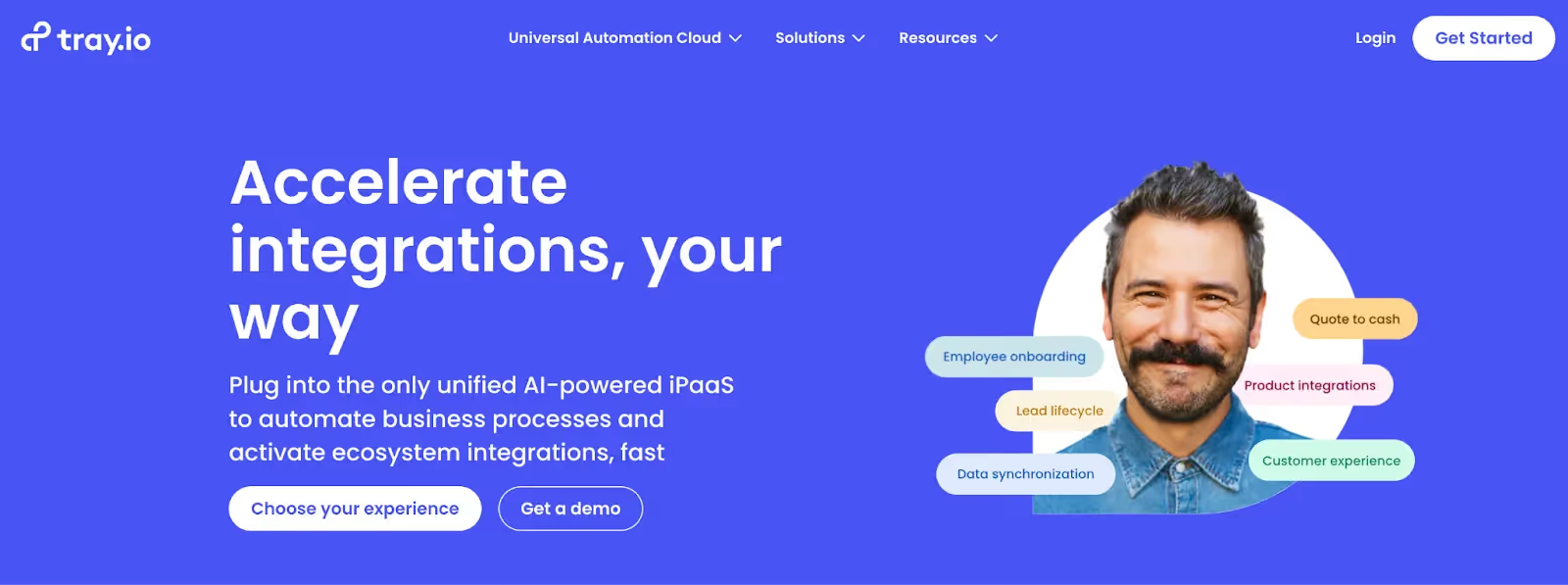
The iPaaS solution overlaps with Workato in seemingly every way. They also let you build internal and customer-facing integrations and automations; and they offer Merlin AI, an AI-powered chatbot that can accelerate your team’s ability to build integrations and automations.
While low-code integration platforms seem great on paper, they still often require a high degree of technical expertise to use. In addition, their interpretation of low-code can either be fairly generous or completely misleading.
Let’s take a closer look at why low-code integration platforms often fail to live up to their promise.
Low-code integration platforms are often still highly technical.
Users need to have a deep understanding of the applications that are involved, including their underlying data models. And they need to be fluent in the corresponding business processes, including how and when data needs to move between different systems.
On top of that, each low-code integration platform differs in countless meaningful ways when it comes to building and maintaining integrations. Getting up-to-speed on a given platform’s nuances can take time and it might not be easy for those with a less technical background to grasp. For instance, the process of transforming data in Workato’s workflow builder can be complex and differ from other iPaaS solutions.
Some integration platforms simply aren’t low-code. They offer a limited set of application connectors and/or shallow connectors, forcing your engineers to build all—if not most—of your connections via custom code instead.
These platforms can, unfortunately, trick prospects into believing that they’re low-code through generic and incorrect information on their site, product screenshots that don’t accurately convey their UX, and pre-configured demos that make the platform seem low/no-code.
Related: The shortcomings of flat file integrations
Lastly, what an integration platform offers to make their platform low-code today can go away tomorrow.
For instance, the platform might decide to stop offering a pre-built application connector due to low demand, shifting business priorities, changes in the API provider—like their terms of service—etc. Moreover, these platforms might turn off or limit the use of their AI-powered features if these features start providing unhelpful output or prove too expensive to maintain.
Instead of taking the risk that an integration platform is and will continue to be low-code, you can invest in a unified API solution.
Using this type of platform, you can build to a unified API once to add hundreds of integrations to your product. And while this process might take a couple weeks of development, you don’t need to worry about building more integrations in the future—saving your developers (and potentially other employees) hundreds of hours over time.
Moreover, using a platform like Merge, the leading unified API solution, you can offer deep integrations through the platform's Common Models and advanced features like Field Mapping. And you can provide reliable integrations by leveraging the platform's intuitive Integration Observability tooling and integration maintenance support.
Learn more about Merge by scheduling a demo with one of our integration experts.
.avif)





.png)



