 |
VOOZH | about |
|
VOOZH | about |
We use cookies to improve your experience on our site. By using our site, you are agreeing to the collection and use of data as described in our Privacy Policy.
Cookie Settings×Table of contents
The Model Context Protocol (MCP) offers an extremely powerful way to connect LLMs with outside data sources.
But using it effectively involves carefully reviewing MCP servers and picking the one that best meets your integration requirements.
To help you navigate this, I’ve broken down some best practices you can apply—based on our experience in testing MCP servers and building them.
{{this-blog-only-cta}}
The LLM you use can easily confuse data types with one another, leading it to inadvertently share sensitive information to users.
For example, say you want to use a tool that can create employees in your HR software.
If your HR software labels the first name field “FN” and the last name field “SN” (short for surname), the LLM can accidentally mistake SN for social security number, leading it to write the employee’s social security number there. Any employee with access to the HR platform can then see the SSN.
To prevent security incidents like these from happening, adopt an MCP server that takes a few measures:
Going back to our example, the tool can use the following input schema to ensure “sn” doesn’t include numbers:
{
"name": "process_user_info",
"description": "Processes user information including first name (fn) and surname (sn).",
"inputSchema": {
"type": "object",
"properties": {
"fn": {
"type": "string",
"description": "First name of the user"
},
"sn": {
"type": "string",
"description": "Surname of the user",
"pattern": "^[a-zA-Z-]+$"
}
},
"required": ["fn", "sn"]
}
}
https://www.merge.dev/blog/model-context-protocol-security?blog-related=image
If you use MCP to support product integrations, you’ll probably still be responsible for:
All of this work is extremely time intensive for your engineers, and if you’re looking to implement several integrations, this workload only grows exponentially.
To address this, look for MCP servers that offer ongoing support for their integrations.
Related: How MCP compares with APIs
Your LLM can easily perform the wrong action if the MCP server’s tools aren’t descriptive, comprehensive, and unique from one another.
To help you assess the quality of an MCP server’s tools, look for:
Related: How to build an MCP server quickly
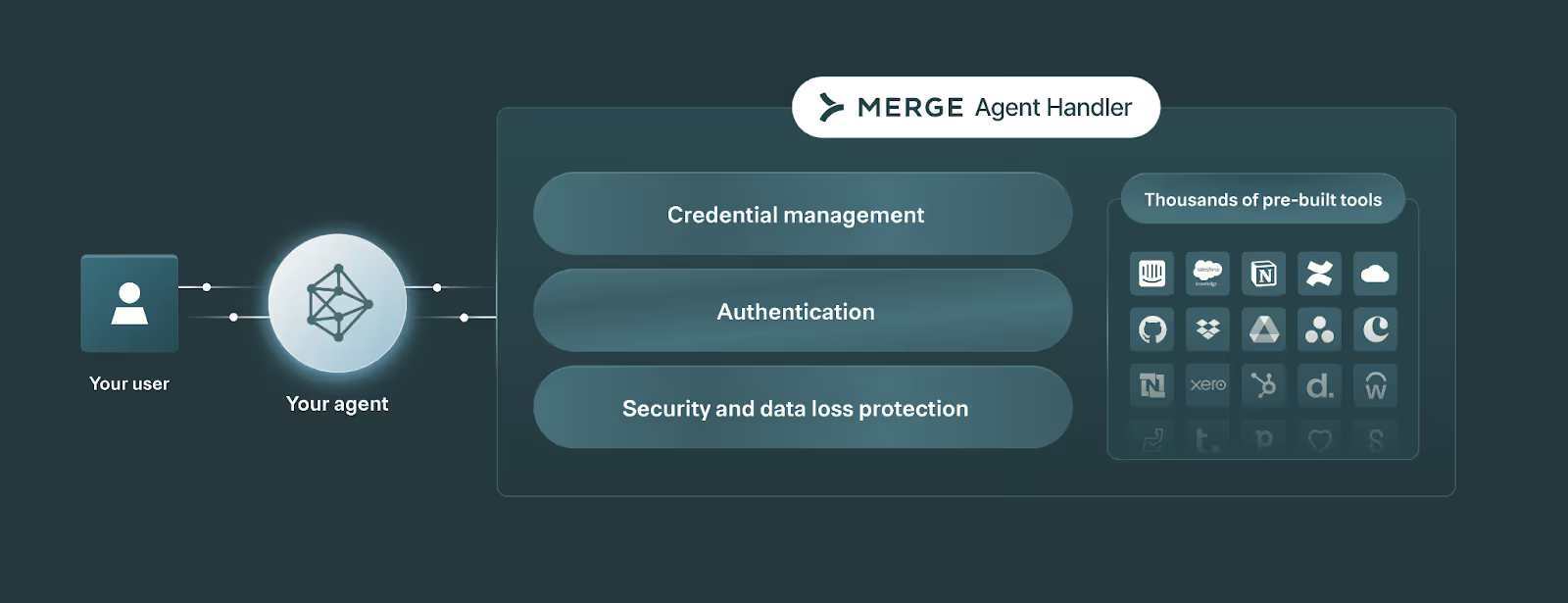
Merge Agent Handler offers a single platform to securely connect your AI agents to more than a thousand tools for dozens of pre-built connectors (you can also auto-generate countless more connectors!).
Merge Agent Handler also offers the features and functionality you need to monitor and manage your agents’ integrations, from customizable alerts to fully-searchable logs to audit trails.
Start testing Merge Agent Handler today by signing up for a free account!
Leverage Merge Agent Handler to securely connect your agents with thousands of tools.
.avif)


.png)



